Mineuniverse
Resource Packs
Abkushu PvP PACK

Abkushu PvP PACK

RESOURCE PACK
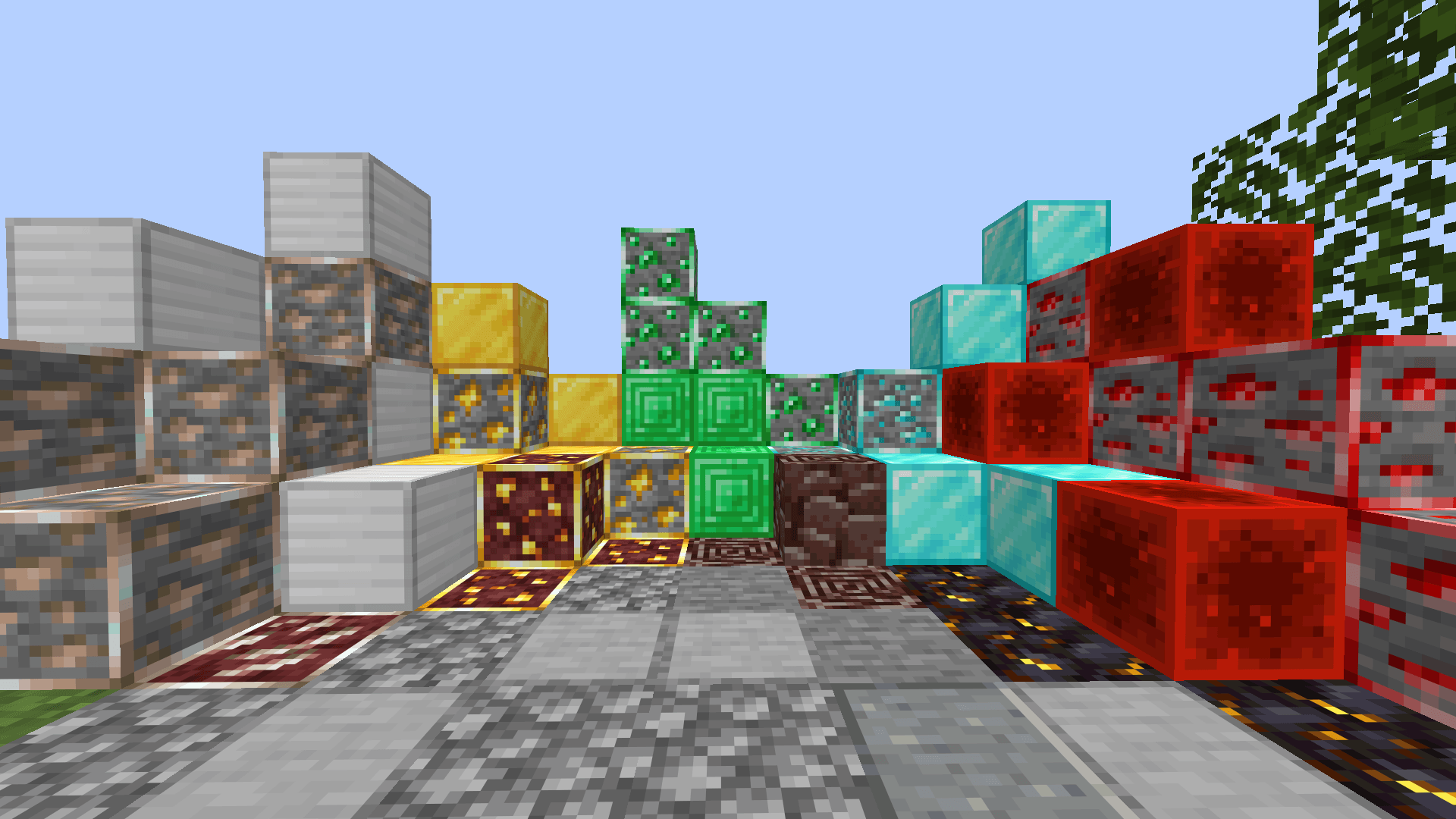
A clean and lightweight PvP resource pack designed for players who prefer the original Minecraft look while enjoying a smoother PvP experience. Instead of completely changing the game's style, this pack subtly refines textures to improve visibility and com
by Abkushu
Download Claim this project
226 downloads
0 likes
0 followers
Updated Oct 14, 2026
0 hypes
Follow0
16x Animated Font Packs Modern Traditional
Advertisement Remove ads with Premium →

Abkushu PvP PACK

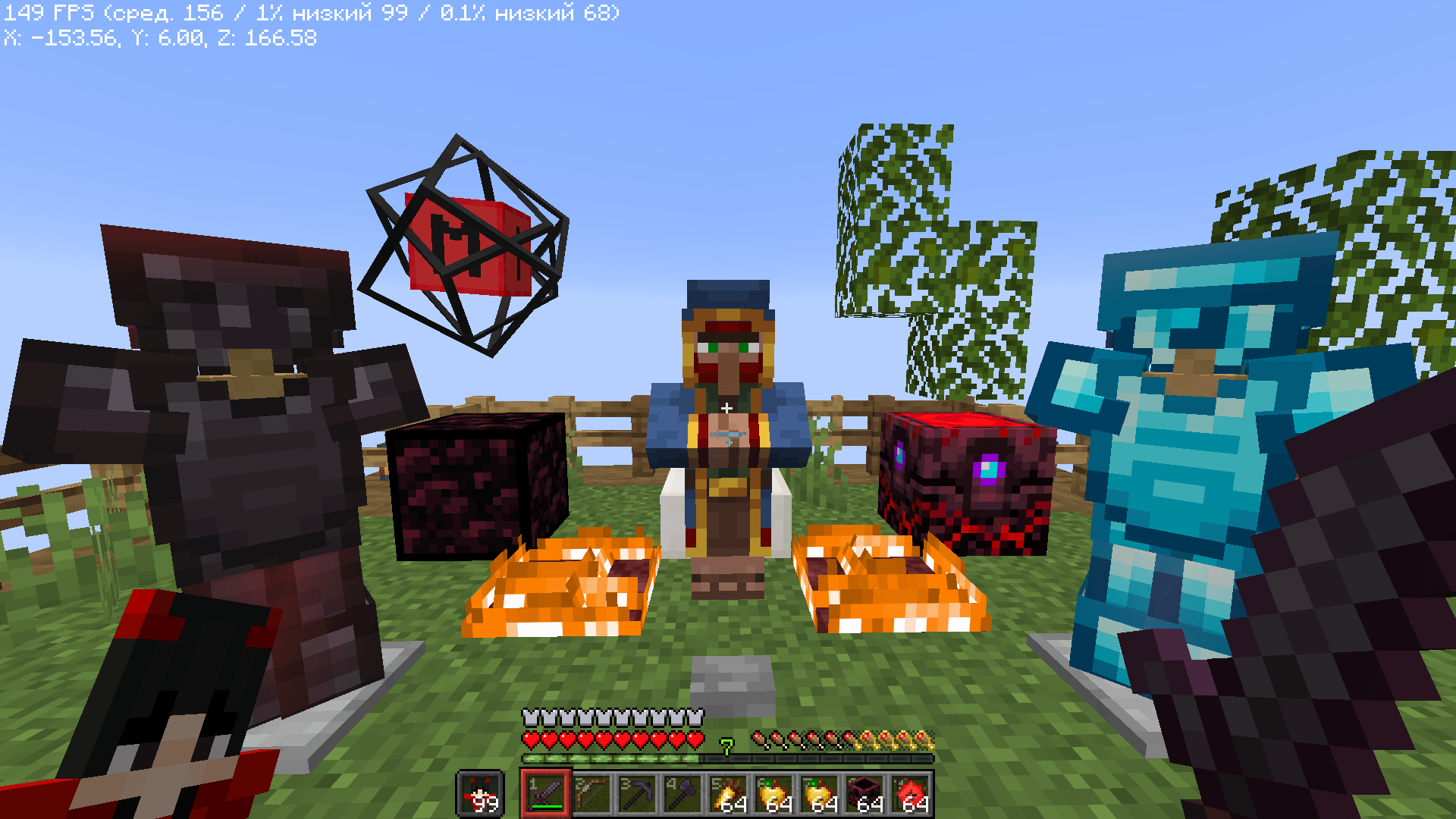
Abkushu PvP PACK is a clean and lightweight PvP resource pack designed for players who prefer the original Minecraft look while enjoying a smoother PvP experience.

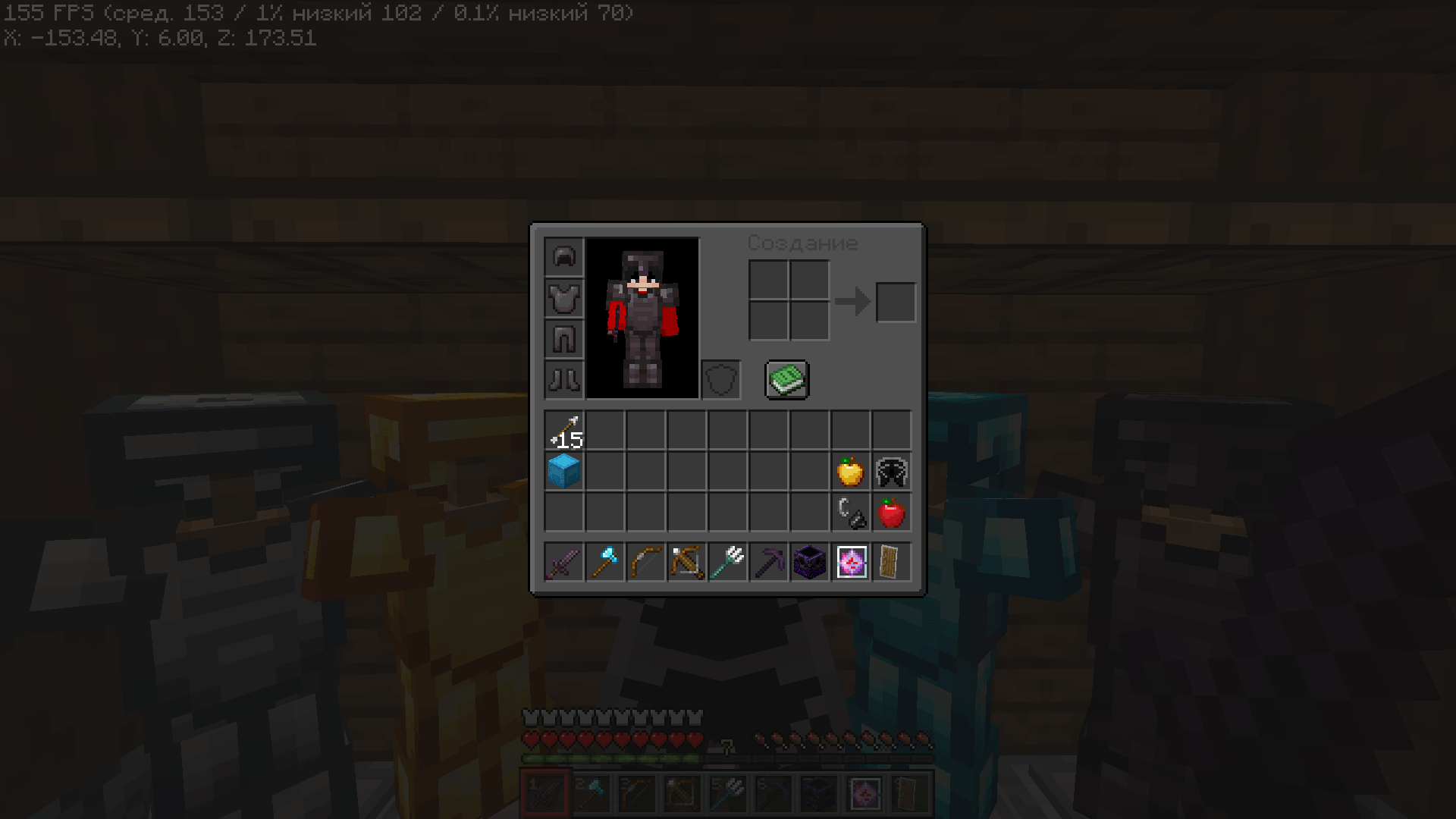
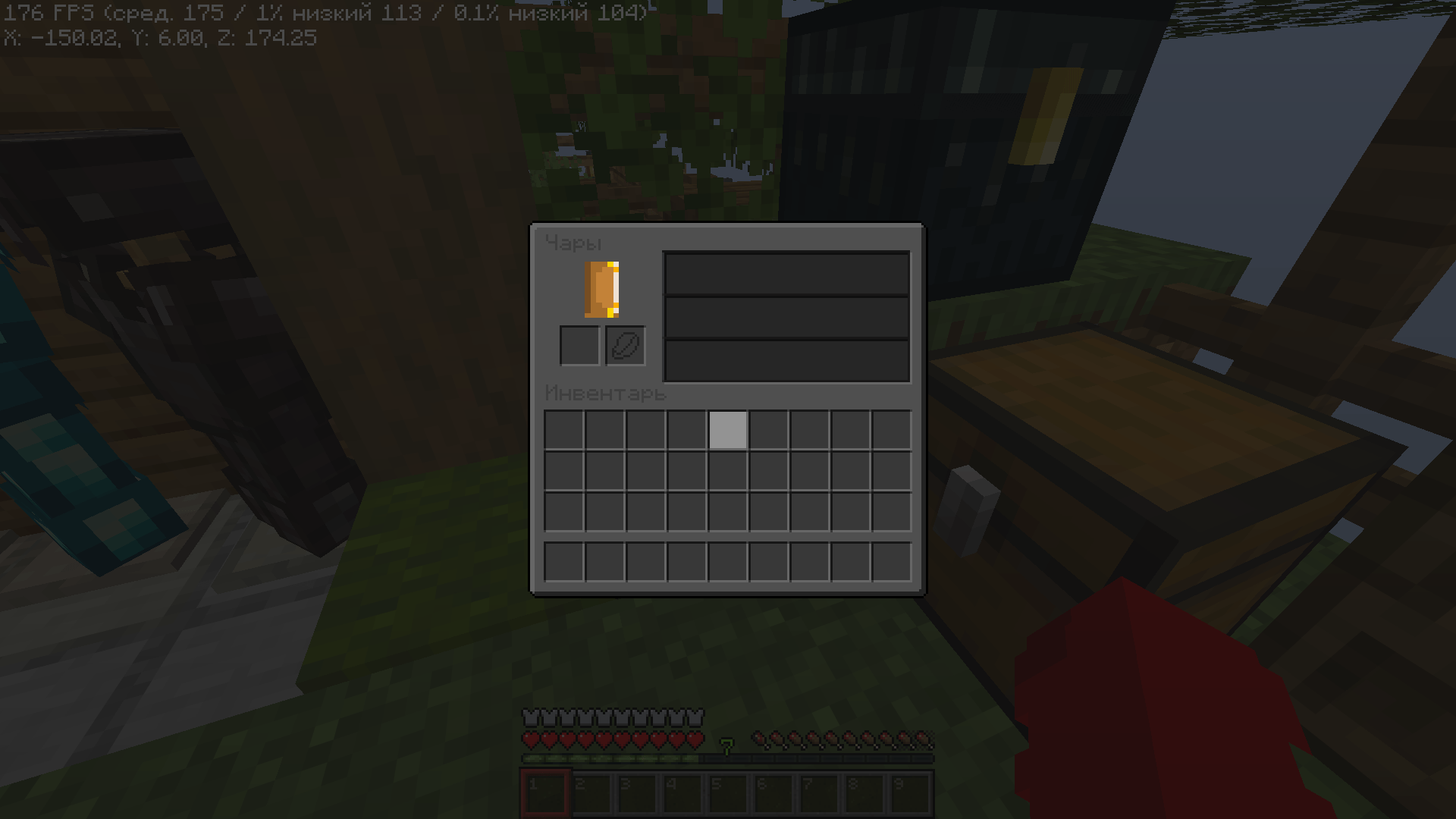
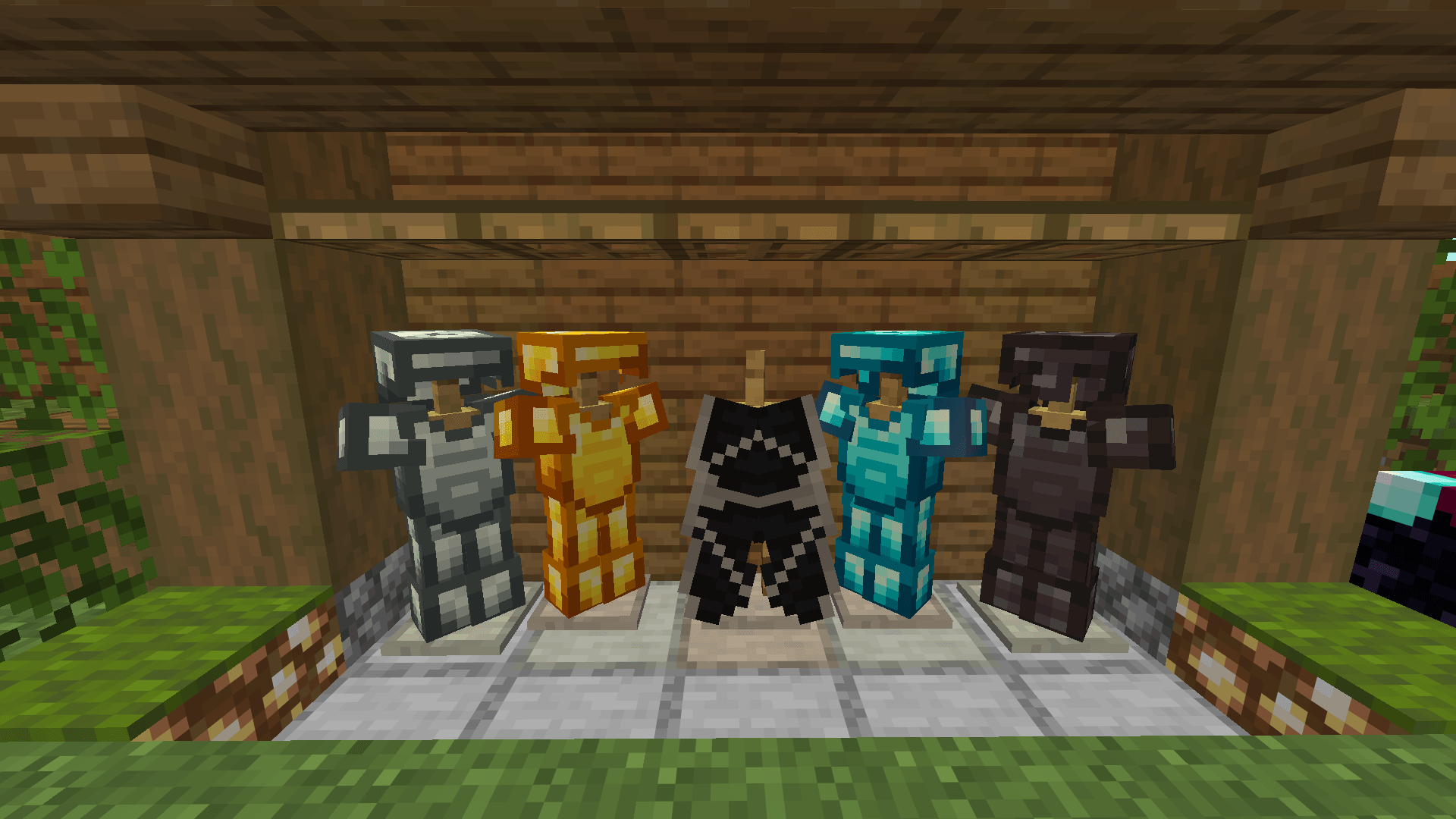
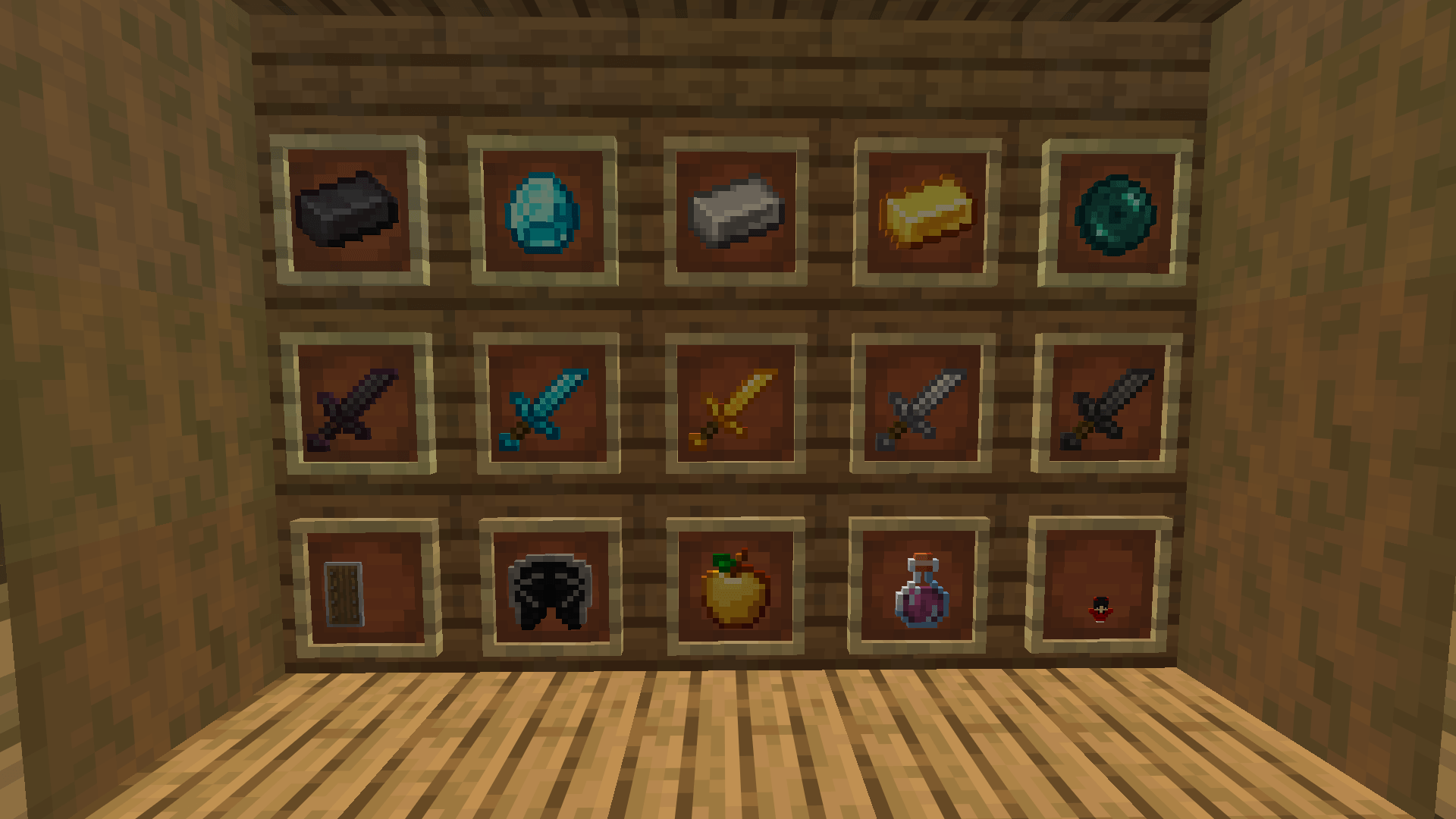
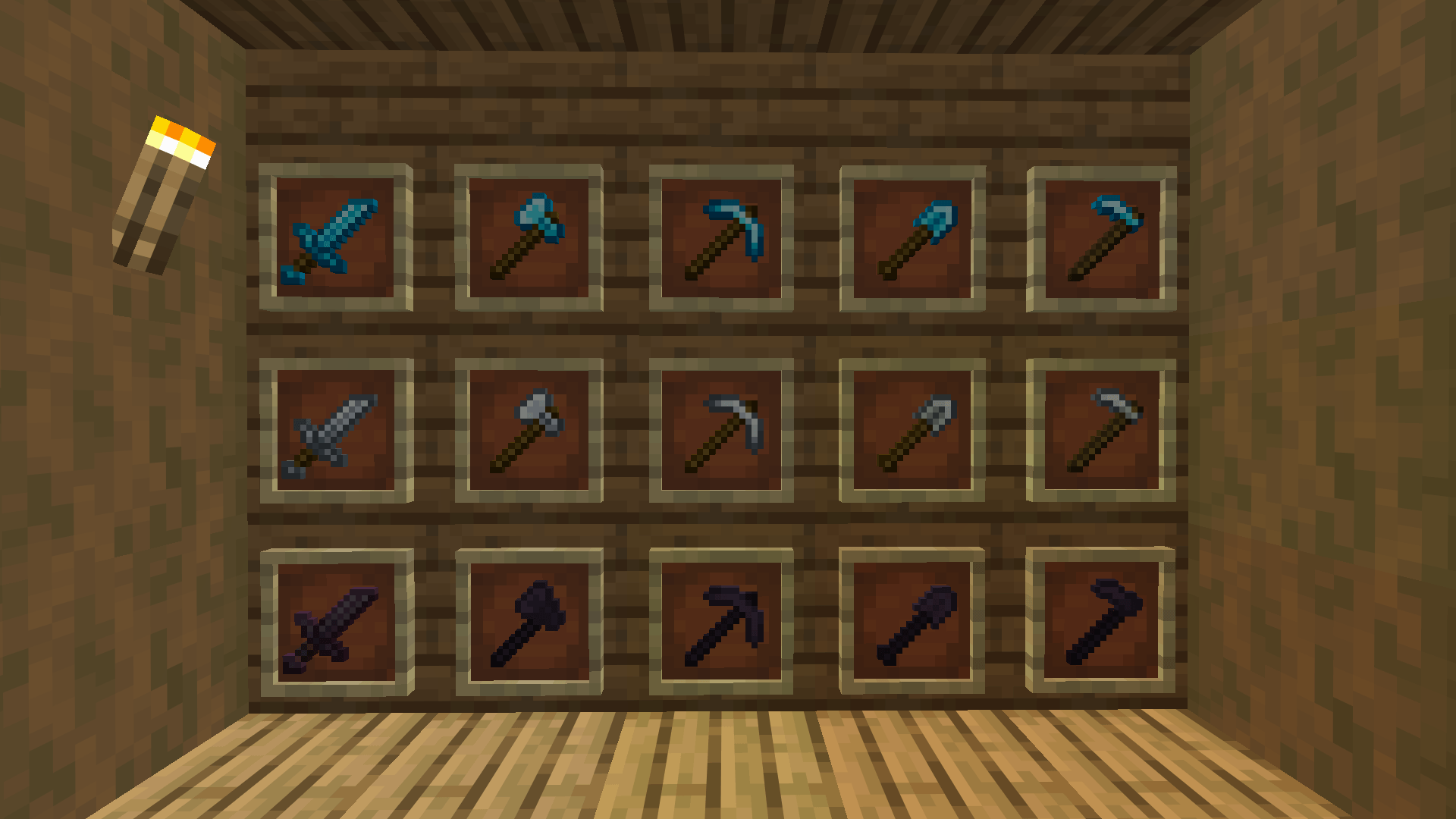
Instead of completely changing the game's style, this pack enhances the vanilla textures with cleaner details, improved visibility, and a more polished appearance. Weapons, armor, and other PvP-related items are easier to recognize during combat while still feeling like they belong in vanilla Minecraft.

Features

  • ⚔️ Clean and polished PvP textures
  • 🛡️ Improved armor appearance
  • ✨ Vanilla-friendly design
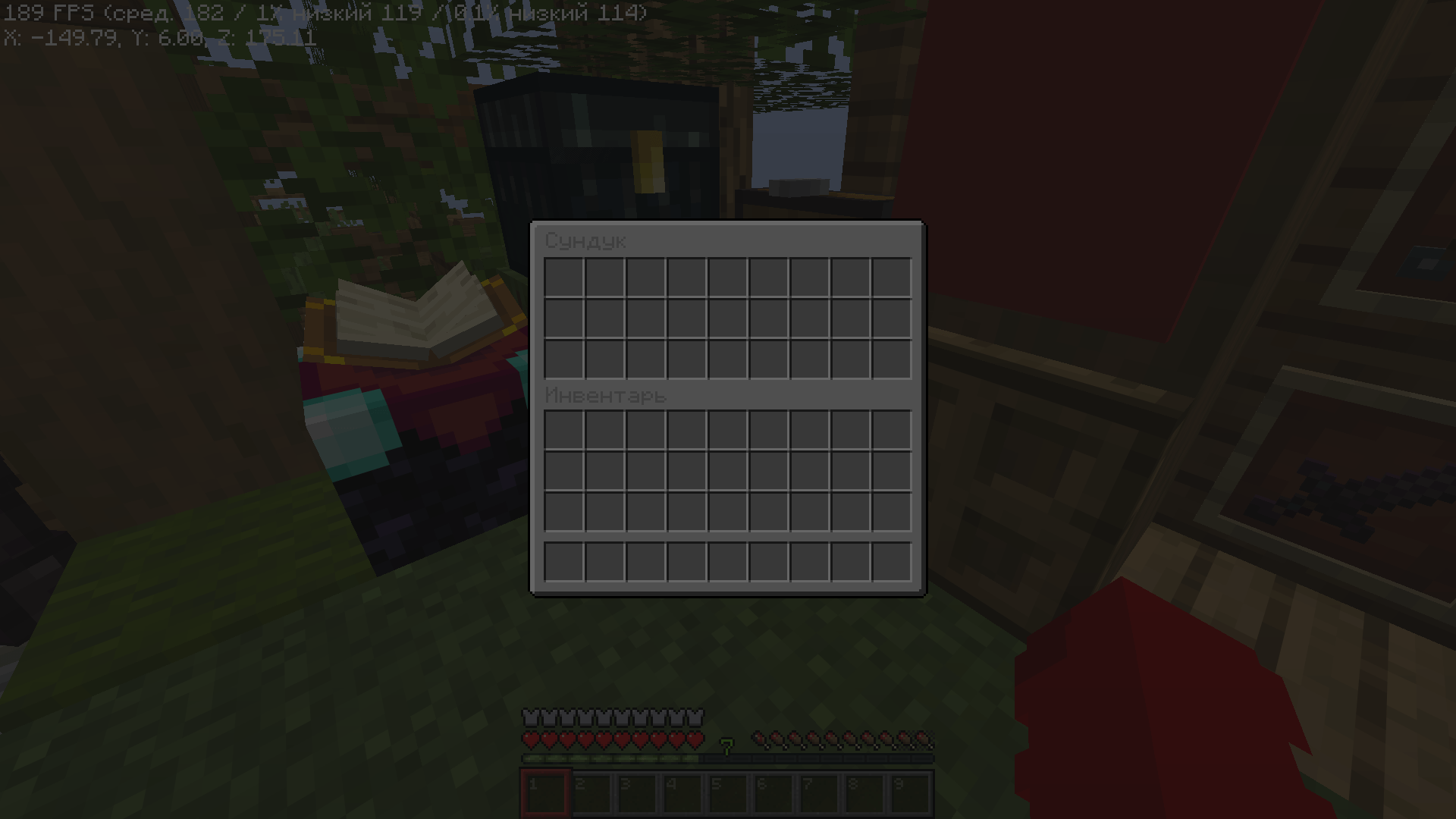
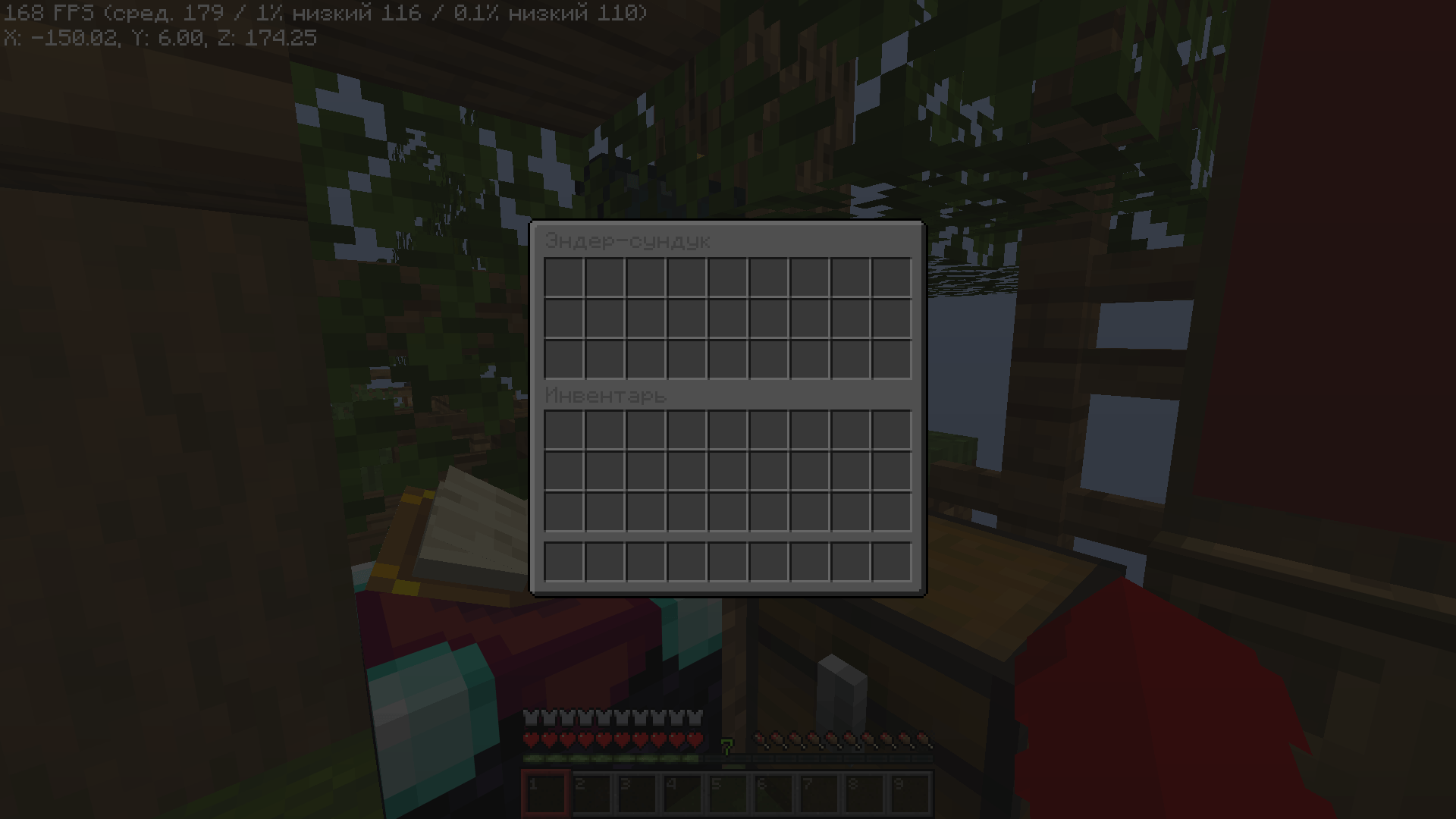
  • 🎨 Minimalist style with no unnecessary visual clutter
  • 👀 Better item visibility during combat
  • 📦 Lightweight and performance-friendly
  • 🎮 Perfect for Survival, BedWars, SkyWars, Duels, Crystal PvP, and other PvP game modes

Compatibility

  • Minecraft 1.21.11
  • Works with both Fabric and vanilla Minecraft
  • Compatible with OptiFine and Sodium (resource pack only)

Philosophy

The goal of this pack is simple: keep Minecraft looking like Minecraft while making PvP cleaner, sharper, and more enjoyable. Every texture is designed to blend naturally with the original game instead of replacing its identity.

If you enjoy vanilla aesthetics but want a cleaner PvP experience, Aks0mi Vanila PvP PACK is made for you.


Abkushu PvP PACK.zip
MC 1.21.11
Release 2026-08-11 Get
Abkushu PvP PACK.zip
MC 1.21.11
Release 2026-07-26 Get
Abkushu PvP PACK.zip
MC 1.21.11
Release 2026-07-25 Get
Abkushu PvP PACK.zip
MC 1.21.11
Release 2026-07-24 Get

Requirements & install

How to use this resource pack in Minecraft
Resolution
16x
Minecraft
1.21.11
Install folder
.minecraft/resourcepacks

How to install resource packs

  1. Download the resource pack .zip file (do not extract it).
  2. In Minecraft open Options → Resource Packs → Open Pack Folder.
  3. Drop the .zip into the resourcepacks folder (.minecraft/resourcepacks).
  4. Move the pack to the Selected column and click Done.
Browse more: 16x resource packs 32x resource packs 64x resource packs 128x resource packs 256x resource packs 512x+ resource packs Resource Packs for 1.21.11 All resource packs

More from Abkushu

Advertisement Remove ads with Premium →

You Might Also Like