Mineuniverse
Resource Packs
Aberrant

Aberrant

RESOURCE PACK
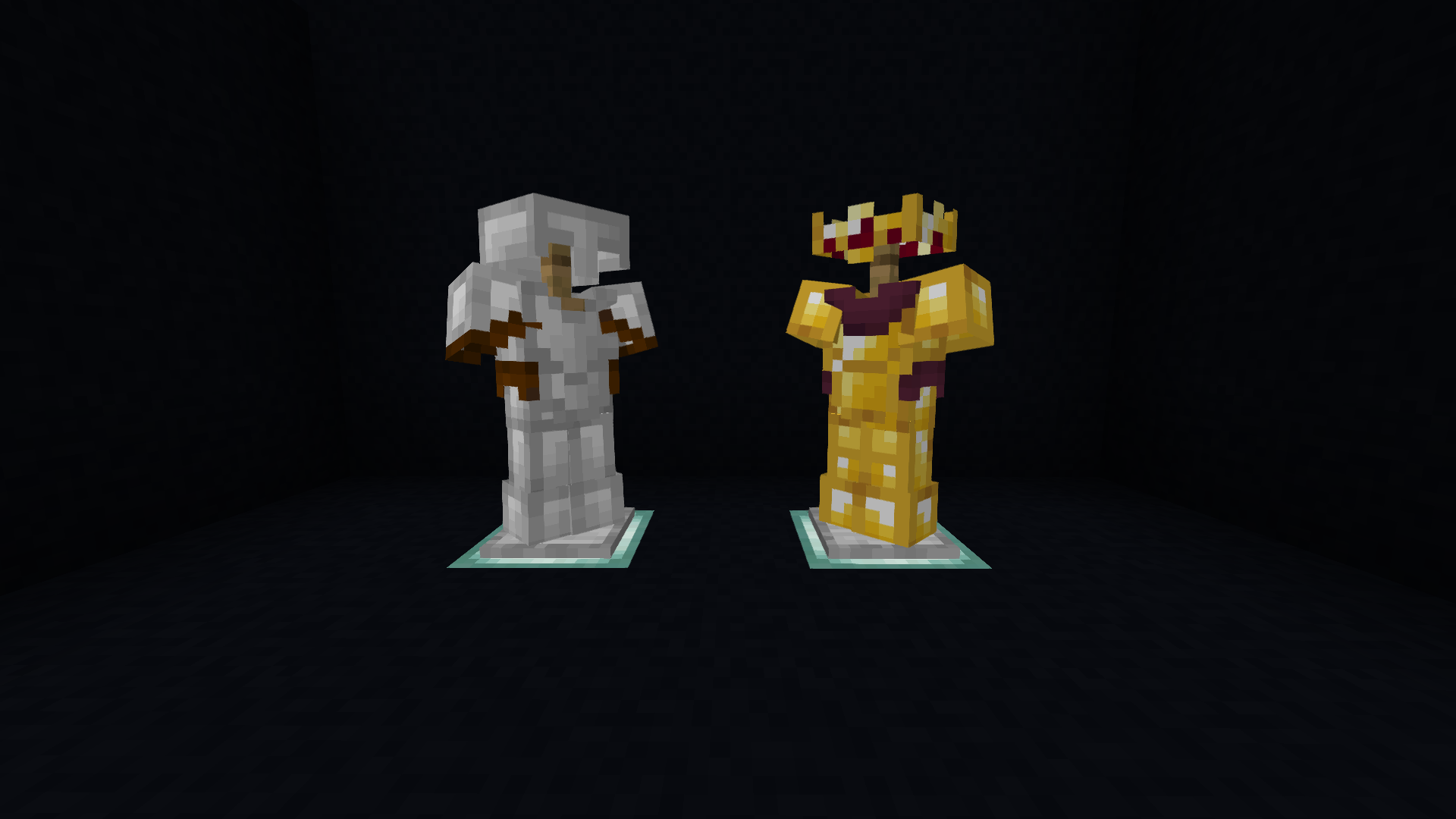
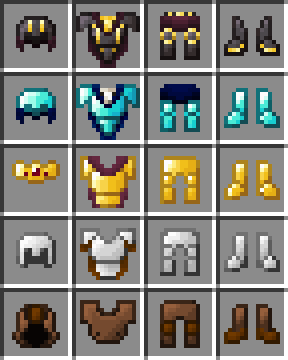
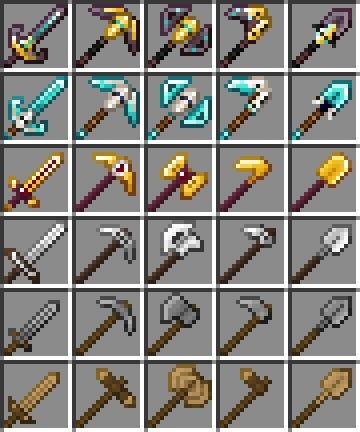
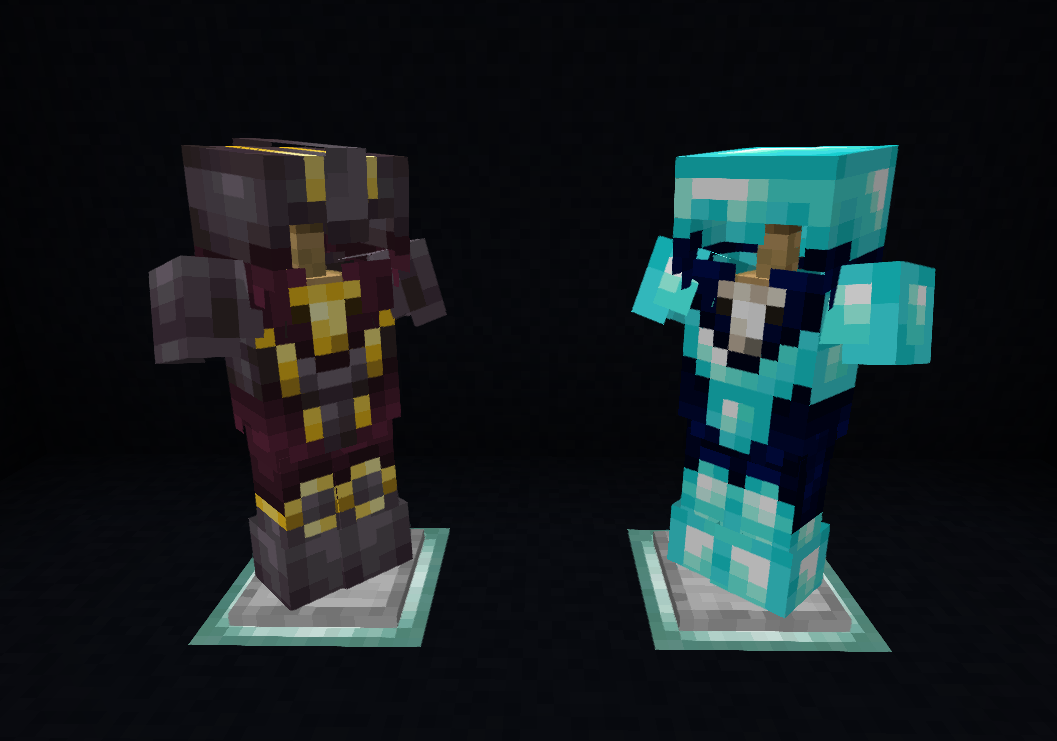
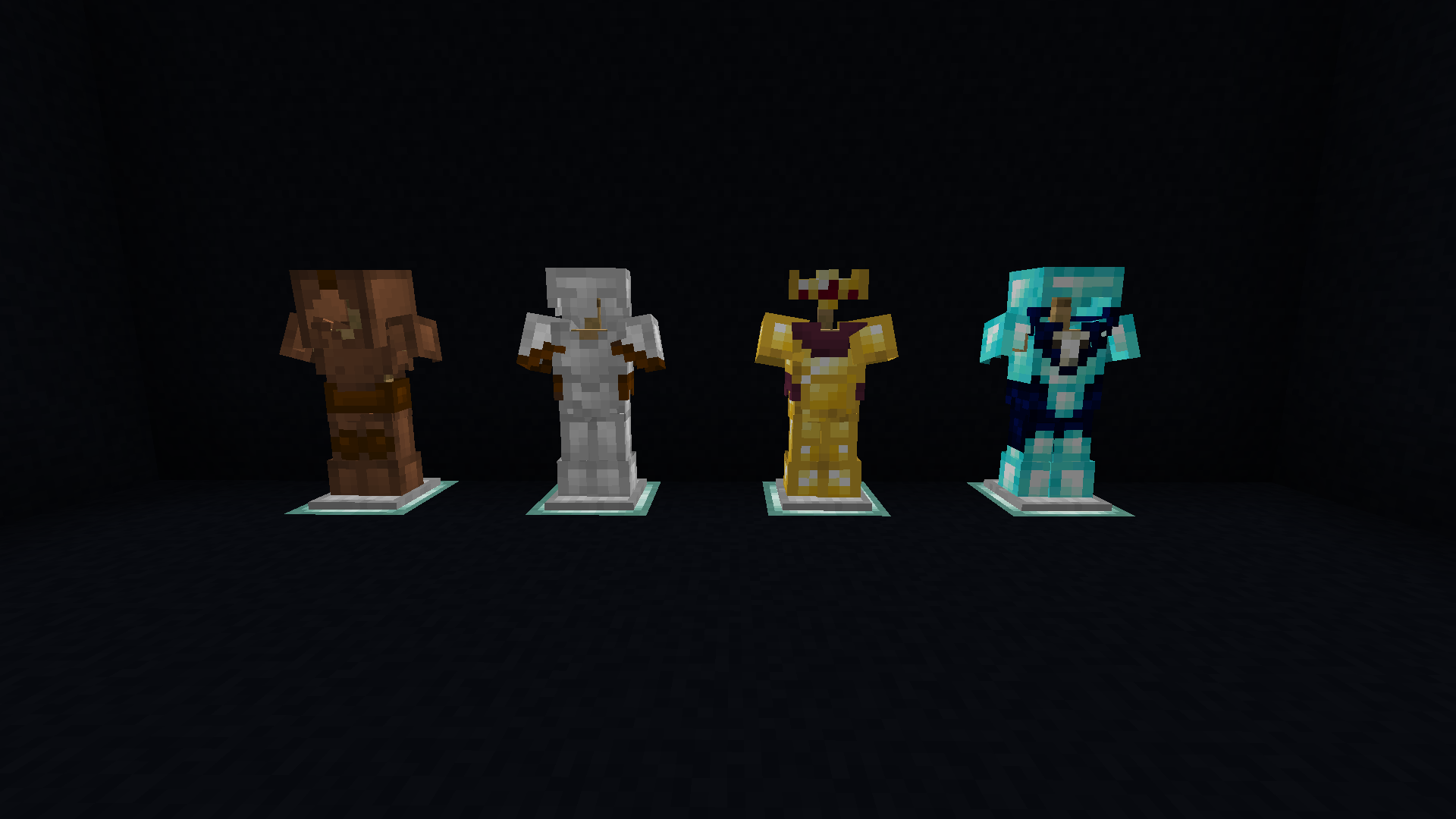
A fantasy-inspired pack that changes the tools and armour of Minecraft.
by Snoww_Owll
Download Claim this project
18,926 downloads
0 likes
Updated Oct 14, 2026
0 hypes
16x Medieval Miscellaneous Traditional
Advertisement Remove ads with Premium →

(WIP, formerly known as "Sadspee's weaponry") This is a 16 bit version of my first texture pack because my computer couldn't handle  the original :p

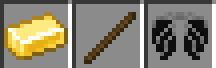
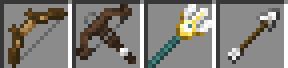
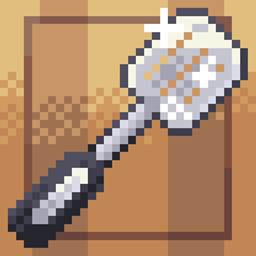
it's a texture pack that changes the appearance of the weapons, but keeps the feel of the original Minecraft's default textures. Some textures are tweaked to resemble the texture pack more than the default look of minecraft.

-

-

-

-

-

-

-

-

-

-

Legal Stuff

  • By downloading this pack you agree to the following:
  • -You cannot redistribute the pack.
  • -You cannot claim it as your own.
  • -You can modify/remix the pack for your personal use.
  • -If you want to publish the your remixed/ modify version of my texture pack, feel free to do so, but please include in the description that it's a remix/ modified version of my pack.
  • -You can use this pack for your server.
  • -You can take screenshots/recordings of Minecraft with my texture pack included in it and share it online.
Aberrant - v2
MC 1.16-Snapshot, 1.17.1, 1.16.3, 1.13.1, 1.15-Snapshot, 1.16.1, 1.18.1, 1.14.4, 1.14.1, 1.12.1, 1.17, 1.12, 1.14.3, 1.15, 1.16, 1.13, 1.16.5, 1.15.2, 1.14, 1.17-Snapshot, 1.18
Release 2022-02-02 Get
Aberrant - v1
MC 1.16-Snapshot, 1.17.1, 1.16.3, 1.13.1, 1.15-Snapshot, 1.16.1, 1.18.1, 1.14.4, 1.14.1, 1.12.1, 1.17, 1.12, 1.14.3, 1.15, 1.16, 1.13, 1.16.5, 1.15.2, 1.14, 1.17-Snapshot, 1.18
Beta 2021-12-31 Get
Aberrant - WIP
MC 1.17.1, 1.18.1, 1.17, 1.18
Beta 2021-12-28 Get

Requirements & install

How to use this resource pack in Minecraft
Resolution
16x
Minecraft
1.16.1 – 1.18.1
Install folder
.minecraft/resourcepacks

How to install resource packs

  1. Download the resource pack .zip file (do not extract it).
  2. In Minecraft open Options → Resource Packs → Open Pack Folder.
  3. Drop the .zip into the resourcepacks folder (.minecraft/resourcepacks).
  4. Move the pack to the Selected column and click Done.
Browse more: 16x resource packs 32x resource packs 64x resource packs 128x resource packs 256x resource packs 512x+ resource packs Resource Packs for 1.18.1 All resource packs

More from Snoww_Owll

Advertisement Remove ads with Premium →

You Might Also Like