Mineuniverse
Resource Packs
[ABANDONED] [IR] Kitsuné Works Voxel Pack

[ABANDONED] [IR] Kitsuné Works Voxel Pack

RESOURCE PACK
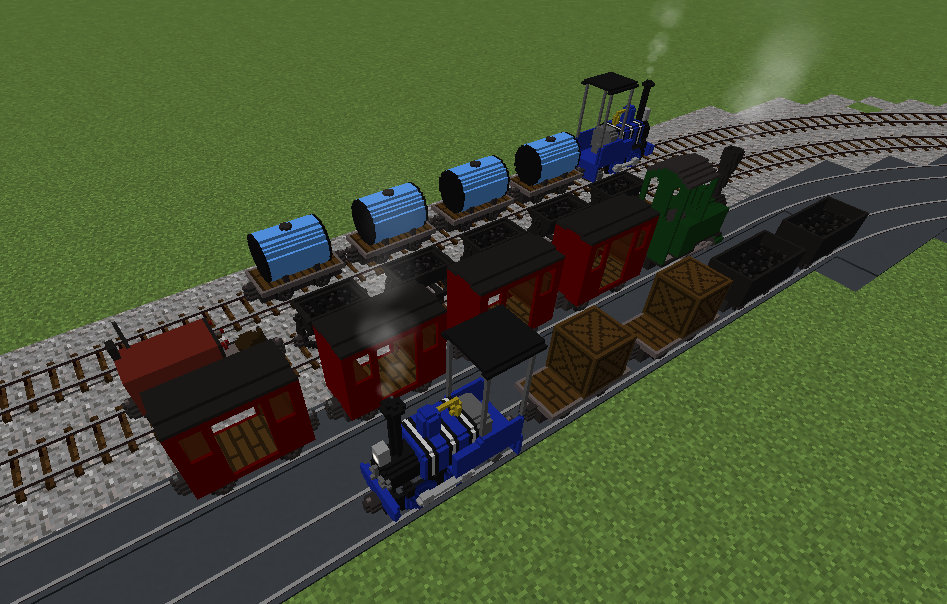
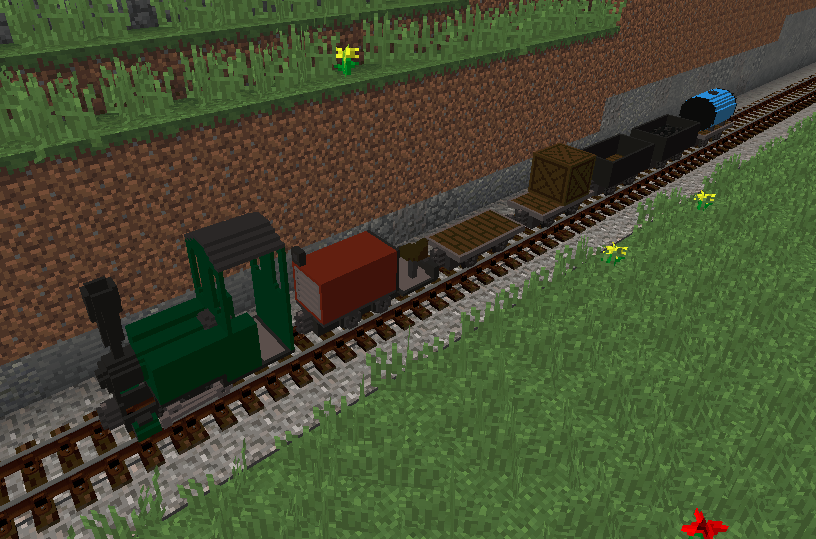
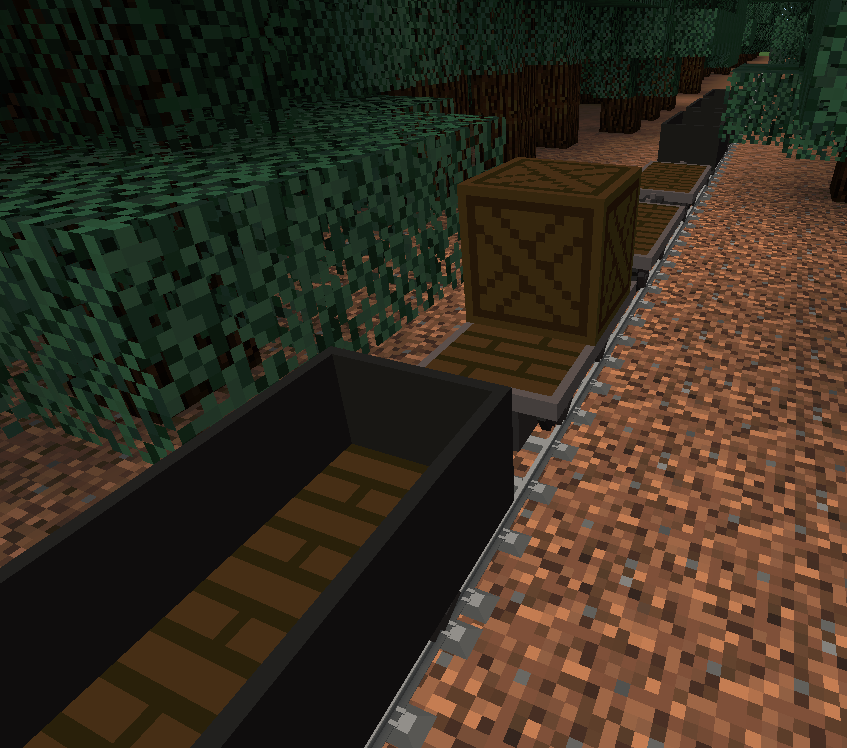
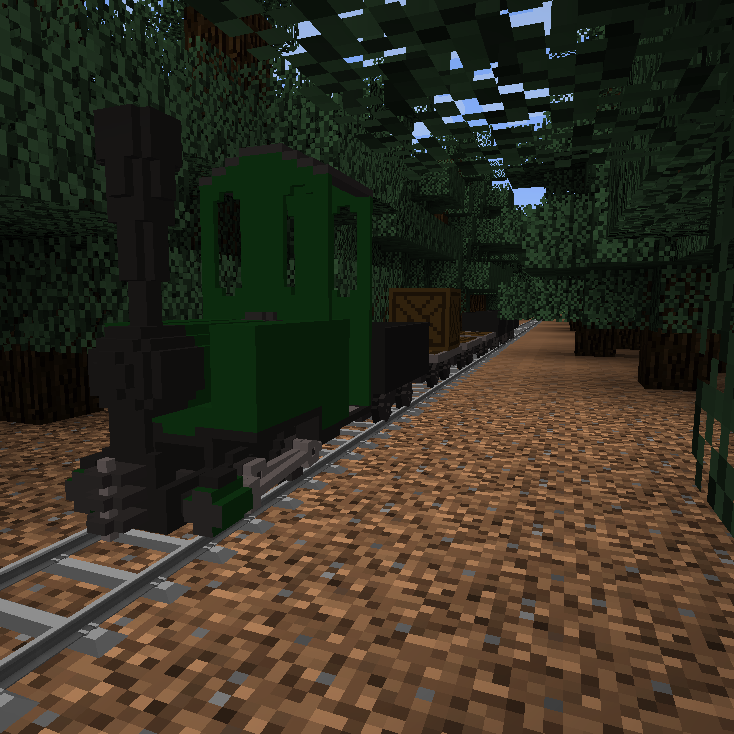
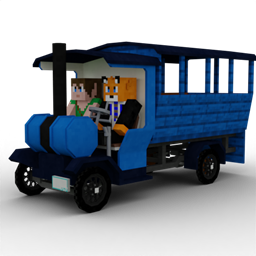
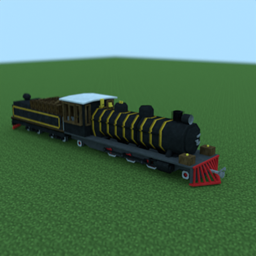
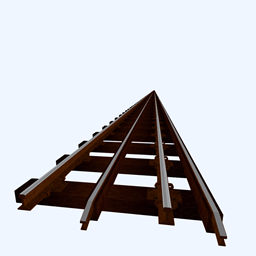
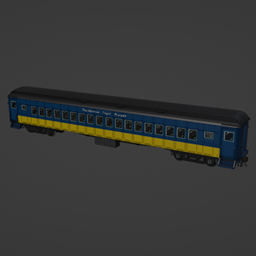
Minecraft gauge voxel-style trains for Immersive Railroading
by Peter_Kitsune
Download Claim this project
Add a badge to your pageLink to [ABANDONED] [IR] Kitsuné Works Voxel Pack from a README, website or forum post.
Preview: Badge

Badges update automatically and link to the resource pack page on MineUniverse.

2,090 downloads
0 likes
0 followers
Updated Oct 14, 2026
0 hypes
Follow0
16x Mod Support
Advertisement Remove ads with Premium →

NOTE: This pack adds stuff for Immersive Railroading. Nothing works without that mod!

To enable, either place in .minecraft/resourcepacks and enable, or place in .minecraft/config/immersiverailroading (changing .minecraft if you are using a non-default directory)


Minecraft gauge voxel-style trains for Immersive Railroading.


License:


Creative Commons License
This work is licensed under a Creative Commons Attribution-NonCommercial-ShareAlike 4.0 International License.


You are free to:
  • Share - Copy and redistribute in any medium or format
  • Adapt - Modify, transform, and build upon the material


Under the following terms:
  • Attribution - You must give credit to Peter Kitsuné, and the creators of specific assets (as detailed above). You must declare if changes were made. You may do so in any reasonable way, but not in a way that suggests that you or your use was endorsed by the creators.

I request that you include a link to the original page as part of the attribution: https://www.curseforge.com/minecraft/texture-packs/kitsune-works-voxel-pack

  • Non Commercial - You must not use the material for commercial purposes

Note that the CurseForge Rewards Program (and similar) does not count as commercial purposes, so long as the content is free for a user to obtain.

  • Share Alike - If you modify, transform, or build upon the material, you must distribute your contributions under the same license
1.5.1 track name hotfix
MC 1.16.5, 1.7.10, 1.12.2
Release 2023-10-25 Get
1.5 update
MC 1.16.5, 1.7.10, 1.12.2
Release 2023-09-22 Get
Hotfix 1.4.1 Bunyip
MC 1.16.5, 1.7.10, 1.12.2
Release 2023-08-08 Get
1.4 Update
MC 1.16.5, 1.7.10, 1.12.2
Release 2023-07-28 Get
1.3 update
MC 1.16.5, 1.7.10, 1.12.2
Release 2023-04-09 Get
1.2 Pixie Whistle hotfix
MC 1.16.5, 1.7.10, 1.12.2
Release 2022-07-09 Get
1.1 update
MC 1.16.5, 1.7.10, 1.12.2
Release 2022-06-20 Get
1.0 (Official Release)
MC 1.16.5, 1.7.10, 1.12.2
Release 2022-06-17 Get

Requirements & install

How to use this resource pack in Minecraft
Resolution
16x
Minecraft
1.7.10 – 1.16.5
Install folder
.minecraft/resourcepacks

How to install resource packs

  1. Download the resource pack .zip file (do not extract it).
  2. In Minecraft open Options → Resource Packs → Open Pack Folder.
  3. Drop the .zip into the resourcepacks folder (.minecraft/resourcepacks).
  4. Move the pack to the Selected column and click Done.
Browse more: 16x resource packs 32x resource packs 64x resource packs 128x resource packs 256x resource packs 512x+ resource packs Resource Packs for 1.16.5 All resource packs

More from Peter_Kitsune

Advertisement Remove ads with Premium →

You Might Also Like