Mineuniverse
Resource Packs
A Brush More Colour

A Brush More Colour

RESOURCE PACK
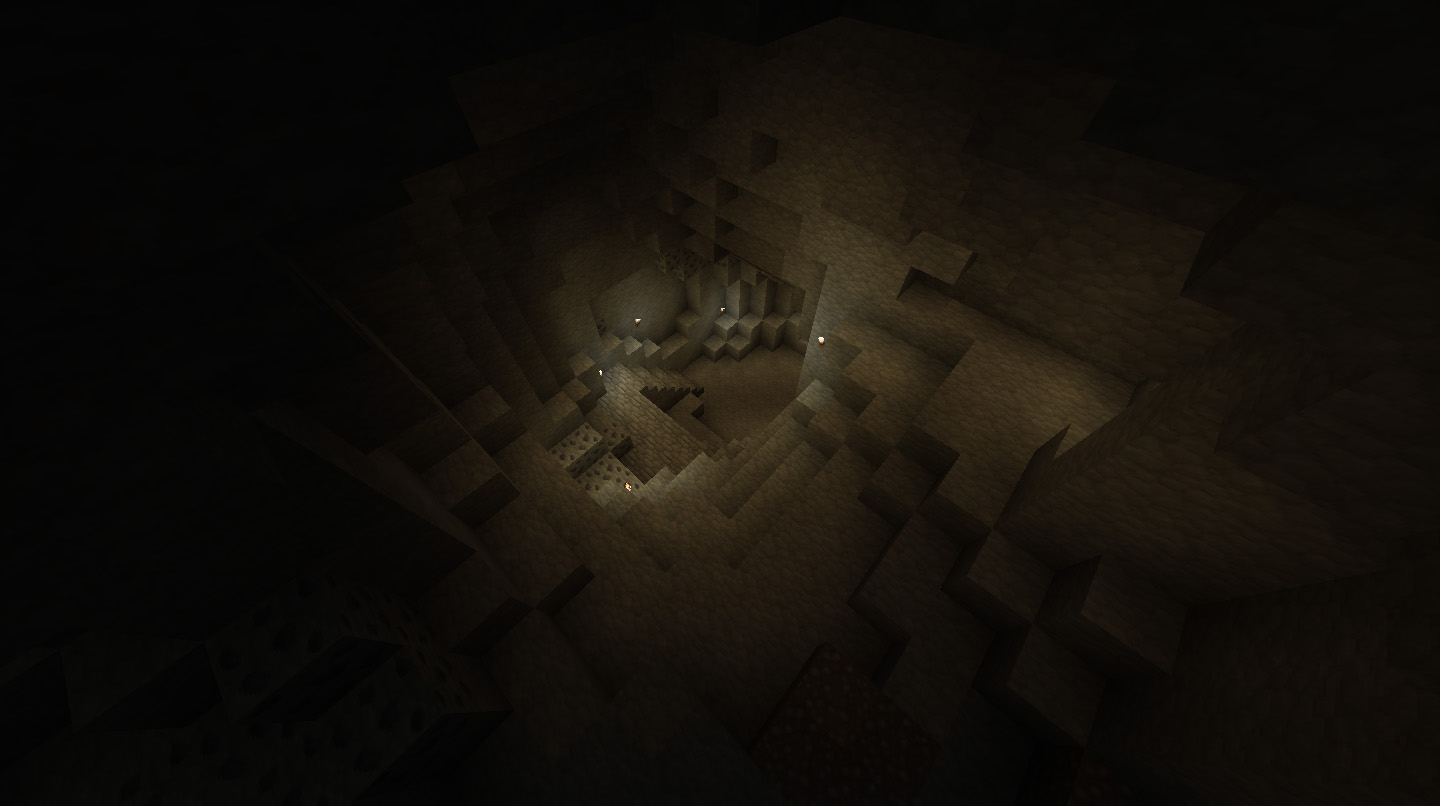
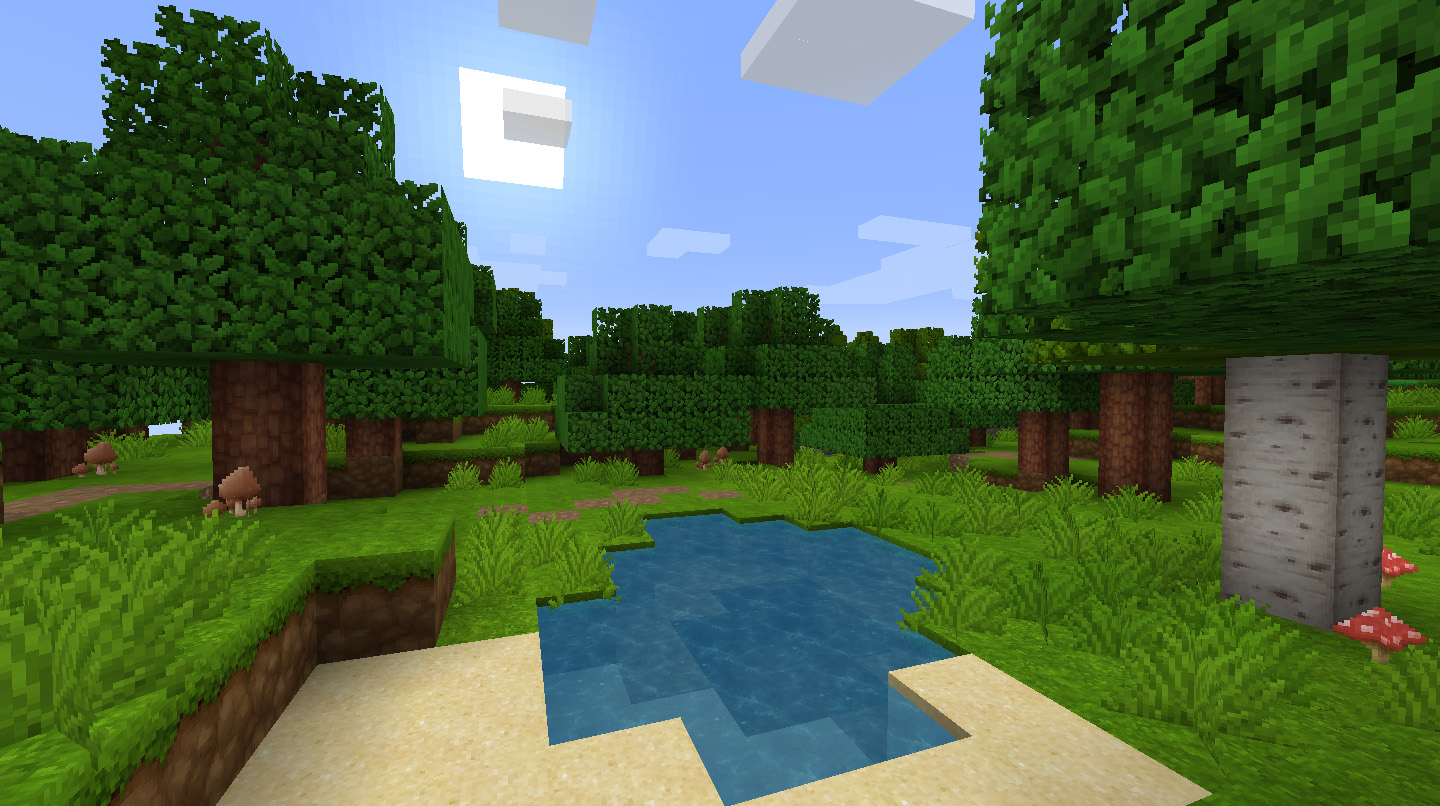
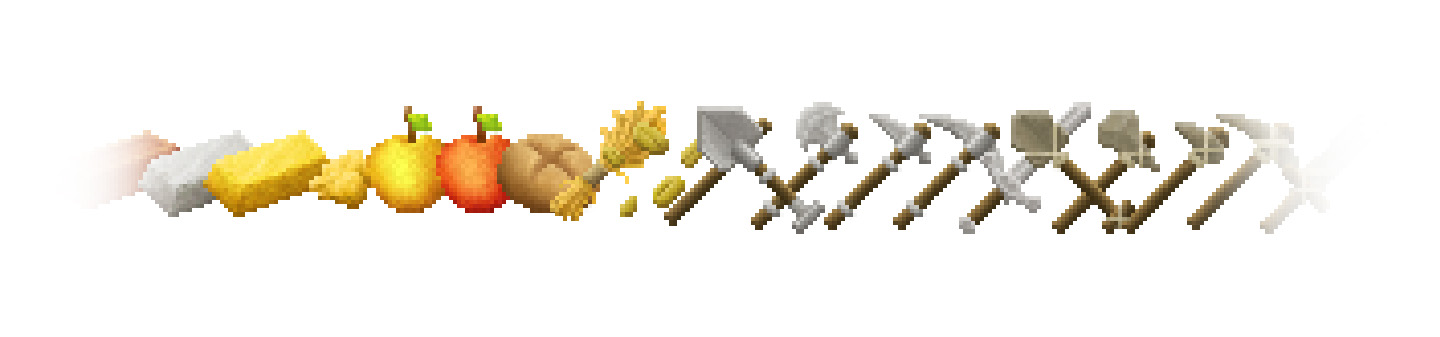
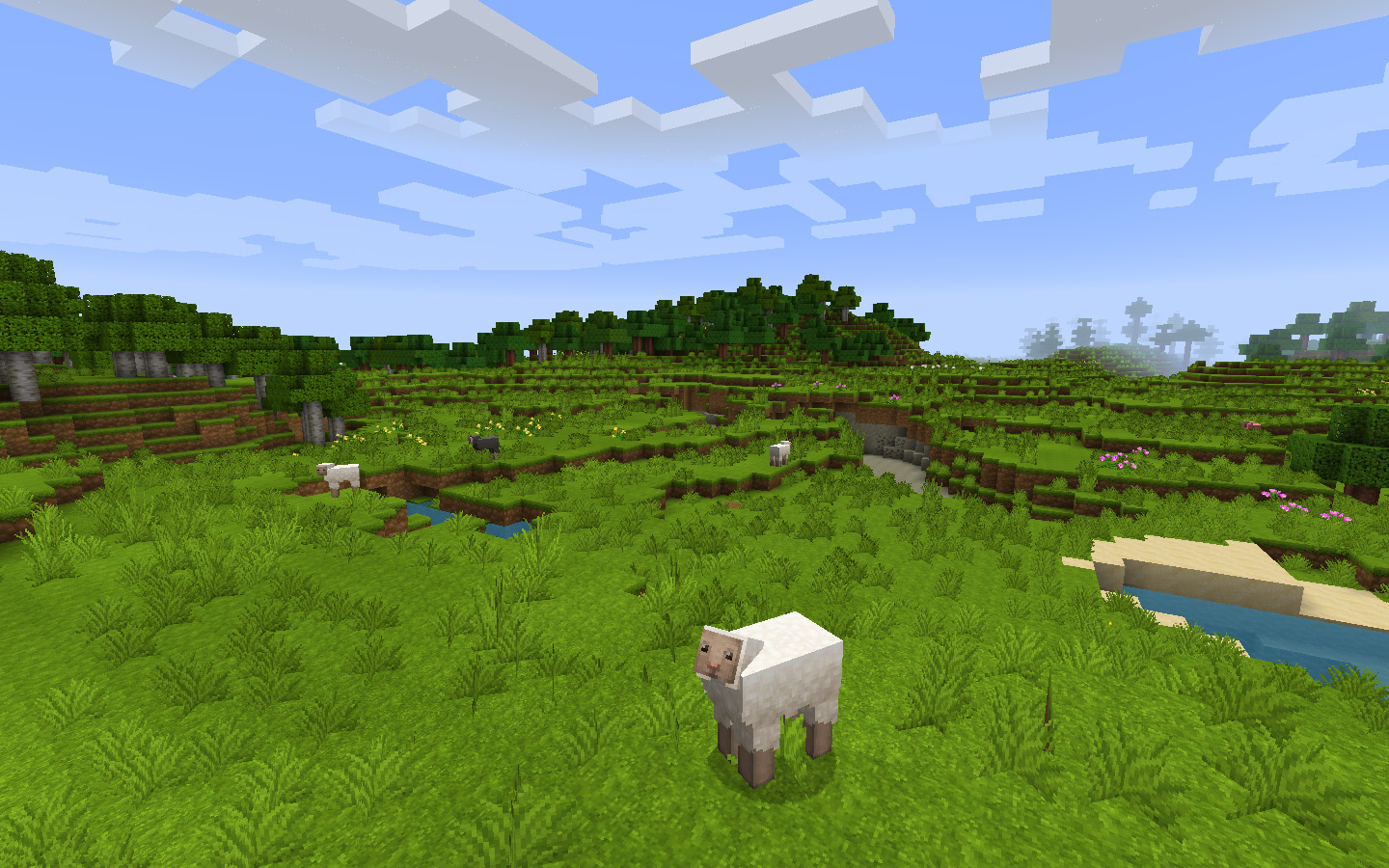
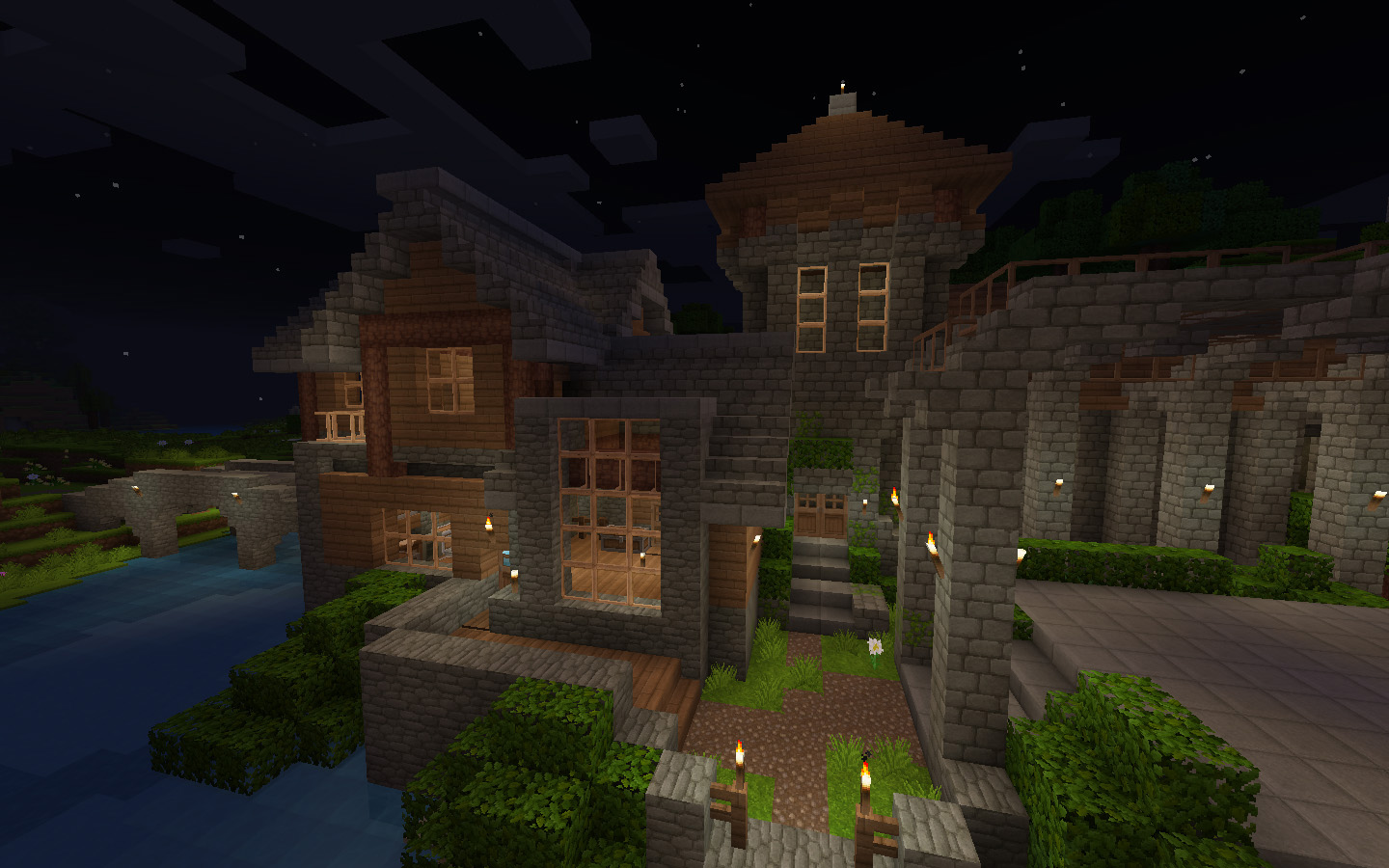
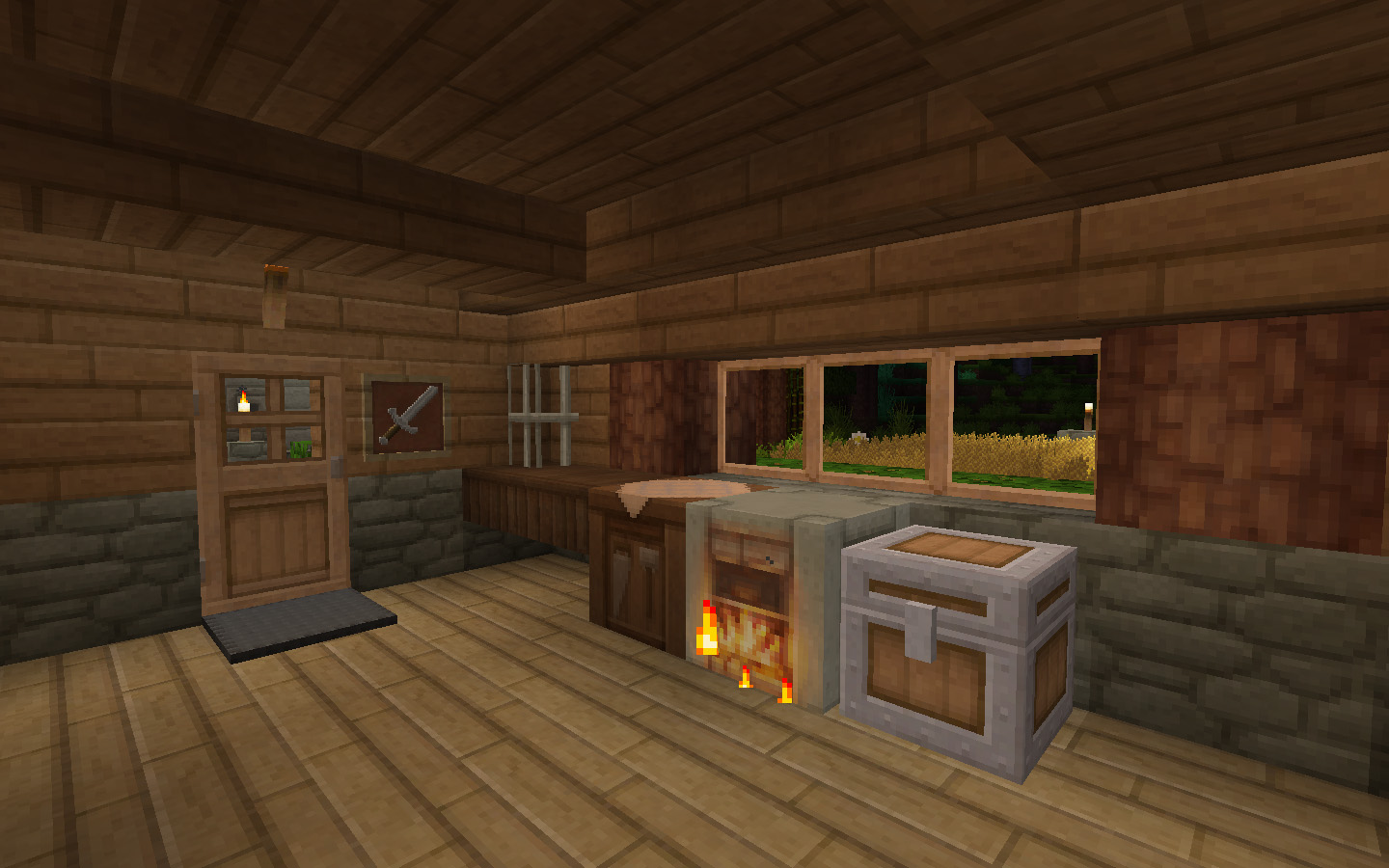
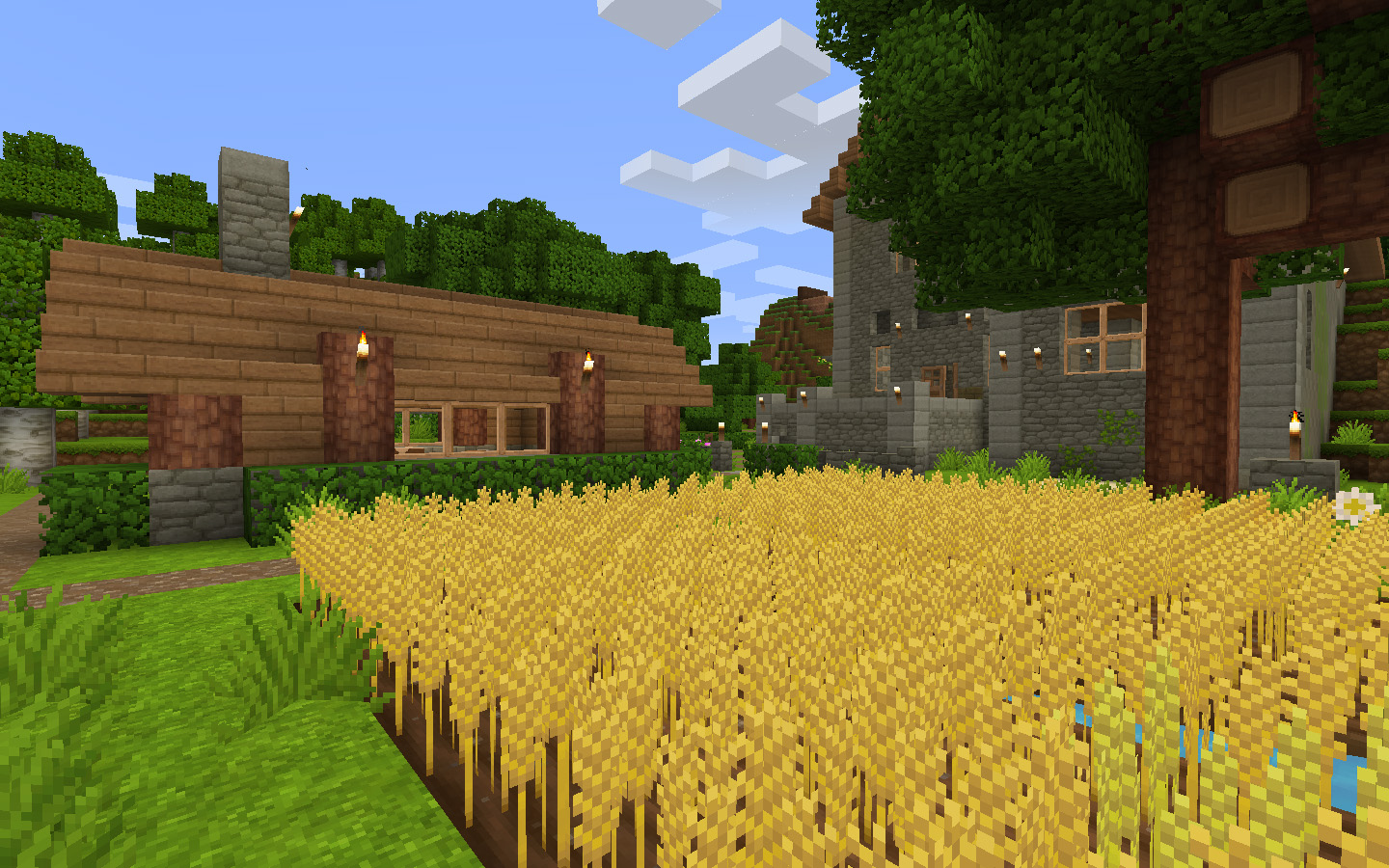
A soft texture pack rich with warmth and vibrant of colour.
by _ForgeUser6952521
Download Claim this project
13,143 downloads
0 likes
0 followers
Updated Oct 14, 2026
0 hypes
Follow0
32x Animated Medieval Traditional
Advertisement Remove ads with Premium →

A Brush More Colour a soft, warm, vibrant texture pack. It's my attempt at visually capturing the emotions I associate with minecraft. So the aim was for a very light and playful feel. I hope you'll give it a shot and if you do, let me know what you think. I love hearing people's thoughts.

This is very much a WIP with weekly updates at the end of each weekend. So check back regularly. 


Add-ons

These are experimental add-ons to 'A Brush More Colour'. To install simply download to your resource pack folder and select it in-game along with, but above the 'A Brush More Colour' resource pack.

Wood Planks (add-on) - Download
Replaces all the planks texture with the oak plank texture but with different colours.
Large Stonebricks (add-on) - Download
Replaces the stonebricks with large, vanilla minecraft styled ones.


Support

This project chews up a lot of my time and even though I love doing it, some support can help me justify to myself the amount of time I put into it. So if you're interested in supporting me in finishing this texture pack please consider donating to me. :) 

Terms of Use

The only restrictions I have is do not take my textures and upload them elsewhere. If you want to make use of the pack in an adventure map do not package it in with the map but instead link to any of the texture packs original download links such as here.
Feel free to use this texture pack as you wish in lets plays and screenshots etc. You obviously may also edit the pack for personal use, just keep it off the interwebs.

A Brush More Colour - Week 31
MC 1.7.6, 1.8.7, 1.7.4, 1.7.7, 1.7.5, 1.8.4, 1.7.9, 1.7.2, 1.8-Snapshot, 1.8.3, 1.8.6, 1.7.8, 1.7.10, 1.8, 1.9-Snapshot, 1.8.2, 1.8.5, 1.8.1
Beta 2015-08-23 Get
A Brush More Colour - Week 30
MC 1.7.6, 1.8.7, 1.7.4, 1.7.7, 1.7.5, 1.8.4, 1.7.9, 1.7.2, 1.8-Snapshot, 1.8.3, 1.8.6, 1.7.8, 1.7.10, 1.8, 1.8.2, 1.8.5, 1.8.1
Beta 2015-08-16 Get
A Brush More Colour - Week 29
MC 1.7.6, 1.8.7, 1.7.4, 1.7.7, 1.7.5, 1.8.4, 1.7.9, 1.7.2, 1.8-Snapshot, 1.8.3, 1.8.6, 1.7.8, 1.7.10, 1.8, 1.8.2, 1.8.5, 1.8.1
Beta 2015-08-09 Get
A Brush More Colour - Week 28
MC 1.7.6, 1.8.7, 1.7.4, 1.7.7, 1.7.5, 1.8.4, 1.7.9, 1.7.2, 1.8.3, 1.8.6, 1.7.8, 1.7.10, 1.8, 1.8.2, 1.8.5, 1.8.1
Beta 2015-08-02 Get
A Brush More Colour - Week 26
MC 1.7.6, 1.8.7, 1.7.4, 1.7.7, 1.7.5, 1.8.4, 1.7.9, 1.7.2, 1.8-Snapshot, 1.8.3, 1.8.6, 1.7.8, 1.7.10, 1.8, 1.8.2, 1.8.5, 1.8.1
Beta 2015-07-19 Get
A Brush More Colour - Week 25
MC 1.7.6, 1.8.7, 1.7.4, 1.7.7, 1.7.5, 1.8.4, 1.7.9, 1.7.2, 1.8-Snapshot, 1.8.3, 1.8.6, 1.7.8, 1.7.10, 1.8, 1.8.2, 1.8.5, 1.8.1
Beta 2015-07-12 Get
A Brush More Colour - Week 24
MC 1.7.6, 1.8.7, 1.7.4, 1.7.7, 1.7.5, 1.8.4, 1.7.9, 1.7.2, 1.8-Snapshot, 1.8.3, 1.8.6, 1.7.8, 1.7.10, 1.8, 1.8.2, 1.8.5, 1.8.1
Beta 2015-07-05 Get
A Brush More Colour - Week 23
MC 1.7.6, 1.8.7, 1.7.4, 1.7.7, 1.7.5, 1.8.4, 1.7.9, 1.7.2, 1.8.3, 1.8.6, 1.7.8, 1.7.10, 1.8, 1.8.2, 1.8.5, 1.8.1
Beta 2015-06-28 Get
A Brush More Colour - Week 22
MC 1.7.6, 1.8.7, 1.7.4, 1.7.7, 1.7.5, 1.8.4, 1.7.9, 1.7.2, 1.8-Snapshot, 1.8.3, 1.8.6, 1.7.8, 1.7.10, 1.8, 1.8.2, 1.8.5, 1.8.1
Beta 2015-06-21 Get
A Brush More Colour - Week 20
MC 1.7.6, 1.7.4, 1.7.7, 1.7.5, 1.8.4, 1.7.9, 1.7.2, 1.8-Snapshot, 1.8.3, 1.8.6, 1.7.8, 1.7.10, 1.8, 1.8.2, 1.8.5, 1.8.1
Beta 2015-06-07 Get
A Brush More Colour - Week 19.zip
MC 1.7.6, 1.7.4, 1.7.7, 1.7.5, 1.7.9, 1.7.2, 1.8-Snapshot, 1.8.3, 1.7.8, 1.7.10, 1.8, 1.8.2, 1.8.1
Beta 2015-05-31 Get

Requirements & install

How to use this resource pack in Minecraft
Resolution
32x
Minecraft
1.8.1 – 1.9-Snapshot
Install folder
.minecraft/resourcepacks

How to install resource packs

  1. Download the resource pack .zip file (do not extract it).
  2. In Minecraft open Options → Resource Packs → Open Pack Folder.
  3. Drop the .zip into the resourcepacks folder (.minecraft/resourcepacks).
  4. Move the pack to the Selected column and click Done.
Browse more: 16x resource packs 32x resource packs 64x resource packs 128x resource packs 256x resource packs 512x+ resource packs Resource Packs for 1.9-Snapshot All resource packs
Advertisement Remove ads with Premium →

You Might Also Like