Mineuniverse
Resource Packs
-3D Rails & Lever-

-3D Rails & Lever-

RESOURCE PACK
Adds 3d rails and lever.
by gurujive
Download Claim this project
1,872 downloads
0 likes
0 followers
Updated Oct 14, 2026
0 hypes
Follow0
16x Miscellaneous
Advertisement Remove ads with Premium →

Click "Source" to install Minecraft x8-x512-Bit.

Texture pack:

https://www.dropbox.com/scl/fi/gr84ahz08fmdf7quw1lm9/Minecrafttexturepacks.zip?rlkey=1vao2he35yhktucqx4fqpmikw&st=7t89r8a6&dl=0


Minecraft Java Edition:

https://www.dropbox.com/scl/fi/hpfzalnktu9jcltn1c13i/Minecraft.zip?rlkey=l38o1ppkthkxal51g0bdwt8s4&st=ri203cte&dl=0


Information:

https://www.minecraftforum.net/forums/mapping-and-modding-java-edition/minecraft-mods/modification-development/3197923-minecraft-forge-1-1-12-2-for-apple-linux-mint-vibe


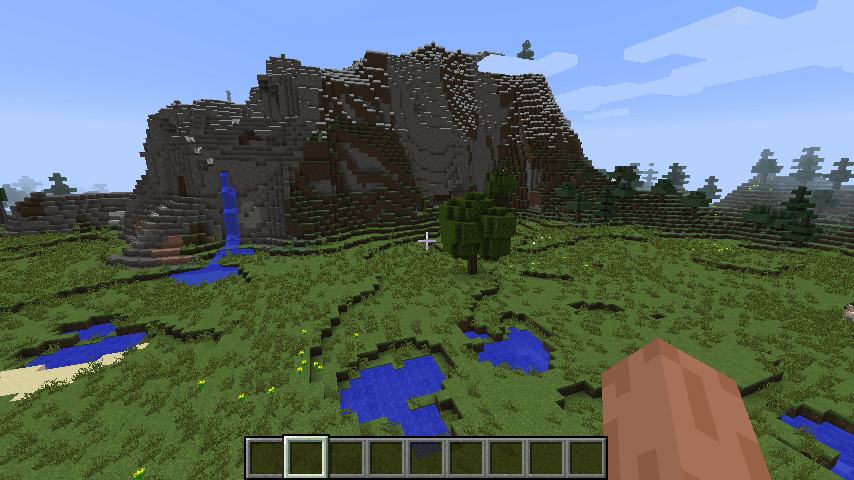
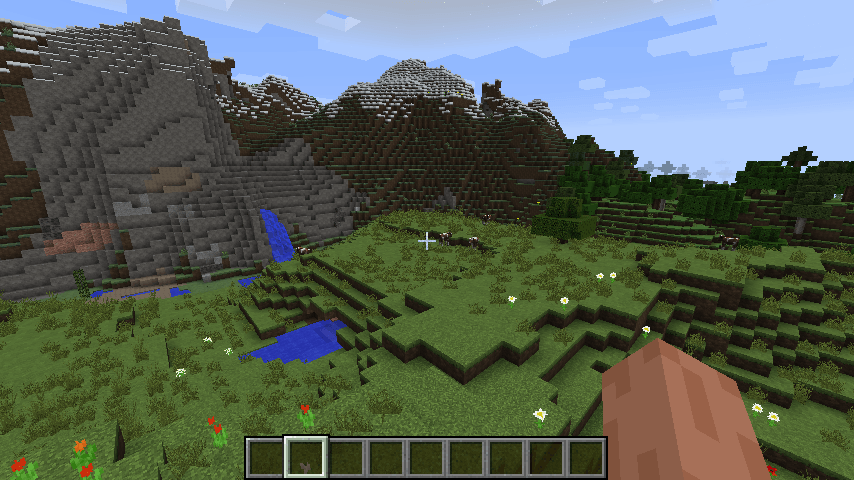
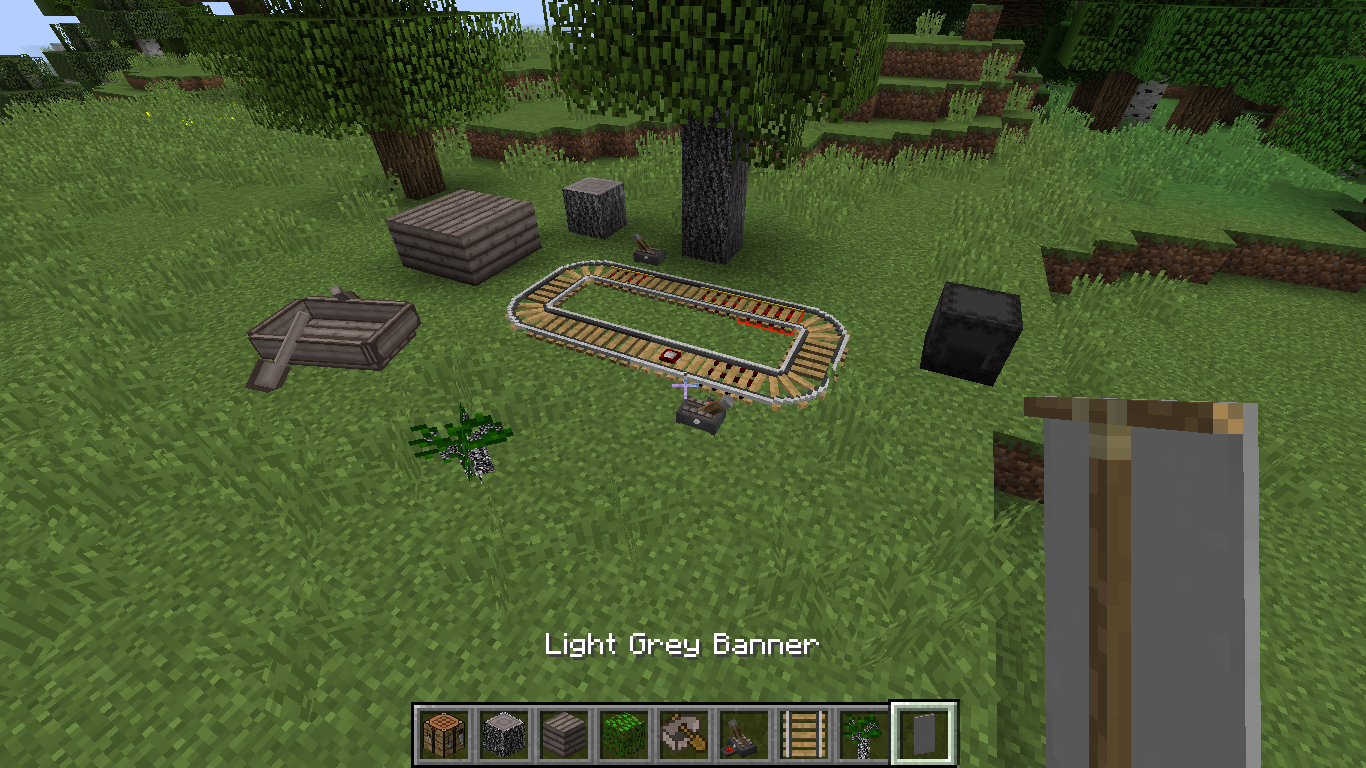
This is a simple 3D resourcepack that is designed to enhance the vanilla experience with the lever and rails.

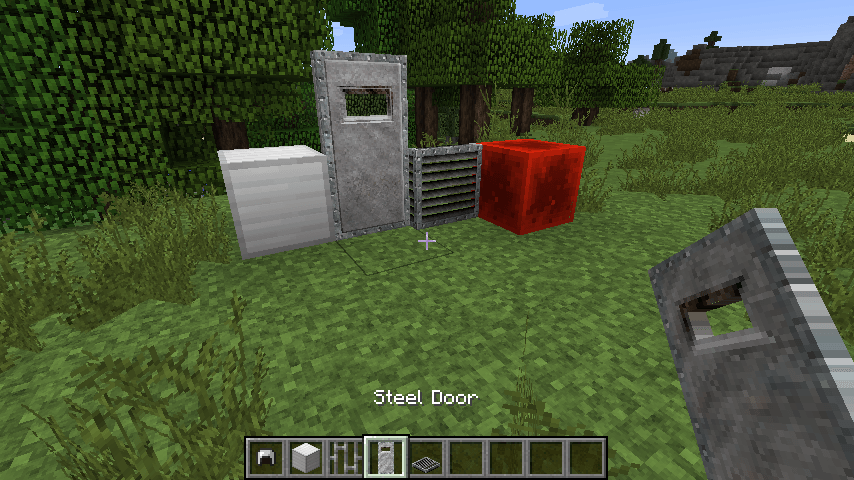
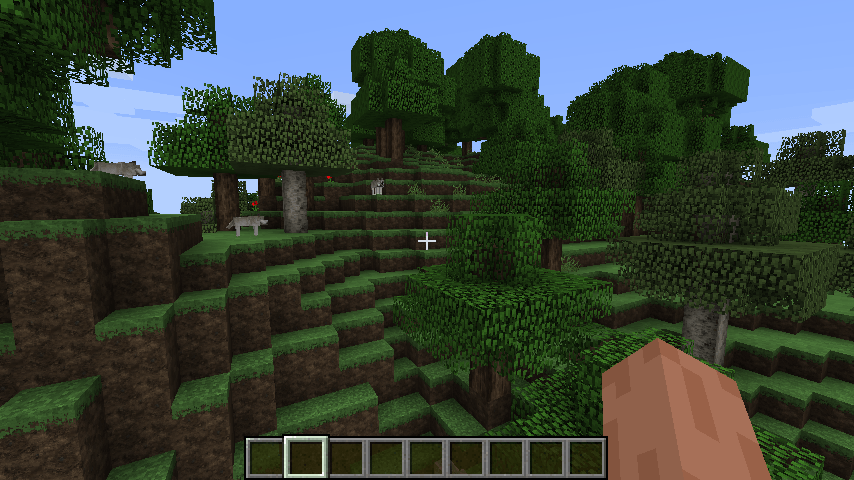
This changes the rails to 3d, changes the item model for lever, and changes dark oak from being another type of oak into hickory.

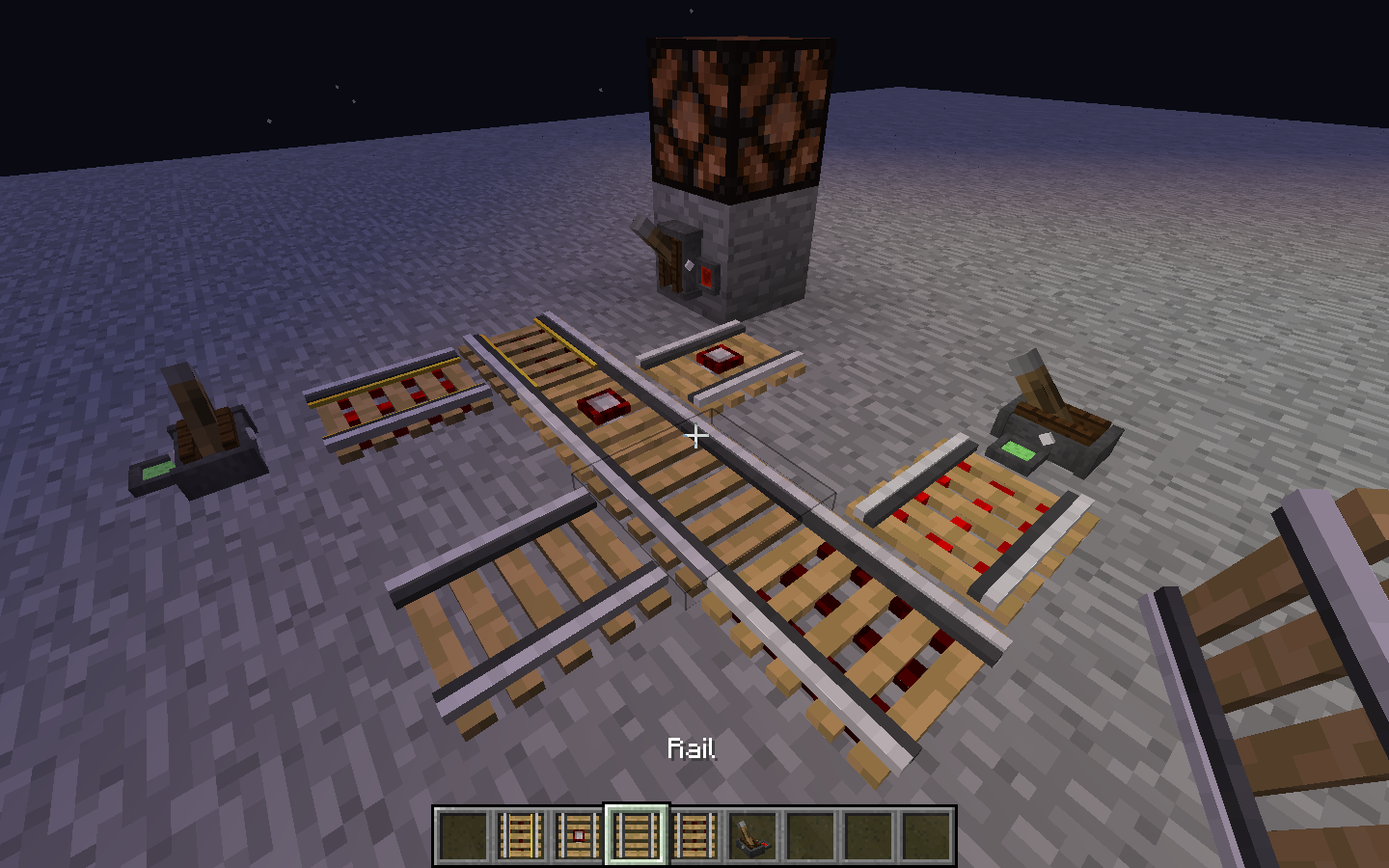
-All types of rails with item models

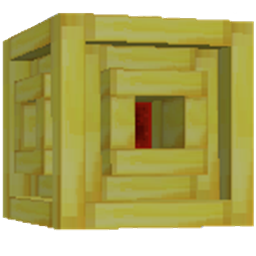
-Lever with a centered housing, a 2 color panel display, with a bolt found on each side.

-Changes iron to steel.

Rail models included for both on and off states and slanted positions.

The lever has a small display on the side that shows red when off and green when on to make things simpler when messing around with redstone or command blocks.

To add the texture pack move the downloaded .zip file to the "resourcepacks" folder.

AppData -->Roaming --> .minecraft -->resourcepacks

Home -->.minecraft-->resourcepacks

Then enable it in game by clicking options on the main opening menu, then resourcepacks.

Then hover your mouse over the texture pack image and click the right arrow that appears and click done.

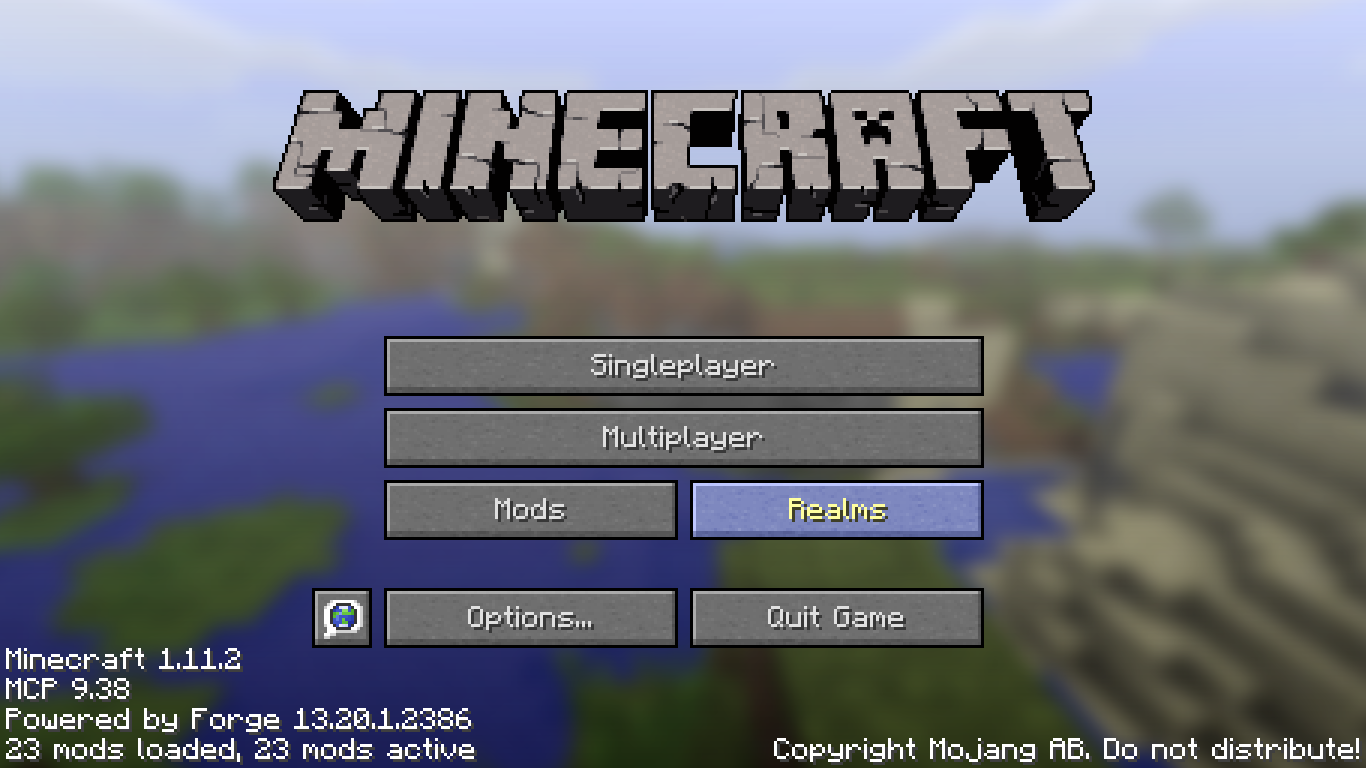
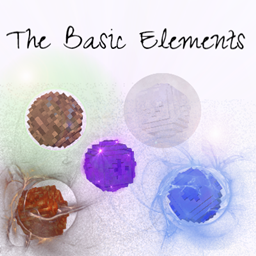
When you exit Minecraft with the texture pack installed and reopen it then it will remove additional text from the main opening menu.

Texturepack.zip
MC 1.12.2
Release 2024-11-14 Get
-3DRails&Lever-1.10.2.zip
MC 1.10.2
Release 2024-03-30 Get
-3DRails&Lever-1.11.2.zip
MC 1.11.2
Release 2024-03-30 Get
-3DRails&Lever-1.12.2.zip
MC 1.12.2
Release 2024-03-30 Get

Requirements & install

How to use this resource pack in Minecraft
Resolution
16x
Minecraft
1.10.2 – 1.12.2
Install folder
.minecraft/resourcepacks

How to install resource packs

  1. Download the resource pack .zip file (do not extract it).
  2. In Minecraft open Options → Resource Packs → Open Pack Folder.
  3. Drop the .zip into the resourcepacks folder (.minecraft/resourcepacks).
  4. Move the pack to the Selected column and click Done.
Browse more: 16x resource packs 32x resource packs 64x resource packs 128x resource packs 256x resource packs 512x+ resource packs Resource Packs for 1.12.2 All resource packs

More from gurujive

Advertisement Remove ads with Premium →

You Might Also Like