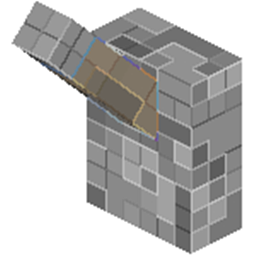
Description
WeLoader is a plugin that has the ability to load a file that will follow you and turn with you!
It can be used for things like cars, spaceships, airplanes, magic carpets etc.
You can for example make a car that will will follow you and turn when you turn!
Features
- Use either WELoader's own file system or WorldEdit (has only been tested with WorldEdit 6.1)
- File system loads into it's own cache making it faster!
- Ability to customize how often the schematic will be updated!
Permissions:
- WELoader.use - Permission to use WELoader
All OPs will automatically have the permission.
Commands:
- /wl - Show all WELoader commands
- /wl point - Set the points in a region
- /wl delete - Reset the set points
- /wl save <name of file> - Save the region you've created with /wl point and save it to a file. Remember to stand where you want the structure to be loaded and look the direction the structure is supposed to face, to get the turning effect.
- /wl load <name of file> <ticks> - Load a file. Ticks is how often it updates. 40 ticks = each 2 seconds, 20 ticks = each second, 10 ticks = each half second etc.
How To:
- Set your region by using /wl point at each point in the region
- Save your structure by doing /wl save <name of file> where you want the file to be loaded and look the direction your structure is supposed to face. This will save which way you are looking and make the file turn correctly.
- Load your file by doing /wl load <name of file> <ticks>. Ticks is how often it will update:
20 ticks = 1 second, 10 ticks = 0.5 seconds etc.
How to if using WorldEdit 6.1:
Save the WorldEdit schematic with the format mcedit and then just load the schematic normally with /wl load <name of schematic> <ticks>
The schematic MUST be facing west if using WorldEdit. If it is not facing west, the schematic will not turn properly
Saving The Schematic Correctly:
1. Build your building facing west
2. Select each corner of your building with the WE wand
3. Stand where you want the schematic loaded and issue the command copy
4. Issue the command schematic save mcedit <NAME>