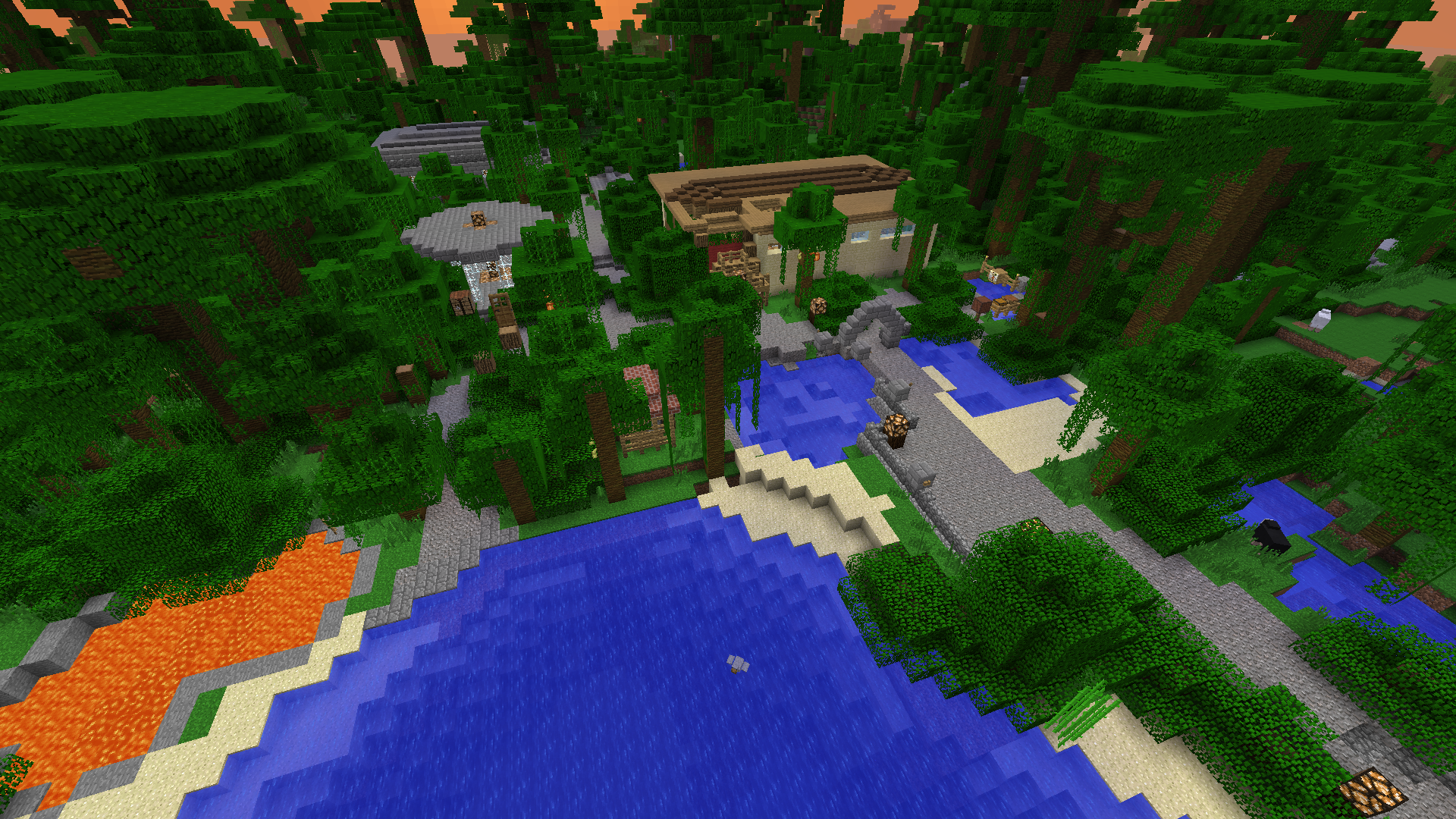
WeatherMan allows you to change biomes and repopulate areas ingame with commands, magic-wand and a sign, controlled by redstone power. WorldEdit selections and WorldGuard regions supported.
Change biomes (you can use: commands, wands, signs, WorldEdit selections and WorldGuard regions)
Repopulate area according to biome that was previously changed
Control weather locally: for player, for region, for biome and for whole world.
Grow trees or cut them off using special wands
Control biome changing (toggle two biomes) with sign controlled by redstone power.
Check biome in a your location or inform you about biome changing while you traveling
Preventing snow-forming and ice-forming in defined biomes.
Why do I want it?
If you need to change biomes, grow new forest, or going to allow your players to do it - you must install WeatherMan :) If you need to "curse" any player with unstoppable rain you can find this plugin useful too.
How Do I Install It?
Just copy it in your Plugins folder.
How to use it?
Install
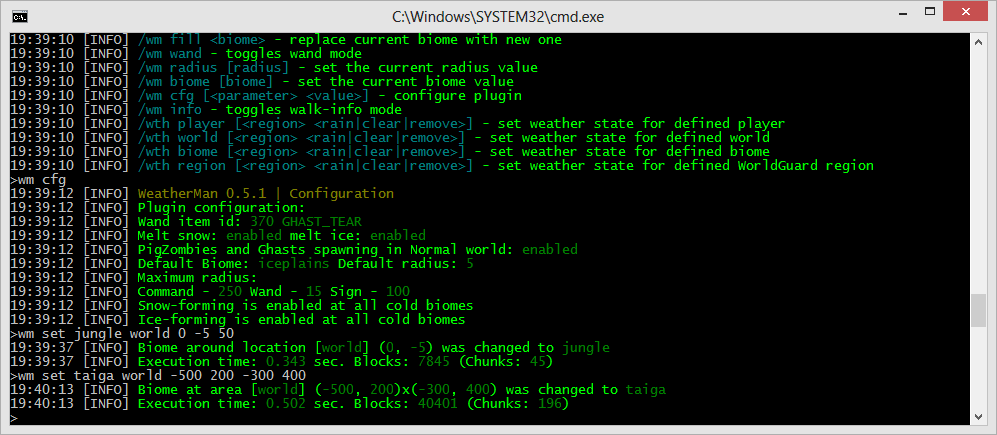
Use command /wm set biome:<biome> radius:<radius> to change biome around you
Use command /wm set biome:<biome> to change biome at area selected using WorldEdit
Use command /wm set biome:<biome> region:<region name> to change biome at WorldGuard region defined by name
Use command /wm replace biome:<biome> fill:true to change biome in your location to new one
Use command /wm give [biome | woodcutter | depopulator | forester] to obtain all or specified wand.
Use command /wm wand to enable wand mode (define biome and radius with commands /wm wand biome:<biome> radius:<radius> tree:<tree type> Right-click with magic wand and you'll shoot the snowball that will change the biome around the hit-point, remove or grow trees.
Create sign with [biome] in second line, radius value in third, and biome names in first and forth lines. You can set word "replace" in third line if you need to replace the full biome. Now you can use redstone power to toggle between two biomes.
/wm give <biome | woodcutter | depopulator | forester> - give defined wand (brush)
Terramorphing commands
/wm set|replace|populate <parameters...> - set biome in area, replace biome in area, repopulate area. More info about this commands you can find here.
Weather commands (console not supported yet)
/wth player <player> <rain|clear|remove> - set personal player weather to rain, clear or remove settings
/wth region <region> <rain|clear|remove> - set weather in region to rain, clear or remove settings
/wth biome <biome> <rain|clear|remove> - set weather in biome to rain, clear or remove settings
/wth world <world> <rain|clear|remove> - set weather in biome to rain, clear or remove settings
/wth <player|region|biome|world> - list the players, regions, biomes, worlds where weather states are changed
Local time commands
/wtm player [<player> <HH:MM|day|night|remove>] — configure player personal time
/wtm region [<region> <HH:MM|day|night|remove>] — configure local region time
/wtm biome [<biome> <HH:MM|day|night|remove>] — configure local biome time
/wtm world [<world> <HH:MM|day|night|remove>] — configure local world time
How to revert back to original biomes
If you need to set back an original biomes at defined area, you can use "original" biome type with commands /wm set, /wm replace, /wm biome (and use wand to change biomes). Command /wm replace source:<source biome> biome:<target biome> supporting "original" only as biome parameter (<target biome>).
WeatherMan translation
It is possible to use language files to translate WeatherMan messages.
Available translations (included to plugin, you just need to setup language variable at config.yml): english, dutch, french, german, polish, romanian, russian, spanish, ukrainian.
English - default (sorry for my english! Helped By matthew_cowley)
Russian (Русский)
Ukrainian (Українська) - translated by duckman, RangarsTeam. Thank you very much, duckman!
German (Deutsch) - translated by PinguinAman. Thank you very much, PinguinAman!
Spanish (Español) - translated by Indeleble, Antica RP Server. Thank you very much, Indeleble!
French (Français) - 50toto50. Thank you very much, 50toto50!
Romanian (Română) - kaZep, b-Zone
Dutch (Nederland) - translated by Martin1704, renzo12y, tommyvanaarde. Thank you very much guys!
I will be very thankful if you can help me to translate WeatherMan to other language and join me at translation project.
Permissions
weatherman.basic - allows to use commands /wm help, /wm check, /wm list
weatherman.cmdbiome - allows to use command /wm set and /wm fill
weatherman.sign - allows to create [biome] signs
weatherman.wandbiome - allows to use wand and commands /wm wand, /wm radius, /wm biome
weatherman.config - allows to setup plugin with command /wm cfg
weatherman.weather - allows to use local weather command /wth
weatherman.time - allows to use local time command /wtm
WeatherMan includes two features that use your server internet connection. First one is bStats, that used to collect information about the plugin (versions of plugin, of Java.. etc.) and second is update checker, checks new releases of plugin after WeatherMan startup and every half hour. This feature is using API provided by dev.bukkit.org. If you don't like this features you can easy disable it. To disable update checker you need to set parameter "version-check" to "false" in config.yml. Obtain more information about bStats and learn how to switch off it, you can read here.
Dev Builds
Dev builds available at CricleCI.
Note: Dev builds are unsupported and not tested and not approved by BukkitDev team.