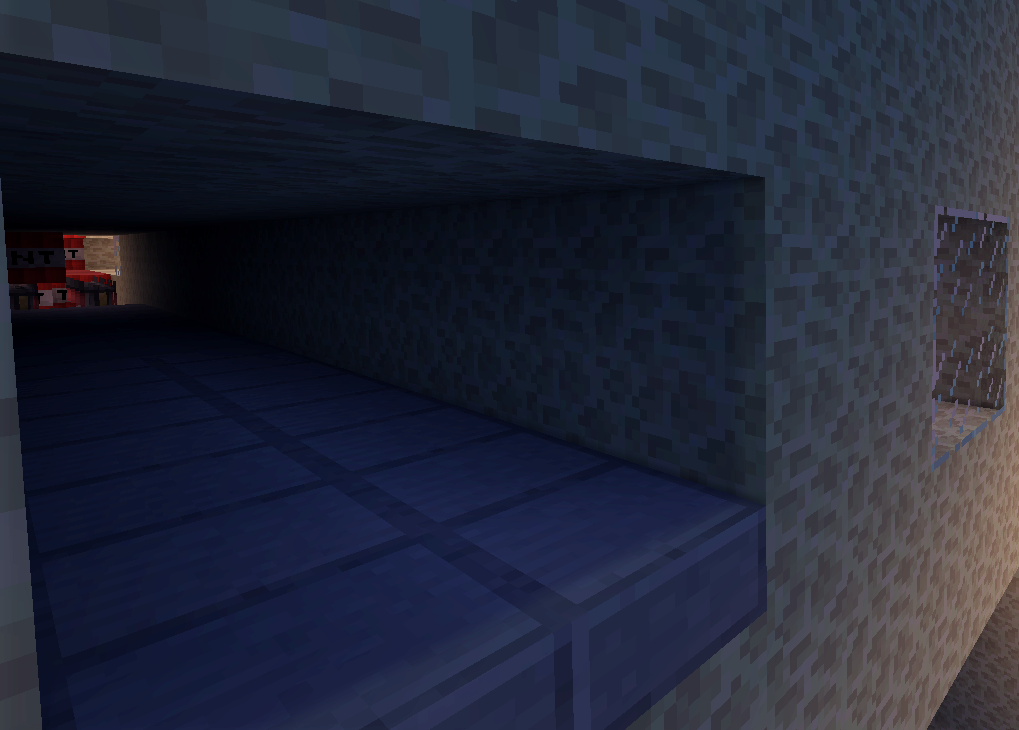
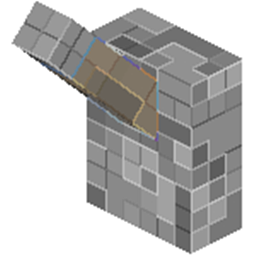
This Plugin allows Wargear-Fights on bukkit servers. A "Wargear" is a building with various tnt-canons, a bridge, dispensers and various redstone circuits. The goal of a WarGear-Fight is to stay alive until your enemy is dead. The plugin helps to make the fights as flawless as possible, e.g. it gives out items, opens and closes the regions and resets the arena.
The Plugin uses kits from admincmd or essentials and need at least Bukkit 1.5.2.
WorldEdit and WorldGuard is required.

Ressources
Development builds of this project can be acquired at the provided continuous integration server.
These builds have not been approved by the BukkitDev staff.
Use them at your own risk.
Development Builds 
This little guide is depracted since 0.7. Most parts are still fine, but some little details may have changed.
Just put the plugin in your servers plugins directory. Next time server is reloaded or restartet a default config should be created. Make sure you have Worldguard and Essentials or Admincmd installed.
You need to create three Worldguard regions. One region should contain the wohle arena with all spectator platforms. The other two regions must be where the wargears have to stand.
Enter the 3 regions in the config as a value of "wgarena_1.arenaRegion", "regions.Team1" and "regions.Team2".
Enter the World of your arena as value of "world". You also have to enter the feet-height of your arena as "arenaRegion".
Now, you have to add three coordinates to the config. One point should be located where your spectators stands. It is entered as "warpFightEnd" in the Config. Go ingame somewhere before the region of team1 and enter your coordinates in the config as "warpFightStart.Team1". Do the same for team2.
If you want chests instead of kits, just change the mode from "kit" to "chest".
Now just restart and you are ready.