Please update from 1.1.x! The /sl remove command isn't save! It allows you to remove other peopel's streetlights. It's fixed in 1.1.2
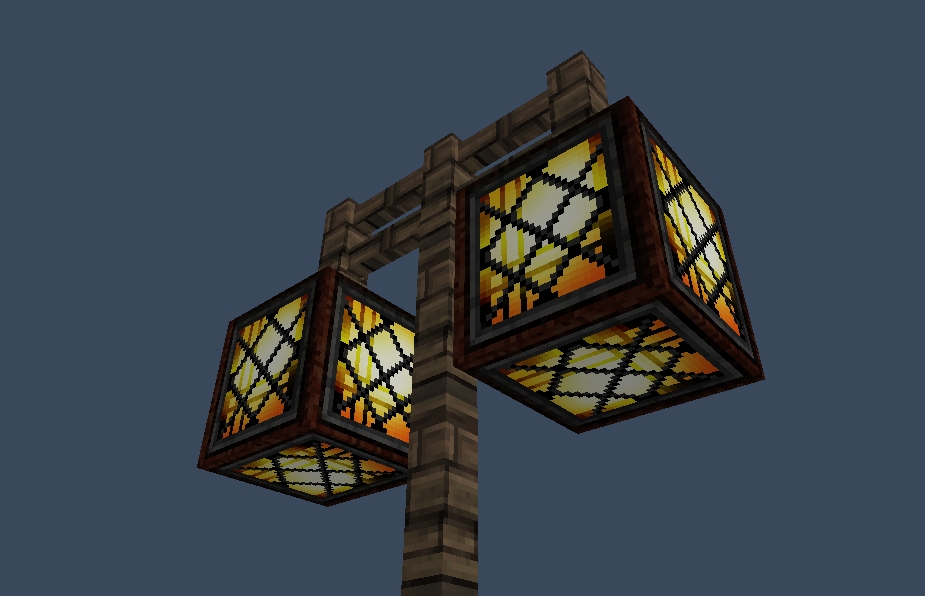
Always wanted to get working streetlights in your server? Now you can! Pick the lights you want to light up at night and presto! They will light up when it rains or when it's night.
By default the blocks will be Redstonelamp (offstate) at day and Redstonelamp (onstate) at night. The time they will be on is from 13000 till 0. These can all be changed in the config.yml (Version 1.0.2) To add multiple set of items to switch from just add a new line with two materials. (Please note that you shoudln't use duplicate materials)
Pretty straight forward here: Place the jar file in your plugin directory and you're good to go.
OP's have all permissions by default but if you want players to control the lights as well please give them permissions:
Create a Redstone lamp and use "/sl create" command. Then rightclick the blocks you want to light up at night (Redstone Lamps by default). When you're finished adding the lamps type "/sl create" again. If you wish to manualy save you can use "/sl save". (The list will automaticly save after every placed or removed streetlight). You "/sl remove" to remove streetlights from the list :)
- Natural rain sometime doesn't trigger the lights.
- You cannot use REDSTONE_TORCH_OFF.
I've created this timelaps on my server which shows the streetlights going on and off.
http:www.youtube.com/watch?v=EL7MQ2d-H40&feature=youtu.be
The sourcecode is available from GitHub: https://github.com/Koozza/StreetLight
Some of the users made video's of the plugin. Here's some of them:
WoopaGaming (English)
MineraftBukkit (German)
TheBukkitTutorialsHD (German)
MinecraftPommes (German)
victormac737 (Spanish)
Special thanks go to Craftiii4 for helping me with the REDSTONE_LAMP_ON state :)