Badges update automatically and link to the plugin page on MineUniverse.
Pling allows for tagging players in comments ingame. It has a swearing filter that works for all languages, customisable language files for awesome customisation, autocomplete player names, live chat translation and more...
So you wanna Pling, eh? It is unbelievably simple! To mention someone in chat place an "at" email symbol (@) somewhere in the message. Then after this symbol keep pressing TAB. This will scroll through all online players; stop pressing when the tag is on the player you want to "Pling".

Here is what the scrolling looks like:

Once you press enter, the message is processed...

This scans the message for swear words and also does something pretty special. Say, for instance, that you are Spanish. You post a "Pling" tag to someone that perhaps is not Spanish. No probs, the message is FULLY translated into the language specified in the server Config. Cool Huh? The best part is, if you do not want the translation, you can preview the original message. The completed message is then posted to the chat and a notification and noise is sent to the person being tagged.

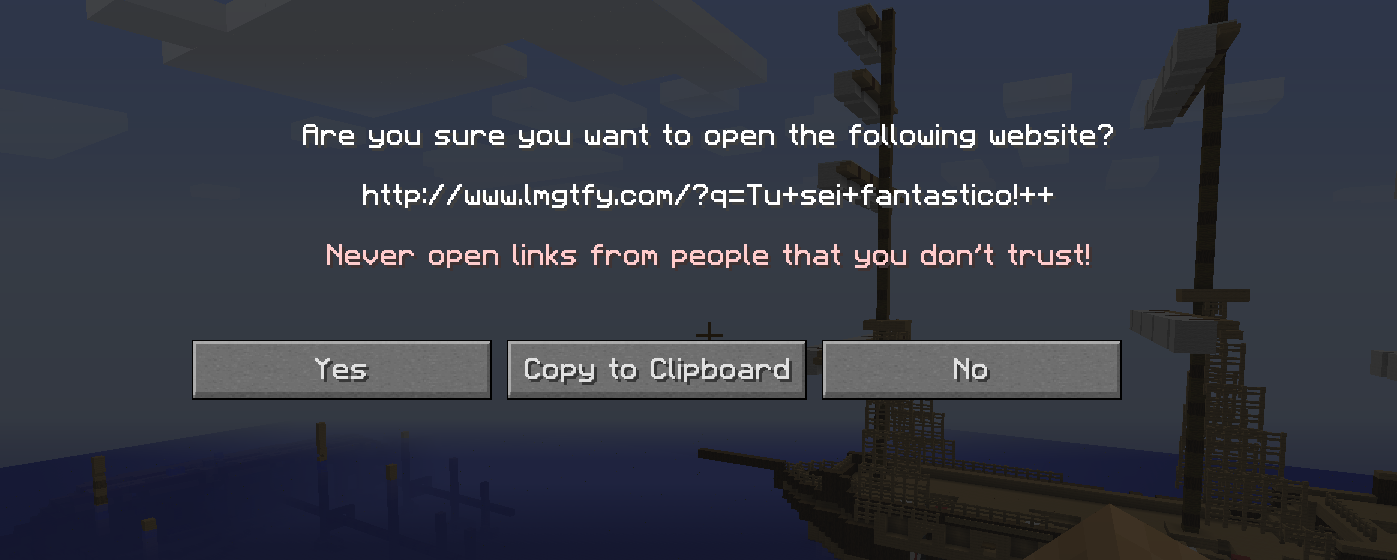
Hovering over the <View Original> button will display the original message. However, if your message contained swearing, the "Pling" will be rejected and a message will come up:

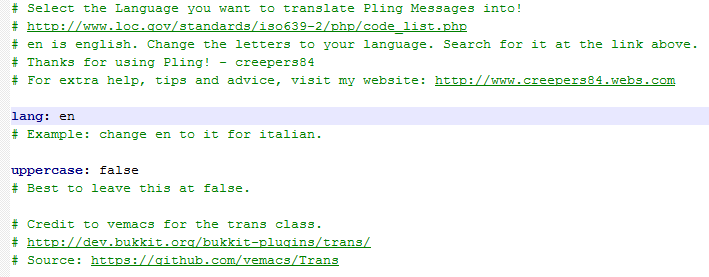
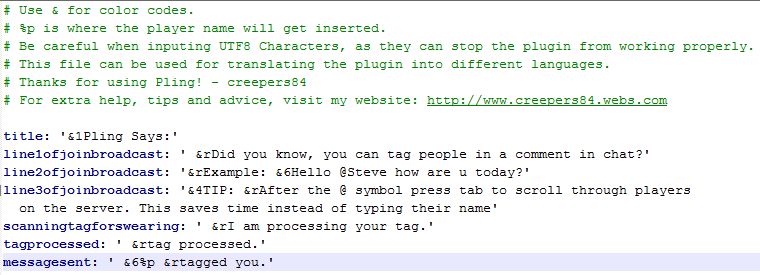
So, go and have fun with Pling! All the messages are also configurable too! Look below at how to change them to your language!
After fulling installing, you may want to change some of the settings in both the lang.yml and the config!

 Big thanks to Vemacs for the Translation Class.
Quote:The translate system translates ingame chat messages to the language of your choice using the Google Translate API, with a simple YQL response parser using the default Yahoo YQL tables. The json-simple library that is shipped with Bukkit is used for parsing.
There are no commands or permissions. That's all taken care of :) This plugin supports multiworld and will work in all worlds within your server. Pling makes a connection to minotar.net in order to display a funky alert box :) Pling also uses Plugin Metrics. This can be disabled by editing the "opt-out" setting to true in the metrics config.

CLICK HERE TO VIEW ADVANCED STATISTICS
Credit to vemacs for the trans class. http://dev.bukkit.org/bukkit-plugins/trans/ Source: https://github.com/vemacs/Trans
Credit to BigTeddy98 for the "Firework Explosion Player" Class.
Credit to DarkBlade12 and microgeek for the ParticleEffect Class.
Credit to bobacadodl for all the JSON classes.
Quote from MusicPure:Awesome plugin :)
Quote from Bodyash:wow!