I wanted to ask you to share your ideas in the comments or under "Issues" on how to upgrade MCRealTime, because the basic concept is almost complete.
Dear community,
I have once again brought out a plugin + Updater, which allows the real-time in Minecraft. That means, if e.g. 8pm, it's the same night in Minecraft, the other way around. This plugin works according to the RTC system and synchronize with the time zone you type in the config. The plugin gets the time information from the RTC and transfers that live to Minecraft.
You do not have to do much to get the plugin working. Just put the plugin in the normal plugins folder. This also applies to the users who use BungeeCord!
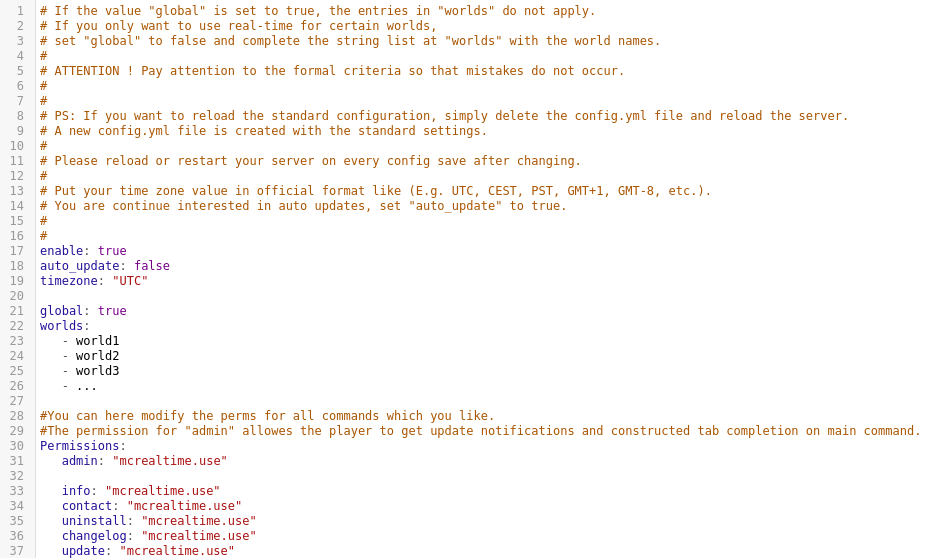
You can activate and deactivate the plugin in the config.yml file by setting the value "enable" to true or false accordingly. You can also set the effect of the plugin globally or set it to a specific world by setting the variable "global" to false and adding multi world names in "worlds". Now setup your time zone and let's run! If you're continue to interest in auto update, set that value to true. And if you didn't know, you can modify the permission values you like in the config file.
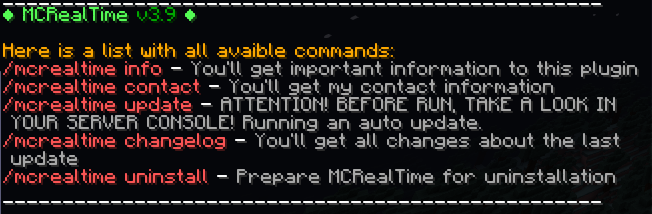
Here are maybe important commands:
Permission:
IMPORTANT:
It works on JRE 8-16.
IT SUPPORTS THE VERSIONS (Bukkit/Craftbukki/Spigot) 1.8 - 1.17.1 !
The only one complication is, that you can not execute the /time set <time><time> </time>command and you can't sleep at night and in newer versions you can sleep, but without changes of time in minecraft !
Don't worry, the insomnia will be deactivated while the plugin is enabled.
That's it, now you can fully enjoy the plugin.
_______________________________________________________________
Main cmd:
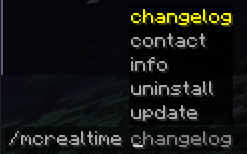
Tab completion:
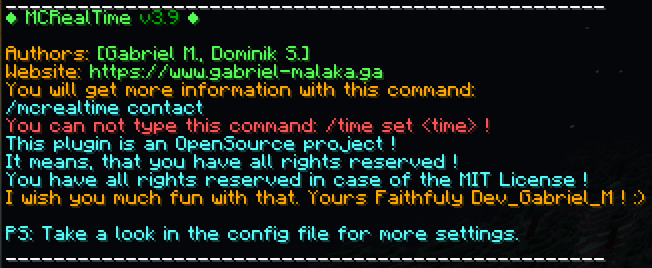
Info cmd:
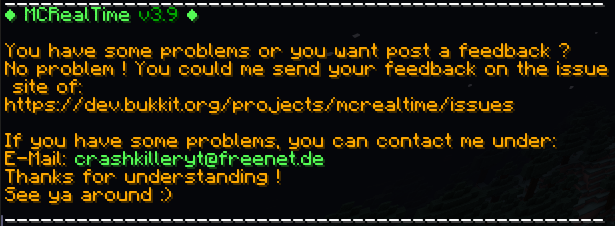
Contact cmd:
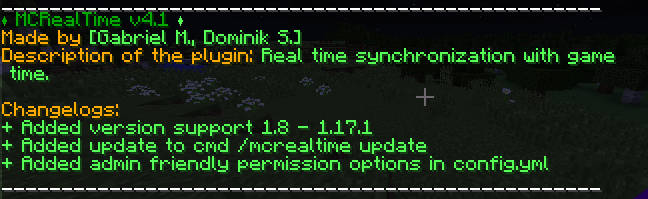
Changelog cmd:
Uninstall cmd:
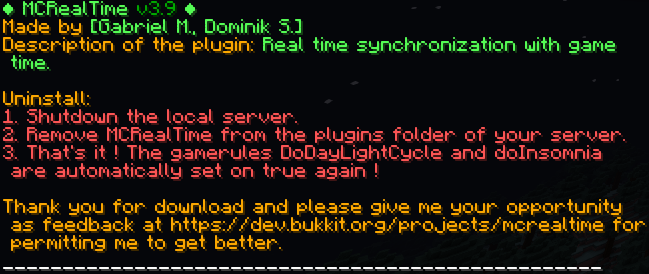
Update cmd:



Update console:

Update notification in minecraft chat (admin sight with mcrealtime.use perms):
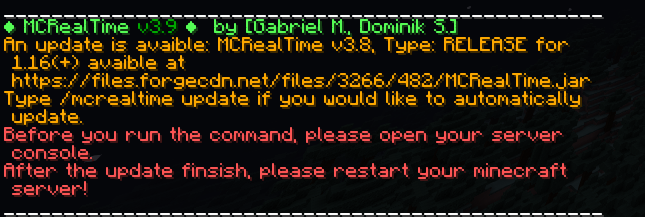
Update notification in console:

PS: With the example of update notification you see an old version in the most pictures because they wasn't neccessarly to update.
_______________________________________________________________
I wish you a lot of fun with my plugin!
Here is the source code: https://github.com/GabrielJanLukasM/MCRealTime
Dear Greetings,
Dev_Gabriel_M
©2018-2024 Gabriel Jan M. (Sapentiae)