MailboxGUI will no longer receive future release updates on CurseForge.
This CurseForge page is kept as an informational/legacy listing only. For the latest MailboxGUI downloads, release updates, bug fixes, compatibility updates, and current documentation, please use the official active distribution pages:
| Platform | Current Download Page |
|---|---|
| Modrinth | MailboxGUI on Modrinth |
| SpigotMC | MailboxGUI on SpigotMC |
| Official Website | MailboxGUI Downloads |
| Wiki | MailboxGUI Wiki |
If you installed MailboxGUI from CurseForge, please switch to Modrinth or SpigotMC for current versions.
Spigot / Paper / Purpur 1.18.2 - 1.21.11 + 26.1.x / 26.2.x
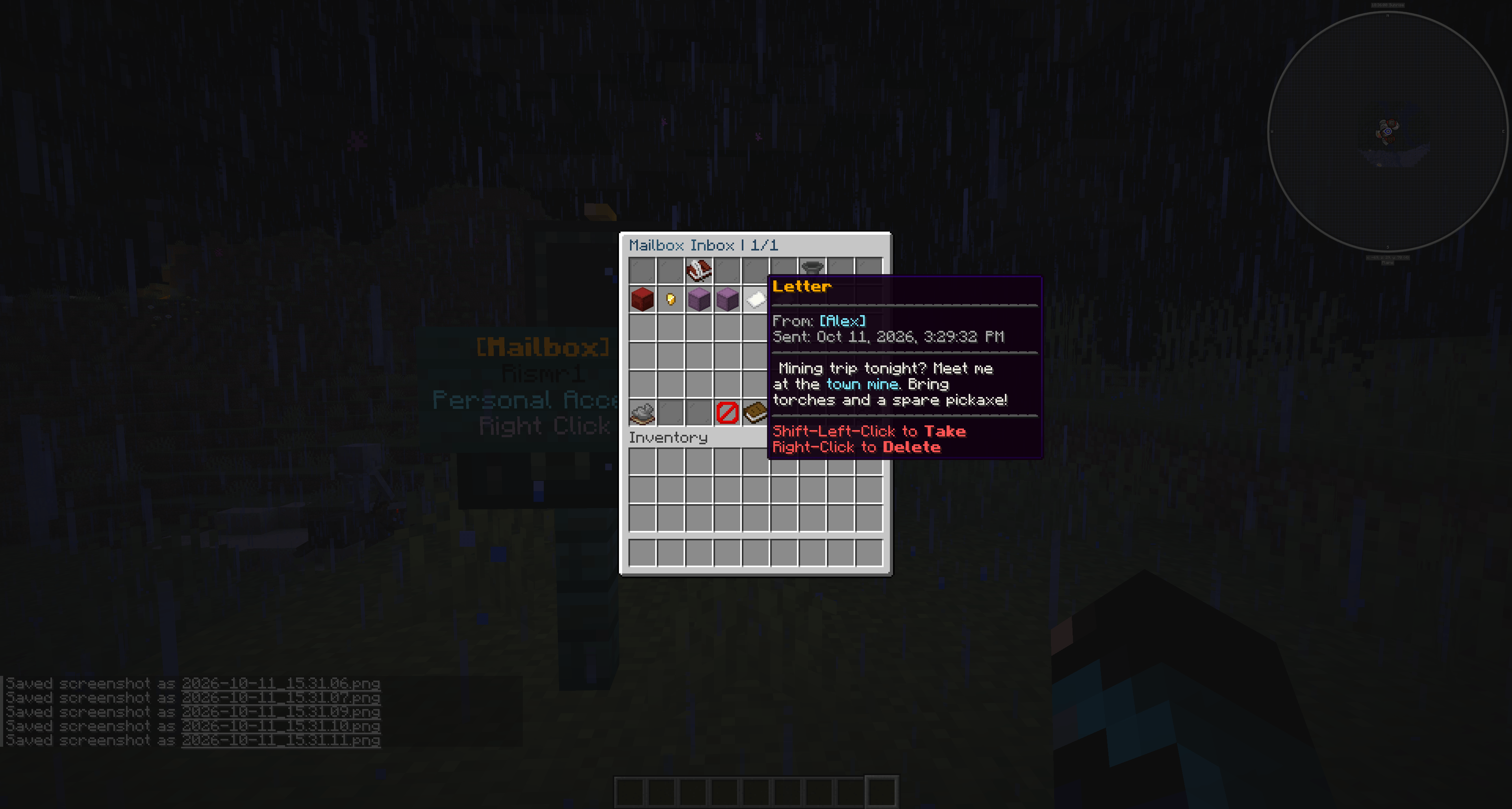
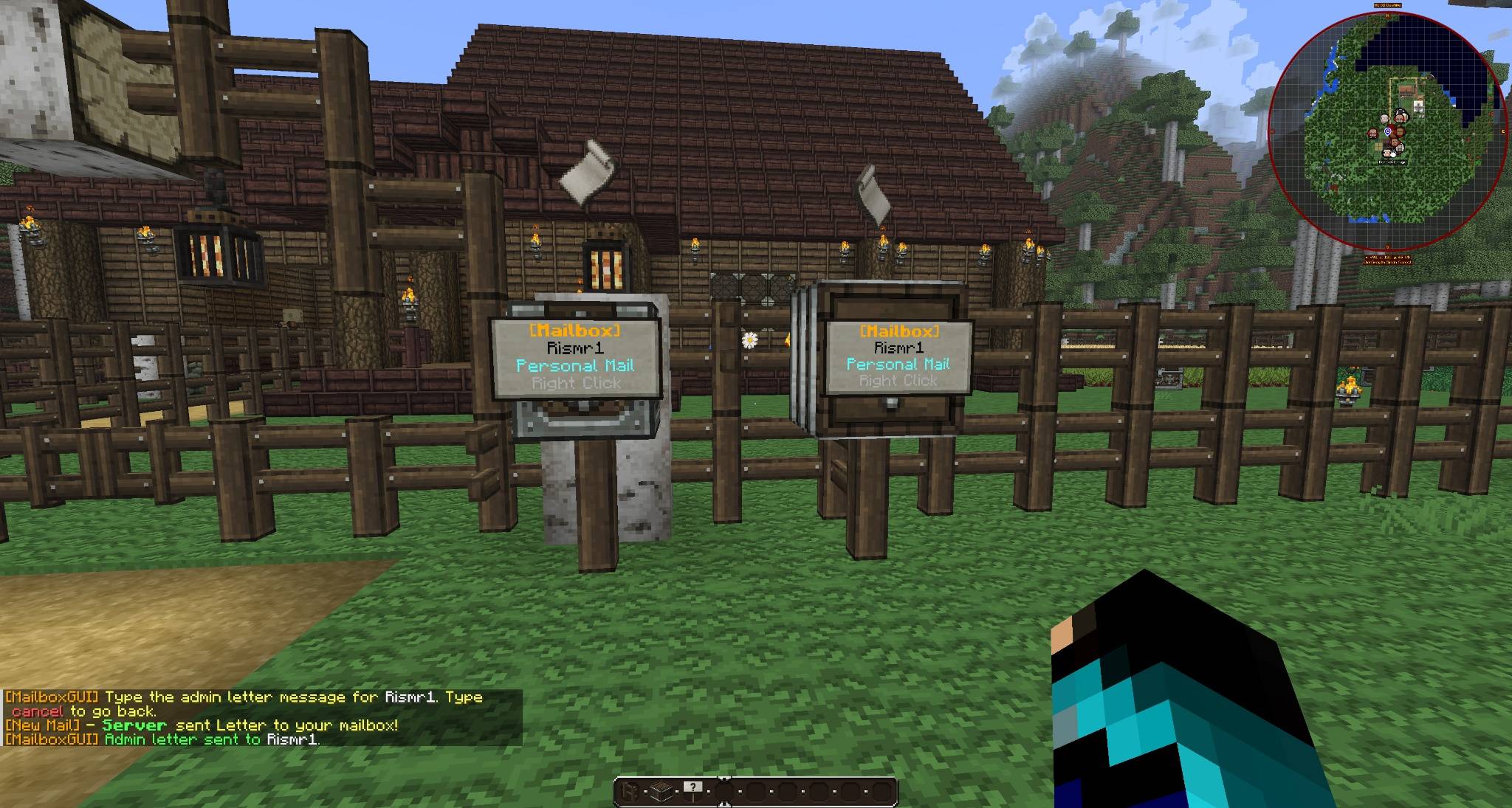
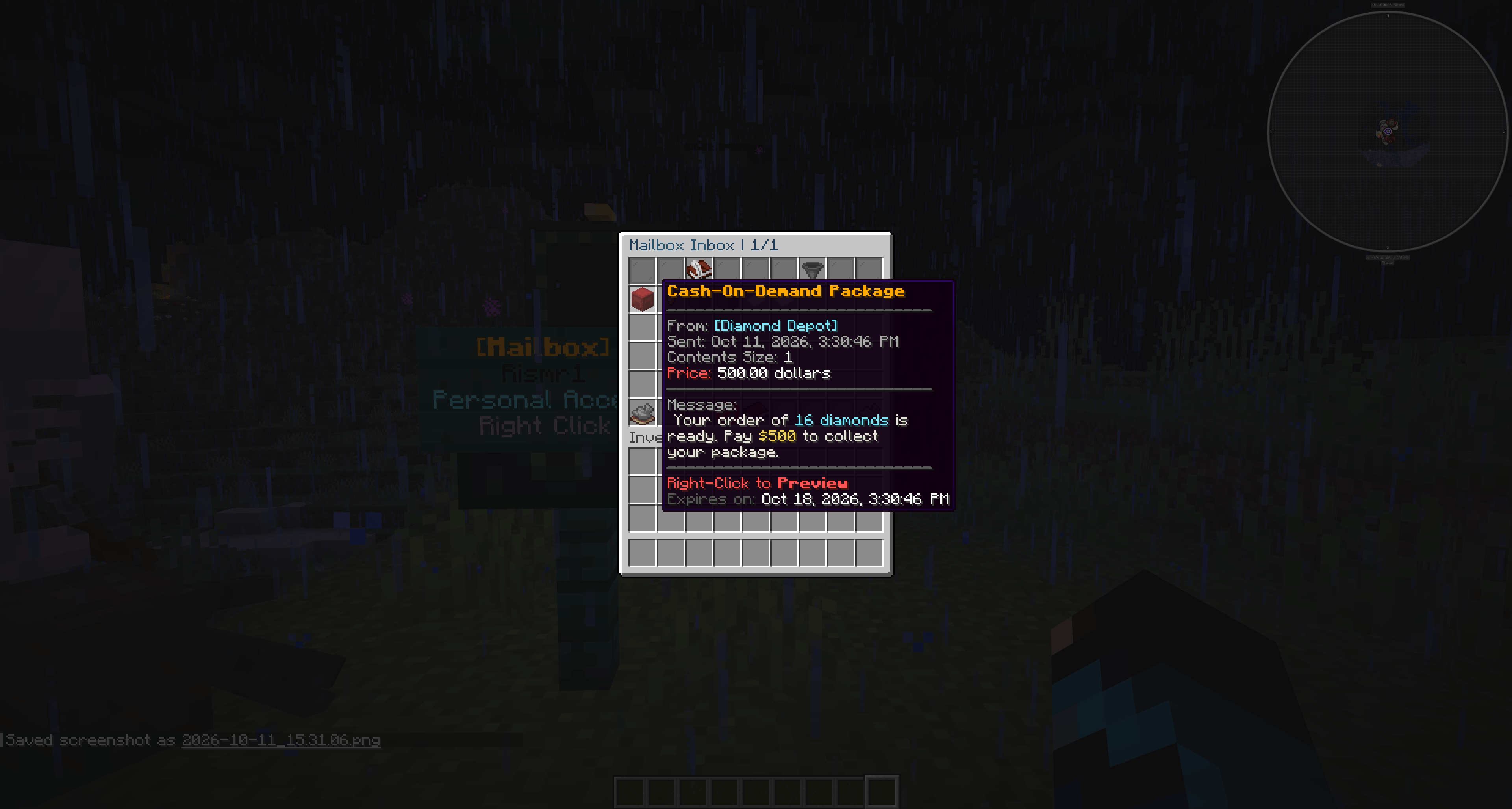
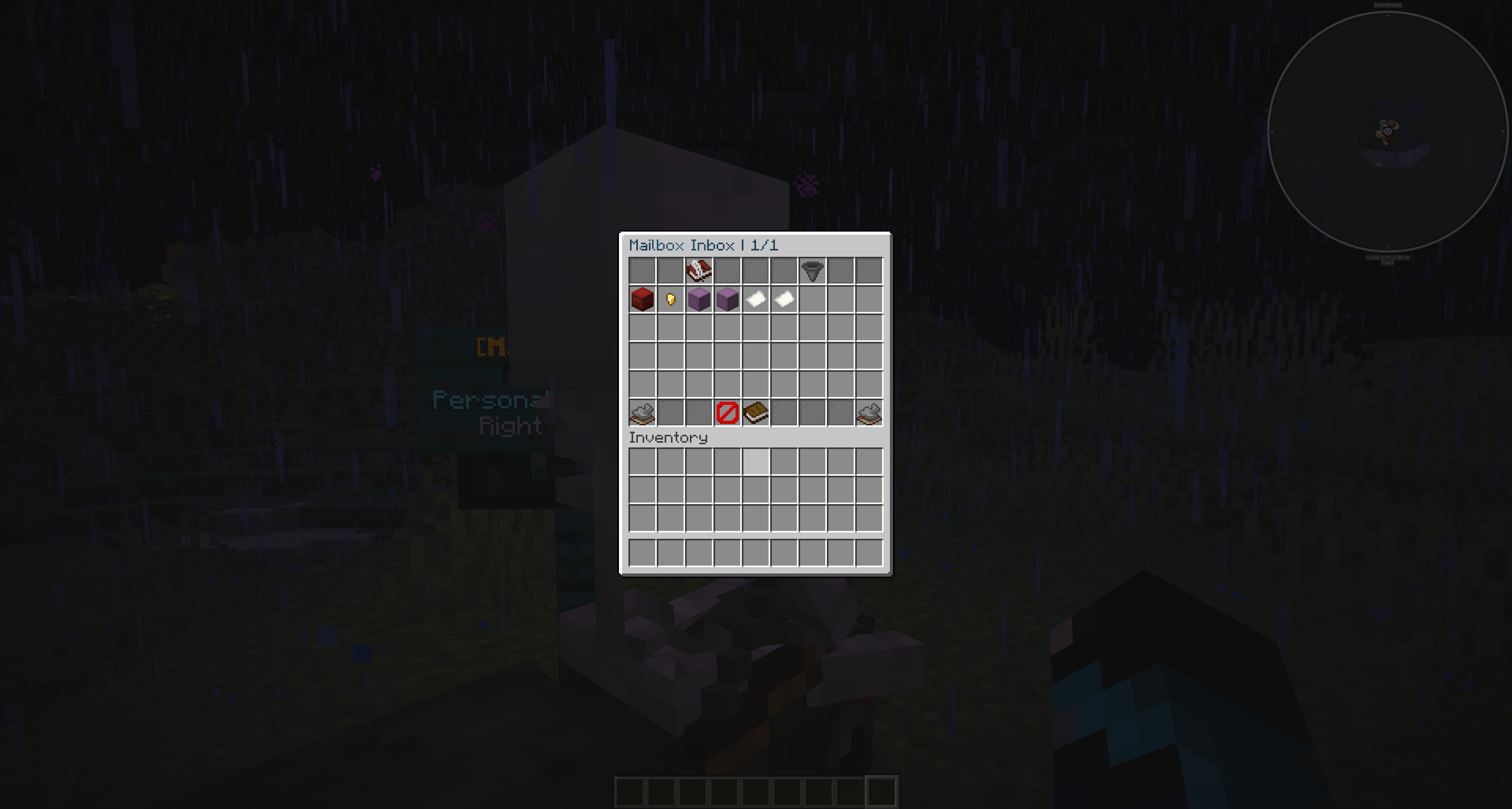
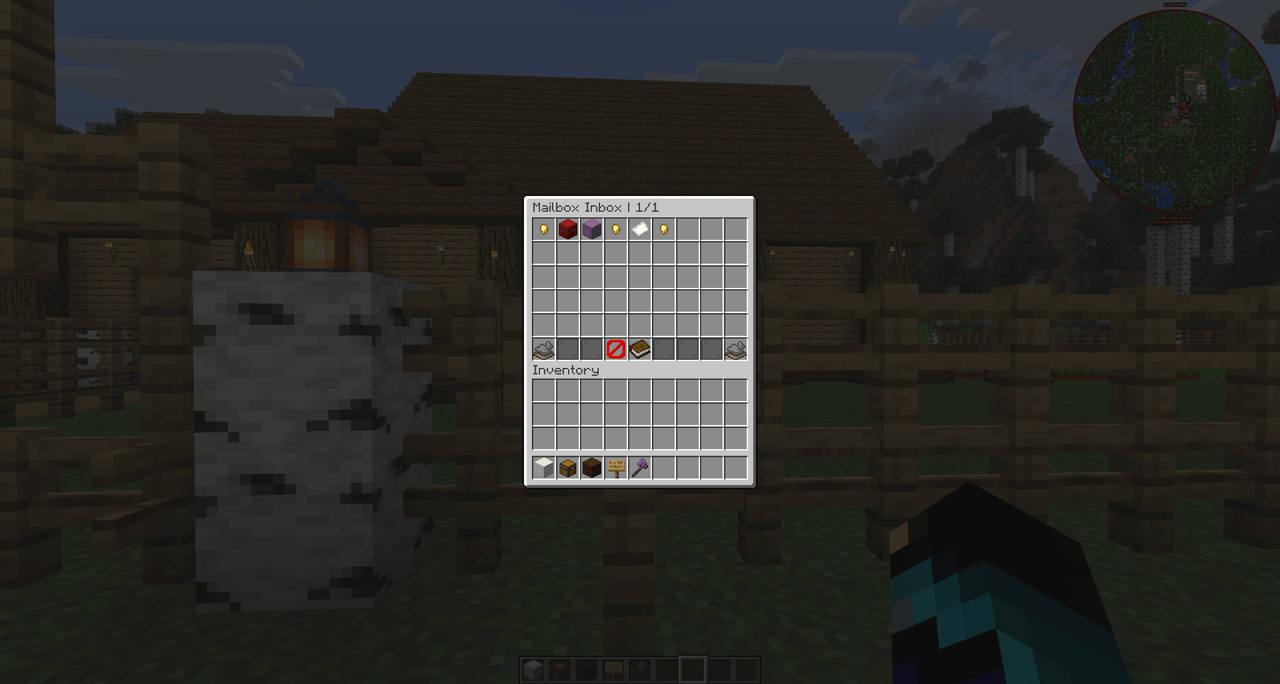
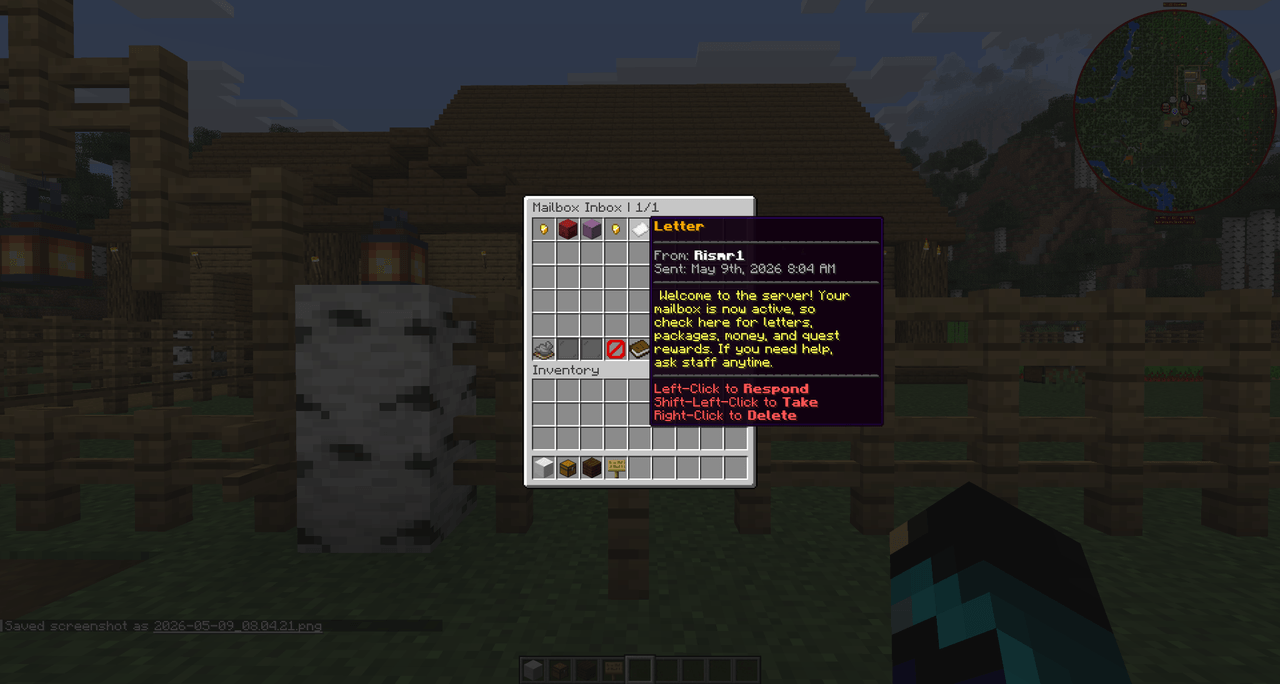
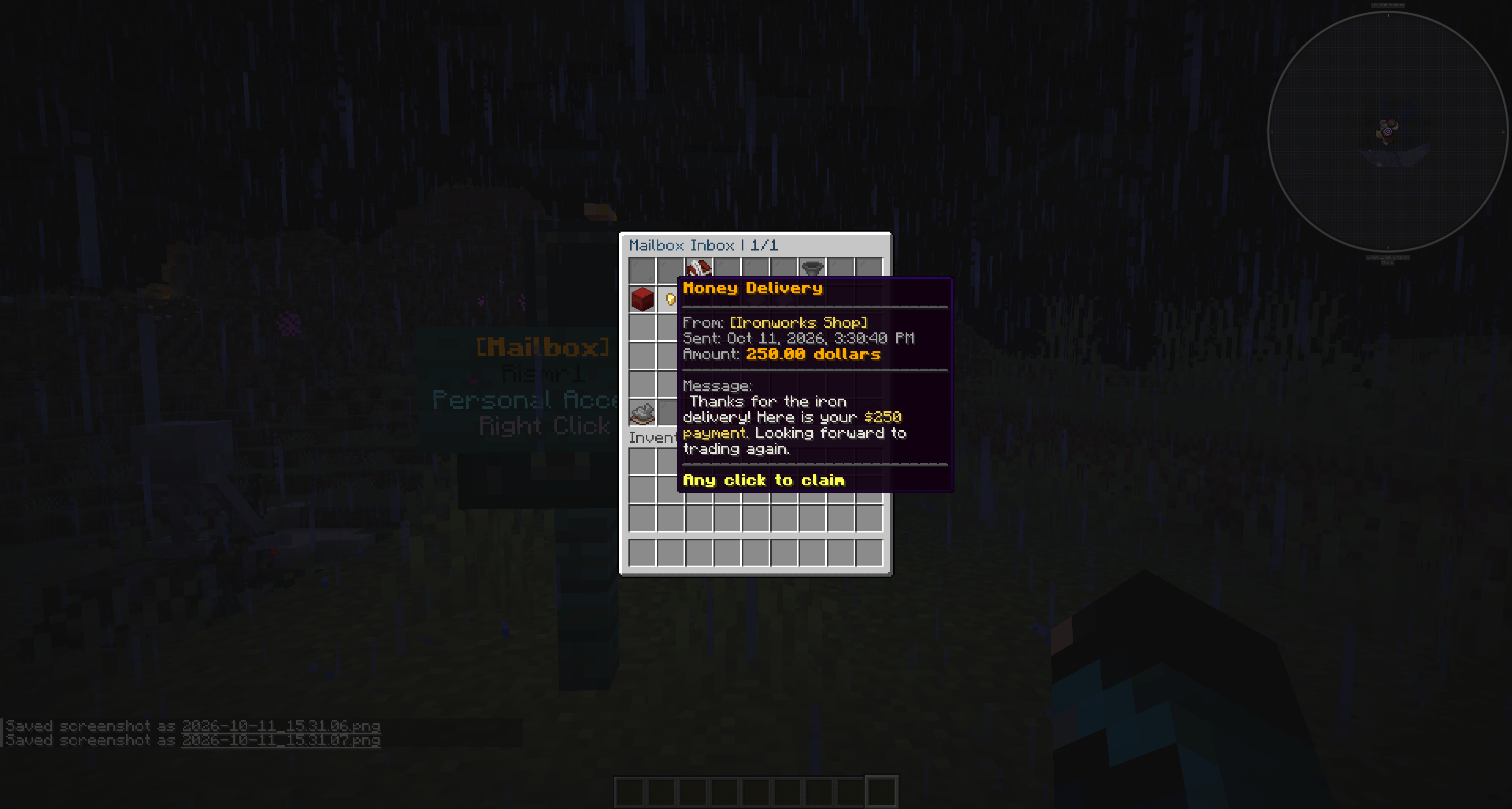
MailboxGUI is a complete GUI-based mail system for Minecraft servers. Players and admins can send Classic Letters, Book Letters, packages, package experience, Cash-On-Delivery packages, item-currency COD packages, and money mail through physical mailboxes, public Post Office boxes, Citizens Post Office NPCs, admin tools, commands, and a public API.
MailboxGUI is designed for survival, RPG, economy, roleplay, town/city, quest, multi-world, and networked backend servers that want a more immersive mail system than simple chat messages or direct item handoffs.
MailboxGUI 5.1.1 is the Vault2.0 Custom Currency and Language Update.
cancel, off, XP amounts, COD amounts, money amounts, typed recipient input, Book Letter drafts, admin prompts, and Post Office name prompts.zh_cn) language file.zh_hk) language support.zh_cn values can upgrade to the new bundled translation while preserving server-owner custom edits./mba clean so newer MailboxGUI-generated backup folders can be cleaned after the admin confirms the plugin is working correctly.MailboxGUI 5.1.0 was a major stable update for the 5.x network-ready release line. It added the new Book Letter system, expanded COD item-currency support, MailboxGUI API 5.1.0 updates, improved admin inbox tools, network-mode validation, and required compatibility support for Paper/Purpur 26.2.x.
/mba sla for admin/server Book Letter sending./mba tools inbox check Book Letter and package management behavior.zh_cn and new zh_hk language files.MailboxGUI 5.0.x added optional multi-backend network support with MySQL/MariaDB and Redis, network-aware admin tools, safer shared mail handling, player mailbox management, update commands, and MailboxGUI-DiscBridge support.
/mba networkindex to index backend playerdata into shared network lookup./mailbox unregister GUI with Selection Mode and Manage Personal Mailboxes./mailbox open and /mb open command access.CurseForge is no longer used for new MailboxGUI releases. Please use one of these active pages for current downloads:
| Platform | Current Download Page |
|---|---|
| Modrinth | MailboxGUI on Modrinth |
| SpigotMC | MailboxGUI on SpigotMC |
| Official Website | MailboxGUI Downloads |
GitHub:
https://github.com/Rismr1/MailboxGUI
Wiki:
https://plugins.imagine-craft.net/mailboxgui/wiki/
Discord Support:
https://discord.gg/kggbGwRt42
Issues / Feature Requests:
https://github.com/Rismr1/MailboxGUI/issues
MailboxGUI has detailed documentation on the official wiki, including setup guides, screenshots, command usage, permissions, storage conversion, economy setup, Post Office setup, Book Letter usage, COD item-currency usage, API notes, network configuration, DiscBridge setup notes, and troubleshooting.
MailboxGUI is actively maintained. If you need help, find a bug, or want to request a feature, join the Discord support server or open a GitHub ticket.
If MailboxGUI has been useful for your server, please follow and download the project on Modrinth or SpigotMC. CurseForge is no longer the active update channel for MailboxGUI.
Spigot/Paper/Purpur 1.18.2 through 1.21.11
Spigot/Paper/Purpur 26.1.x
Spigot/Paper/Purpur 26.2.x
Important 26.2 Note: MailboxGUI 5.1.0 or newer is required for Paper/Purpur 26.2.x compatibility. Older versions, including MailboxGUI 5.0.1, do not support 26.2.x sign updating correctly. Use MailboxGUI 5.1.1 or newer if you also need Vault2.0 custom currency support.
Important Dynmap Note: Dynmap marker support is currently not supported on 26.1.x or 26.2.x. MailboxGUI itself still works without Dynmap, and all core mailbox, inbox, Book Letter, package, COD, money mail, storage, API, and network features remain available.
Multiverse-Core Note: Multiverse-Core is not required. MailboxGUI uses Bukkit world/location handling and includes safe checks for missing or unloaded worlds.
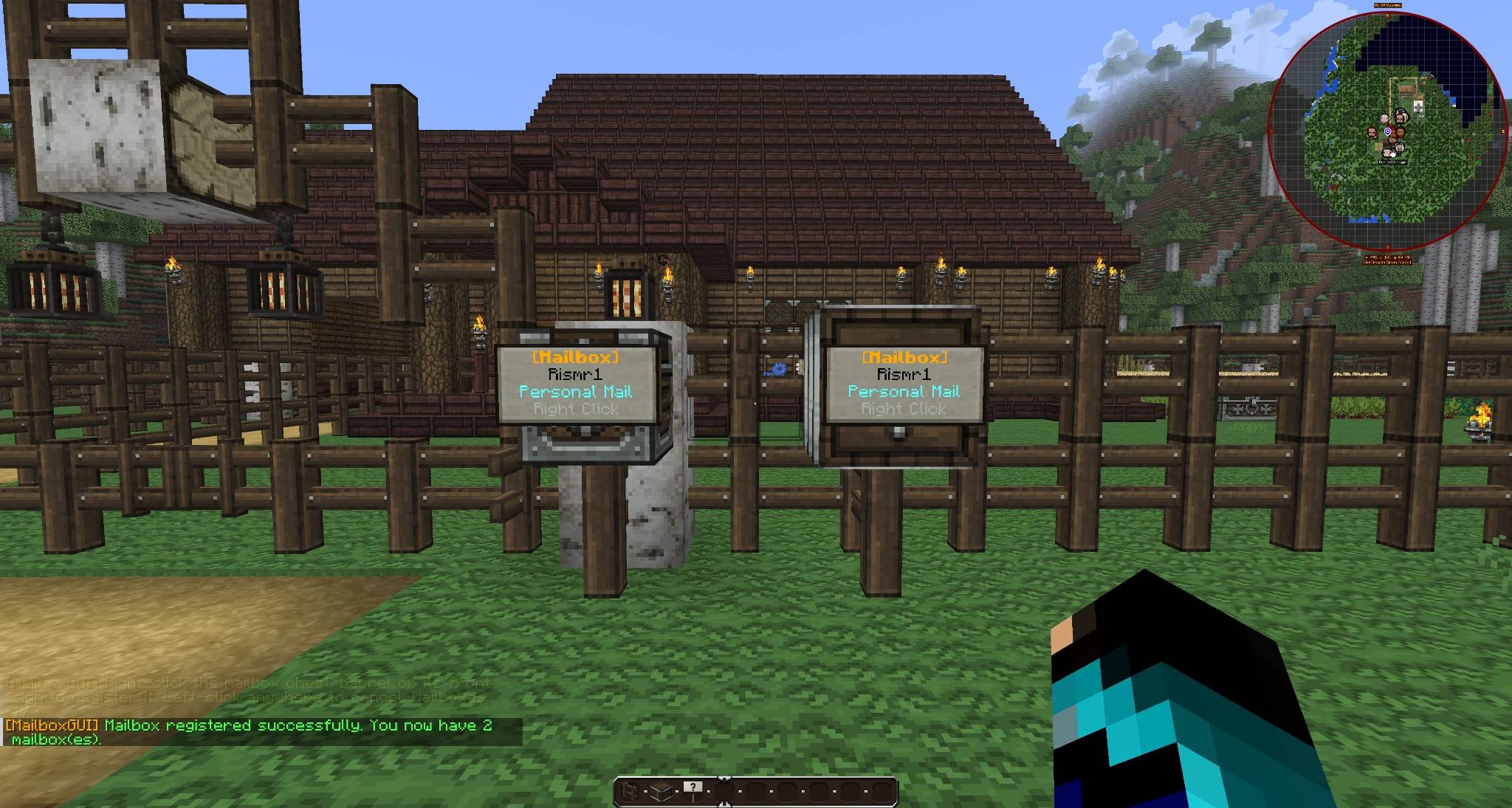
MailboxGUI is built around physical interaction points such as registered mailboxes, public Post Office boxes, and Citizens Post Office NPCs. Servers can also enable optional command-based mailbox access with /mailbox open or /mb open for backend servers or network setups where physical access points are not available.
A standard player mailbox uses:
Fence Post
Normal Single Chest OR Barrel placed on top
Sign attached to the front face of the chest/barrel
Players register the mailbox and use it as their personal mail access point. Multiple mailboxes per player are supported and configurable.
Valid player mailbox notes:
Post Office boxes are public mailbox access points. They are not assigned to one player. Any permitted player can open a public Post Office box to access their own MailboxGUI mail menu.
A public Post Office box can use:
Normal Single Chest OR Barrel
Sign attached to the front face of the chest/barrel
No fence-post base required
Post Office boxes are shared access points, not shared inventories. Opening one shows the opening player's own personal MailboxGUI mail menu.
Citizens NPCs can be marked as Post Office NPCs. Players right-click the NPC to access mail. Citizens is optional.
r:<returnPlayer> controls both accepted COD payment return and declined package content return.12, but can also safely parse formatted currency text such as 12 Coins, 12 Dollars, $12, 12.50, 1,000, or a custom Vault2.0 currency name.MailboxGUI works without Vault or an economy plugin. On non-economy servers, money and COD options are automatically hidden, creating a clean letters-and-packages mail system.
/mailbox check for new unchecked mail counts.MailboxGUI 5.1.0 adds Book Letters alongside Classic Paper Letters.
Players can send Book Letters through:
/mailbox
Send Mail
Letter
Book Letter
Select Recipient
Admins can send Book Letters through:
/mailbox admin tools
Send Mail
Letter
Book Letter
Book Letter behavior:
Admin command:
/mba sla <recipient[,recipient2]|allplayers|onlineplayers> '<message>' --title <title> [--from <sender>] [--delay <seconds>]MailboxGUI 5.1.0 expands COD package prices.
Supported examples:
100
diamond:4,gold_nugget:2,xp:100
100,diamond:3
t:rare_sword:1,xp:250
Supported price types:
COD item-currency payment mail uses a Purple Shulker Box display item.
MailboxGUI 5.x includes optional network mode for multi-backend server setups.
Network mode is useful for:
Velocity Note: MailboxGUI is installed on the backend servers that use mail. It does not need to be installed on the Velocity proxy itself.
Network mode requires:
MySQL/MariaDB shared storage
Redis
Unique server-id per backend
Same MailboxGUI version on every backend
Redis is used for cross-server refreshes, player presence, inbox state updates, paper notification updates, admin tool sync, reload requests, distributed safety locks, and network notification payloads.
Single-server servers should leave network mode disabled.
For full network setup instructions, use the wiki:
https://plugins.imagine-craft.net/mailboxgui/wiki/
In network mode, admin tools can show:
Status examples:
Admin removals, inbox edits, mail checks, signs, paper notifications, delayed mail, Book Letter flows, and COD item-currency flows sync safely across backend servers.
Typed recipient lookup is network-aware.
In network mode, MailboxGUI can use:
Use:
/mba networkindexon backends that have older local playerdata. This helps typed recipient lookup find legacy players who have not logged in since MailboxGUI network mode was installed.
MailboxGUI-DiscBridge is the official DiscordSRV notification addon for MailboxGUI.
It can send Discord notifications when MailboxGUI mail is delivered.
MailboxGUI 5.1.x Compatibility: For MailboxGUI 5.1.x, use MailboxGUI-DiscBridge 1.1.0 or newer. DiscBridge 1.1.0 adds support for Book Letter notifications, COD item-currency payment notifications, MailboxGUI 5.1.x codPriceText support, localized Discord message files, and player-selectable Discord DM languages. Use MailboxGUI-DiscBridge 1.1.1 or newer for the updated zh_cn and new zh_hk language files.
Features include:
For standalone servers, run MailboxGUI, DiscordSRV, and DiscBridge together on the same backend.
For Velocity-style networks, install MailboxGUI on every mail backend, but install DiscordSRV and DiscBridge on only one backend. Set DiscBridge to:
mode: NETWORK_NODEDiscBridge does not run on Velocity itself.
| Platform | MailboxGUI-DiscBridge Page |
|---|---|
| SpigotMC | MailboxGUI-DiscBridge on SpigotMC |
| Modrinth | MailboxGUI-DiscBridge on Modrinth |
MailboxGUI includes a public API and command-based sending tools for server automation and plugin integrations.
Optional player command mailbox access:
/mailbox open
/mb open
This feature is disabled by default and can be enabled with:
mailbox:
  command-open:
    enabled: true
Required permissions:
mailboxgui.player.use
mailboxgui.player.open
Useful for:
API and command integrations can send:
MailboxGUI 5.1.x includes delivery event metadata and network event support used by addon plugins such as MailboxGUI-DiscBridge.
API Maven dependency:
<dependency>
    <groupId>io.github.rismr1</groupId>
    <artifactId>mailboxgui-api</artifactId>
    <version>5.1.1</version>
    <scope>provided</scope>
</dependency>
Full API and command details are available on the wiki:
https://plugins.imagine-craft.net/mailboxgui/wiki/
MailboxGUI supports:
YAML
SQLITE
MYSQL
Fresh installs default to SQLite.
Older YAML installs are detected and kept on YAML unless the admin chooses to convert. This protects older servers from losing mail during upgrade.
Admins can check and convert storage with:
/mailbox admin convert current
/mailbox admin convert <YAML|SQLITE|MYSQL>

/mba convert current
/mba convert <YAML|SQLITE|MYSQL>
Storage conversion includes:
Network Mode Note: In network mode, storage conversion is disabled to protect shared mail data. Convert to MySQL before enabling network mode.
MailboxGUI includes active language files for:
English, German, Spanish, French, Swedish, Dutch, Italian, Japanese, Korean, Polish, Russian, Ukrainian, Simplified Chinese, Hong Kong Traditional Chinese, and Traditional Chinese.
MailboxGUI can use a player's Minecraft client locale when supported. Language files are upgrade-aware and are designed to preserve customized text while adding new keys and updating old default text when needed.
MailboxGUI 5.1.1 updates active bundled language files to file-version: 14 and adds messages_zh_hk.yml.
Chinese language files now include:
messages_zh_cn.yml
messages_zh_hk.yml
messages_zh_tw.yml
Special thanks to project supporter and contributor nice for providing the updated Simplified Chinese (zh_cn) language file and the new Hong Kong Traditional Chinese (zh_hk) language file.
MailboxGUI includes website-powered update commands for admins:
/mailbox admin updatecheck
/mba updatecheck
/mba update
/mba update confirm
The update command downloads and stages a valid newer jar for the next restart.
Network Mode Note: When network mode is enabled, the update command only stages the update on the backend where it is run. Admins must stage and restart each backend separately.
MailboxGUI is actively maintained, and support is quick. If you need help, find a bug, or want to request a feature, use Discord or open a GitHub ticket.
Discord Support Server:
https://discord.gg/kggbGwRt42
GitHub Issues:
https://github.com/Rismr1/MailboxGUI/issues
When reporting an issue, please include:
Special thanks to project supporter and contributor nice for the updated Simplified Chinese (zh_cn) and new Hong Kong Traditional Chinese (zh_hk) language files for MailboxGUI 5.1.1.
Author: Rismr1