Mineuniverse
Plugins
HitBox

HitBox

PLUGIN
HitBox
by _ForgeUser10760789
Download Claim this project
Add a badge to your pageLink to HitBox from a README, website or forum post.
Preview: Badge

Badges update automatically and link to the plugin page on MineUniverse.

6,848 downloads
0 likes
0 followers
Updated Oct 14, 2026
0 hypes
Follow0
Admin Tools Economy Fun General Informational
Advertisement Remove ads with Premium →

Hitbox

http://dev.bukkit.org/media/images/86/481/Hitbox_Banner.PNG Have fun with your own maps and play with your friends. Hitbox was inspired by the awesome Game Super Smash Bros. which was playable on the Gamecube, but it is different.

What is different ?

  1. We have added new Items
  2. The physics of the game mode were completely revised
  3. The stats will be saved
  4. And more

Features

  • Player stats will be saved.
  • Build your map, link the map, play the map You can build your very own Map and play Hitbox on it.
  • Supports German and English in game messages
  • You can summon a Villager as a "LobbySelector" or type /lobby it will open a menu were you can choose your lobby
  • The lives you will have are adjustable in the configuration file
  • The Damage you would normally get will be credited in percent
  • If you walk of fall into lava you are instant dead
  • In the Arena you can use a DoubleJump

Commands/Permissions

CommandPermission
hb lobbyhitbox.user.lobby
hb quithitbox.user.quit
hb reloadhitbox.admin.reload
hb setinmapspawnhitbox.admin.setinmapspawn
hb setvillagerhitbox.admin.setvillager
hb invite <Player>hitbox.mod.invite
hb createmap <mapname> <SchematicName> <ArenaName>hitbox.admin.createmap
hb statshitbox.user.stats.self/hitbox.user.stats.other
(v1.1.4)hb set <map> <flag: max_players/round_time/lives> <value> <Player>hitbox.admin.settings

How to setup

  1. Download and install WorldEdit and WorldGuard
  2. Drag the Hitbox.jar into the "plugins" folder
  3. Reload the server and you are good to go

How to setup an arena

  1. Build a good Map
  2. Create a worldedit Schematic and save it.
  3. Create a new World like this - > /createmap <worldname> <schematicName> <arenaName> eg.:(/createmap hitbox_01 arena1 &cThe_Village)
  4. /setinmapspawn- right click to set a Spawn left click to cancel the selection mode.

Tutorial

How to setup:

Game review: Video coming soon...

Goals

  • 100 Downloads [x]
  • 200 Downloads [x]
  • 300 Downloads [x]
  • 500 Downloads []
  • 1000 Downloads []
  • 2000 Downloads []
  • 5000 Downloads []
  • 10000 Downloads []

Buggs/Recommendations

Please write a comment below

Pictures

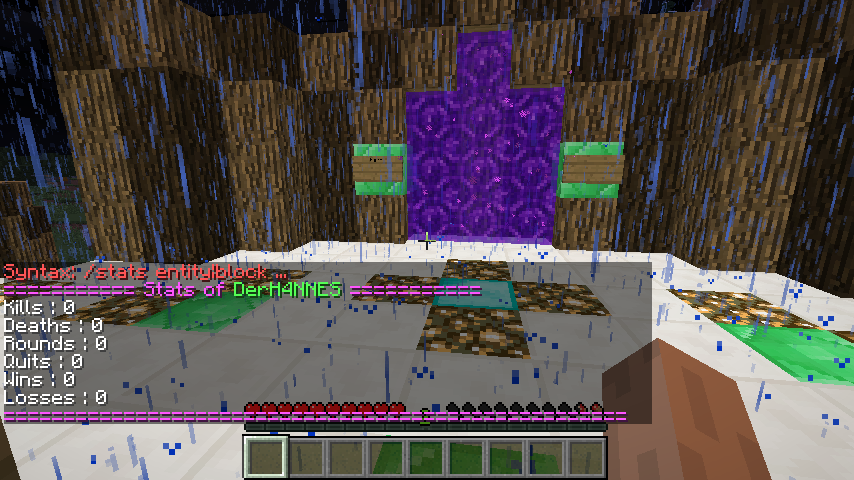
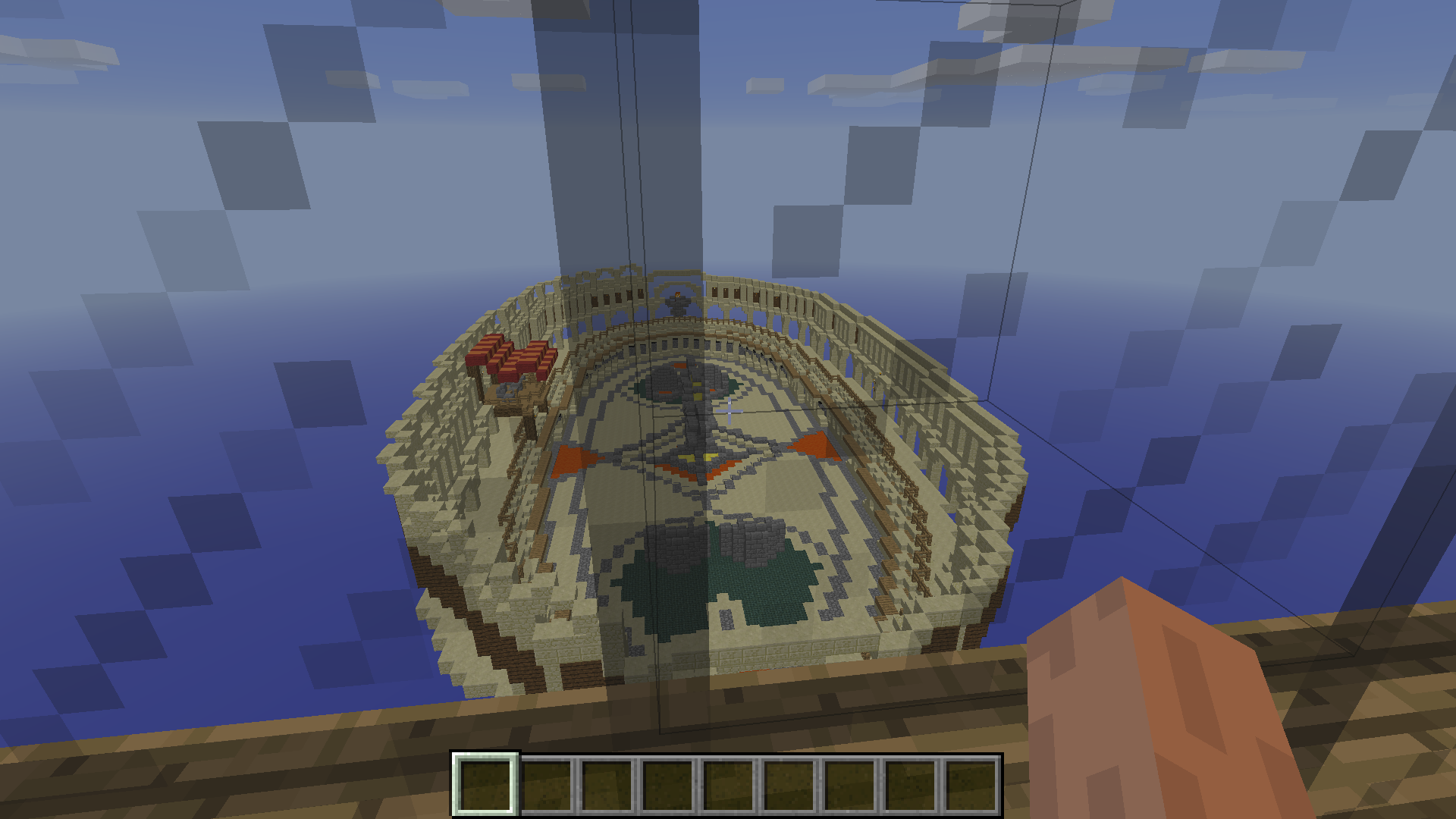
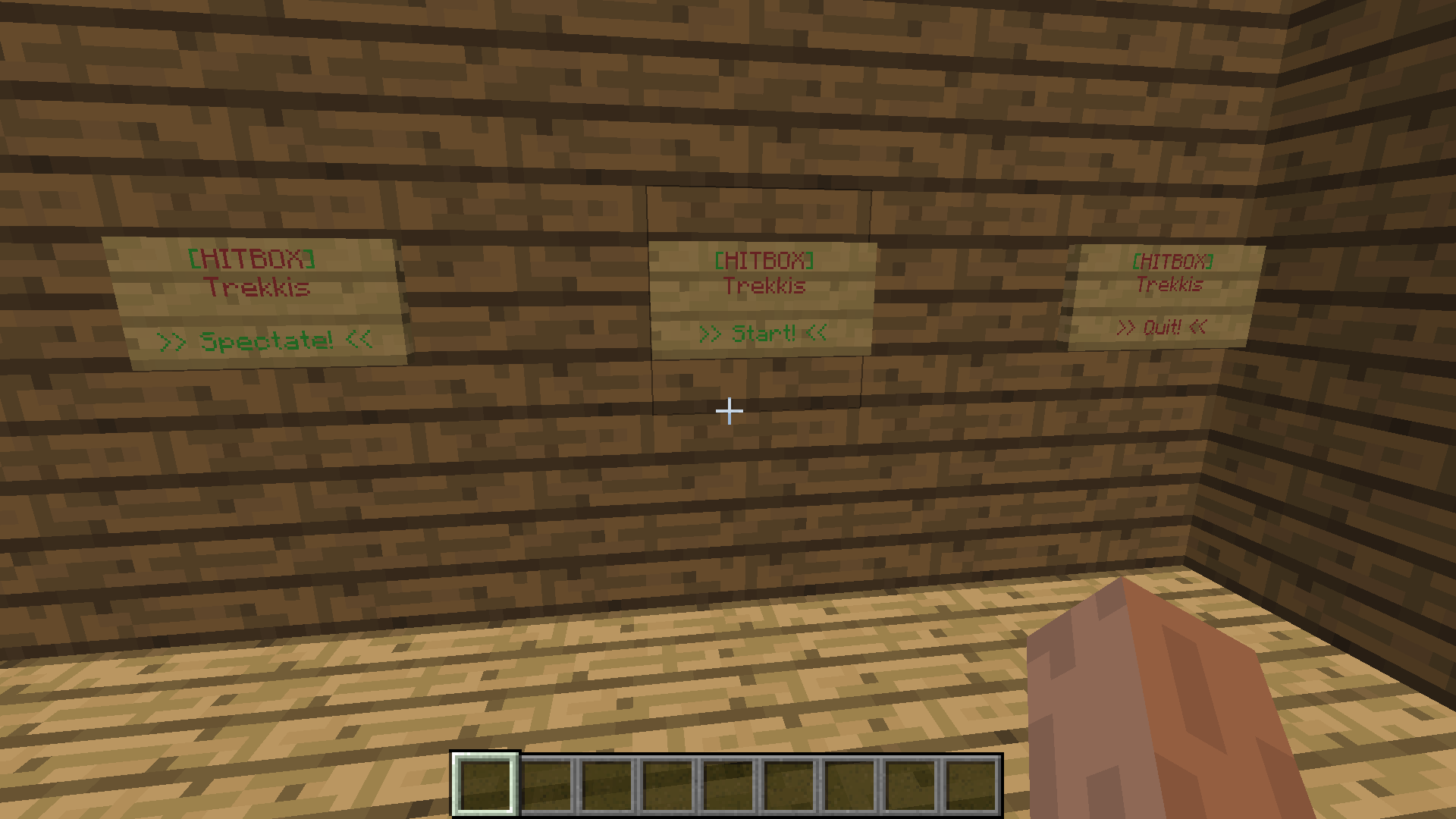
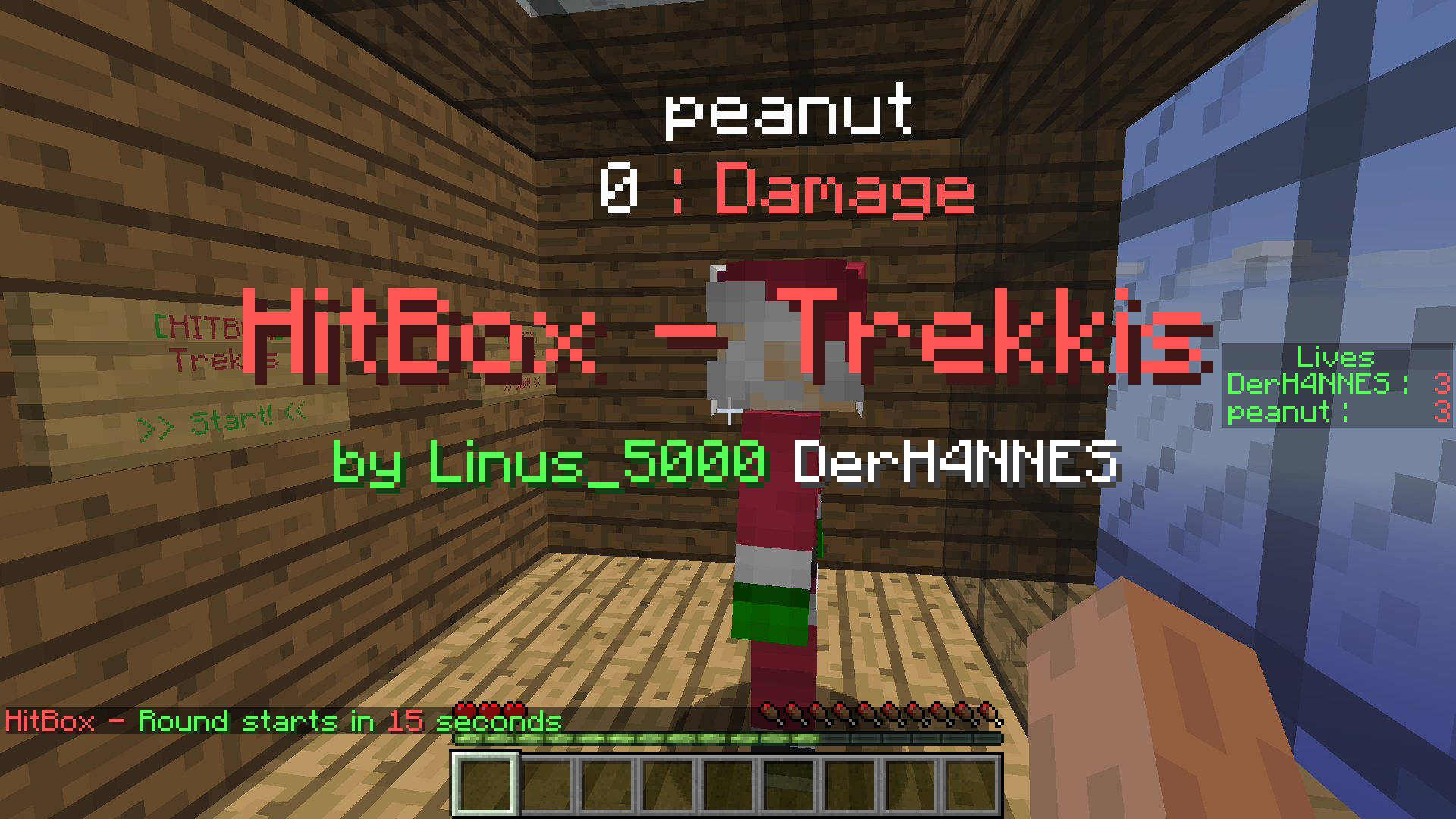
http://dev.bukkit.org/media/images/86/476/2015-11-01_19.55.20.png http://dev.bukkit.org/media/images/86/420/2015-10-29_17.06.08.png http://dev.bukkit.org/media/images/86/421/2015-10-29_17.05.05.png http://dev.bukkit.org/media/images/86/422/2015-10-29_17.06.59.png http://dev.bukkit.org/media/images/86/423/2015-10-29_17.04.55.png

To do

  • Partysystem
  • Rewards

Donate

Help us developing this plug-in

http://paypal.com/favicon.icoPayPalDonation link
hitbox[1.8.8] v[1.1.5.1]
MC 1.8.1
Beta 2015-11-19 Get
HitBox V.1.1.5 [1.8.8]
MC 1.8.1
Release 2015-11-15 Get
Hitbox 1.1.4
MC 1.8.1
Release 2015-11-04 Get
Hitbox Release 1.1.1
MC 1.8.1
Release 2015-11-01 Get
Hitbox Release 1.1.3
MC 1.8.1
Release 2015-11-01 Get
Hitbox Release 1.1
MC 1.8.1
Release 2015-10-31 Get

More from _ForgeUser10760789

Advertisement Remove ads with Premium →

You Might Also Like