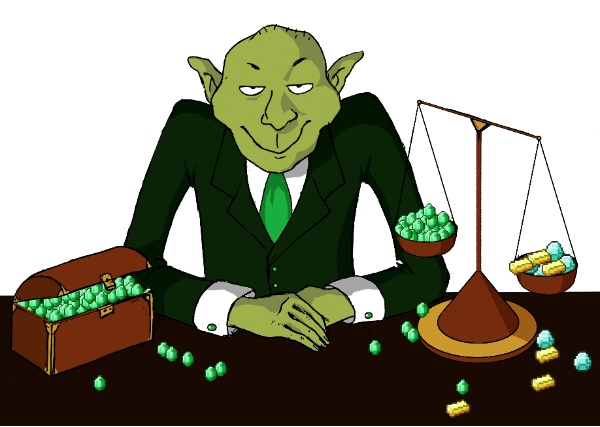
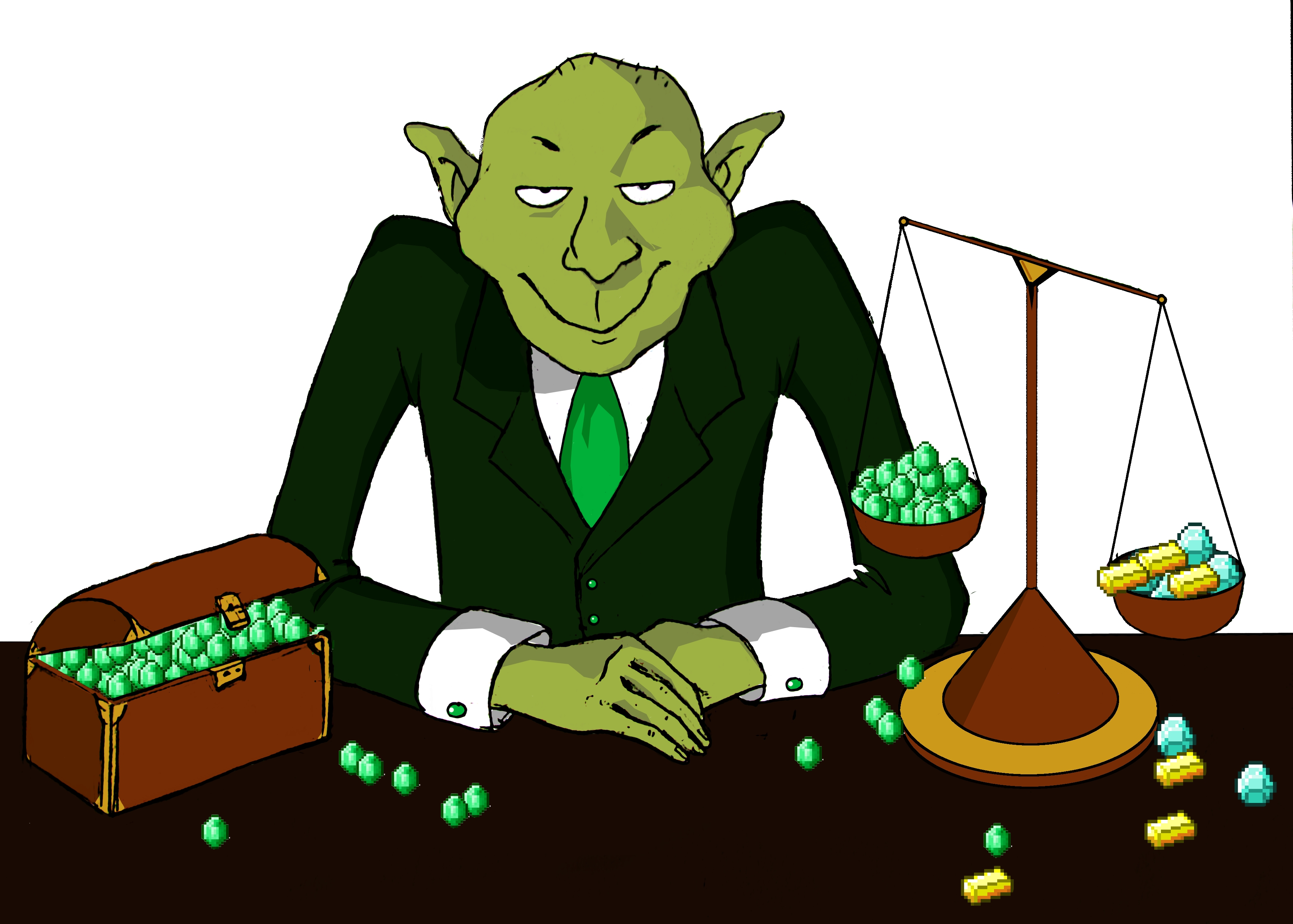
Gringotts is an item-based economy (currency) plugin for the Bukkit Minecraft server platform. Unlike earlier economy plugins, all currency value and money transactions are based on actual items in Minecraft, per default emeralds. The goals are to add a greater level of immersion, a generally more Minecraft-like feeling, and in the case of a PvP environment, making the currency itself vulnerable to raiding.
Gringotts was originally created for the Minecraft Wars PvP/survival server.
To get notified of new versions, please subscribe to file updates.
named-denominations config setting. By default this will use the denomination's displayname or regular item name, but you can define a custom name as well. See configuration instructions for details.& prefix to color codes in messages and item displayname/lore in addition to the default § prefix./money commands failing on some servers.startingbalance config option works againSee: Gringotts open enhancement issues on GitHub. You're welcome to vote on enhancements important to you, but I might not have the time to implement them.
Check out the Gringotts Wiki for more hints and a troubleshooting guide.
Download Gringotts and place it in your craftbukkit/plugins folder.
Please see the Configuration and Permissions document on how to configure Gringotts.
For full information on configuration and usage in Gringotts v2.x, please see the configuration page and the usage page respectively.
Storing money in an account requires a Gringotts vault. A vault consists of a container, which can be either chest, dispenser or furnace, and a sign above declaring it as a vault. A player or faction may claim any number of vaults. Vaults are not protected from access through other players. If you would like them to be, you may use additional plugins such as LWC or WorldGuard.
Place a sign above a container block, with [vault] written on the first line. If it was created correctly, the sign will display your name on the third line and you will receive a message that the vault has been created.
Place a sign above a container block, with [faction vault] written on the first line. If it was created correctly, the sign will display your faction's tag on the third line and you will receive a message that the vault has been created.
[town vault] written on the first line. [nation vault] written on the first line.
If it was created correctly, the sign will display your town's or nation's tag on the third line and you will receive a message that the vault has been created./money
Display your account's current balance.
/money pay <amount> <player>
Pay an amount to a player. The transaction will only succeed if your account has at least the given amount plus any taxes that apply, and the receiving account has enough capacity for the amount.
/money withdraw <amount>
/money deposit <amount>
Withdraw an amount from vault storage into inventory, or deposit from inventory to a vault.
/moneyadmin b <account>
Get the balance of a player's account.
/moneyadmin add <amount> <account>
Add an amount of money to a player's account.
/moneyadmin rm <amount>
Remove an amount of money from a player's account.
/gringotts reload
Reload Gringotts config.yml and apply any changed settings.
Also, follow me on twitter: @ebenwert
Gringotts is open source. View, fork and edit on Github
CI Status:  Current Development builds
Automatic Release builds
Current Development builds
Automatic Release builds
CI Builds have not been review by BukkitDev staff. Install at your own risk, just like anything else from the internet.