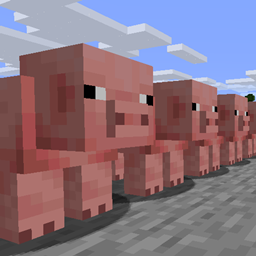
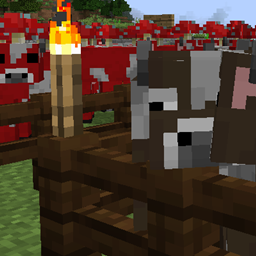
FarmControl allows you to limit and govern certain aspects of mob farms on your server.

To install the plugin, simply place the downloaded jar into your plugin directory.
Be sure to configure the plugin by looking through its `config.yml` and `profiles.yml`, both located in the FarmControl folder of your plugin directory. By default, the plugin will only remove the random movement capabilities of and disable collisions for mobs in animal farms.
There is much to configure with this plugin. See the config.yml and profiles.yml configuration files located in the FarmControl folder of your plugin directory.
For help with making profiles, please visit the wiki.
To run the command /farmcontrol <subcommand> the user will require farmcontrol.command.<subcommand>.
This plugin uses bStats to collect some (non-identifying) data about the servers running this plugin. You can opt-out by editing the config.yml in the bStats folder located within your server's plugin directory.