Badges update automatically and link to the plugin page on MineUniverse.
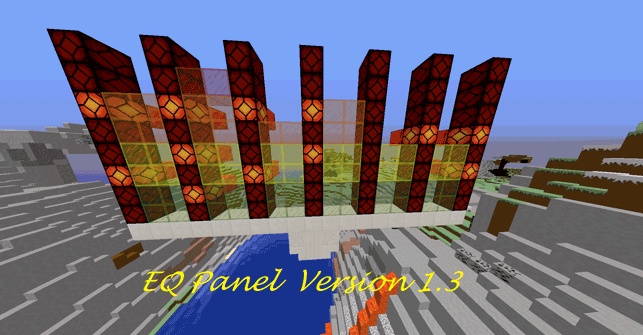
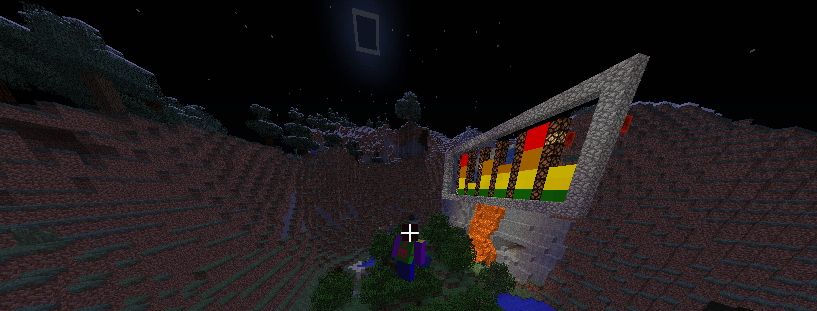
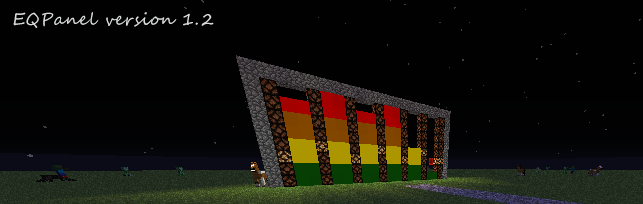
Ever wanted to have an animated graphic equalizer in your world? EQPanel allows you to create a panel that imitates graphic equalizer display. This plugin is like an off-the-self product that you can just put it in your desired world and build any frames around it or put your own background touch to it. The frame comes with Redstone lamp, so you can power it with your own Redstone technology to your heart content.
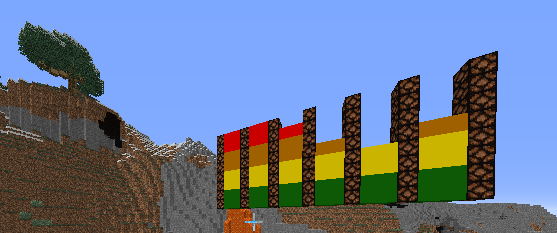
There are four EQPanels that you can work with. You can create an EQPanel where you are standing. If you are not satisfied with the location you can move it to other location and tell it to move to where you are or simply just remove it. From version 1.2 on, each panel can be set from East to West or North to South direction (the default is from East to West). You are able to start, to stop the animation for each EQPanel, independently. You can now select four different materials for your display, glass, clay, wool, glasspane. For example, if you want to create the equalizer 1 and start it. Then, create equalizer 2, start it and stop equalizer 1, but leave the equalizer 2 running. The following commands will help you achieve the purpose.
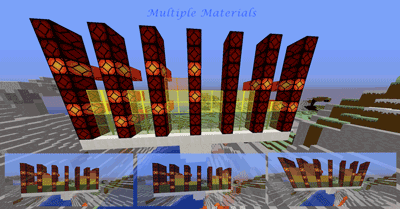
There is really only one command with the following options; clear, create, ew, move, ns, reload, remove, start, stop, 1, 2, 3, 4 and ?.
To create the panel at the position where you are standing.
To move the panel to the position you are standing.
To reload the configuration file for EQPanel.
To remove the panel.
To pretend that no signal is detected (all bars remain at the zero level).
To start the animation of the panel.
To stop the animation of the panel.
To select the equalizer number 1.
To select the equalizer number 2.
To select the equalizer number 2.
To select the equalizer number 2
To set panel from East to West direction.
To set panel from North to South direction.
To find out which equalizer is currently selected and ready for your next command.
To change the material to glass.
To change the material to clay.
To change the material to wool.
To change the material to glass pane.
eqpanel.use
The default configuration will work just fine because when you issue /eqpanel create/move/remove, the plugin will automatically update the config.yml for you. So, all you have to do is to put the EQPanel.jar in the plugins folder.
Compatible with all 1.7 - 1.8 Versions