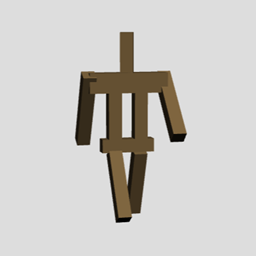
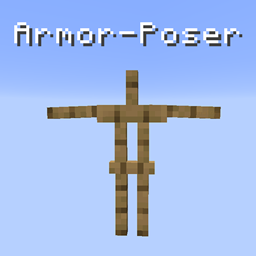
After customizing your armorstand, the command will look something like this: /summon armor_stand ~ ~-0.5 ~ {ShowArms:1b,Small:1b,Marker:1b,Rotation:[17f],Pose:{Head:[3f,16f,0f],LeftLeg:[12f,0f,0f],RightLeg:[326f,0f,0f],LeftArm:[316f,0f,0f],RightArm:[27f,0f,0f]}}
The part in brackets is the important part. It shows you the attributes of the armorstand you want to change.
To change an attribute, first rename a nametag to ;armorstand;attribute:value or in the case of multiple values ;armorstand;attribute:value,value,value
Example: To make the armorstand small, first find the attribute and value (Small:1b), then rename the nametag (;armorstand;Small:1b) Example: To change the positioning of the left leg, first the attribute and value(LeftLeg:[12f,0f,0f]), then rename the nametag (;armorstand;LeftLeg:12f,0f,0f)
Right click the armorstand with your nametag
Install:
Download and move the .jar file into your plugins folder