Hiding scripts is no longer possible from Minecraft 1.16 due to changes in item lore formatting
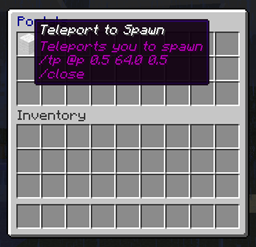
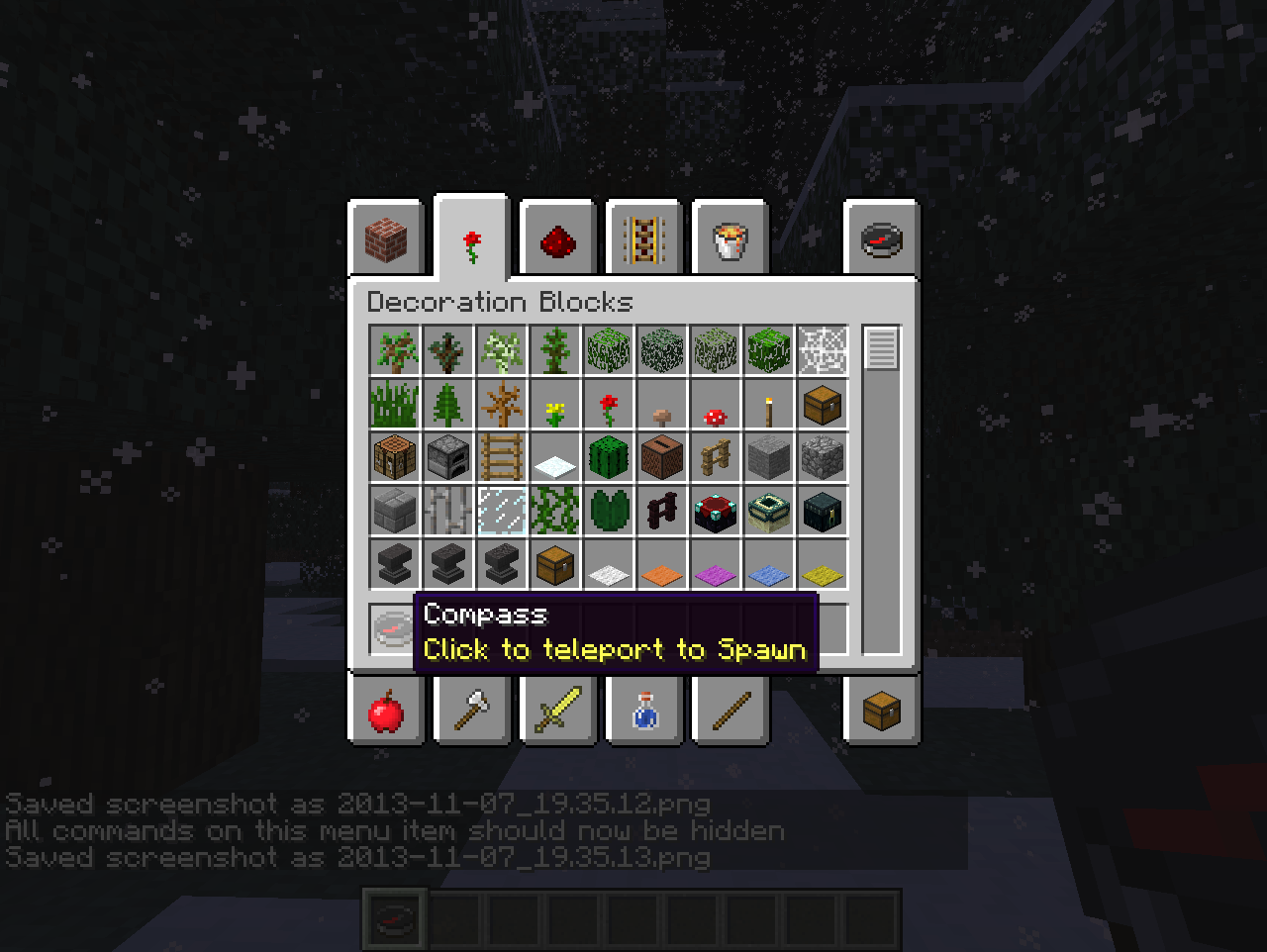
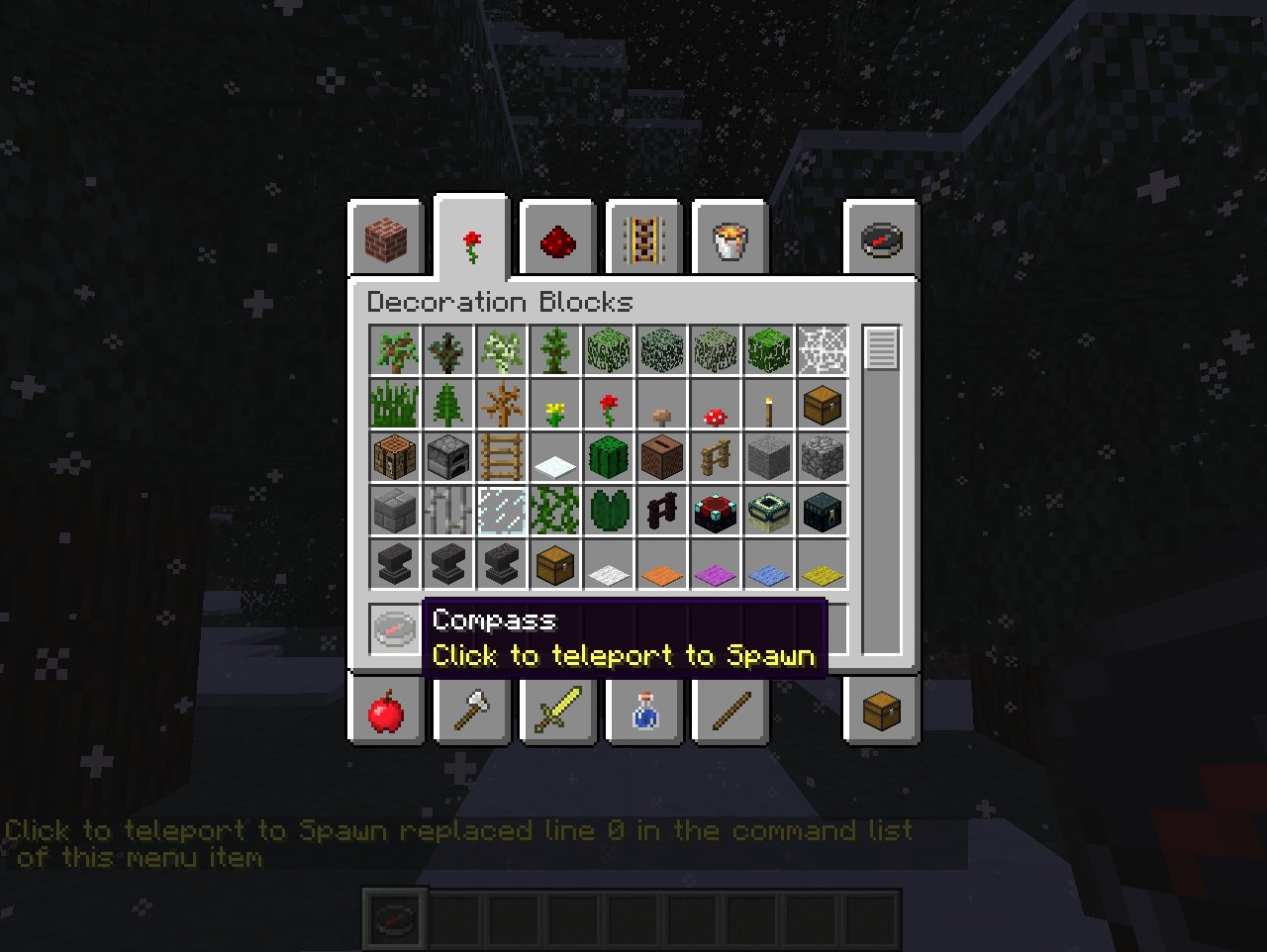
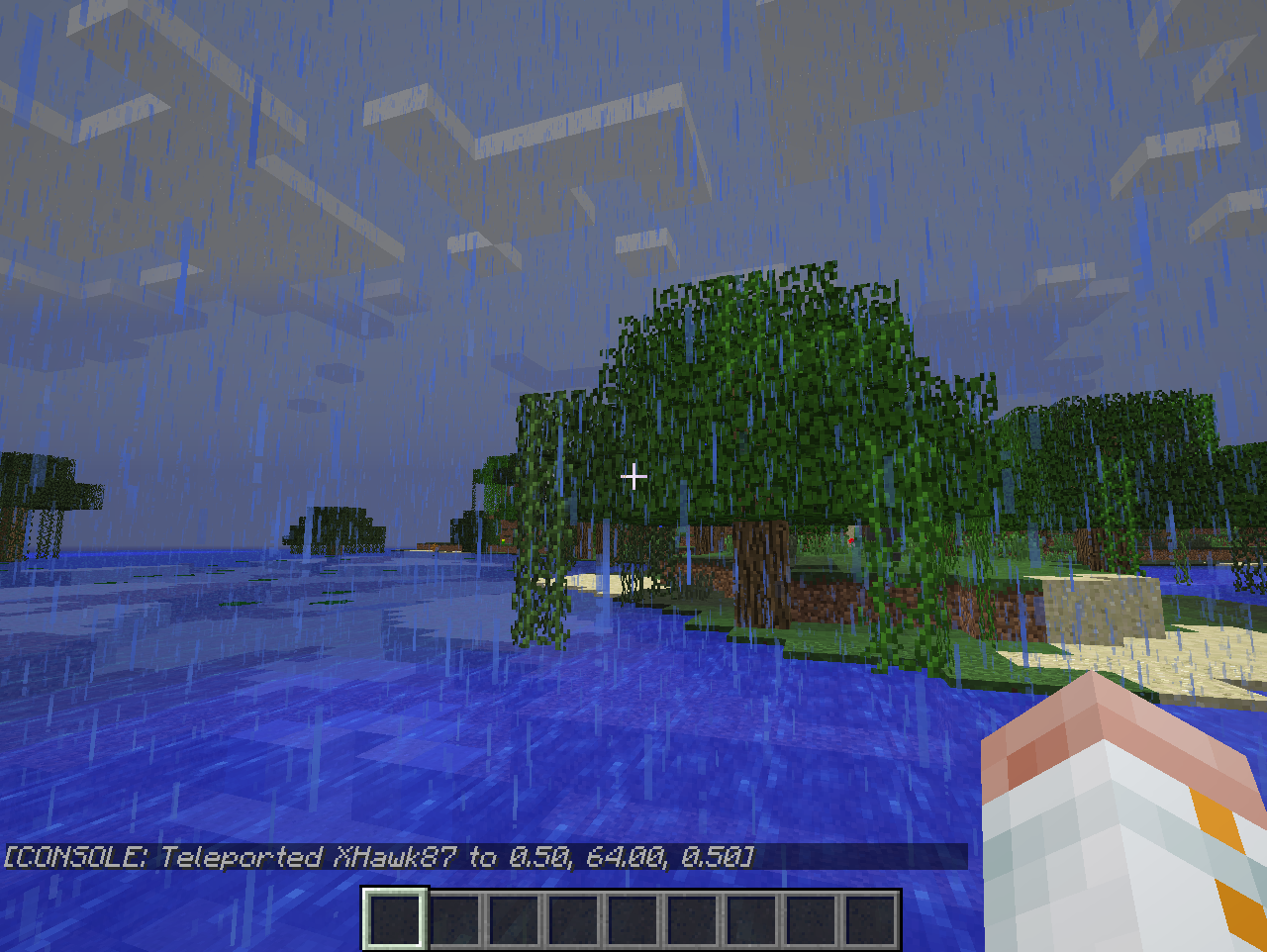
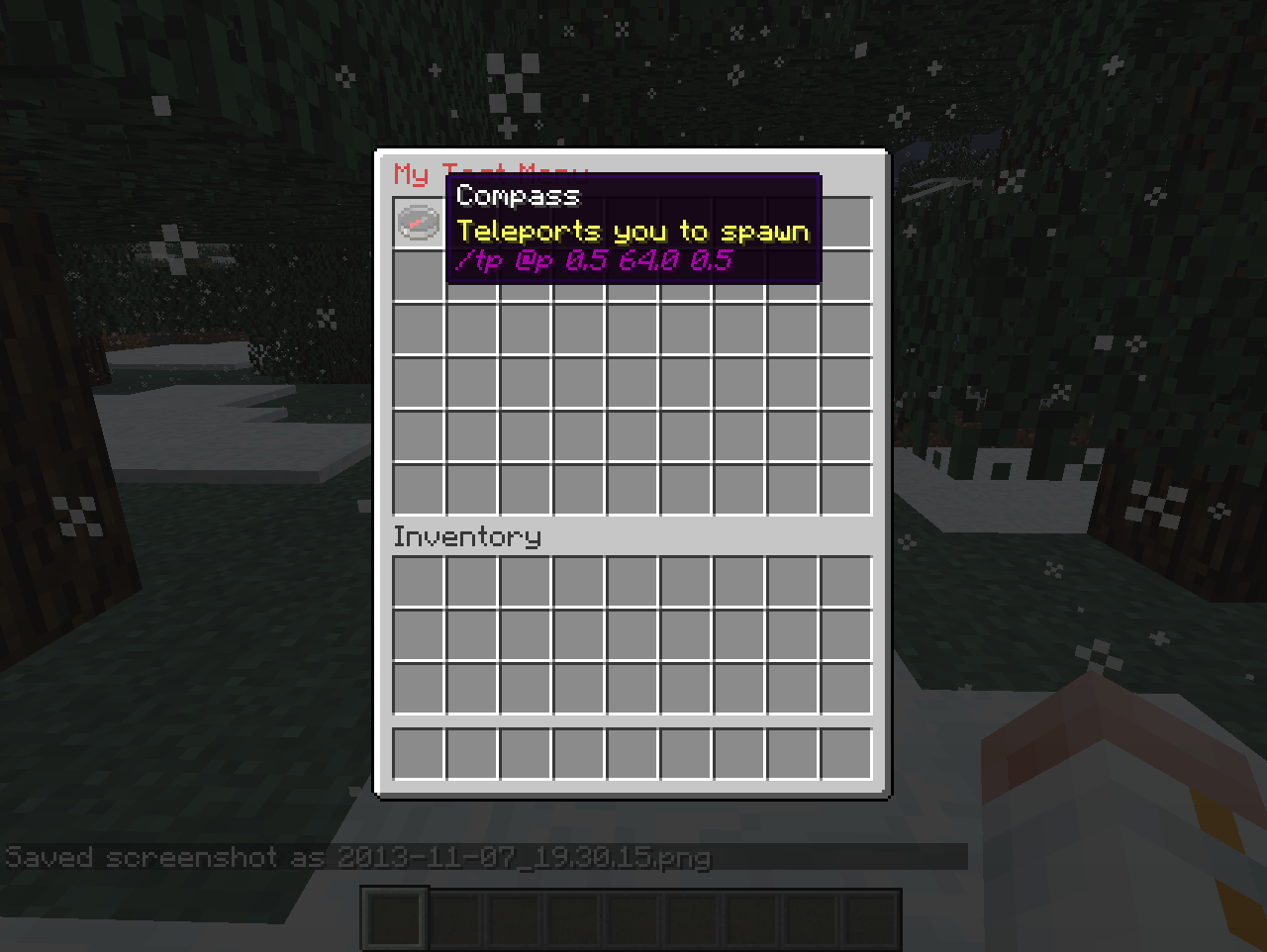
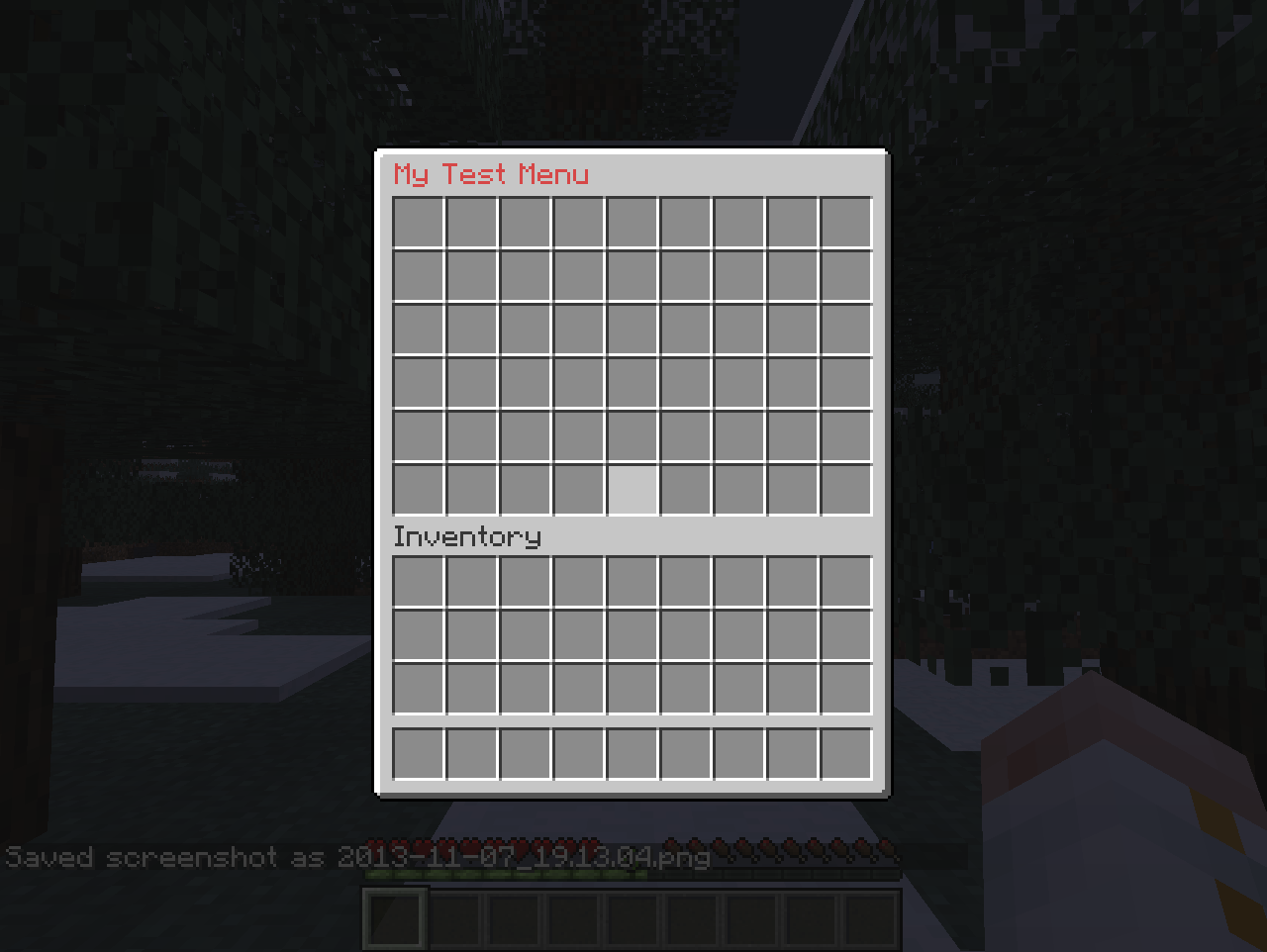
As the name suggests, this plugin allows you to create your own menus. The menus are based on inventories, with each slot holding a clickable menu item. When a player clicks on a menu item, it performs all of the commands listed in the item's lore (the text underneath its name) in a similar manner to command blocks. You can design the menu in-game by selecting any item, naming it in an anvil, modifying its lore using a command, and using commands to create and open a menu for editing to place it anywhere in the inventory that you wish. You can modify your menus any time you want.
Thanks to TheMobCave for providing the video tutorial. Please like and subscribe!
The video tutorial was of CreateYourOwnMenus v0.2, so the latest version has even more features! One major change is that the /menu script command now has sub-commands. E.g. /menu script add [text] instead of /menu script [text]. As well as: insert, delete, replace, clear, show and hide.
Screenshots
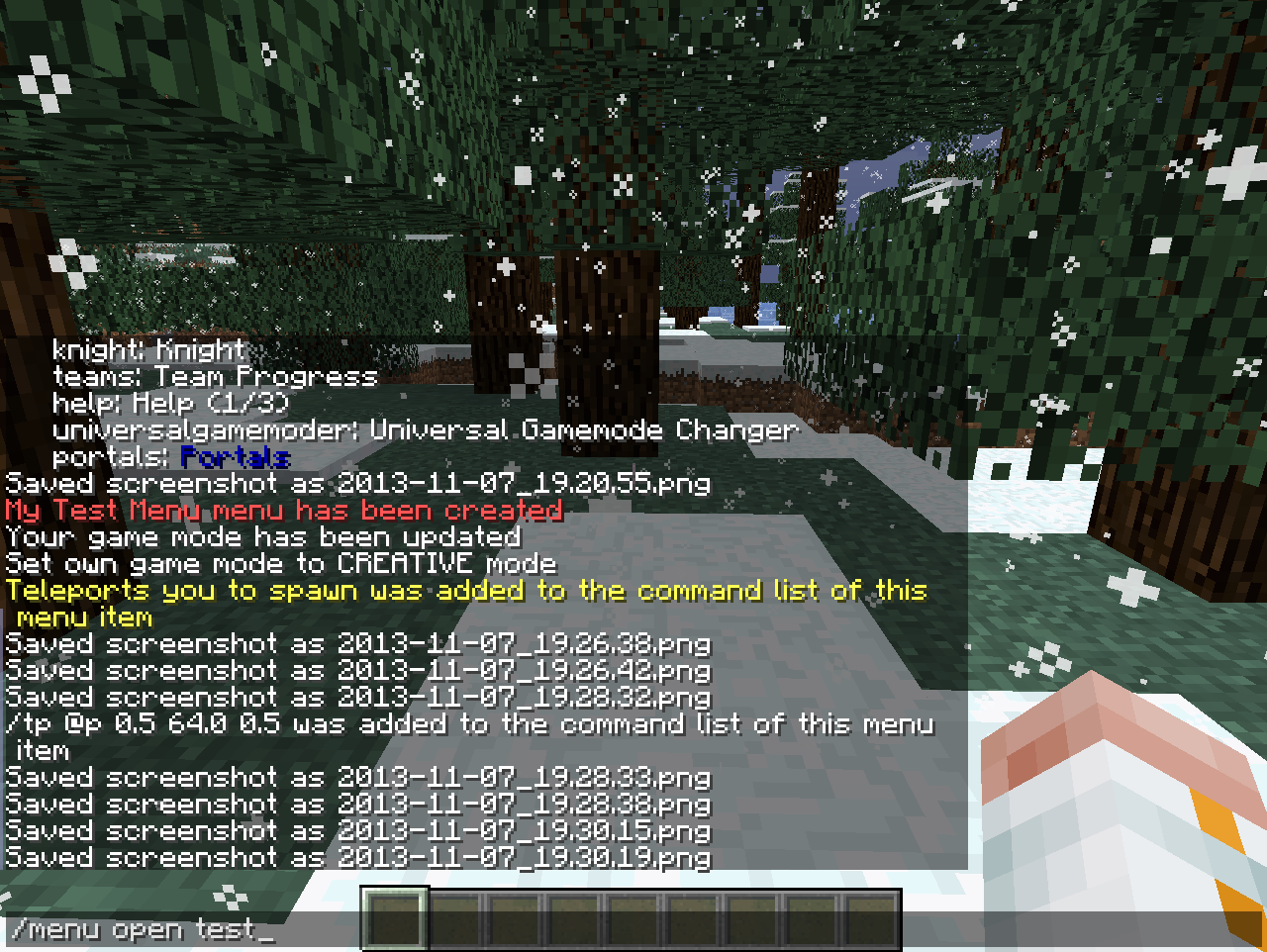
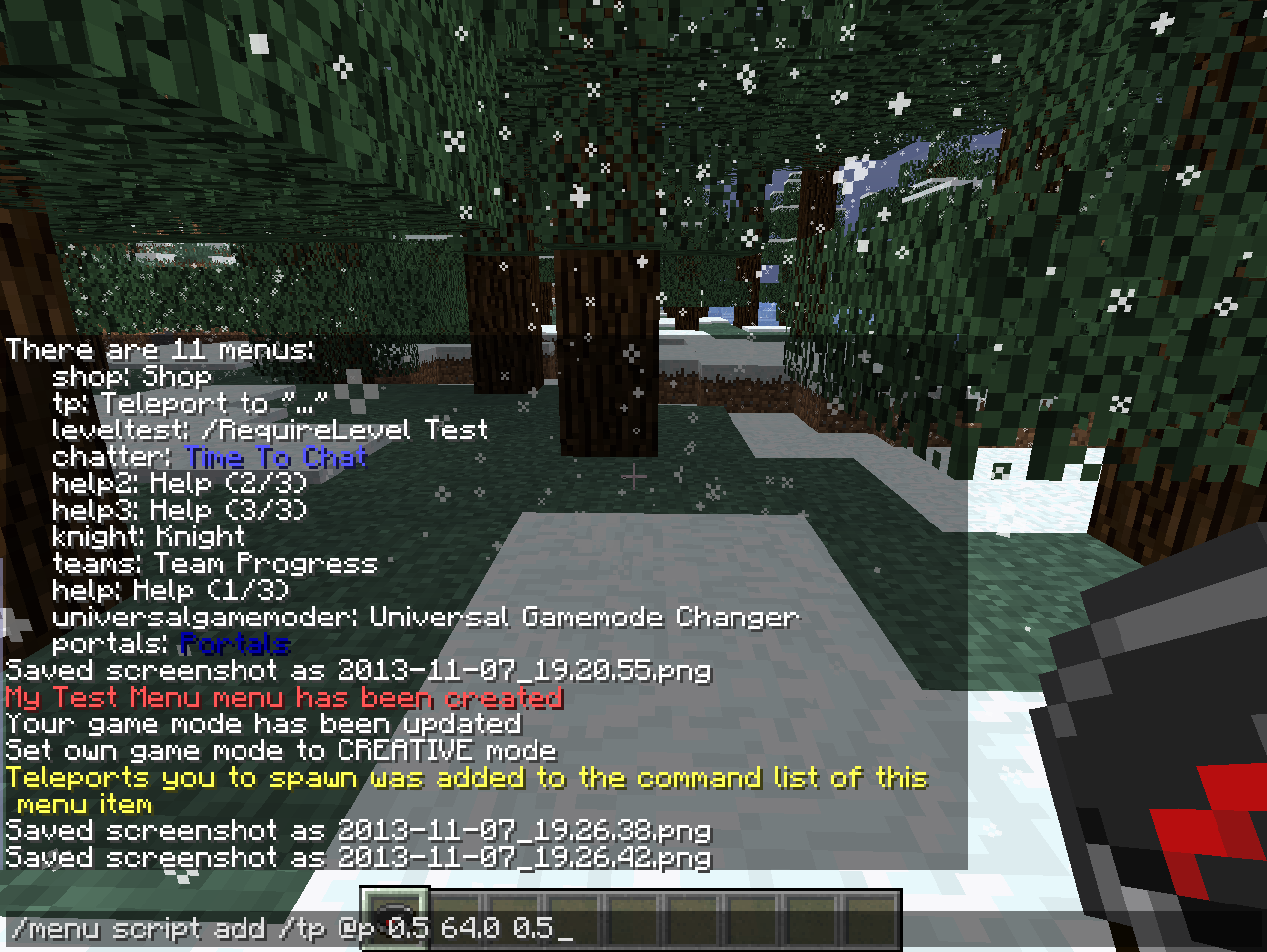
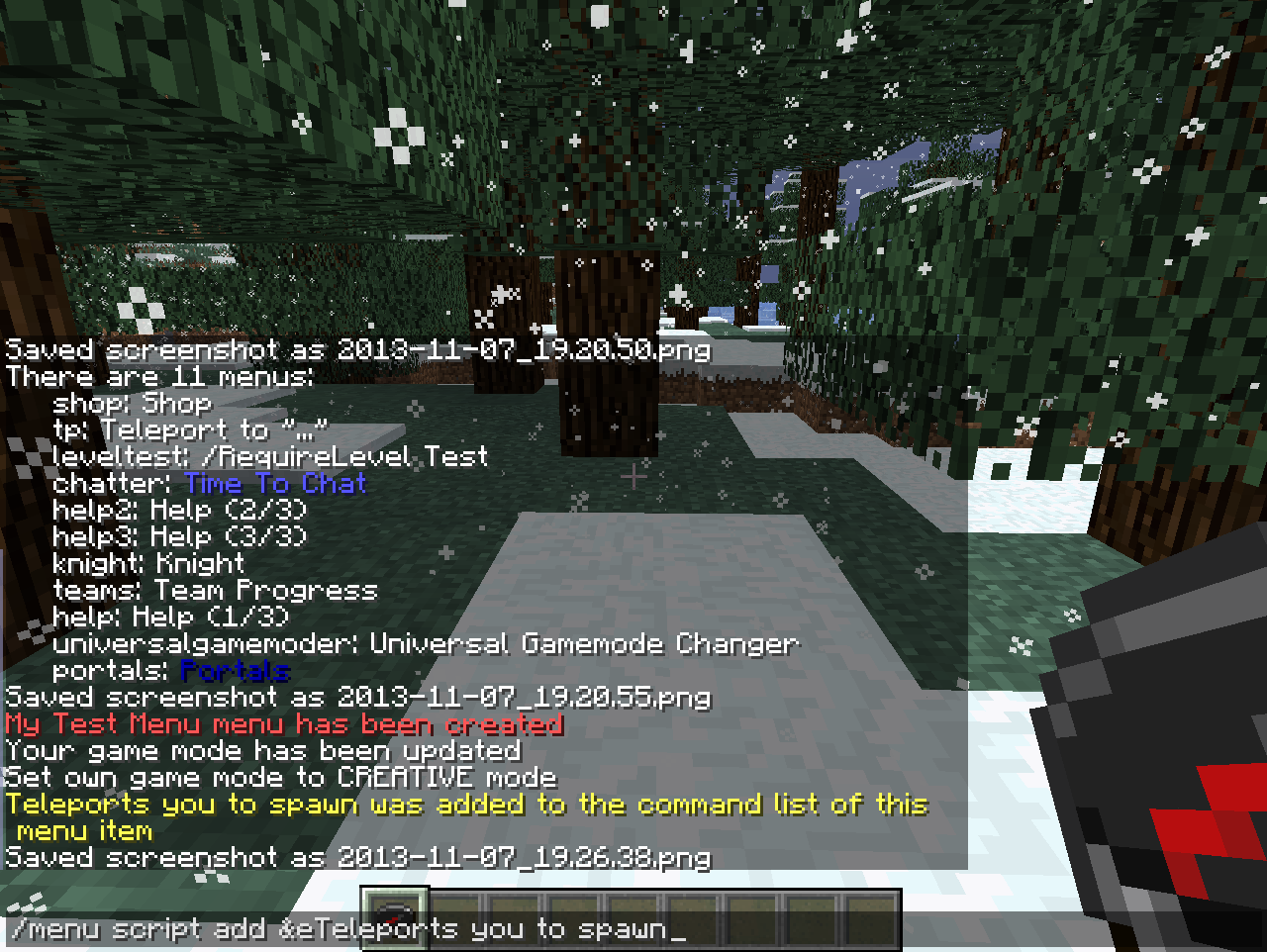
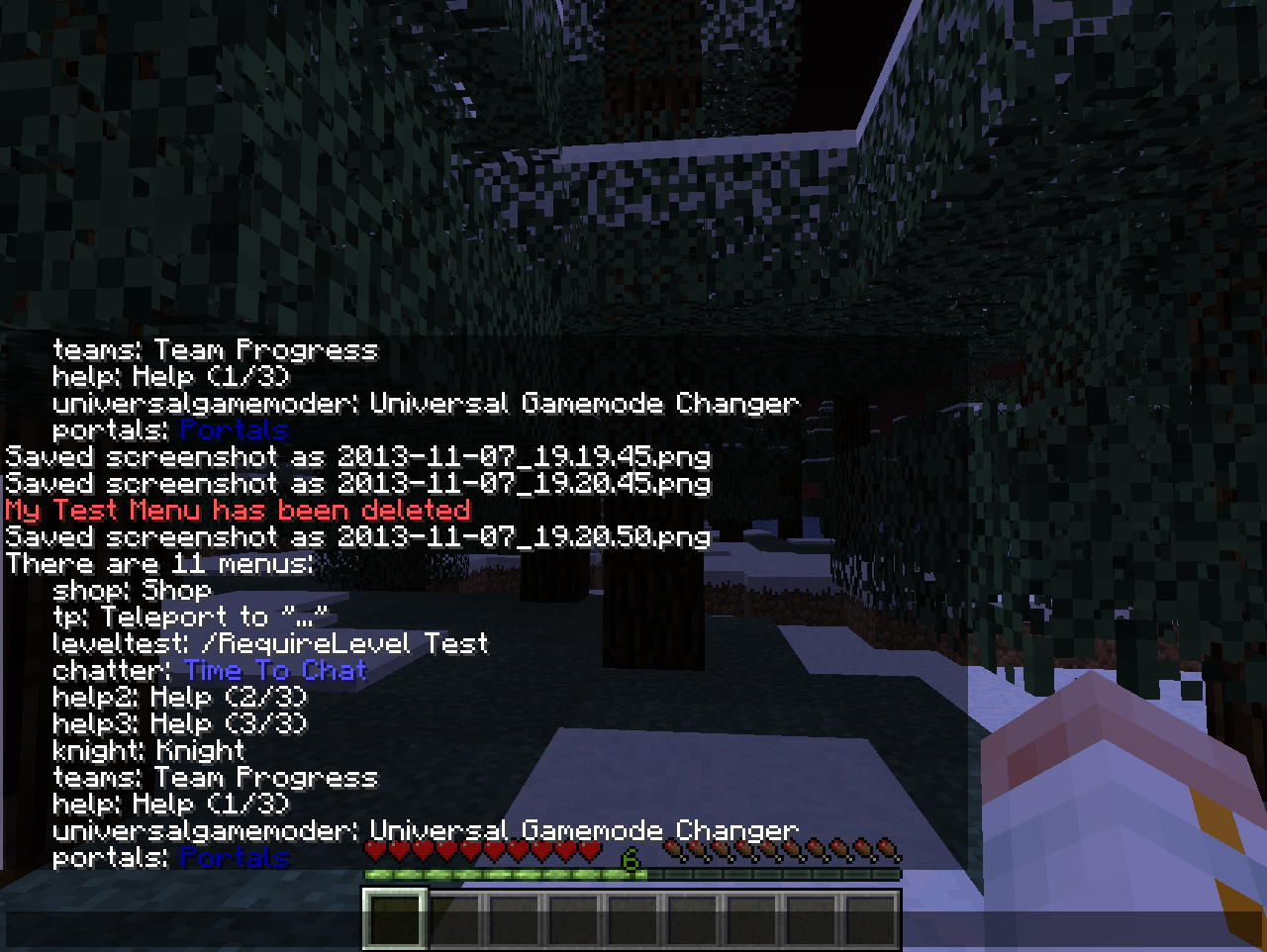
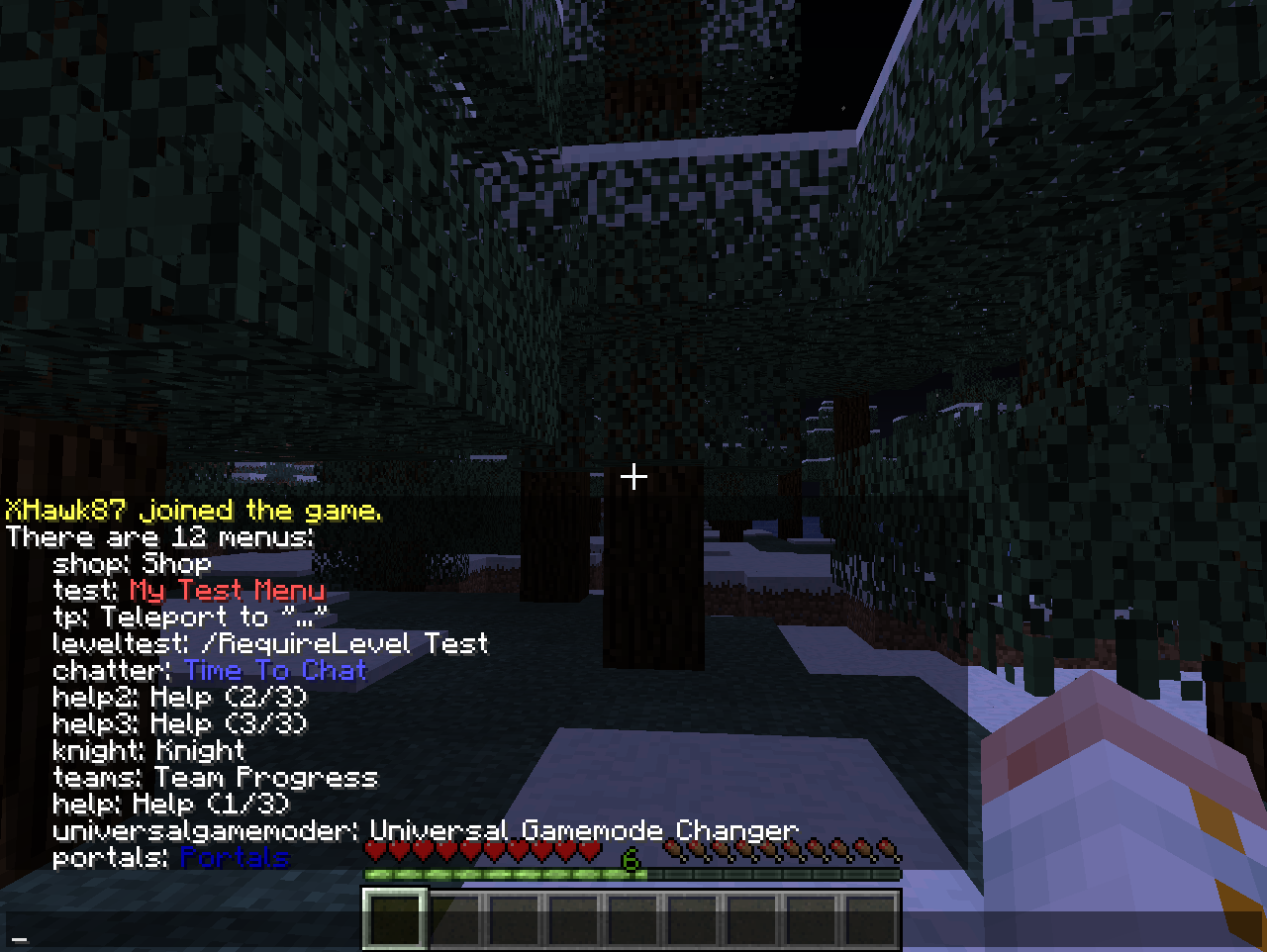
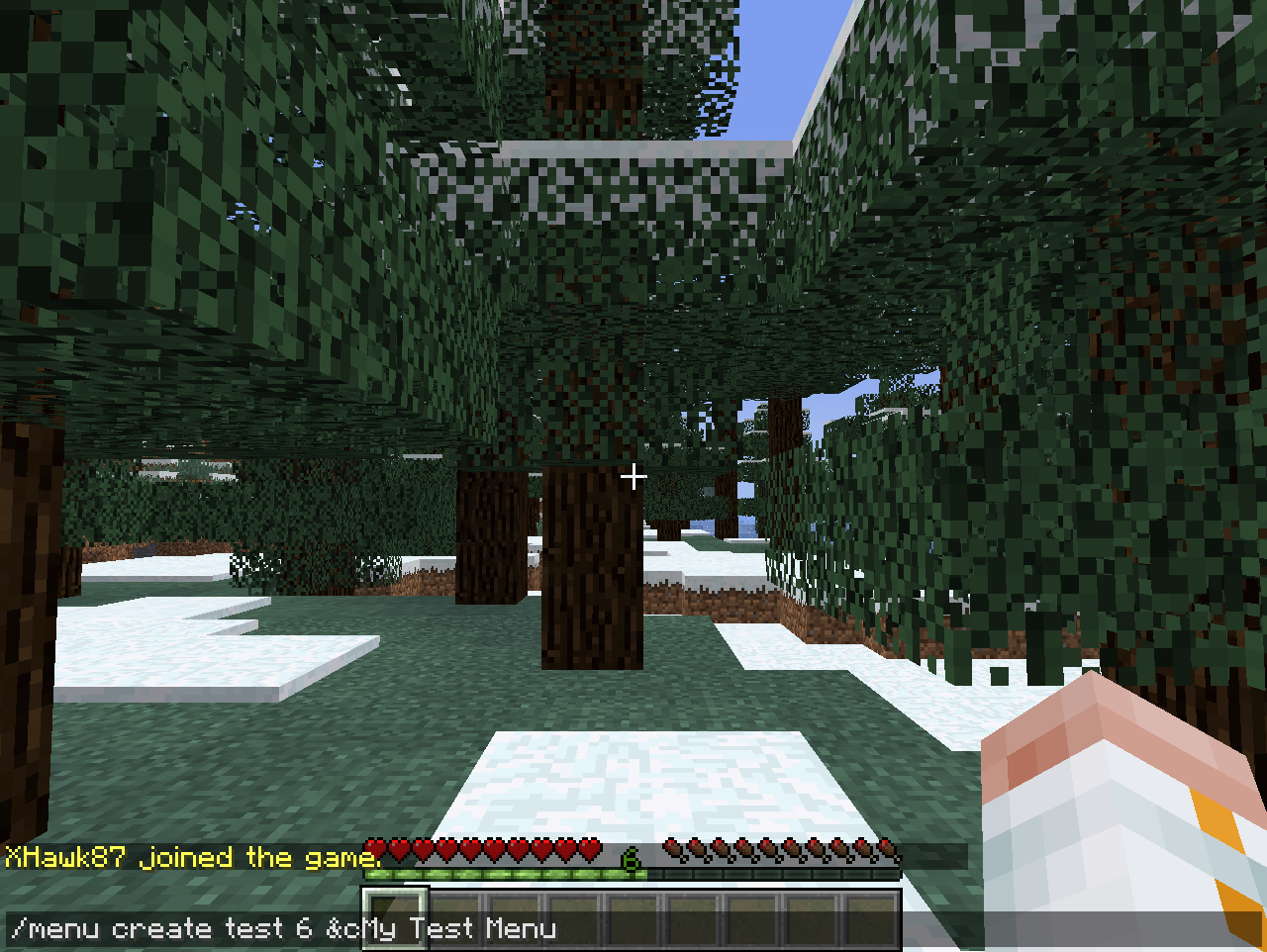
See the gallery for screenshots.
User Reviews
"This looks amazing and would make my role playing server a lot easier for players so they don't have to remember a lot of commands." - Ccamm
"This looks amazing! I'm sure that we'll be able to use this in my new server project." - parrothead1337
"This plugin allow so much things :o" - TheNemesisA5
Features
What it does not do
Plugin Suggestions
This is a list of plugins that work well with CreateYourOwnMenus.
Commands and Permissions
A full list of commands and permissions is available on the Commands and Permissions page.
Detailed command help is available in-game by typing /menu
Sharing
Find and share pre-created menus on our forums!
Scripting
A basic scripting guide is available on the Basic Command Scripting thread.
Other tutorials and guides are available on the forum
Security Considerations
The menu scripts always run as console. By default, this is not a problem as only operators have the ability to create menu items and modify menus, however if you give other players permissions to do this, be aware that it will also give them the ability to effectively run any command they wish as console.
Development
Sources are available on GitHub: https://github.com/XHawk87/CreateYourOwnMenus
Help
If you get the followed error on starting up the server with this plugin installed "Unsupported major.minor version 51.0". This means you are using an out of date version of Java. If you don't know how to upgrade, please contact your server hosting provider and ask them for help in upgrading to Java 7, or contact Oracle customer support. Mac OS X users require JDK 7 instead of JRE 7.
Due to a Minecraft client formatting error, the invisible characters on the first line can cause the lore text box width to be increased despite taking up no space when there is visible text on the same line. This can be mitigated when hidden by keeping the first line empty using /menu script insert 0 &a. When commands are shown, it may become difficult to read them.
Warning: A new security loop-hole has been discovered in the Minecraft server. It is possible for players with certain modified clients to create items for themselves that contain any lore that they want so long as they are in Creative Mode. This does not require operator status or permissions, only Creative Mode. If you have Non-operator creative players on your server be advised that if they use a modified client, it is possible for them to create any menu item that they want without needing permissions.
You can alleviate this somewhat by adding commands to the "blacklist-commands:" section in the config.yml. This will stop anyone but operators from using menu items with those commands on them. E.g.
blacklist-commands:
  - op
  - stop
  - kick
  - grantperms etc etc
Another option is to keep those players in Survival mode, but use other plugins to give them creative-like powers such as infinite resources, fast breaking and flight.
If you are experiencing ghost items in 1.7.2 using this plugin, it is due to the client-side Minecraft bug (https://mojang.atlassian.net/browse/MC-41165). This only affects 1.7.2 and is fixed in 1.7.4. The bug is not dangerous as it is not a real item. Any attempts to move the item out of the inventory, place it, or fill the same slot will result in it disappearing. Since this is a client-side only bug, it is recommended that players be urged to update from 1.7.2 to 1.7.4 as soon as possible. Note: it is possible to play on CB 1.7.2 R0.1 beta using a Minecraft 1.7.4 client.
This is a text-encoding issue caused by the some CraftBukkit servers attempting to read menu files in the wrong text encoding by default. You can fix this by telling Java to use UTF-8 by default for CraftBukkit.
For users of McMyAdmin, MultiCraft and other server launchers, there should be an option to specify text-encoding in your settings and switch to UTF-8. If not, you should have a way to add optional command line arguments, and follow the advice below for a startup script.
If you are using a startup script you will have something along the lines of:
java -Xmx1024m -jar CraftBukkit.jar
You need to add the following option somewhere after java and before -jar. E.g.
java -Xmx1024m -Dfile.encoding=UTF8 -jar CraftBukkit.jar
Changes in CraftBukkit build #3009 (1.7.2-R0.3-SNAPSHOT) have updated the Bukkit plugin command system that broke Skripts custom command handler. This prevented Skript from receiving commands that had been directly dispatched by other plugins. This issue was fixed in Skript 2.1.1+, so downloading the latest version of Skript should correct the problem.
If a @a or @w target selector is the last character in a command, it is not currently replaced correctly. This will be fixed in the next dev build. In the meantime, attempt to ensure there is a non-whitespace character after the last target selector.
You may have inadvertently locked all of your inventory slots by misuse of the '*' permission node. This will grant you all permissions, including 'cyom.slot.lock.*' which is used for locking inventory slots so that they can be used as menus. The best solution for this is to stop using the '*' node and instead only grant yourself the specific extra permissions that you need. However if you insist on using the '*' node you will need to grant yourself the negative permission '-cyom.slot.lock.*' in order to prevent your slots from getting locked.
There is a time-related bug with previous builds of CYOM that prevent file saving. To fix this you must update to the latest dev build: http://dev.bukkit.org/bukkit-plugins/createyourownmenus/files/18-create-your-own-menus-v0-5-8-dev/
Unfortunately, we already have a use for the {curly braces} as dynamic arguments that predate their use in Minecraft, so you can't use NBT data tags in your menu commands. However, you can get around this in a couple of ways:
Any items that you need to be given to a player with data tags can be pre-created and placed in a menu, then you can use the /menu grab command to give them to the player. Since you can grab multiple items at once, and edit the menu visually, it makes for a rather convenient way of setting up item kits on a server.
You can also use a custom scripting plugin like Skript to set up a custom command to run the commands for you. Using Skript in this way allows a great deal more flexibility for your menu scripts by adding logic, variables, persistence and program flow, and if you need help with them they have a lot of friendly people on their forums who are always happy to help.
Donations
If you'd like to contribute towards the continued development, support and maintenance of this project, please consider joining me on Patreon, and making a one-time or recurring pledge.
If you need help you can leave a comment below and I will get back to you as soon as I can. You can also join the Gitter chatroom using the following link, but please read the tutorial first. https://matrix.to/#/#xhawk87s-bukkit-plugins:gitter.im
I am happy to give support, but repeatedly answering the same question that is explained in bold red on the plugin page is highly tedious. Don't be lazy, read first, then ask questions. It's the polite thing to do