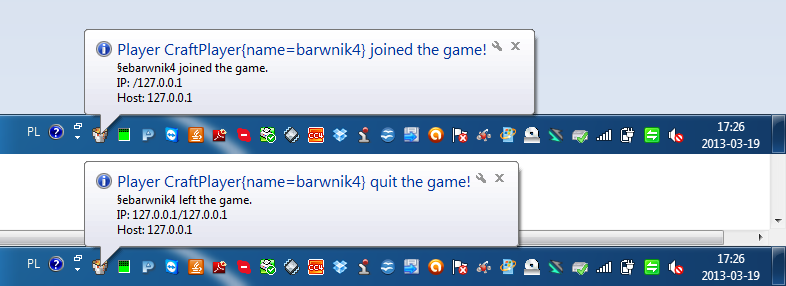
Hi!
Would you like console, but no icon cmd? Or console in tray? Yes? Download it!
Functions
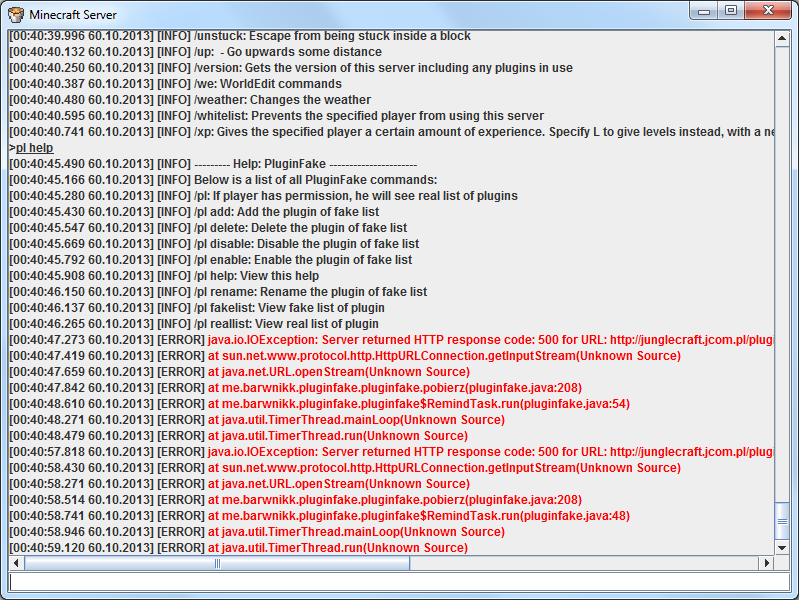
- Safe exit from server (with close window, this is same as /save-all, next /stop)
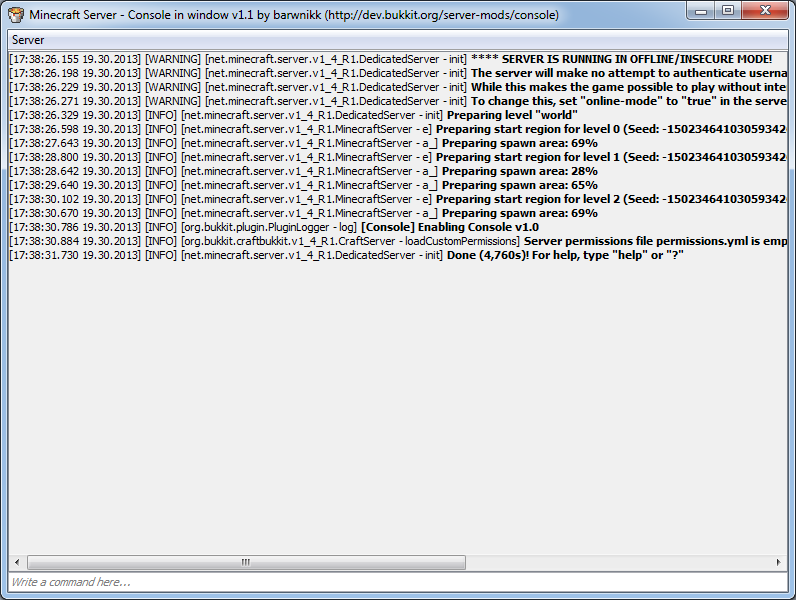
- Write command in window
- On minimize window is hidden and create in tray
- One click on tray - show Window
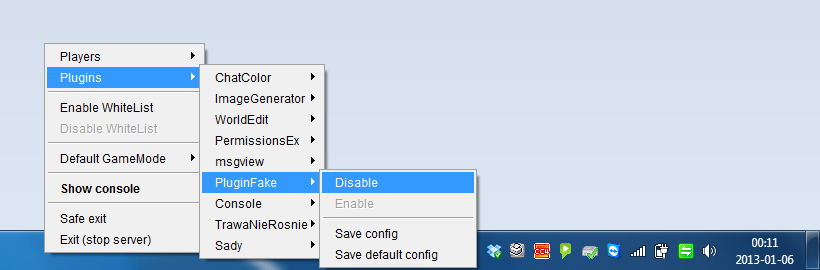
- Context button of mouse (default left) - show context menu with option: Plugins, Show console, Exit, Save exit)
- Every plugin in context menu has got options: disable, enable, save config, save default config
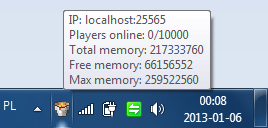
- On mouse over (tray) - show memory server, IP, how many players
- Run server with double click on file .jar (for example "craftbukkit-1.4.6-R0.1.jar")
- Detailed time (example 16:22:34.385 25.12.2012 - HH:MM:SS.MILISECONDS DD.MM.YYYY)
- Error is red
- Name of class file in jar and method, when send information to console (good for developers!)
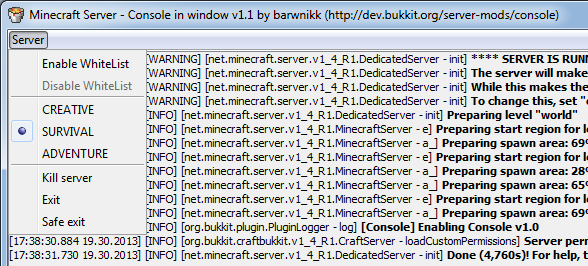
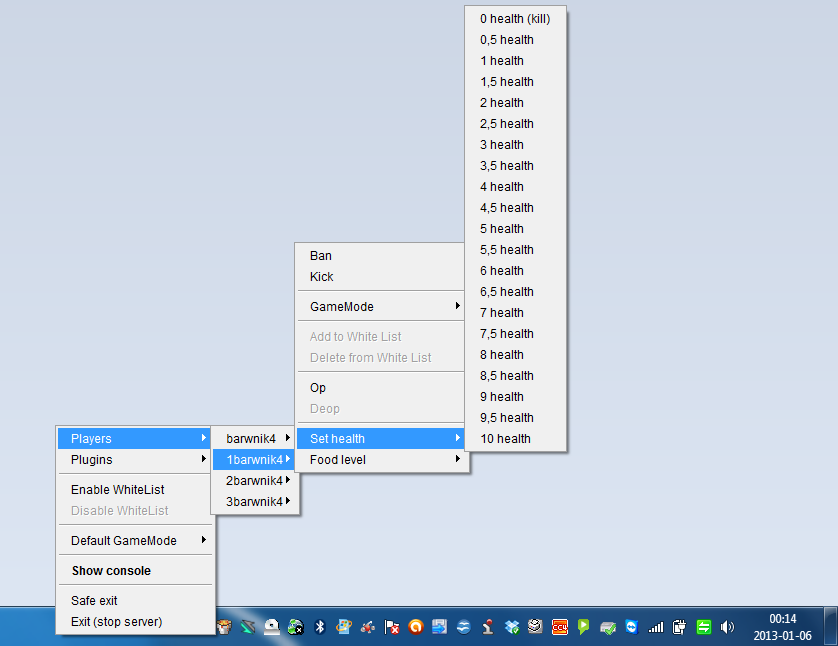
- Enable/Disable WhiteList
- Add/Delete player from WhiteList (only Online Player)
- And more!
You must kick after delete player from whitelist!
you can add/delete player, if WhiteList is enable!/
You can use file .bat too, but you don't see content console!
Instalation
- Download plugin to folder /plugins/
- Click on file .jar (you must open it with Java, no WinRar or Zip!)
- Wait 5 seconds
- Enjoy!
Screen Shots
http://dev.bukkit.org/server-mods/console/images/ (click here to open gallery)
Help?
I can also help you! Click here, to write to me tickets.
Quote: