Command Regions REBORN is out, what's the difference between this and the old plugin?
- TOTAL recode of the plugin.
- OPTIMIZATION
- UNLIMITED regions
Command Regions allow you to create UNLIMITED regions and execute actions on enter/leave, for your players.
NOTE: This plugin requires no dependencies!
[MEDIA=youtube]ohAqr-NZnCg[/MEDIA]
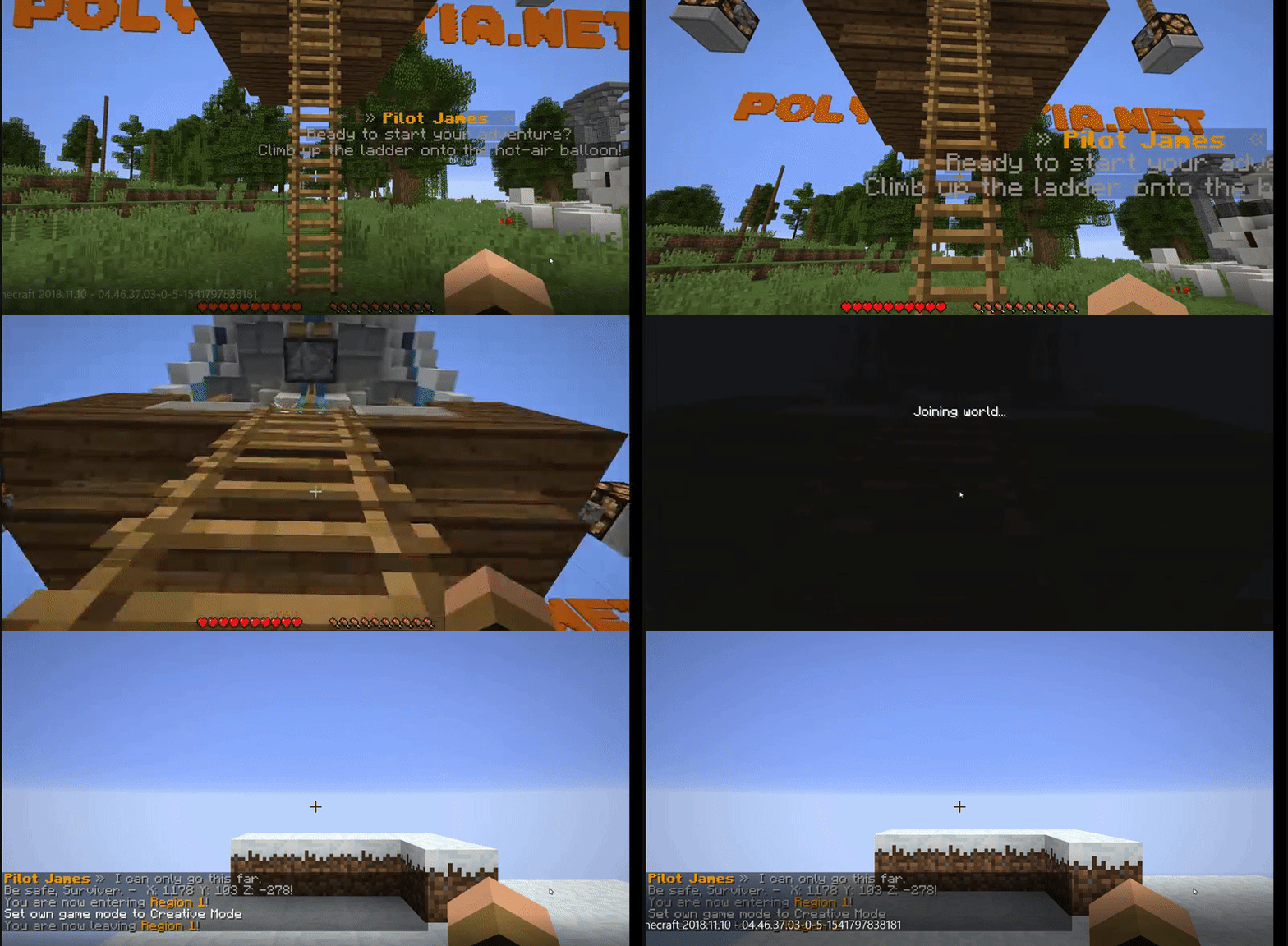
I can't post a GIF so here's a YouTube video.
- UNLIMITED regions.
- UNLIMITED commands on enter/leave
- CUSTOM message on enter/leave
- VERY customizable - I have taken the effort to make this plugin almost a 100% customizable even though this is an Administrative plugin tool. You're welcome!

Things you can use this plugin for -
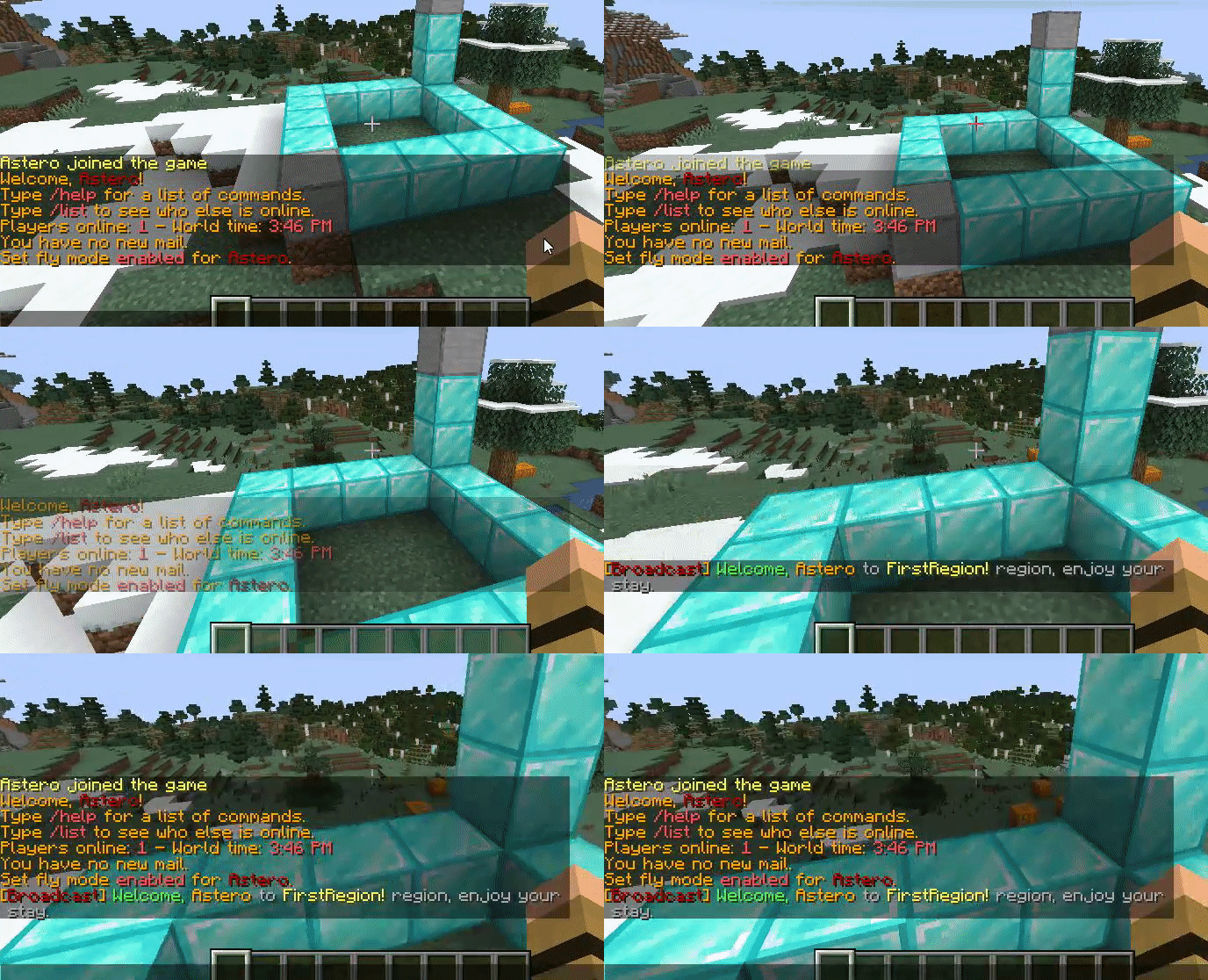
A place for RTP as shown in the above video/GIF,
A VIP place,
really, it's based on your imagination!
Click the banner above for the WIKI
Aliases: /cr, /regions
Permission: commandregions.admin
/commandregions give - gives you the Wand Selector to select positions with.
/commandregions create <region-name> - Creates a new Region with the specified name.
/commandregions delete <region-name> - Deletes an existing Region.
/commandregions list - Lists all Regions.
/commandregions reload - Reloads the plugin.
Region creation has never been easier.
There are TWO ways, one is in-game, while the other is via regions.yml.
If you're interested in learning on how to create via the yml file, please click
here for the wiki section on how to create.
First, you need to give yourself a wand to select, simply type in the command; /commandregions give.
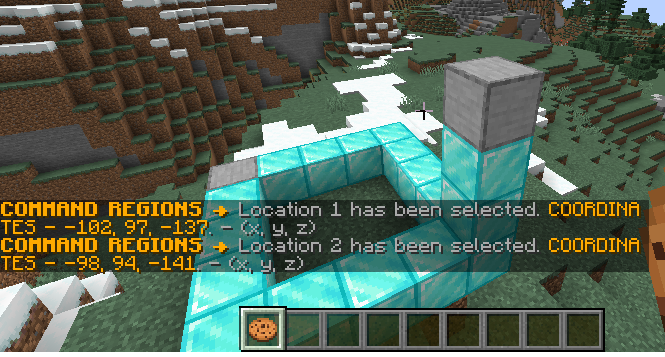
Secondly, select the two positions where you want your cuboid region to be created at.
Thirdly, type in the command; /commandregions create <region-name> to create your region.
Ta-da! You should have your region now, type in the command; /commandregions list and you should see the new region there! - Now, you should head over to regions.yml and edit the actions you want to be executed on enter/exit.
And... I have edited so on entry of the region, it broadcasts a special message just for me! - Again, you may add AS MANY commands as you wish PER REGION.
Found a bug? Please private-message me or join the support Discord server. Please do not put it in the reviews section as reviews are not for bugs.
I'd love to check out your servers that are using my plugins. Drop me a private-message and I might feature your server here too if you're using any of my plugins.
(Proudly sponsored by TorchNode)
(Click on the image for a redirect.)