Badges update automatically and link to the plugin page on MineUniverse.

IMPORTANT: Previous versions (1.1, 1.2, 1.3) are NOT supported here! PM me for those instructions. Current stable version: 1.5
Using ChatShortcuts:
1. Run the plugin with your server once for the plugin folder and files to be created. (On first run the command "/eg" will be available)
2. Stop the server.
3. Open the commands.yml file and type the chat shortcut you want with this format: (command|shortcutwords|command usage|textcolor|style|consoleallowed|playerallowed|anonymous|)
Command: the command name you want for the shortcut
Shortcut Words: what words will be said when the shortcut will be used?
Command Usage: just the command name right now (don't use <player>)
Text Color: what color should the text be? Defaults to white if empty or unknown color.
Colors: black, darkblue, darkgreen, darkaqua, darkred, purple, orange, grey, darkgrey, indigo, brightgreen, aqua, red, pink, yellow, white
Style: what style should the text be? Defaults to normal style if empty or unknown style.
Styles: random, bold, underline, strike, italics
Console Allowed: Can the server use this shortcut? (yes = console no = blank)
Player Allowed: Can the player use this shortcut? (yes = player no = blank)
Anonymous: Should the shortcut, when used by players, display the chat as an anonymous/random name? (yes = anon no = blank)
Examples of commands
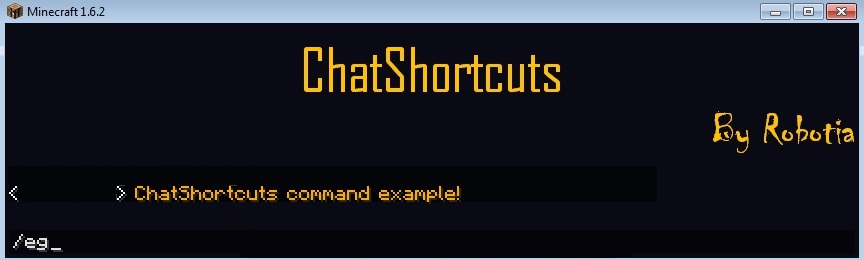
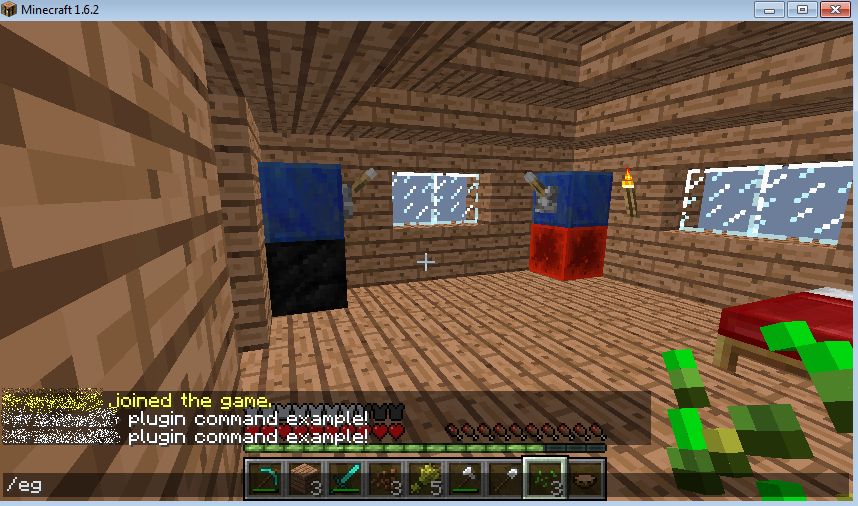
eg|This is an example shortcut!|eg|darkred|italics|console|player||
hi|Welcome to the server!|hi|pink|bold|console|player||
off|The server will be restarted in a few seconds|off|red|italics|console|||
scary|You don't know who I am|scary|indigo|random|console|player|anon|
4. Run the plugin with your server once again. (Generates the plugin.yml file in the plugin folder)
5. Open the jar file like a zip folder with a program such as WinRAR and replace the plugin.yml file in the jar with the one in the plugin folder. Google opening jar files if you can't figure it out.
6. The chat commands have been configured; the next time you run your server the chat commands will work.
Important things to watch for:
If you have problems, PM me.
Comments and feedback are always welcome!