Badges update automatically and link to the plugin page on MineUniverse.
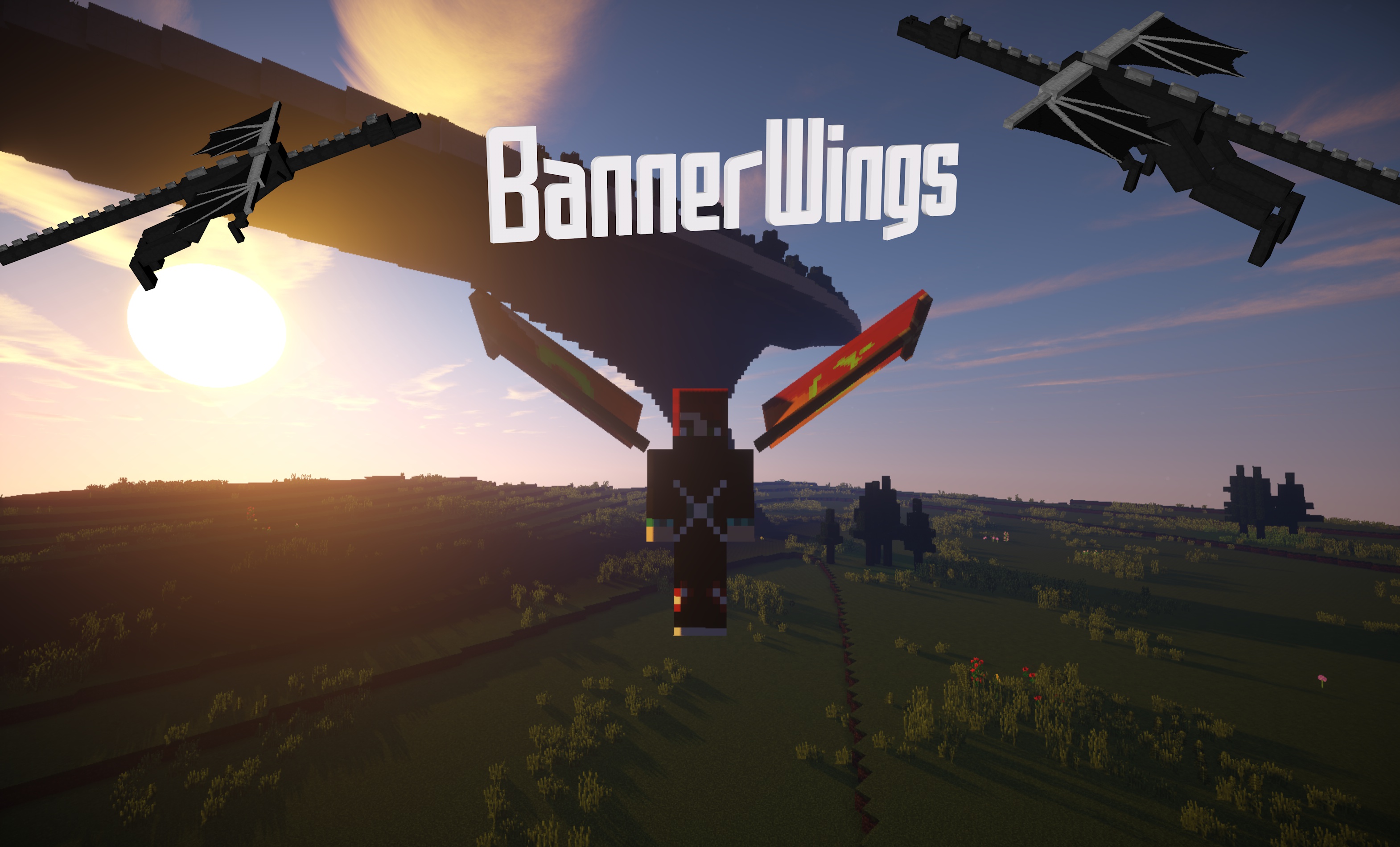
Boring fly-mode in minecraft? Not anymore!
Use the commands to create banner wings and click on the wings item to enable or disable the wings. Enable the flying on your server with any other plugin, start flying and see that your wings are starting to move! If you land again, the wings will stop moving.


Type /bwings create <name> <displayname>
Type /bwings give <name>
Click on the received feather and start flying.
Get a custom banner item
Type /bwings leftwing <name>
The design of your leftwing changed.
This is more like a funny addon because entities lose their wings on server reload
Hit a random entity with a wing-feather
/bwings - All commands for BannerWings
Plays wings sound when you have enabled wings:
play-wing-sound: true
Plays wings particle when you have enabled wings:
play-wing-particle: true
Enable/Disable data collecting for mcstats.org
metrics: true
bannerwings.commands - Allows creating banners with the commands
bannerwings.entitywings - Allows to give entities wings
bannerwings.useall - Allows to use all bannerwings.
bannerwings.use.<wingName> - Allows to use a specific bannerwing.
This plugin collects anonymous stats for McStats.org.
This plugin has an api for other developers! Easy useage:
Add the .jar to your project
Add/Set/Modify/DoWhatEverYouWant in the BannerWingsApi.class.
You can also register an event class with the interface BannerWingsApiListener.