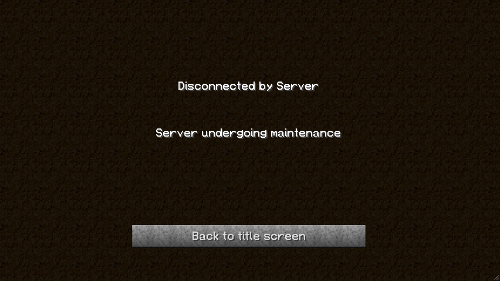
AutoKick is a plugin that allows you to effectively shut down your server to all users except OPs and those with "autokick.nokick" permission. If you have to bring your server down for any reason (e.g. editing the map or testing plugins), you can enable AutoKick and it will kick ALL players except OPs and those with "autokick.nokick". It also blocks the kicked users from logging back into the server but allows everyone else to join and leave freely
How to use:
Type /autokick list [page] - to see all messages with ID's
Type /autokick enable <ID> - <ID> is the message id seen on the autokick list.
If timer is greater than 0 AutoKick will run after that time
All users will be notified.
Only OP's and those with 'autokick.nokick' will be allowed to log into the server.
To disable, type /autokick disable
To change the current message type /autokick change <ID>
AutoKick is persistent across reloads, meaning that if AutoKick is enabled before a reload it will be enabled after the reload
Add new messages within the game using /ak add "message" without quotes
Delete messages in game by using /ak remove msgid
Set a new time for the countdown using /ak time (time in seconds) without the brackets
Force enable AutoKick during a countdown using /ak force