Badges update automatically and link to the plugin page on MineUniverse.
Ascii Bukkit Menu is a Bukkit server manager. Written with bash, designed to be simple and robust. Should work out of the box on most distros. Specificly designed to run on a headless server via a ssh session.
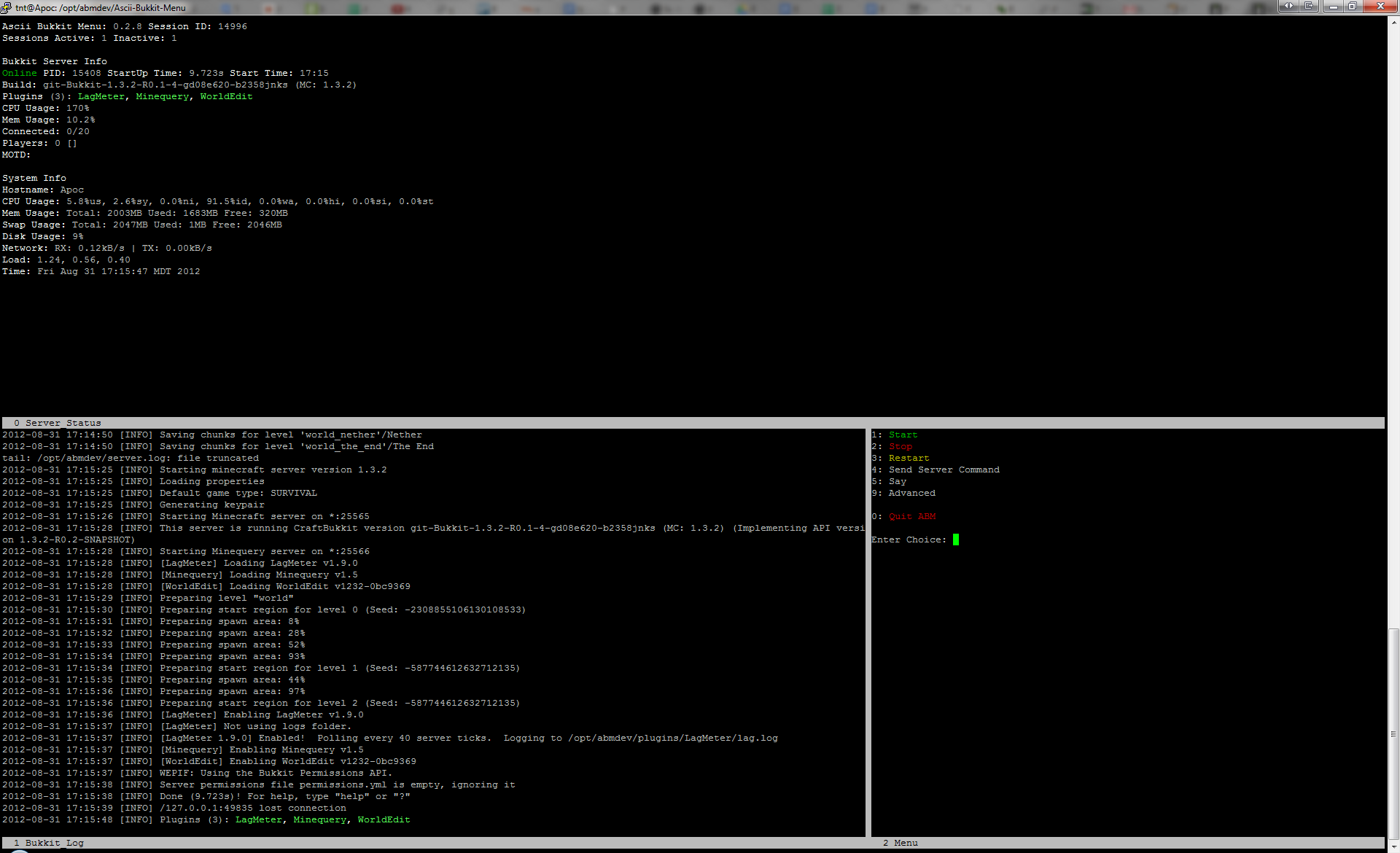
ScreenShots - Updated for 0.2.8
AutoMagic Method:
This will download and install ABM, then run an interactive script to setup the configuration.
No need to edit config manually.
Simply copy and paste the following to a bash shell.
wget http://dev.bukkit.org/media/files/667/24/install.sh && chmod +x install.sh && ./install.sh
Traditional method - zip:
wget http://dev.bukkit.org/media/files/667/23/abm-0.2.8.zip
unzip abm-0.2.8.zip
Experimental Builds - git:
Not for the faint of heart.
git clone https://[email protected]/user77/Ascii-Bukkit-Menu.git
To use ABM simply change to the directory you installed it to and run the abm.sh script.
cd Ascii-Bukkit-Menu
./abm.sh
You can also run in non-interactive mode. This can be added to startup scripts. Currently doesn't work if you are using a ramdisk
./abm --start
./abm --stop
First check to see you have the correct dependencies as listed above.
Make sure your user has +rx permissions to Ascii-Bukkit-Menu directory
chmod -R u+rx Ascii-Bukkit-Menu
chown -R you:yourgroup Ascii-Bukkit-Menu
Dosen't work on screen without vertical support.
This is very much a work in progress. So if you come across a bug, please open a ticket.
here.