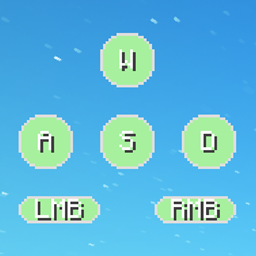
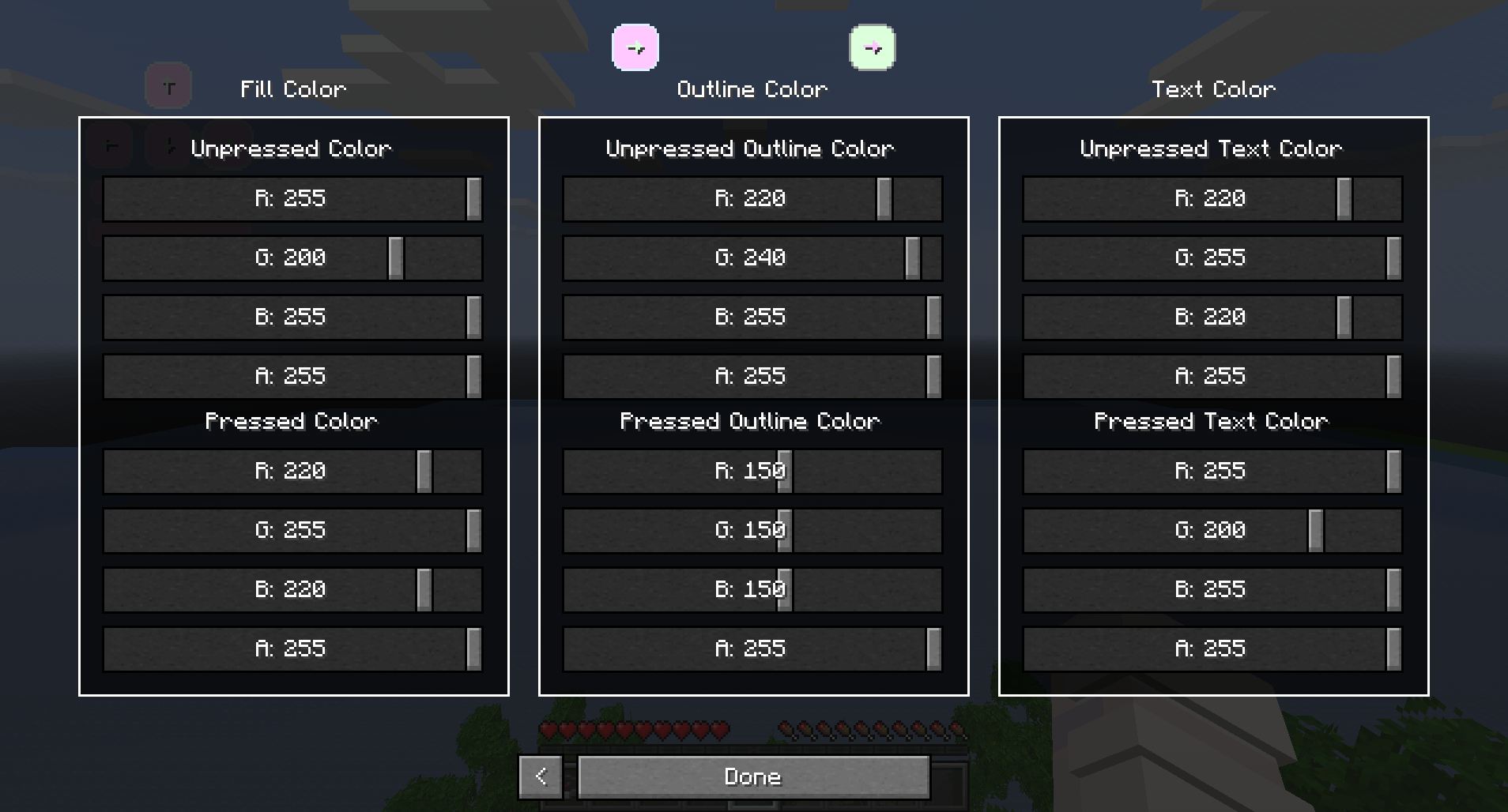
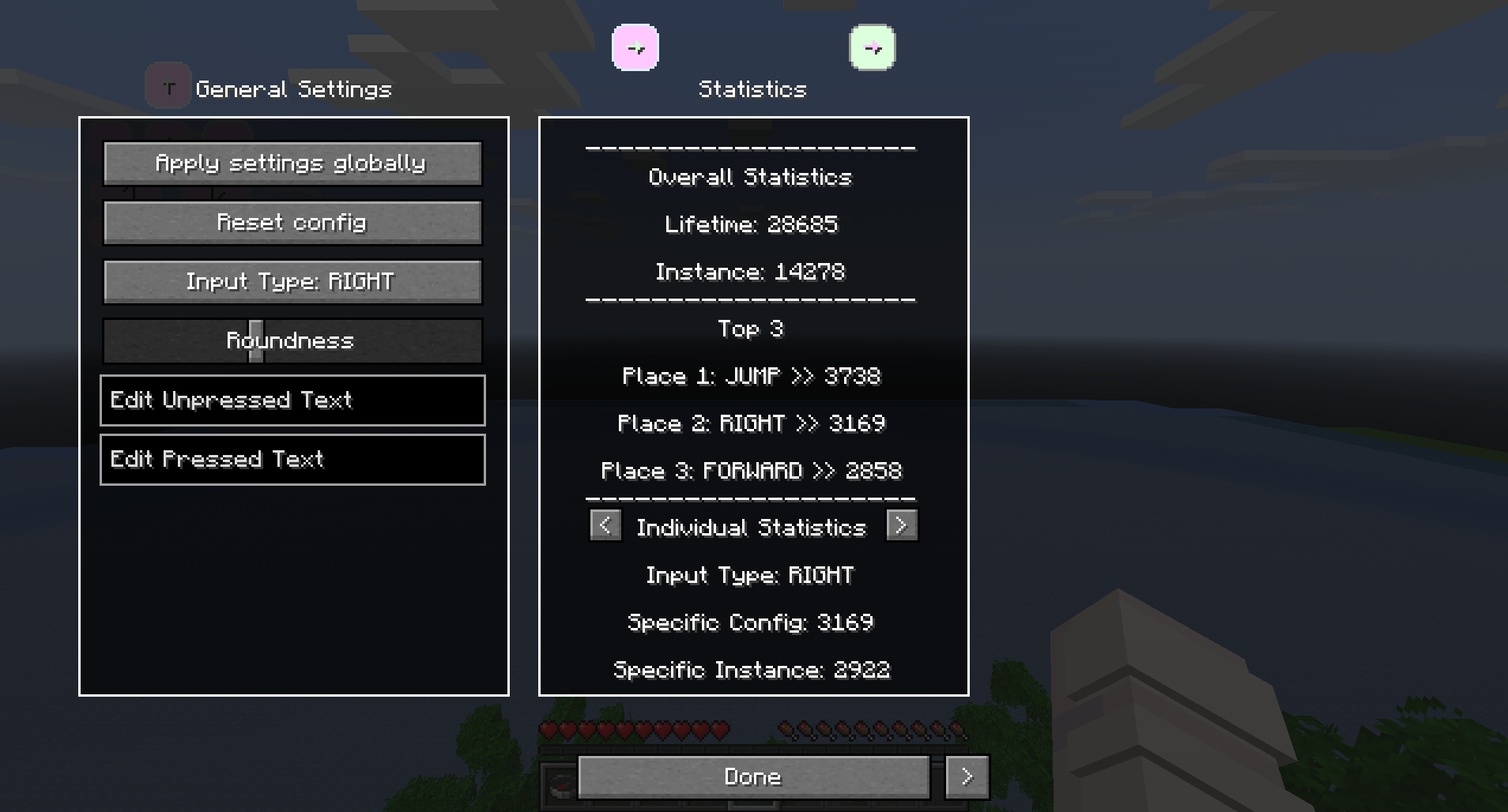
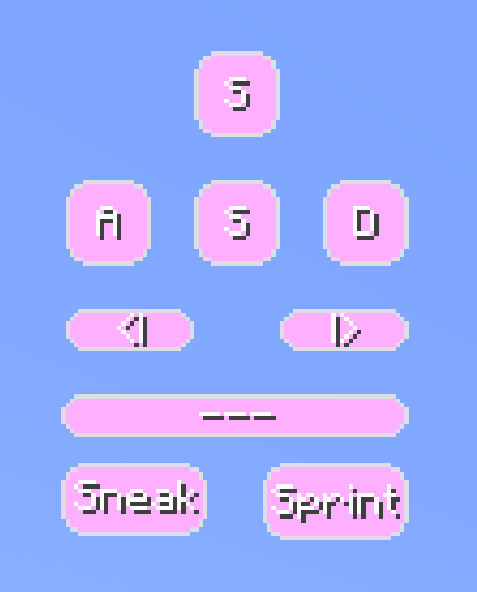
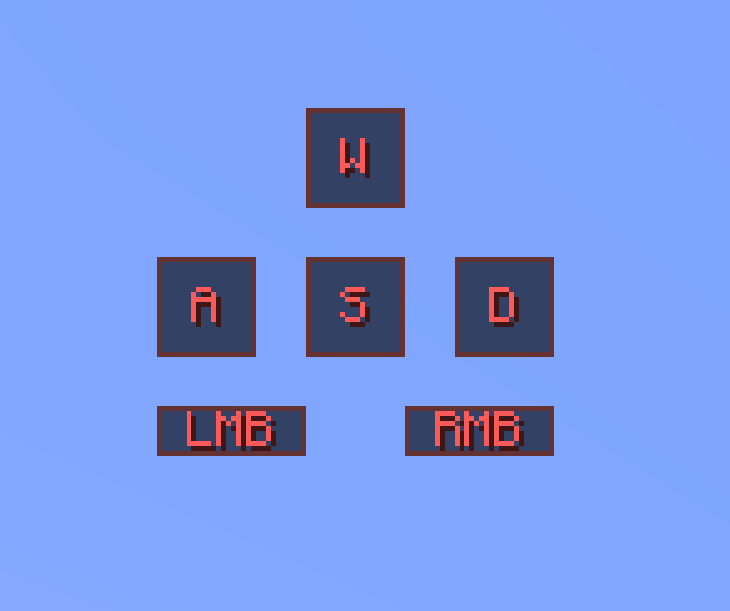
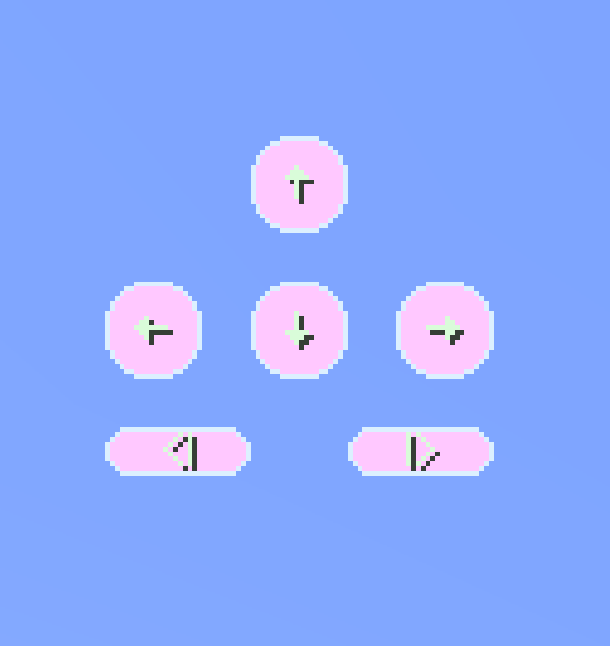
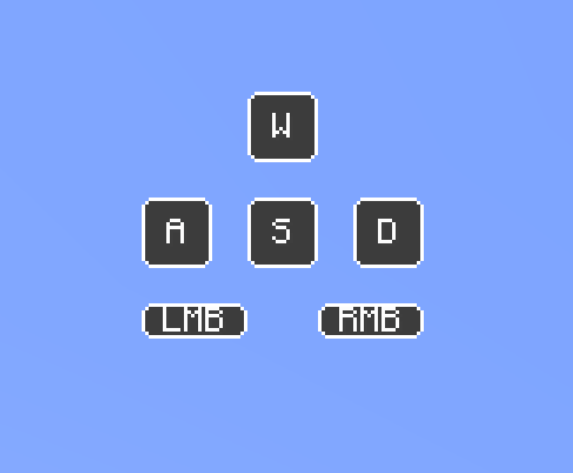
YAKO is a design-focused keystrokes overlay for Minecraft 1.20.1 (Fabric). It shows your WASD, mouse buttons, sneak, jump, and sprint inputs — fully customizable to match your layout and visual preferences.
From rounded and transparent strokes to sound profiles and profile switching, YAKO is built with flexibility and user experience in mind.
linear, tactile, or clicky sound profiles. Volume and sound state can be adjusted per layout profile./yako command. Each profile stores strokes, layout, sound settings, and more./yako command to manage layouts, toggle features, switch lettering and adjust sound settings.These controls apply to layout editing mode (opened via the R key):
/yako)Use /yako help for command hints in-game. Here's what you can do:
/yako list – List all saved profiles/yako create <name> – Create a new profile/yako set <name> – Switch to a specific profile/yako remove <name> – Delete the current profile (cannot delete the last one)/yako rename <profile> – Rename a profile /yako reset – Resets the entire config/yako settings – Show all controls and interactions as a quick reference/yako lettering – Toggle alternate keystroke lettering (not profile-persistent)/yako sounds – Toggle sound on/off for keystrokes/yako sounds <linear|tactile|clicky> – Set sound profile/yako volume [<value>] – Show or set current volume (range: 0.01 to 25)/yako help – Show available command categories/yako help <command> – Get usage for specific commandYAKO is still in its early stages, so you may encounter the occasional bug or jank. Feedback and suggestions are always welcome!