World Transfer lets you hand your LAN world to another player without anyone losing their inventory, position, or stats.
Normally, sending someone your world makes them spawn as you. World Transfer creates a ZIP (and sends it over LAN if possible) where the recipient becomes host but stays themselves. Everyone else who rejoins keeps their own data too.
If a ZIP is enough and the host doesn't mind sending it over himself, the mod can only be on the host's (server) side. For the mod to send the world over LAN, it needs to be on the client that's currently hosting and on whoever's about to become the new host (server + client) too.
Host a LAN world with the mod (and Fabric API or NeoForge) installed.
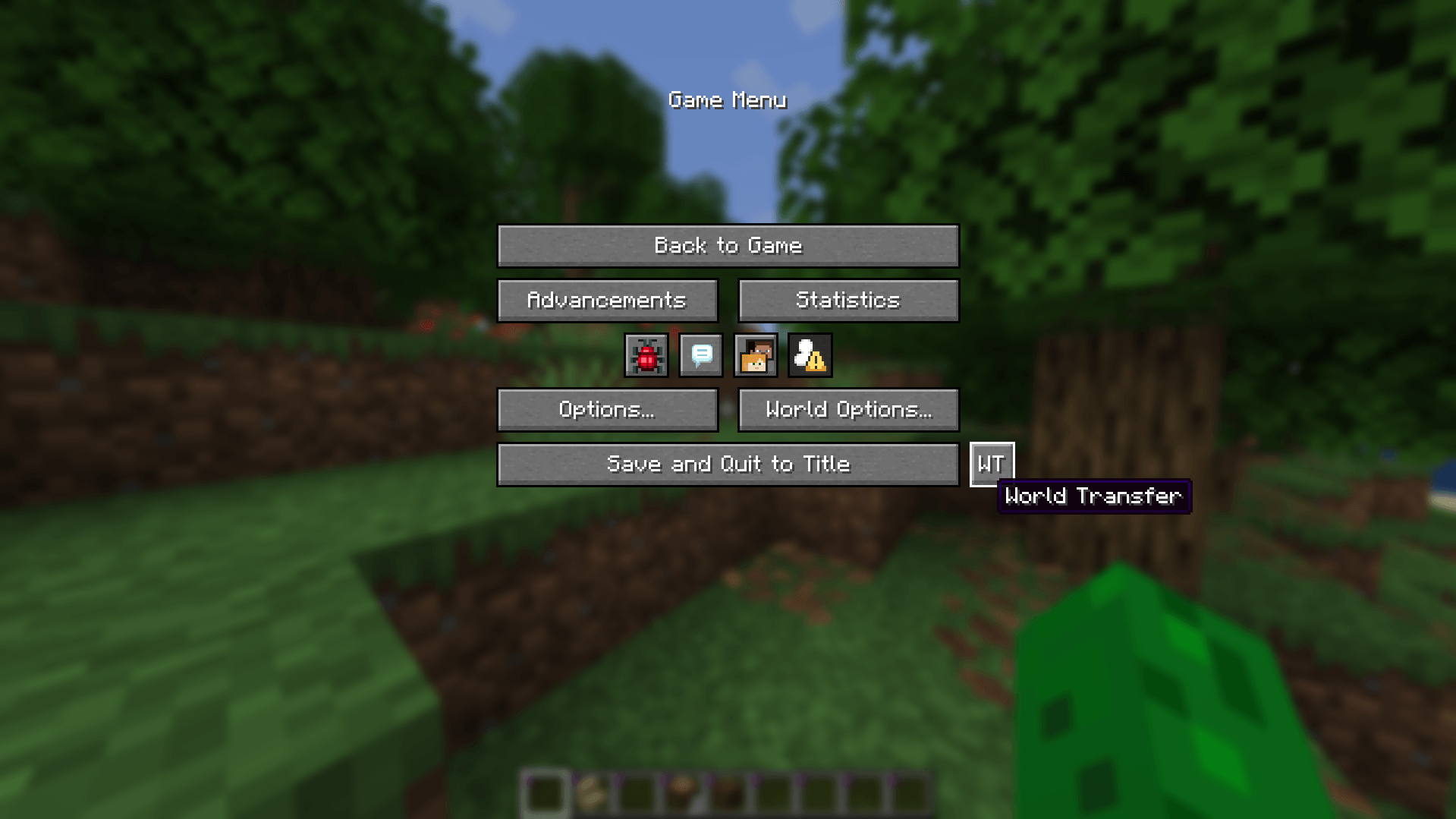
Open the pause menu and click the WT button next to Save and Quit.
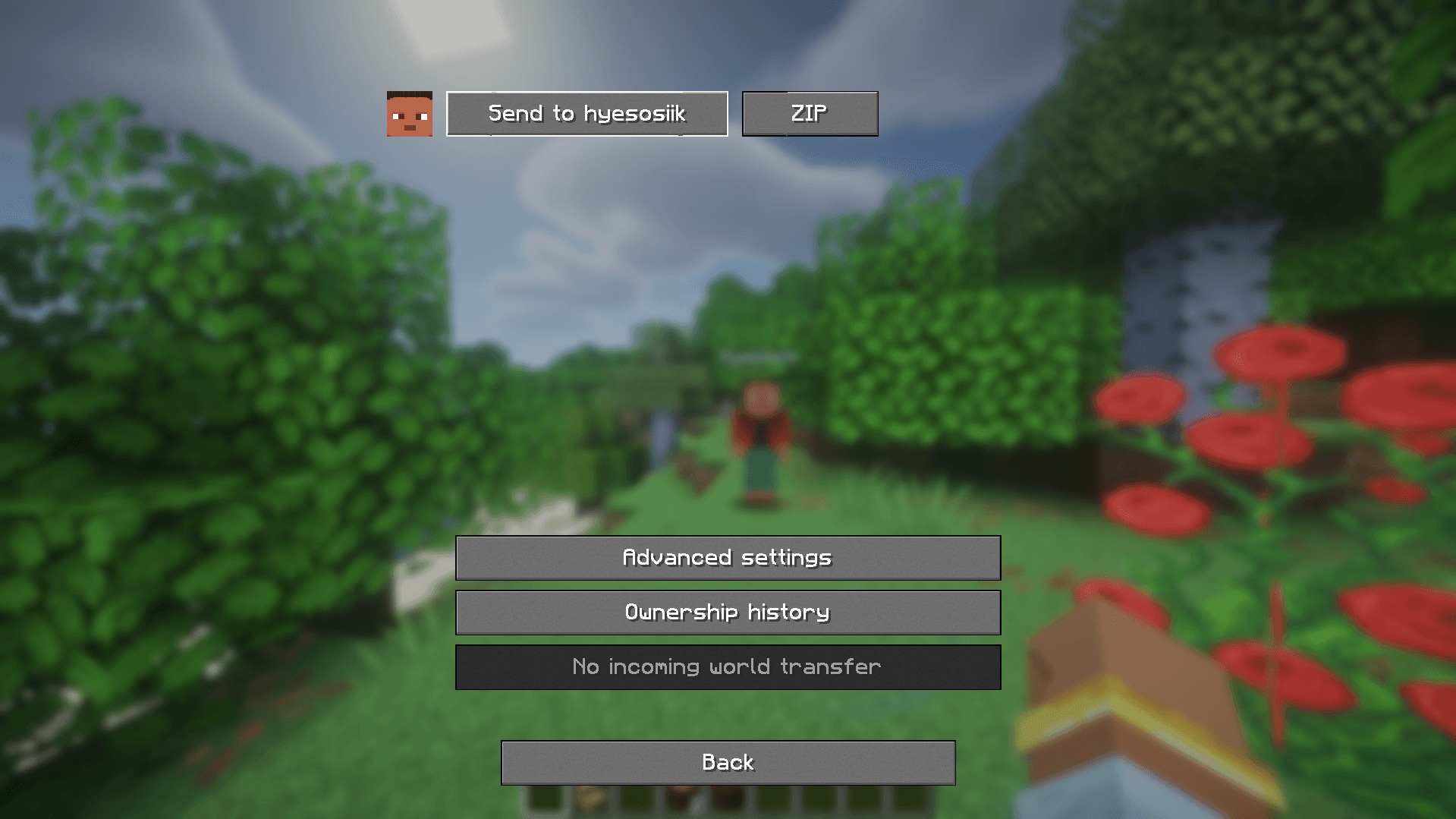
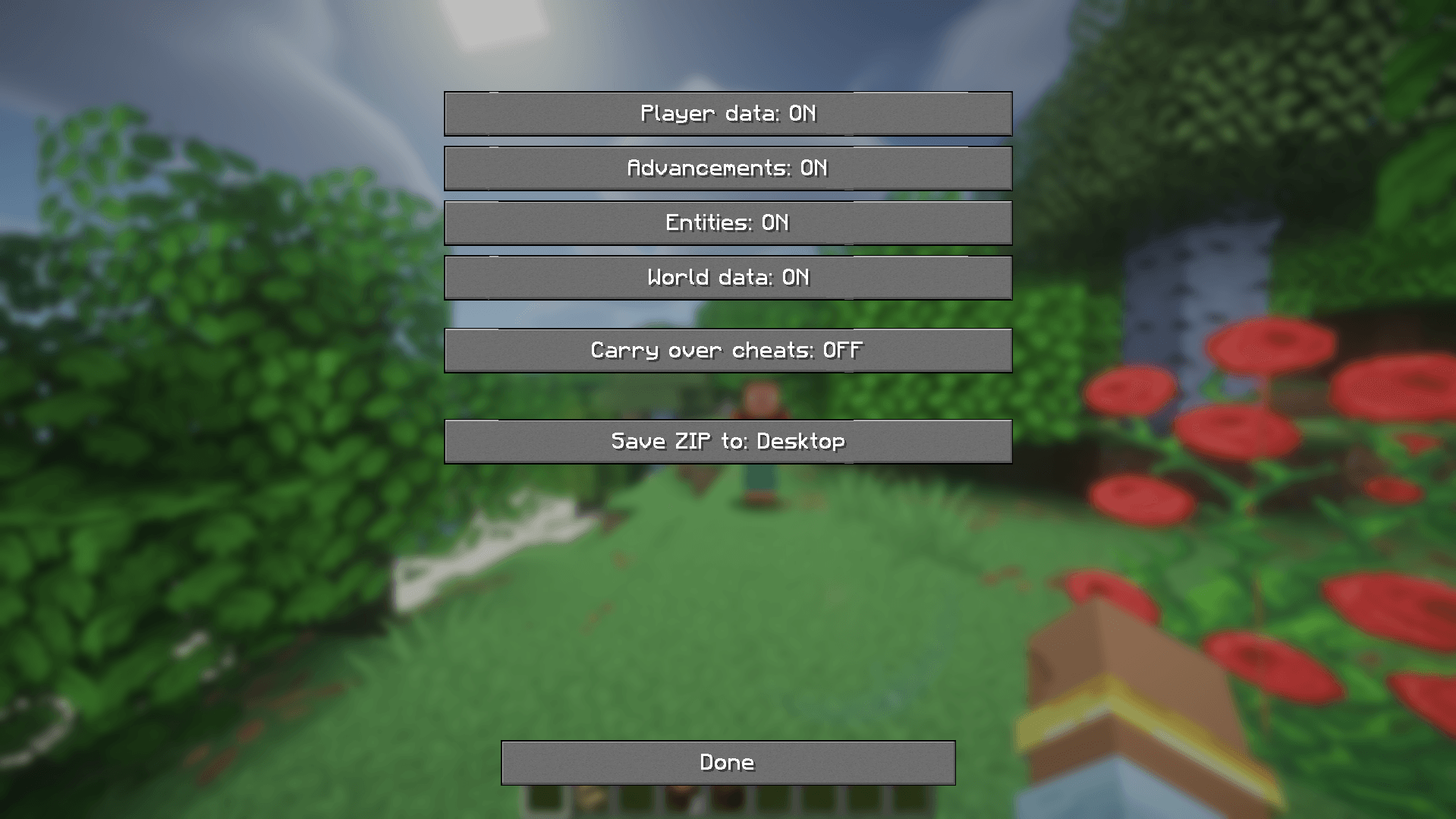
Pick a connected player from the list, then choose how to hand it over:
.minecraft folder. Send it to them yourself and have them unzip it into their saves folder.Whichever route you used, they end up as the host, with their own inventory, health, XP, armor, and position. Everyone else who joins their LAN game keeps their own data too, the same way it always works in vanilla.
A direct send that's already been done once for a given world is incremental afterward - the receiving client checks what it already has and only asks for what changed, rather than re-sending everything.
Your original world folder is never modified. The transfer only touches the copy that gets sent or zipped.
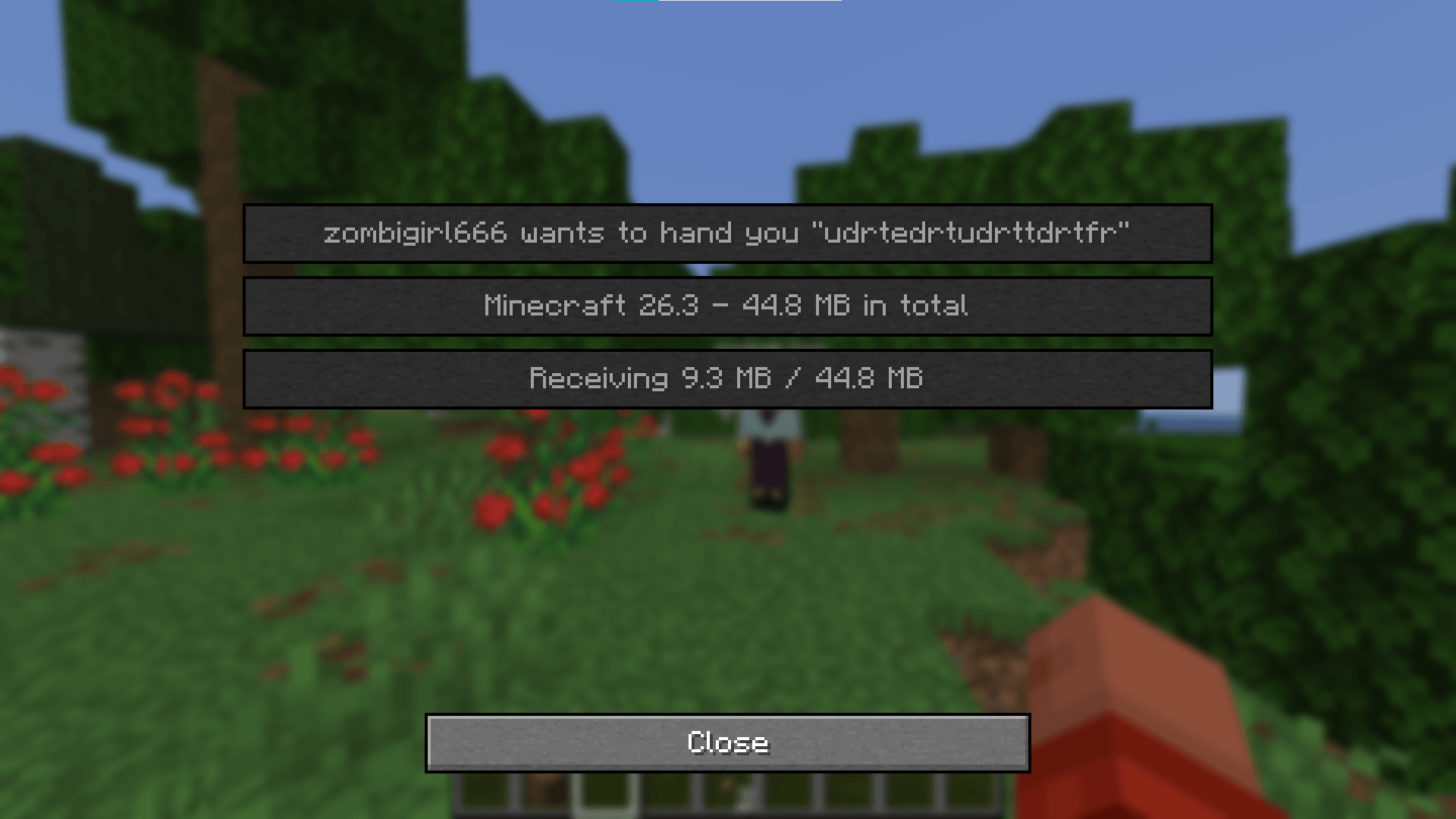
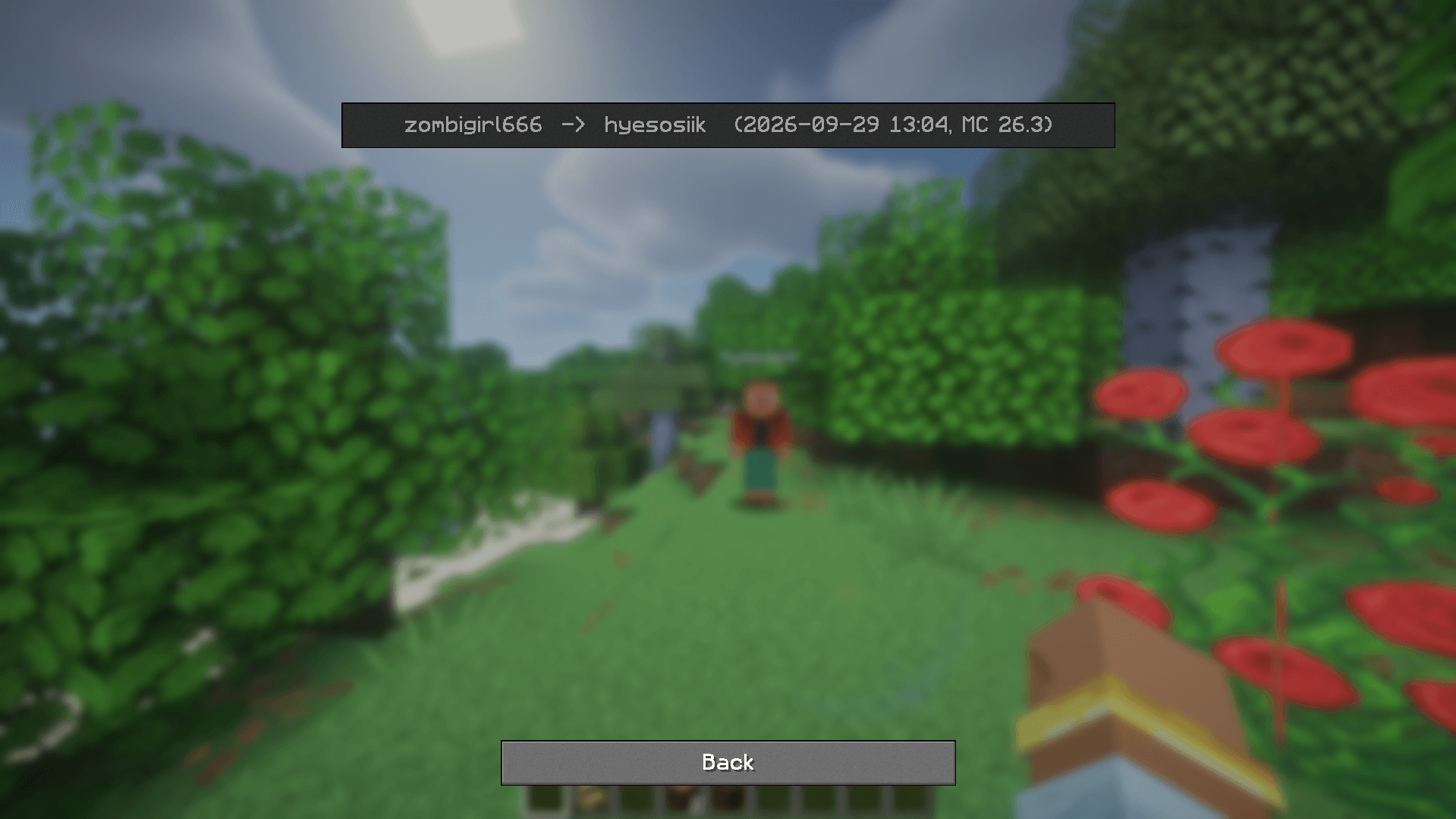
saves and open it from the singleplayer list like any other world.Either way, opening the transferred world for the first time shows a message naming who handed it over to you and when - or a warning if the save doesn't actually name you as the intended recipient, which usually means the wrong ZIP got sent.
Each world keeps a small log of who's hosted it and when, that travels with the save through every hand-off. It's viewable from the same WT menu.
Thanks for using my mod! You are welcome with any kind of suggestions or bug reports!