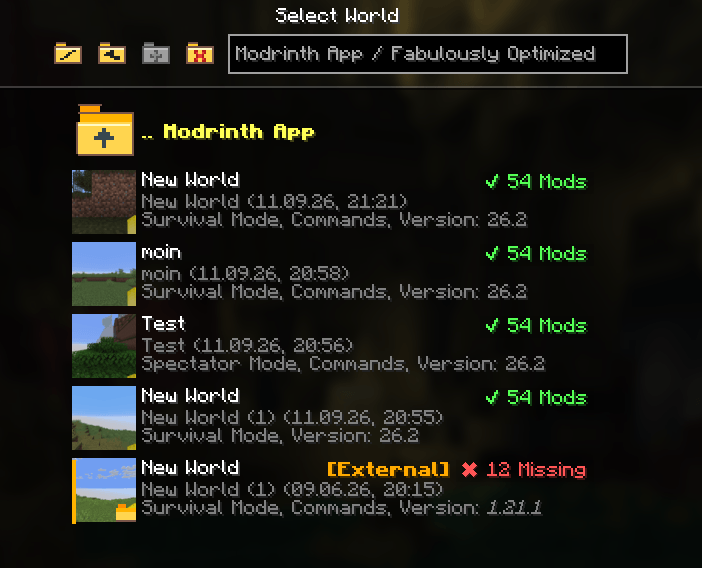
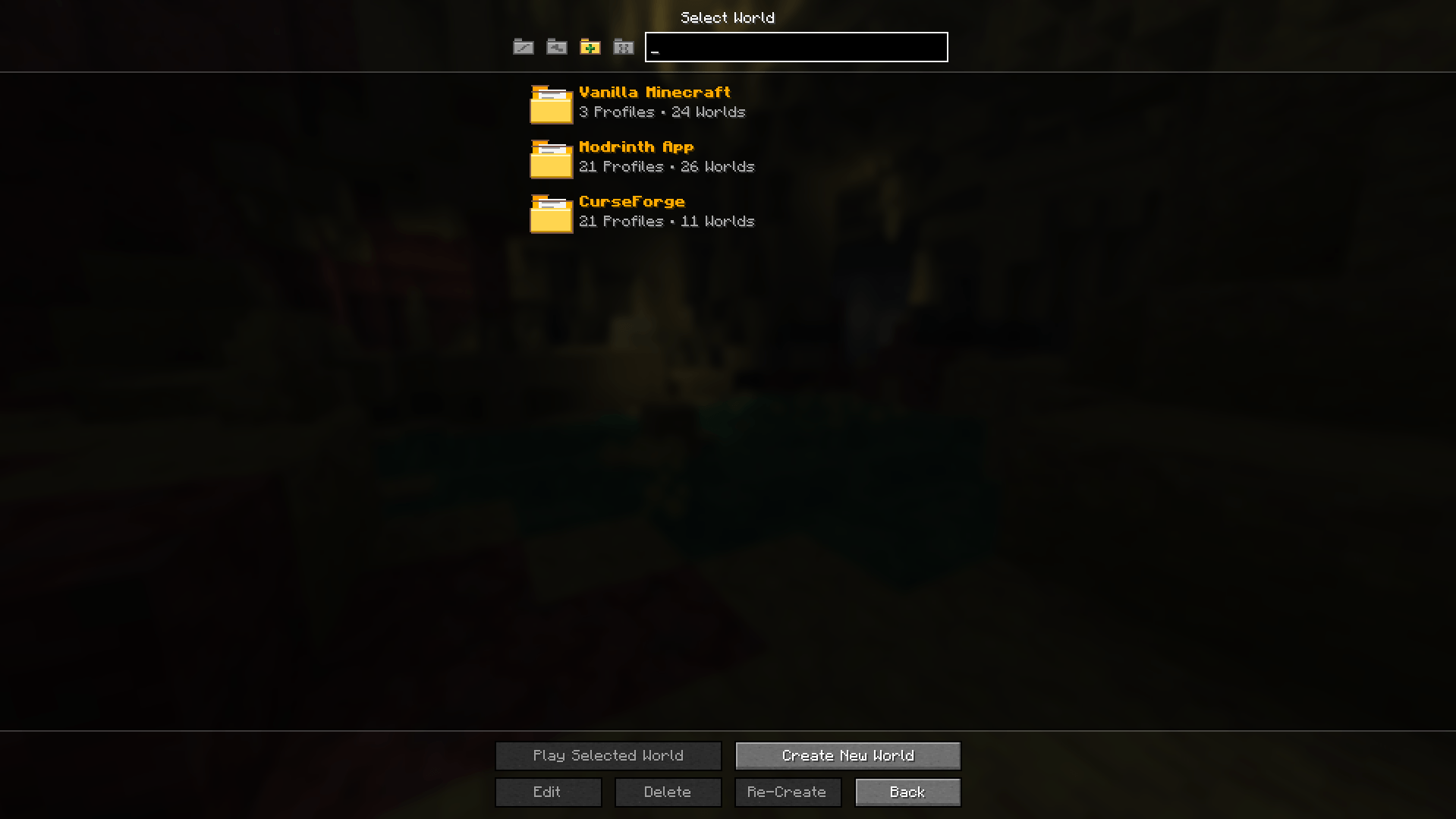
Access worlds from Vanilla, Modrinth, and CurseForge profiles directly through Minecraft’s singleplayer menu.
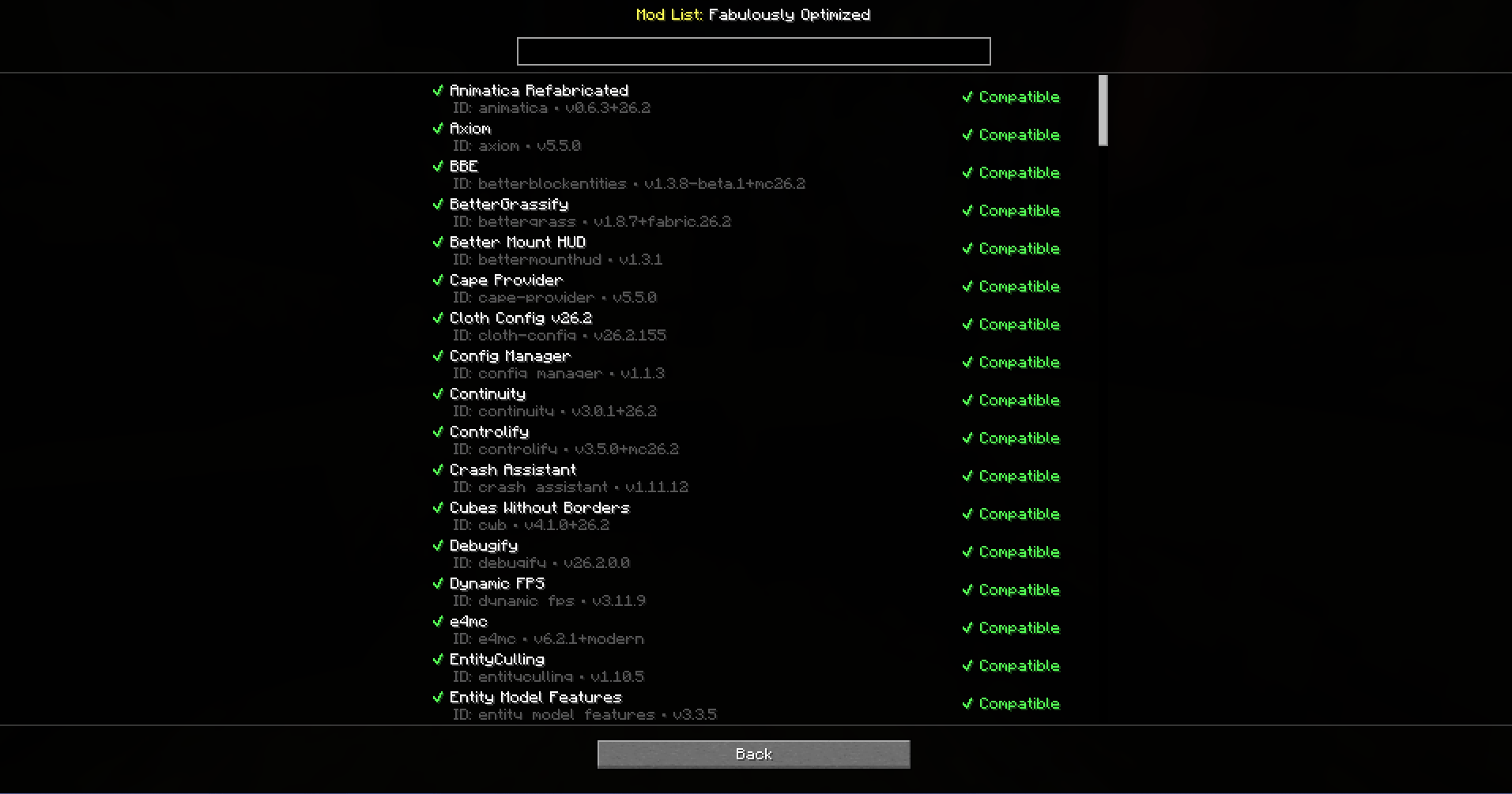
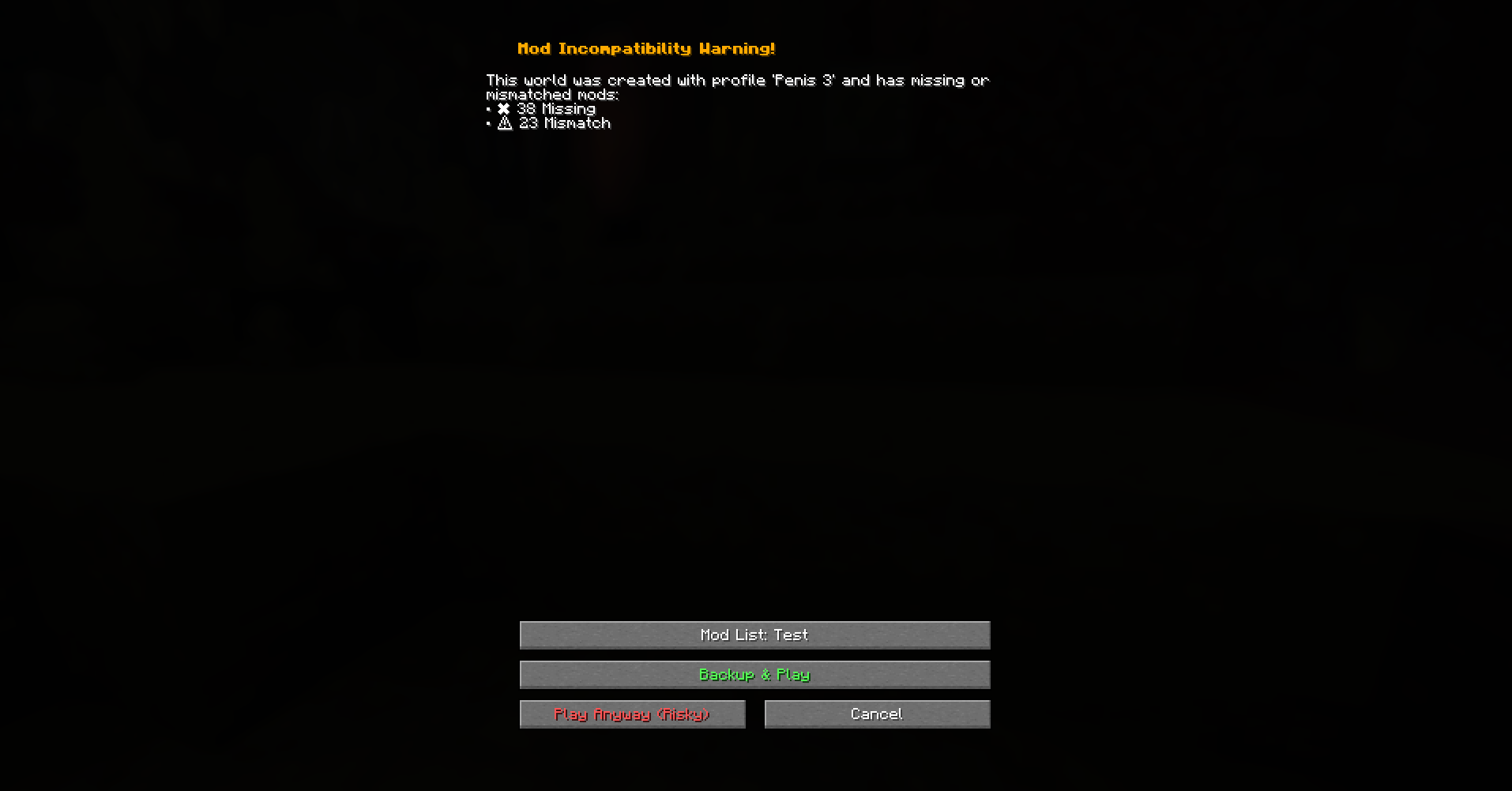
Browse worlds across multiple launcher profiles Detect missing or mismatched mods View detailed mod compatibility information Block worlds currently opened by another process Create optional backups before loading incompatible worlds Quickly access recently opened external worlds
Compatibility checks reduce risk but cannot guarantee that a world is safe. Always keep backups of important saves.
World Browser works locally and does not upload information about your worlds, profiles, or installed mods.