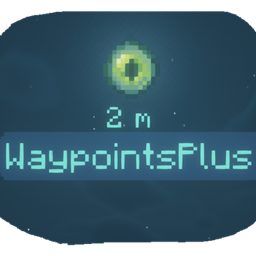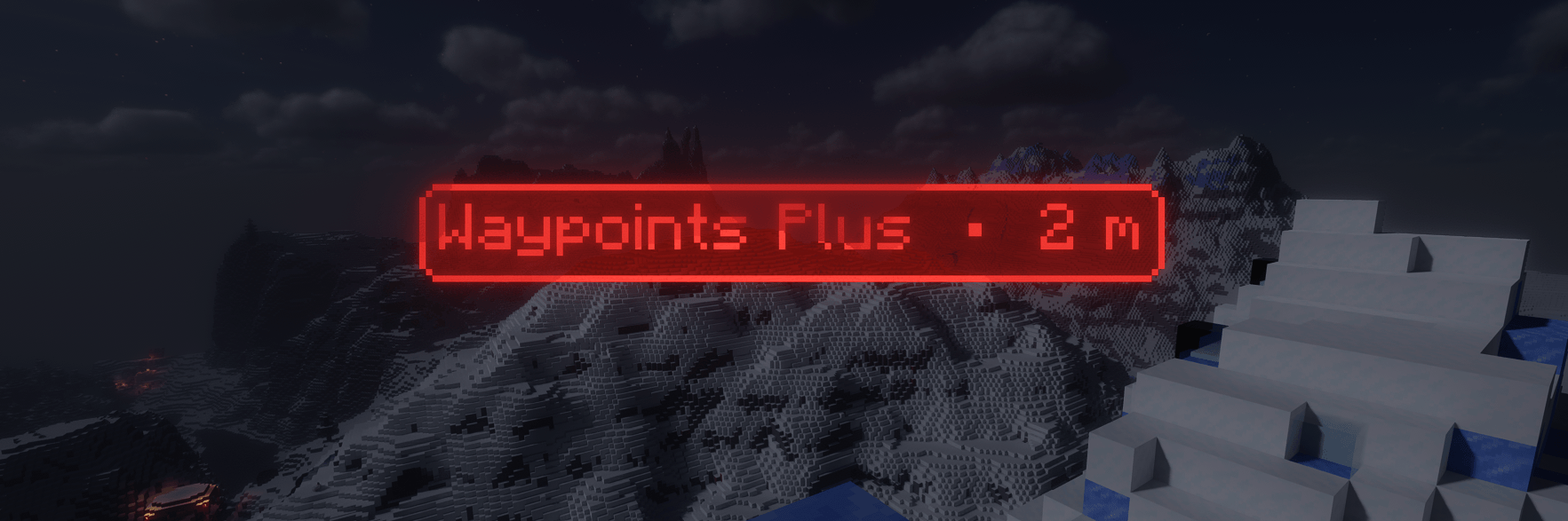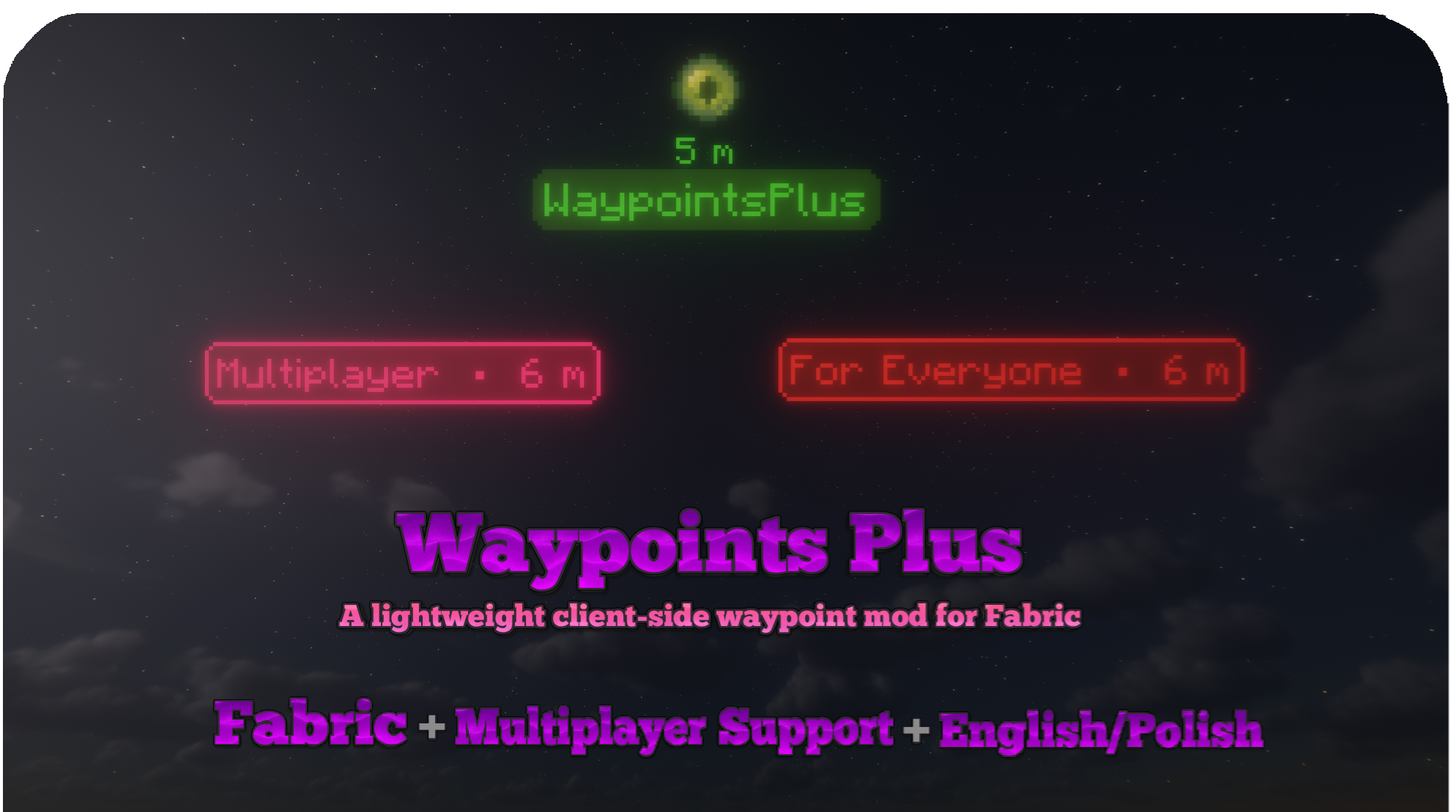




Waypoints Plus is a client-side Minecraft Fabric mod with custom waypoint icons, editable presets, waypoint grouping and clipboard sharing.
Mark bases, organize locations into profiles and build your own waypoint layouts. Hide coordinate fields with Incognito Mode, or send your team a prepared Fight Alert through Discord or in-game messages.
No server installation is required.
Save your current position or enter coordinates manually. Choose a name, color, dimension and preset, then select an item or block icon to help identify the location.
Use a chest for storage, a spawner for a farm or a different icon for each base. Keep the classic text-only style when you want something simple.

Choose from four built-in presets: Default, Default + Icon, Single Icon and Designed. Pin favorites to keep them at the top of the preset list.
The Preset Creator lets you build your own layout with a live, zoomable preview:
Presets are shared across your servers, worlds and profiles. Individual waypoints can use different item icons without needing a separate preset for each one.
Waypoint Grouping combines overlapping distant waypoints into a compact marker instead of leaving a pile of labels on screen.
Groups use the Designed layout, show the nearest waypoint's name and include the number of locations in the group. Text-only waypoints can join groups containing icon waypoints.
Enable Waypoint Grouping in Advanced Settings and adjust Grouping Distance, which defaults to 250 blocks. Nearby waypoints remain separate, and grouping never deletes or merges your saved waypoint data.
Waypoint profiles stay separate for each multiplayer server and singleplayer world.
Create profiles for Bases, Allies, Enemies or Structures, or keep an empty profile for a clear view. Switch between them using the menu arrows or keybinds without opening the settings every time.
New waypoints are saved to your active profile.

Death waypoints are disabled by default. Enable them in Advanced Settings to save future death locations with a date and time.
The dedicated death profile is created when needed. Turning the feature off stops new death waypoints from being created, but keeps existing locations and their profile.
Edit, delete or select multiple waypoints from one screen. Filter the list by dimension, including custom dimensions used by servers.
Export selected waypoints to the clipboard so another player can import them into their active profile. Custom dimensions can be preserved or mapped to another dimension. If an imported waypoint uses a preset that is missing locally, you can choose a replacement.
A /tp button is available when the client detects access to the relevant teleport command. Server permissions still apply.

Choose colors and transparency with the visual color picker, reuse recent colors and remember a preferred default.
Match the text color to the border, or use a separate default text color for better readability. Select Overworld, Nether, End or a custom dimension when creating or editing a waypoint.

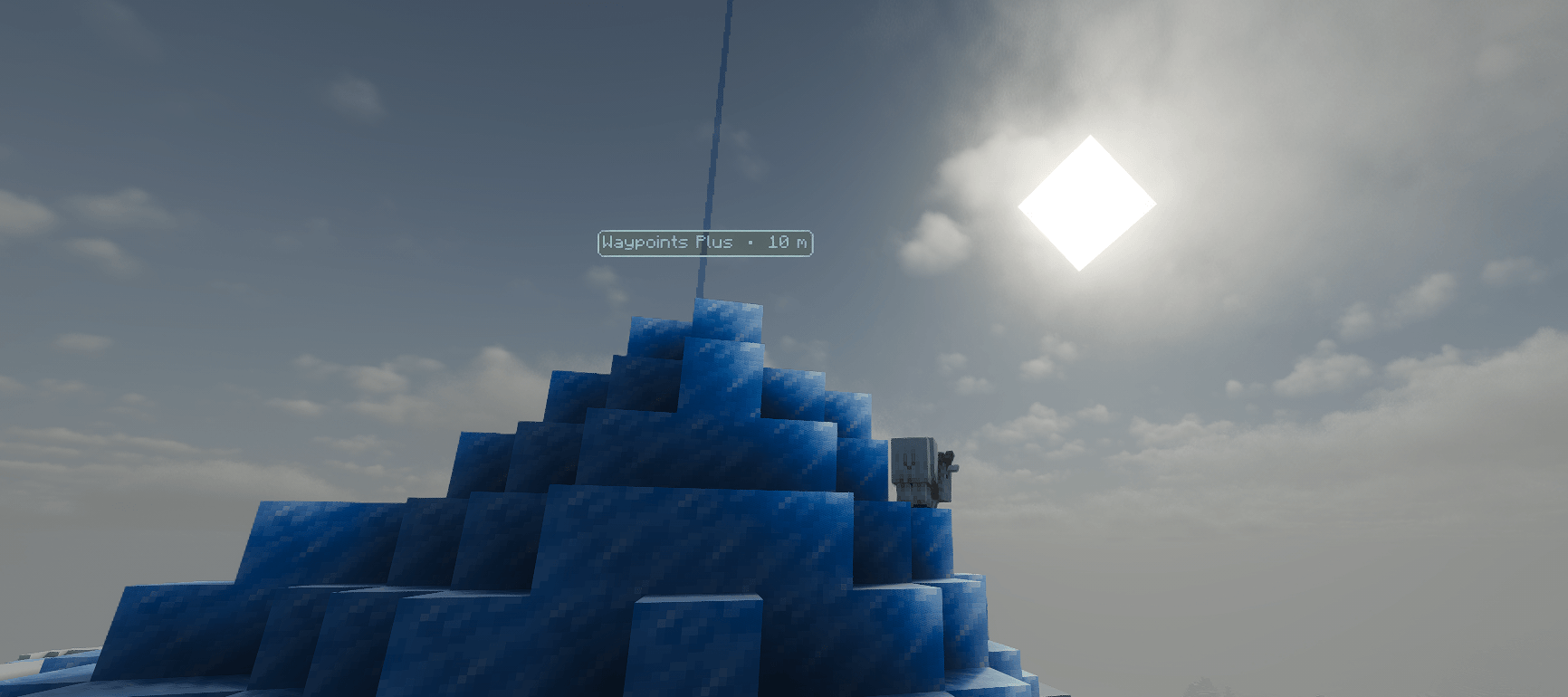
Waypoint labels face the camera and remain visible through walls and beyond loaded chunks. Optional vertical lasers mark their positions, are hidden by blocks and render only within 250 blocks.
Settings include:

Create a waypoint directly from a short line of text, without opening a menu:
100 64 -250 Meeting pointCopy the line and press your Create Waypoint From Clipboard keybind. The waypoint is added to your active profile. If the coordinates have no name, it uses Quick Waypoint.
Bind Copy Current Position to prepare the same format with your own coordinates, ready to paste into a message.
Both shortcuts are unassigned by default and can be configured in Minecraft's Controls menu.
Prepare a message once and send it with a keybind when your team needs your location or an update.
Choose a Discord webhook or in-game MSG to up to 10 trusted recipients. MSG supports an adjustable delay between recipients.
Trigger an alert with a single key, a key combination or repeated presses within a chosen time window. Enable or disable each alert separately, and optionally show a popup with the sending result.
Message variables can include:
For example:
$PLAYER needs help at $X $Y $Z $DIMENSION on $SERVER
HP: $HP
Opponents: $OPPONENT_COUNT
$OPPONENTS
Discord messages support multiple lines. In-game MSG converts line breaks to spaces and shortens messages to fit Minecraft's command limit. Server permissions and messaging rules still apply.
Keep your Discord webhook URL private.
Hide coordinate fields in the waypoint creation and editing screens with Incognito Mode. Each field displays **** instead of its value, and your choice is remembered between sessions.
This does not change the saved coordinates or automatically hide information in the world. Coordinates and distance on waypoint labels can be disabled separately in settings.
Before streaming or sharing screenshots, remember that names, landmarks and waypoint directions can still reveal a location.
| Action | Default key |
|---|---|
| Create Waypoint | B |
| Manage Waypoints | ; |
| Previous Waypoint Profile | Left Arrow |
| Next Waypoint Profile | Right Arrow |
| Reload Waypoints From File | Unassigned |
| Create Waypoint From Clipboard | Unassigned |
| Copy Current Position | Unassigned |
Change these in Minecraft's Controls menu. Fight Alert triggers are configured separately for each alert.
Install Fabric Loader and Fabric API, then place the Waypoints Plus JAR for your Minecraft version in your mods folder.
Check the Versions tab for available builds and their requirements. Use the file marked for your Minecraft version.
Waypoints Plus runs on the client and does not need to be installed on the server.
Settings, profiles, presets and waypoint files are stored locally in:
config/waypointsplus/Waypoint data uses readable JSON files, with separate files for each server or world. Back up this folder to keep your saved locations and configuration.
After editing waypoint files outside the game, use Reload Waypoints From File to load your changes.
Documentation · Source · Buy Me a Coffee
Created by Slogerski.