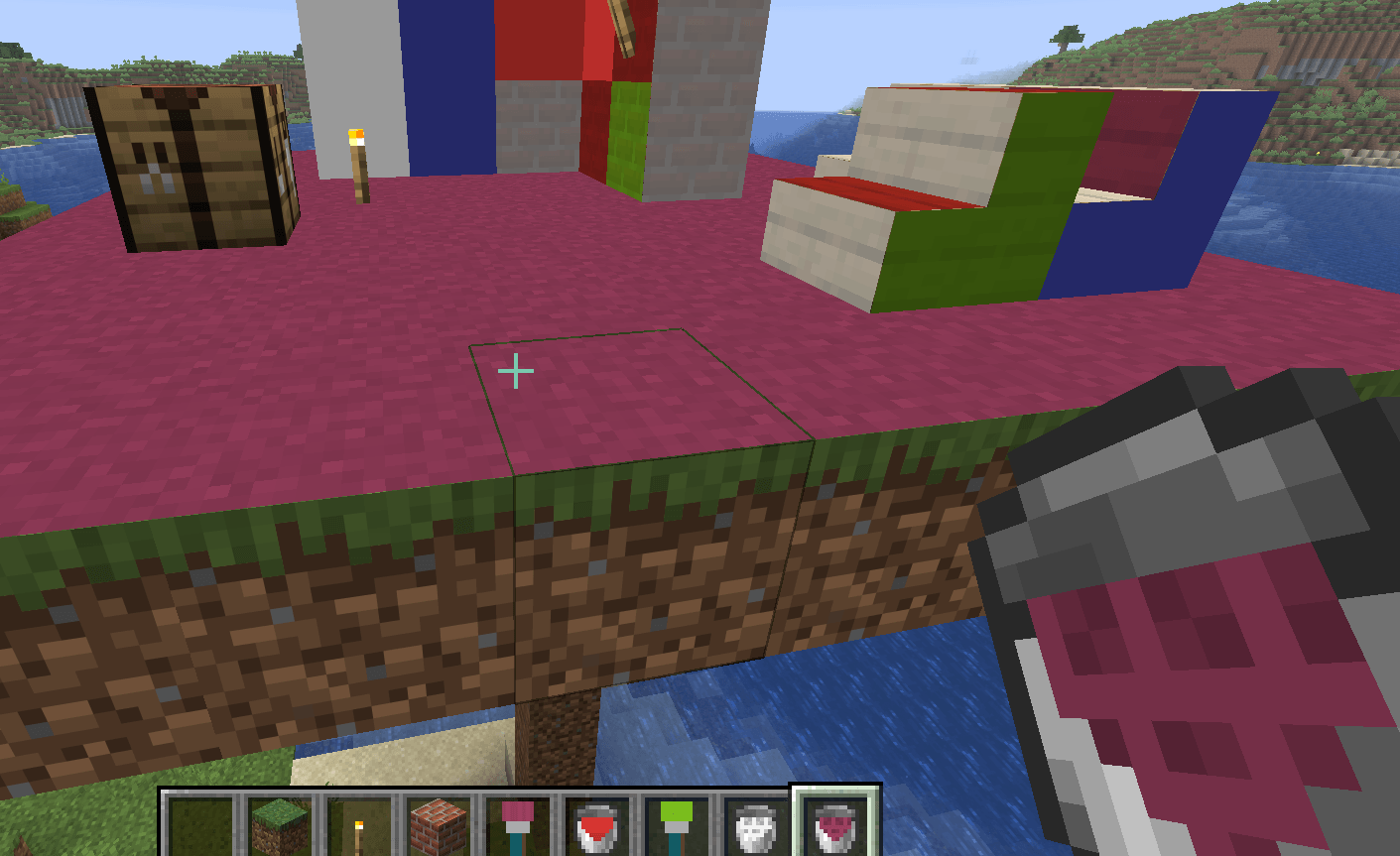
Description
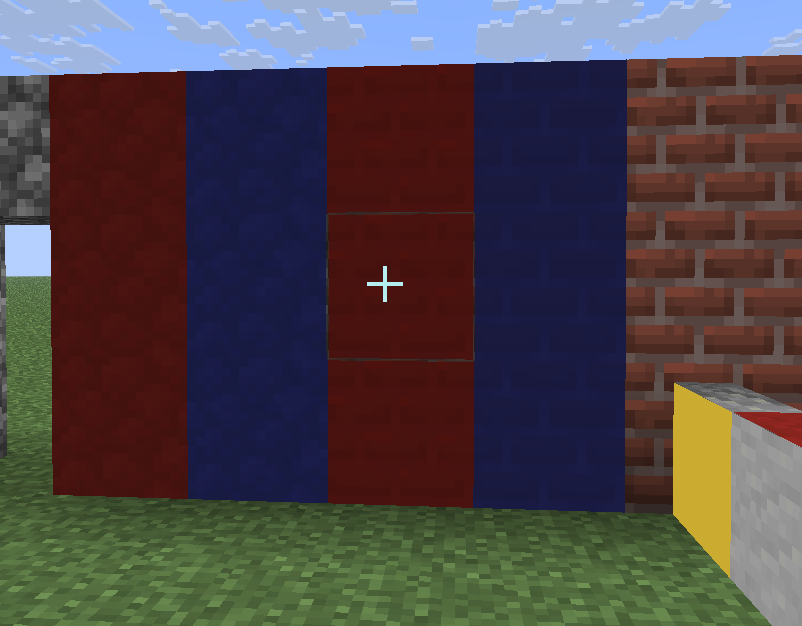
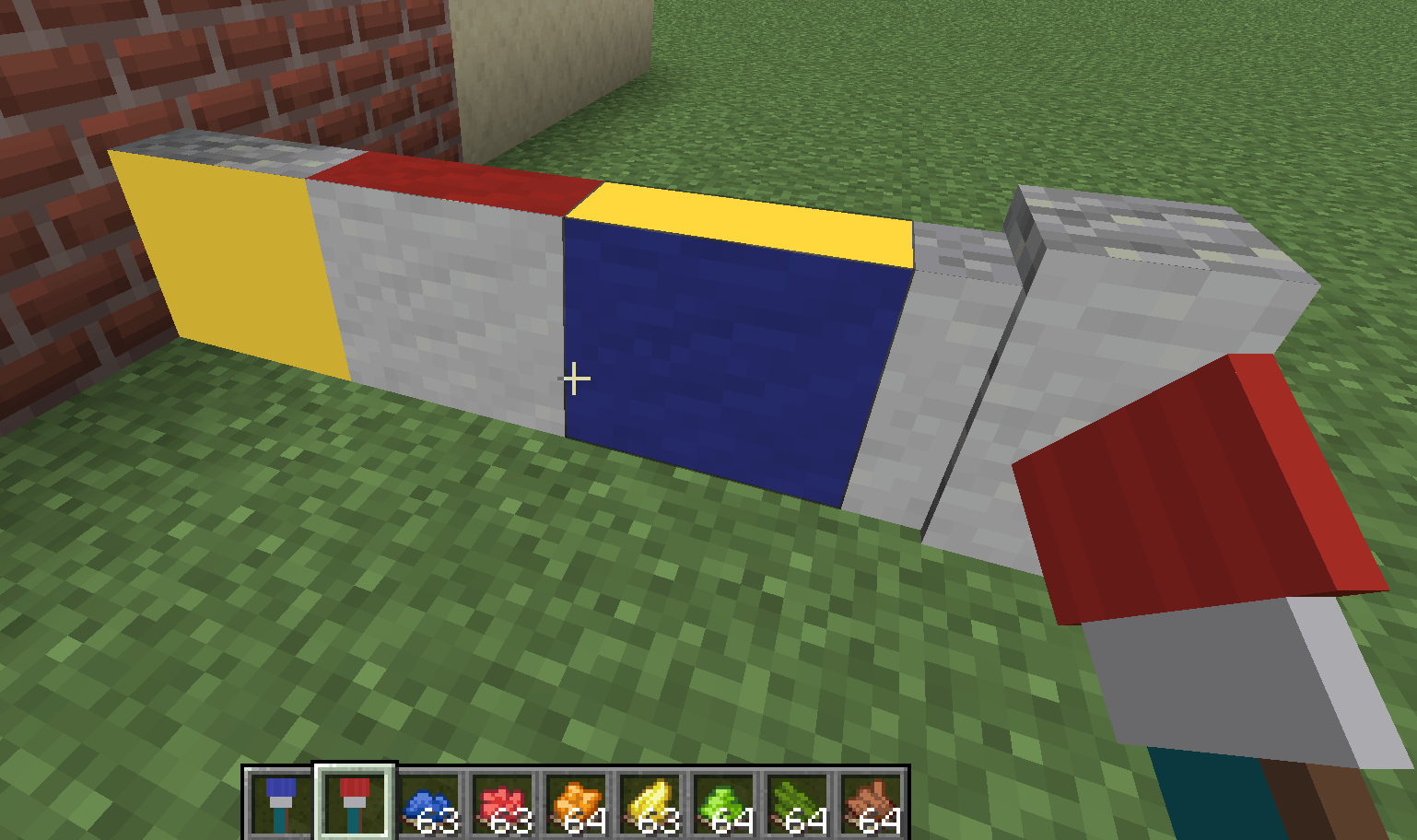
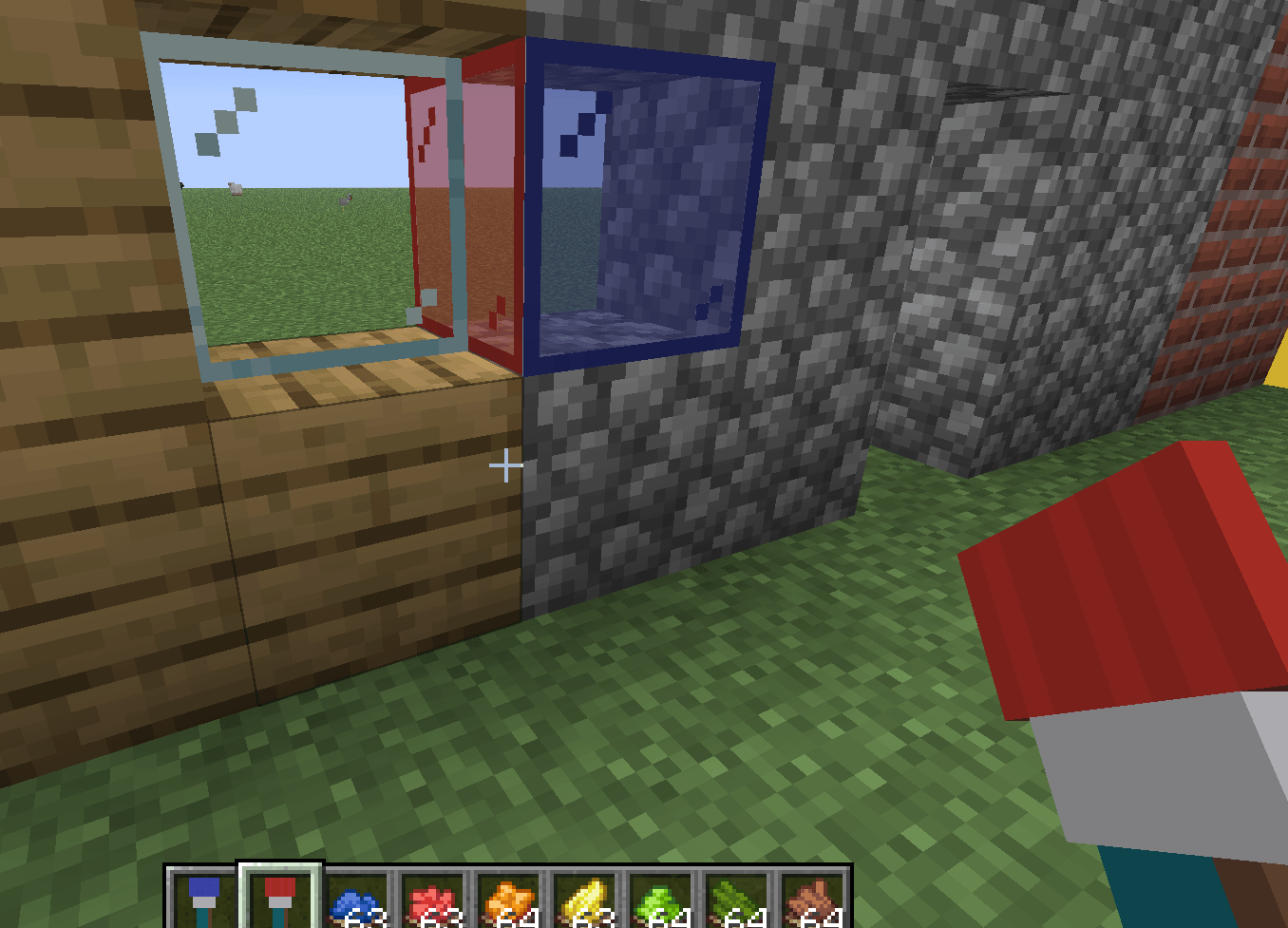
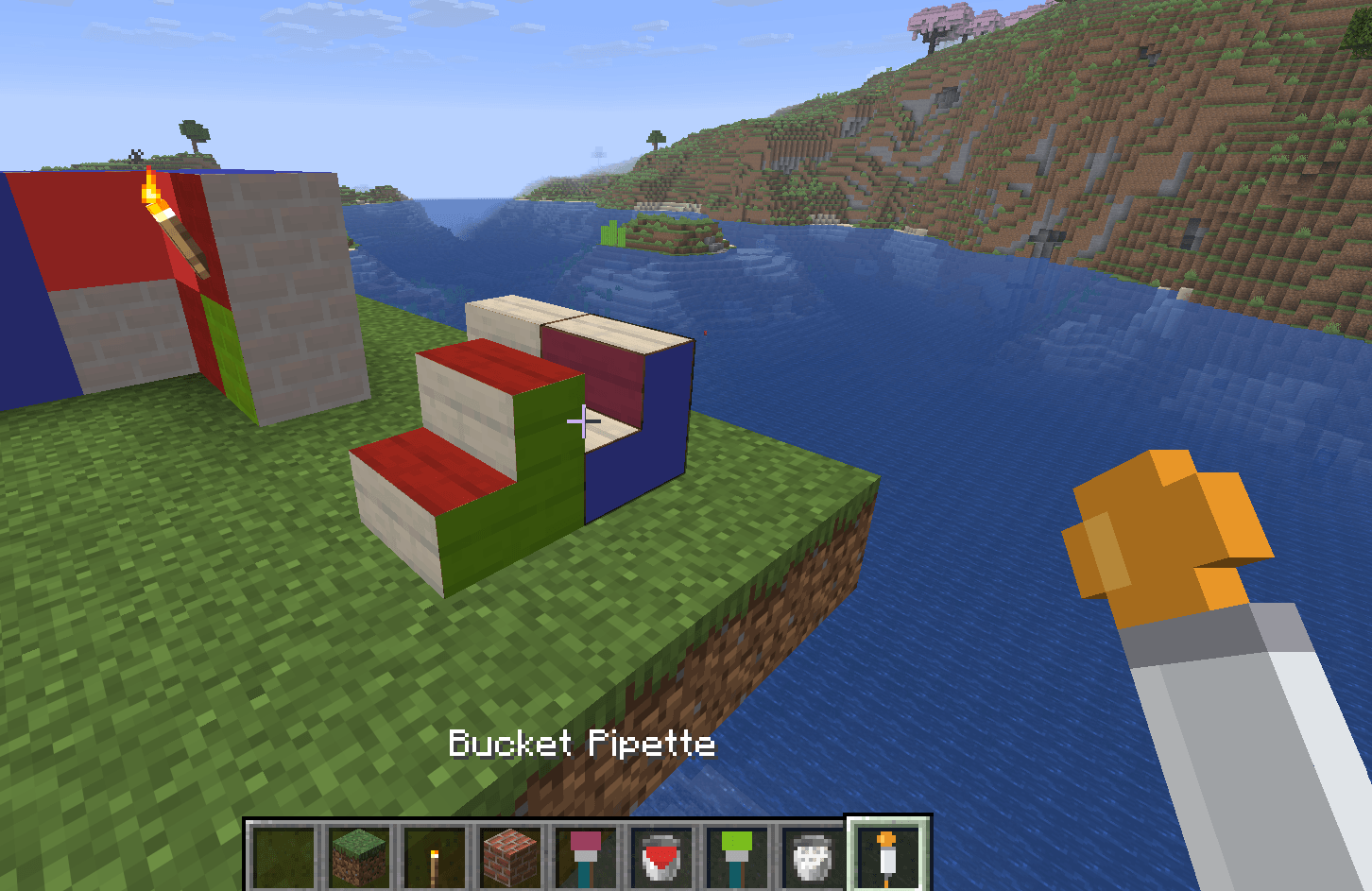
WallPaint lets you recolor any block's face with a brush - no block is placed and no space is taken. The paint hugs the surface, follows the block's shape (stairs, slabs...) and the lighting (darker at night and in caves), and is saved into your world.
Single-player focused. Requires Fabric Loader and Fabric API. For multiplayer, install it on both the Fabric server and the clients (required on both sides).
Tools:
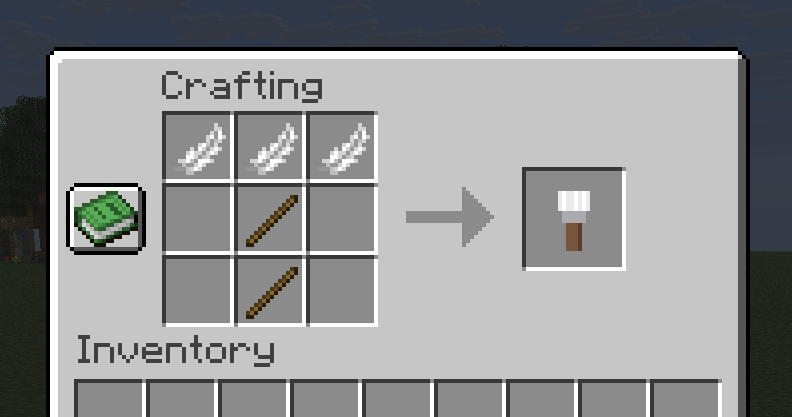
• Paintbrush - right-click paints a face, left-click erases. Never breaks blocks.
• Texture Paintbrush - the paint takes on the block's own texture (tinted).
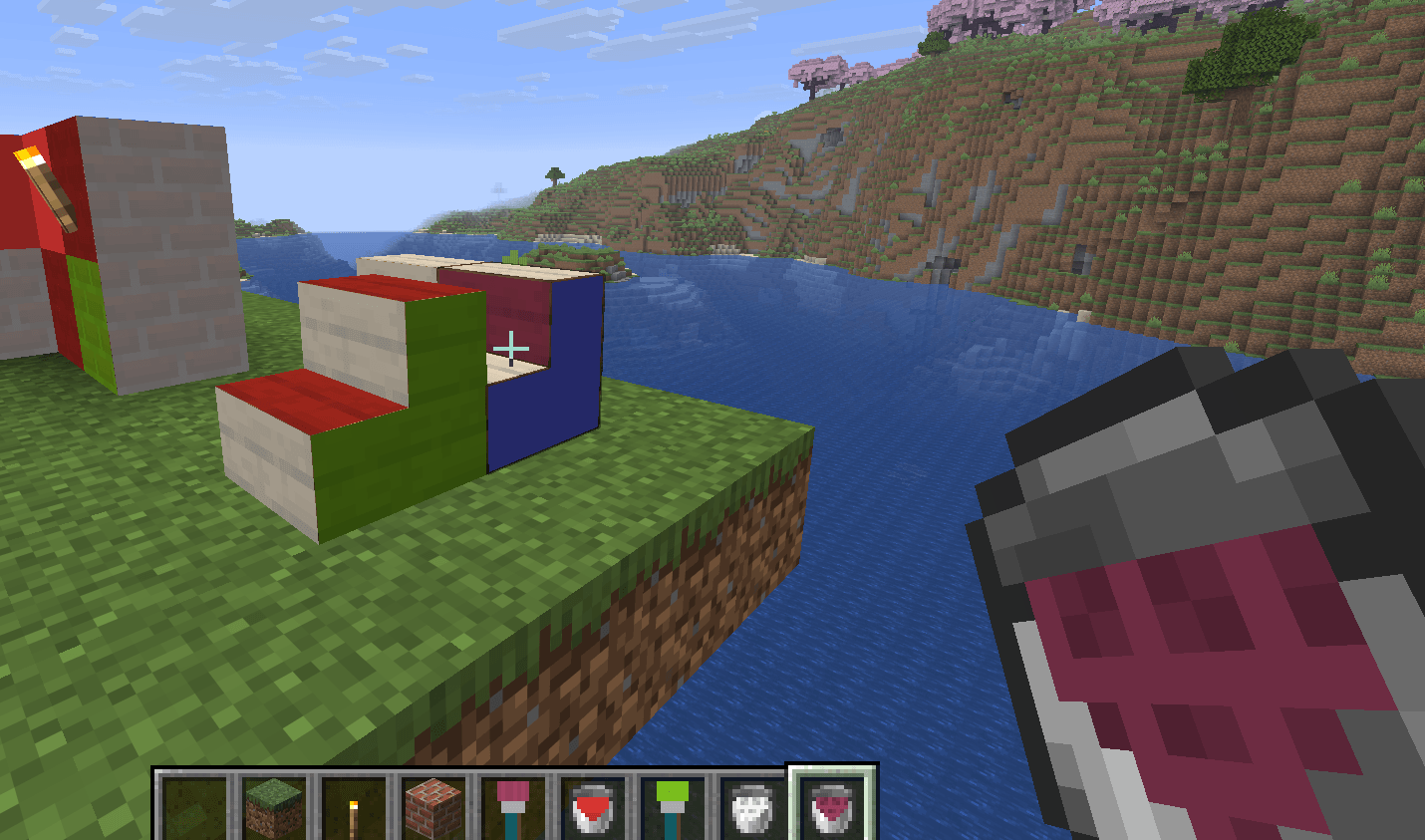
• Paint Bucket & Texture Paint Bucket - fill a whole connected same-block surface in one click; left-click clears a same-colored area (up to about 50x50).
• Pipettes - click a painted face and the pipette becomes that exact tool, already colored.
• Whole-block coat - hold a paint bucket in your off-hand and a brush in your main hand: right-click coats all six faces of the block at once (color and style from the brush), left-click clears it. Handy for fences/balconies and other blocks with thin, hard-to-reach parts.
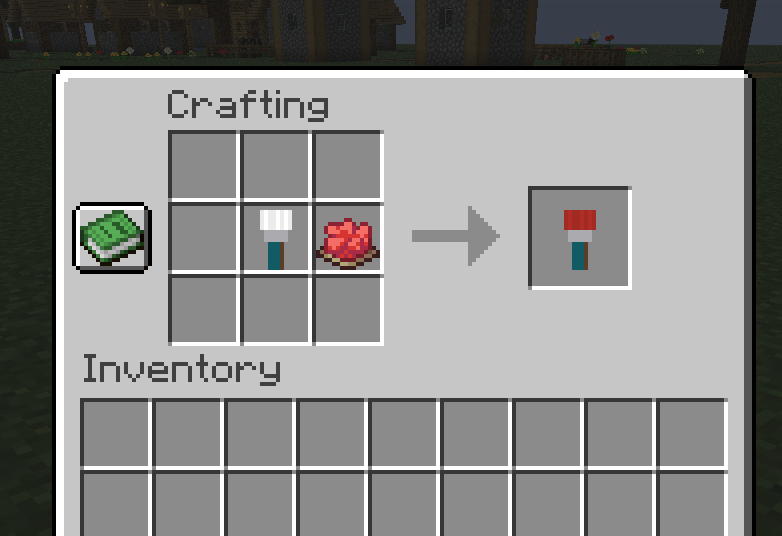
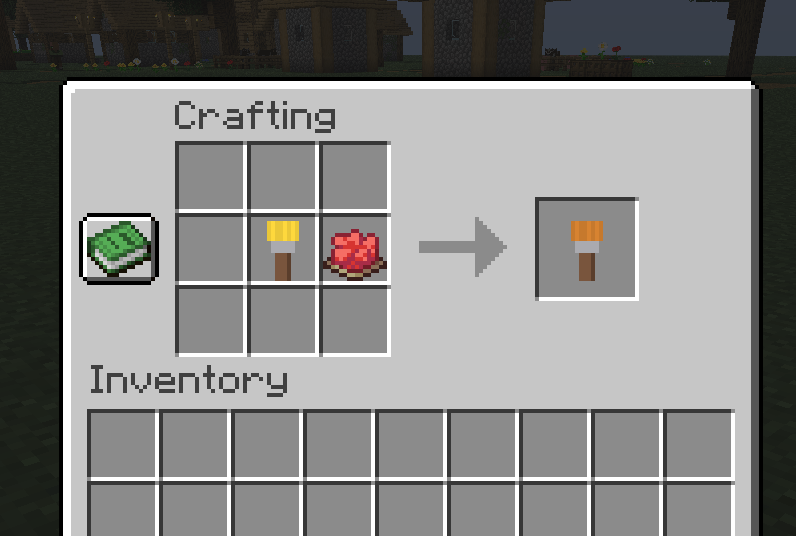
Colors: dye the tools like leather armor (any dye, mixable). Undyed - white.
Shaders: works with Iris shader packs (tested with Complementary, BSL and Photon).
Performance: large painted areas stay smooth.
Upgrading: when you move your world to a newer supported Minecraft version, your paint and dyed tools come along.
For Minecraft 26.1.2, 26.2 and 26.3 (MIT).