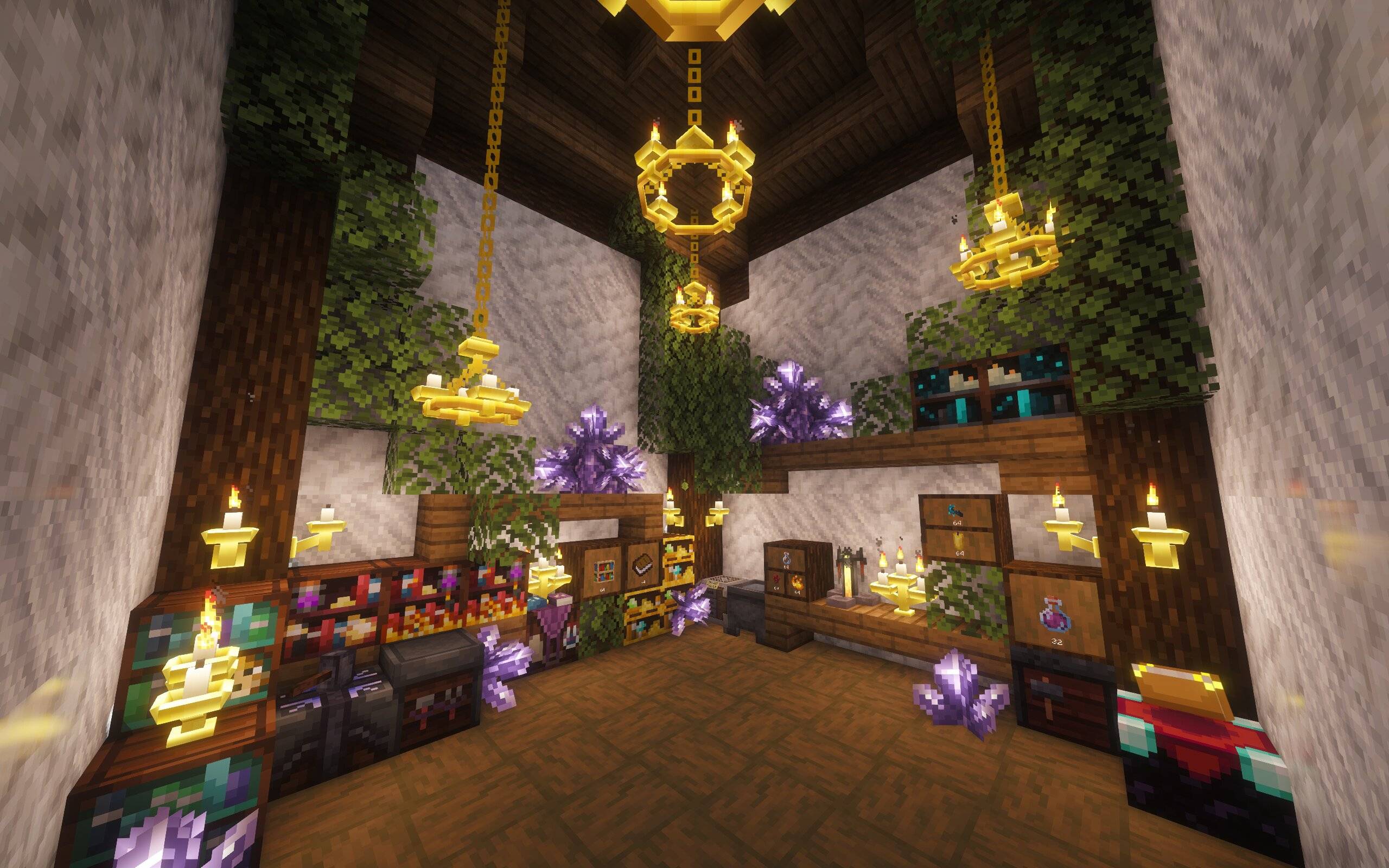
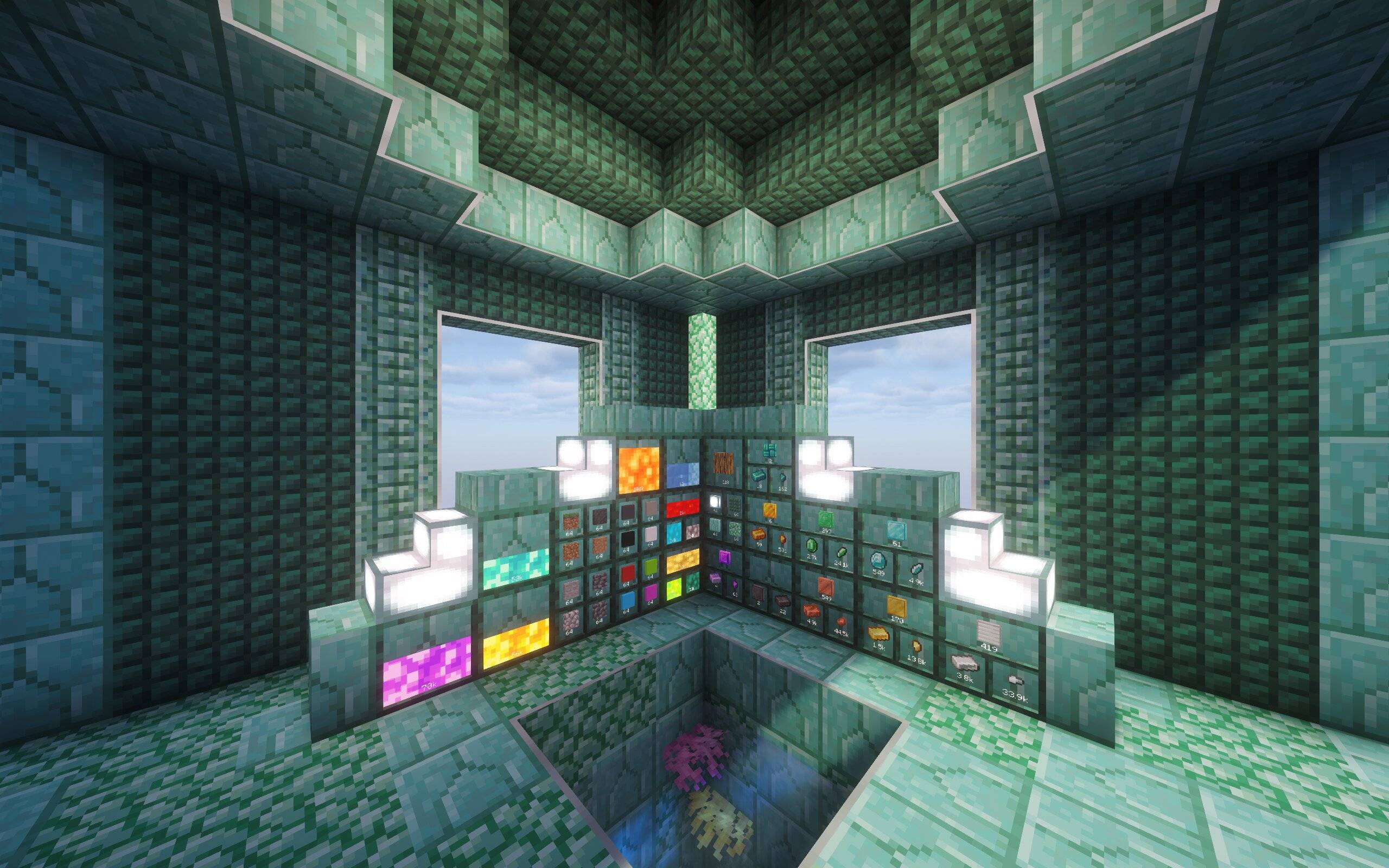
Utility Drawers is a storage mod designed for players who want an organized, high-capacity, and functional storage solution, whether that be for central storage, resource farms, or anything in between.
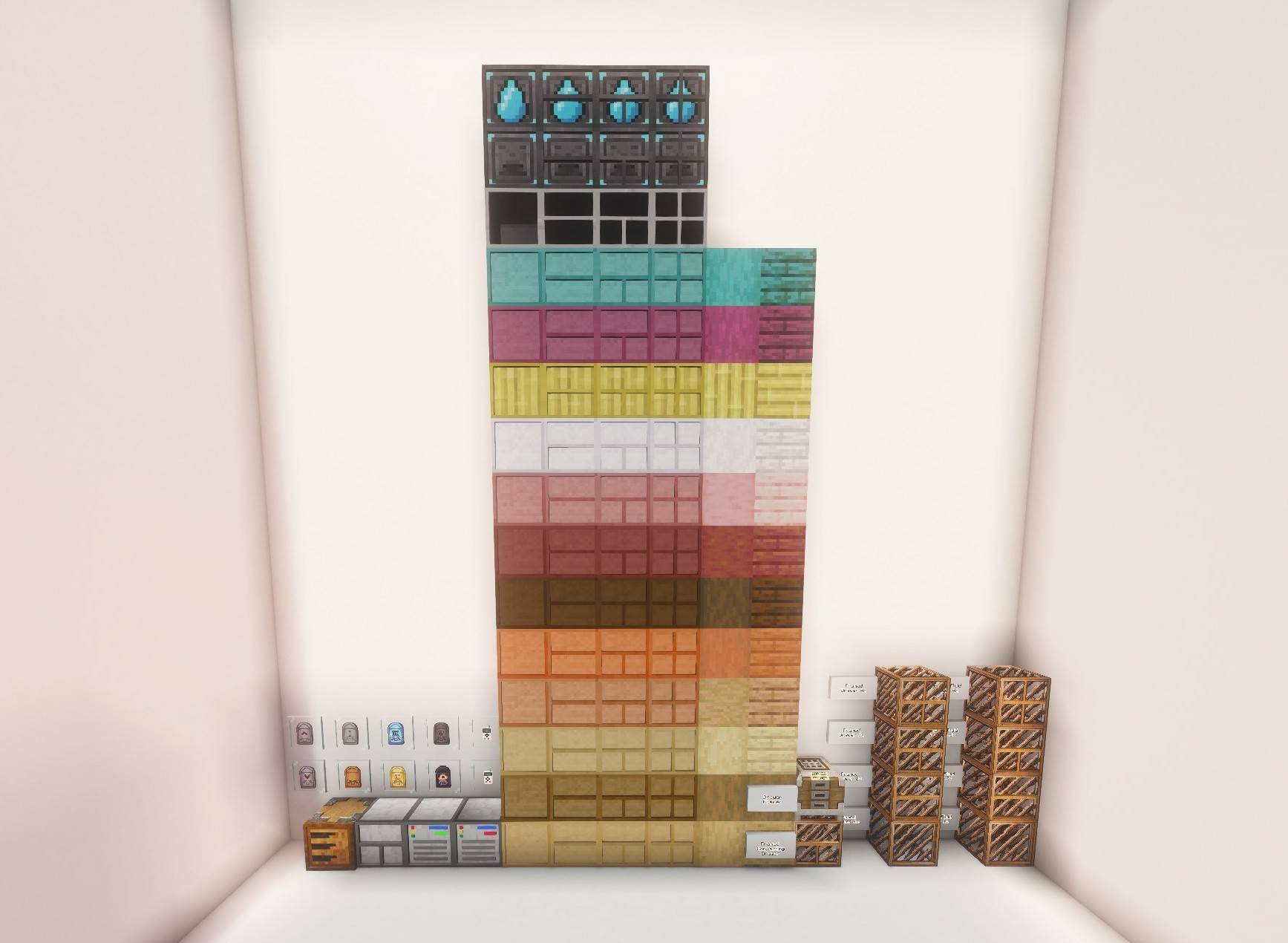
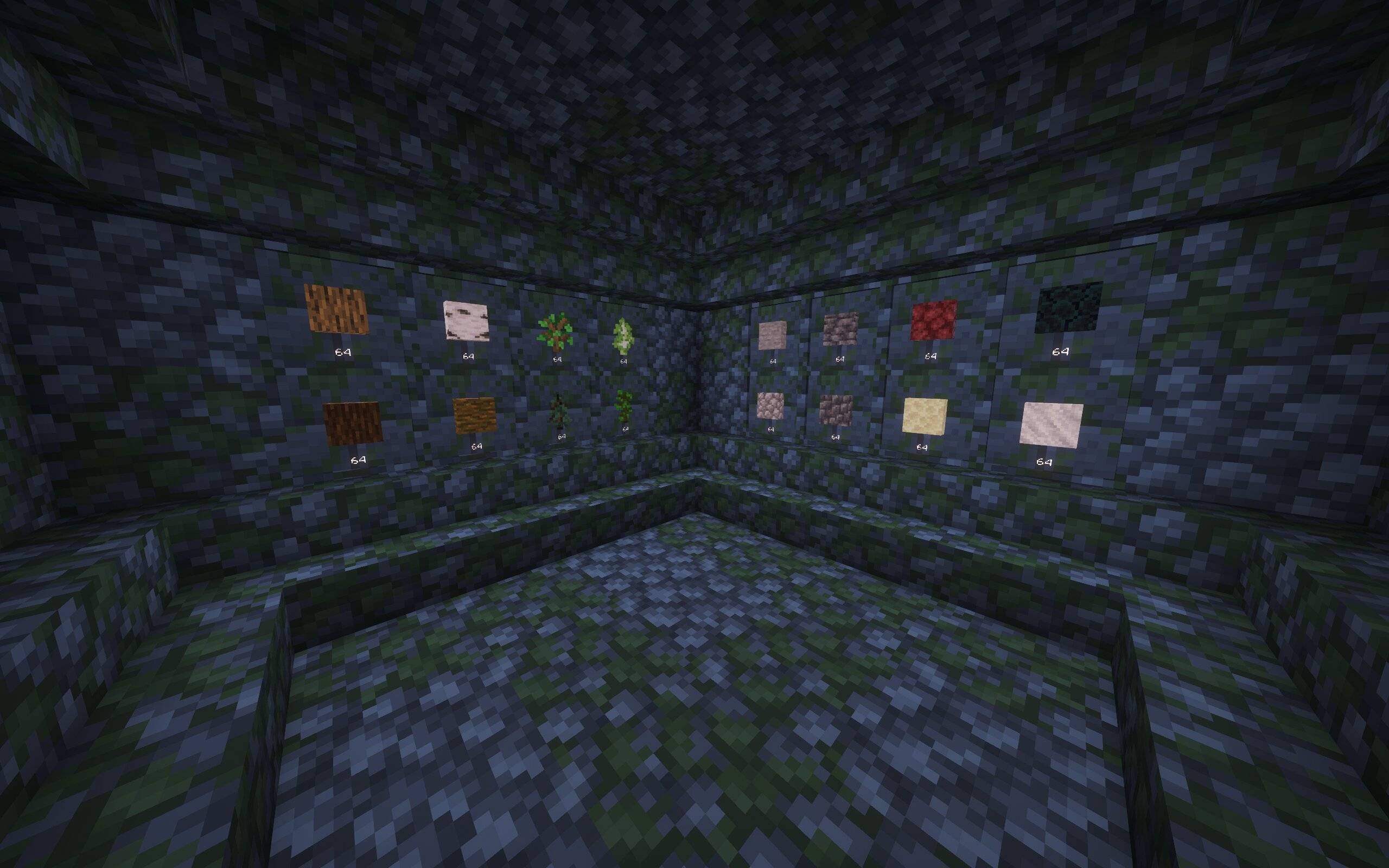
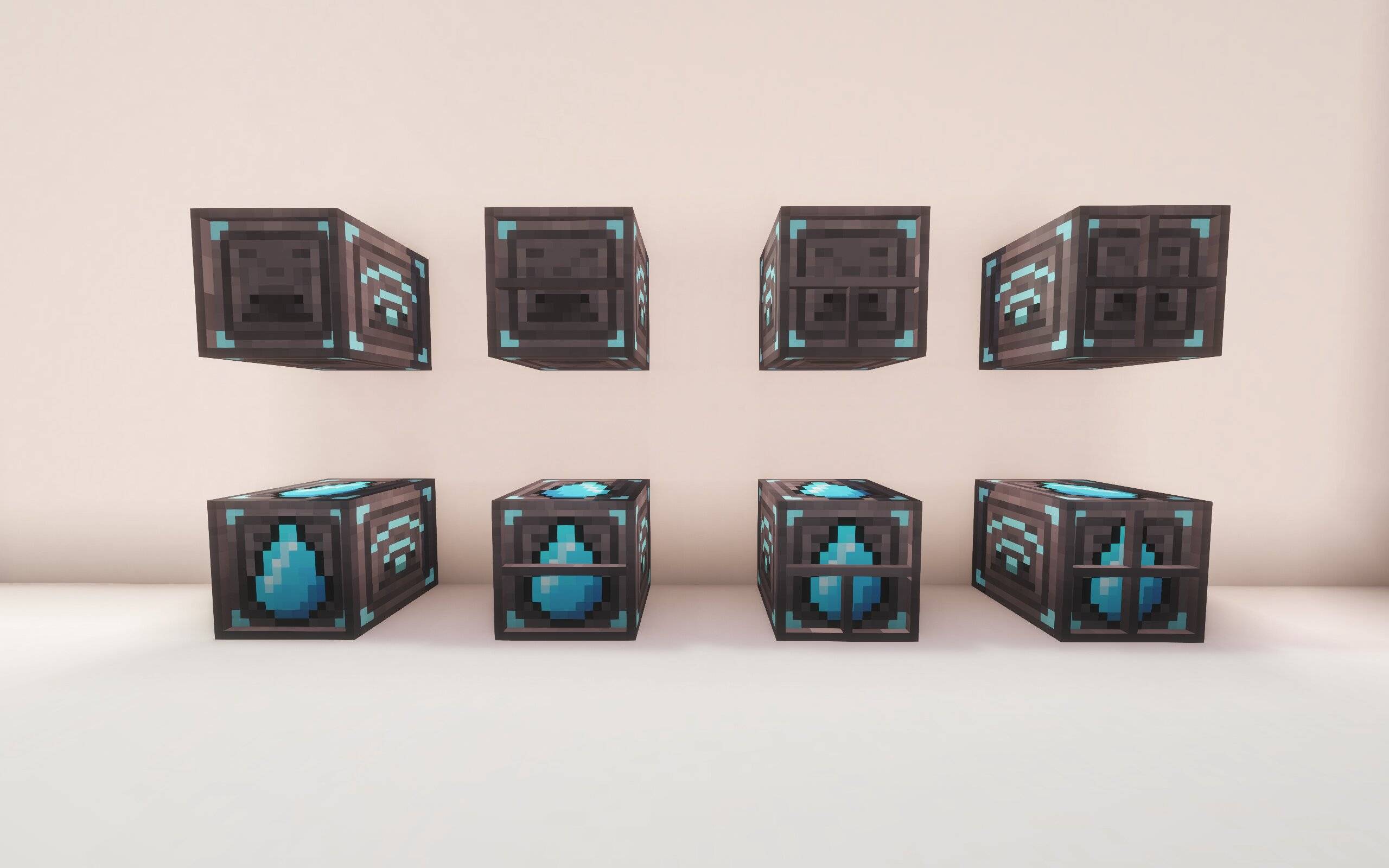
Store massive quantities of a single item or fluid in one block. Utility Drawers come in a variety of types to fit any storage need, and are available in all vanilla wood types:
| Type | Description |
|---|---|
| 1, 2, 3 & 4 Slot Item Drawers | Store one to four item types in a single block. Capacity scales with slot count. |
| 1, 2, 3 & 4 Fluid Drawers | Same concept, but for fluids. Compatible with any NeoForge fluid. |
| Compacting Drawer | Automatically handles compression and decompression, storing items across all three tiers simultaneously. |
Access your items and fluids from anywhere, across any dimension.
Framed Drawers are fully customizable drawers that let you apply any block's texture to the drawer faces, perfect for blending storage seamlessly into any build style. Craft them using the Drawer Framer block.
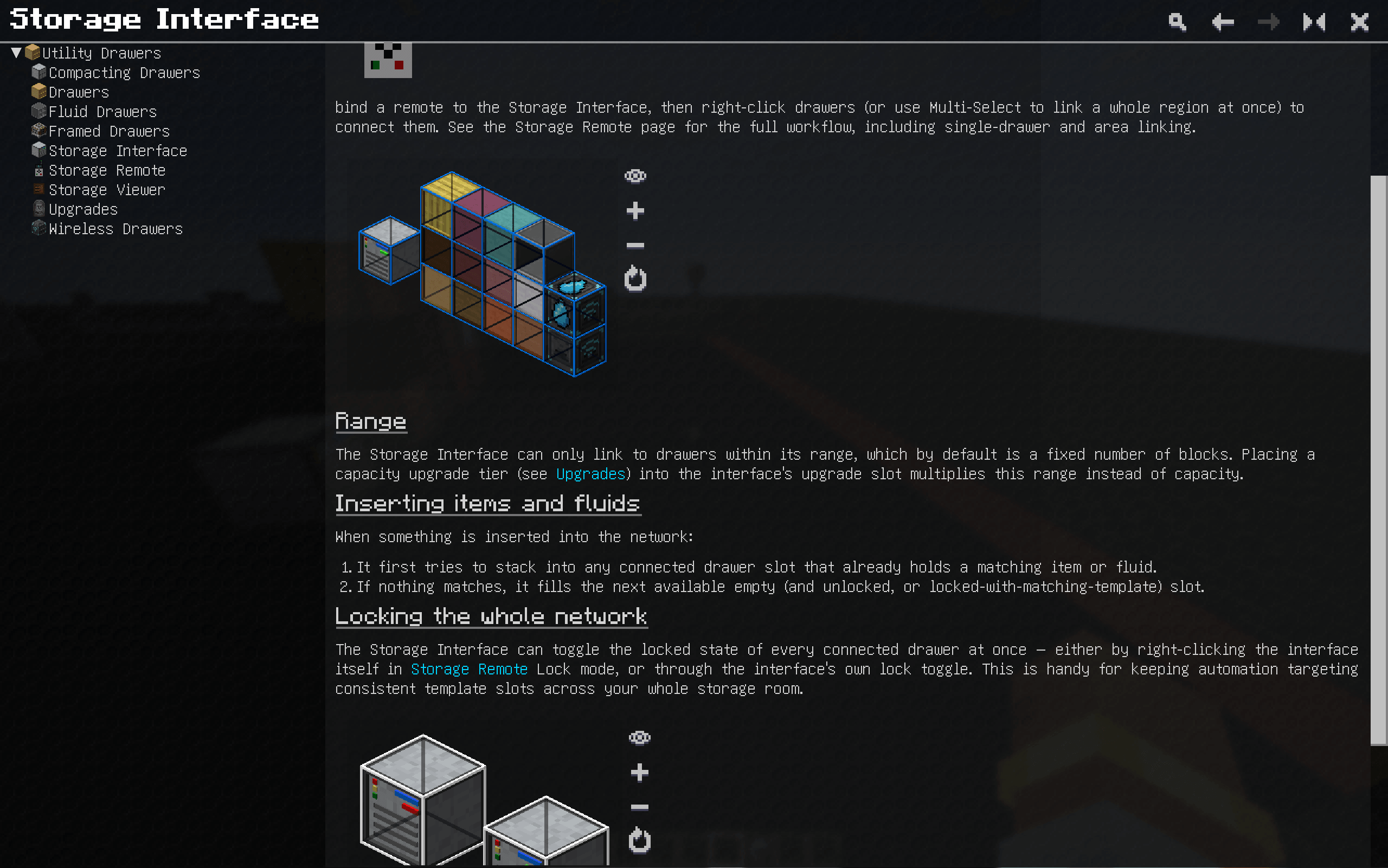
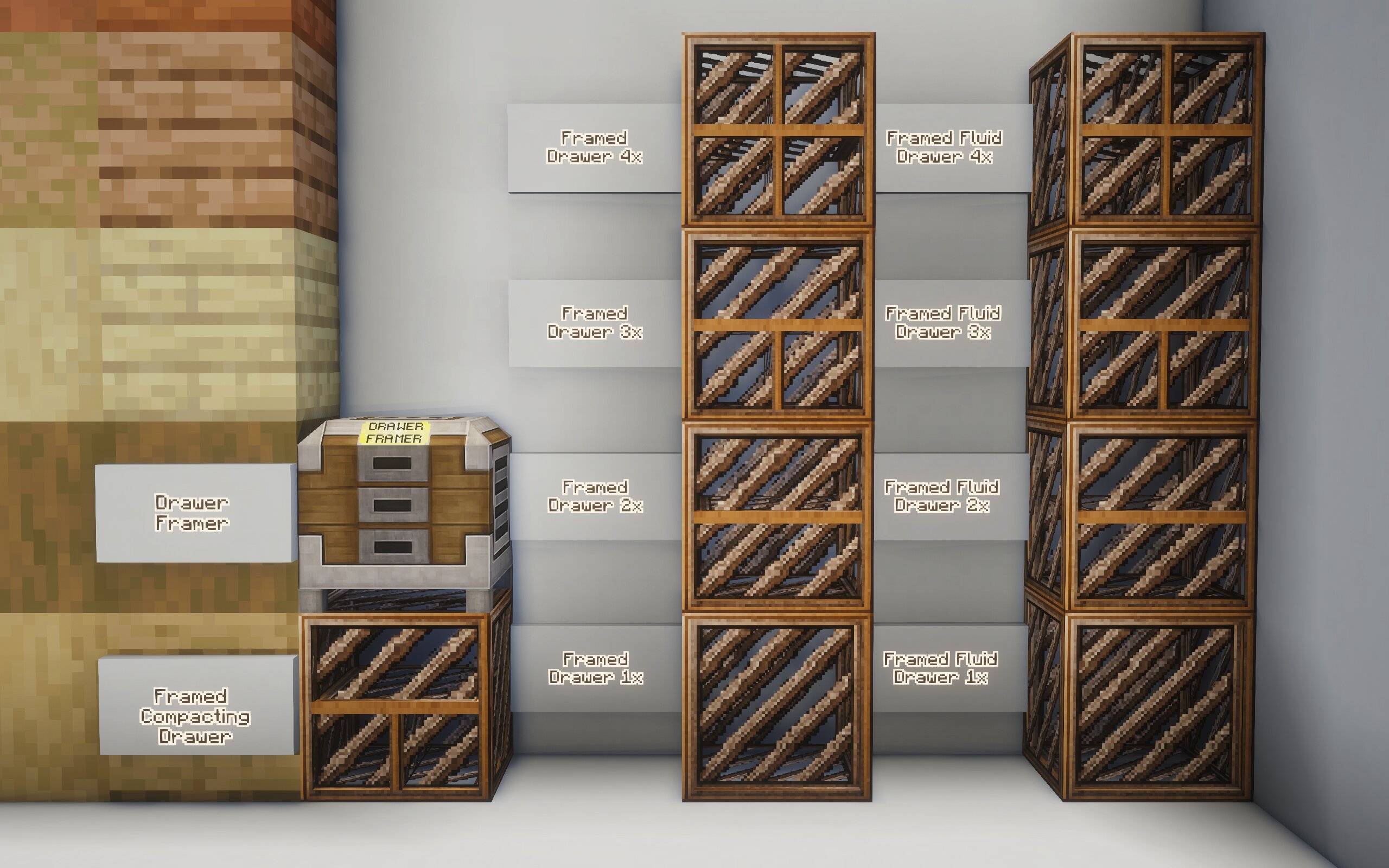
The Storage Interface is the heart of your drawer network. Link up to as many drawers as you want within a 16-block radius using the Storage Remote (can be increased with upgrades), and access the entire network as a single unified storage.
Attach any compatible storage interface such as a Storage Bus (AE2) or External Storage (Refined Storage) to access your drawer network through a digital interface.
The interface glows red when your network is locked and green when unlocked, so you can glance at it to check your network state at a moment's notice. 
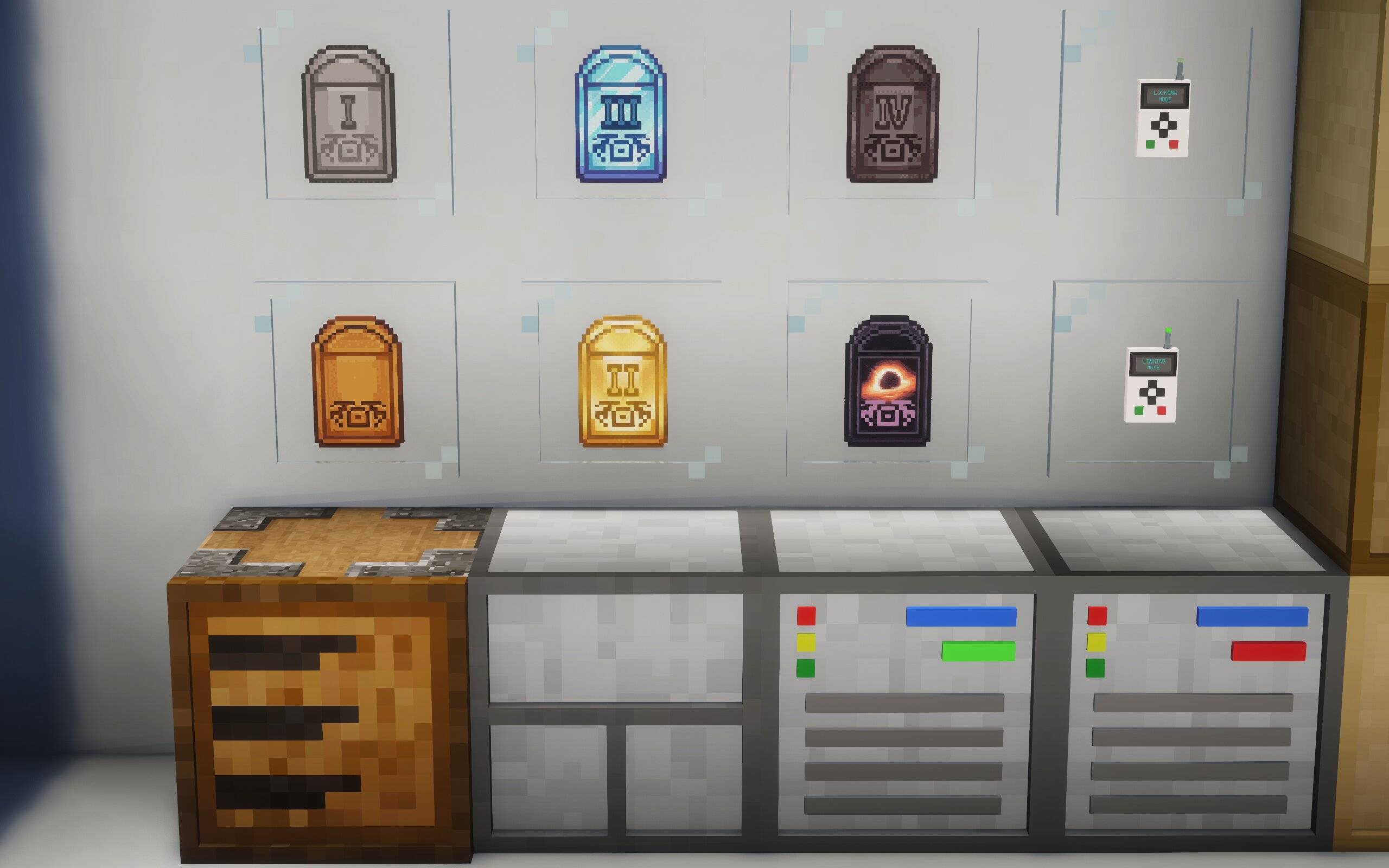
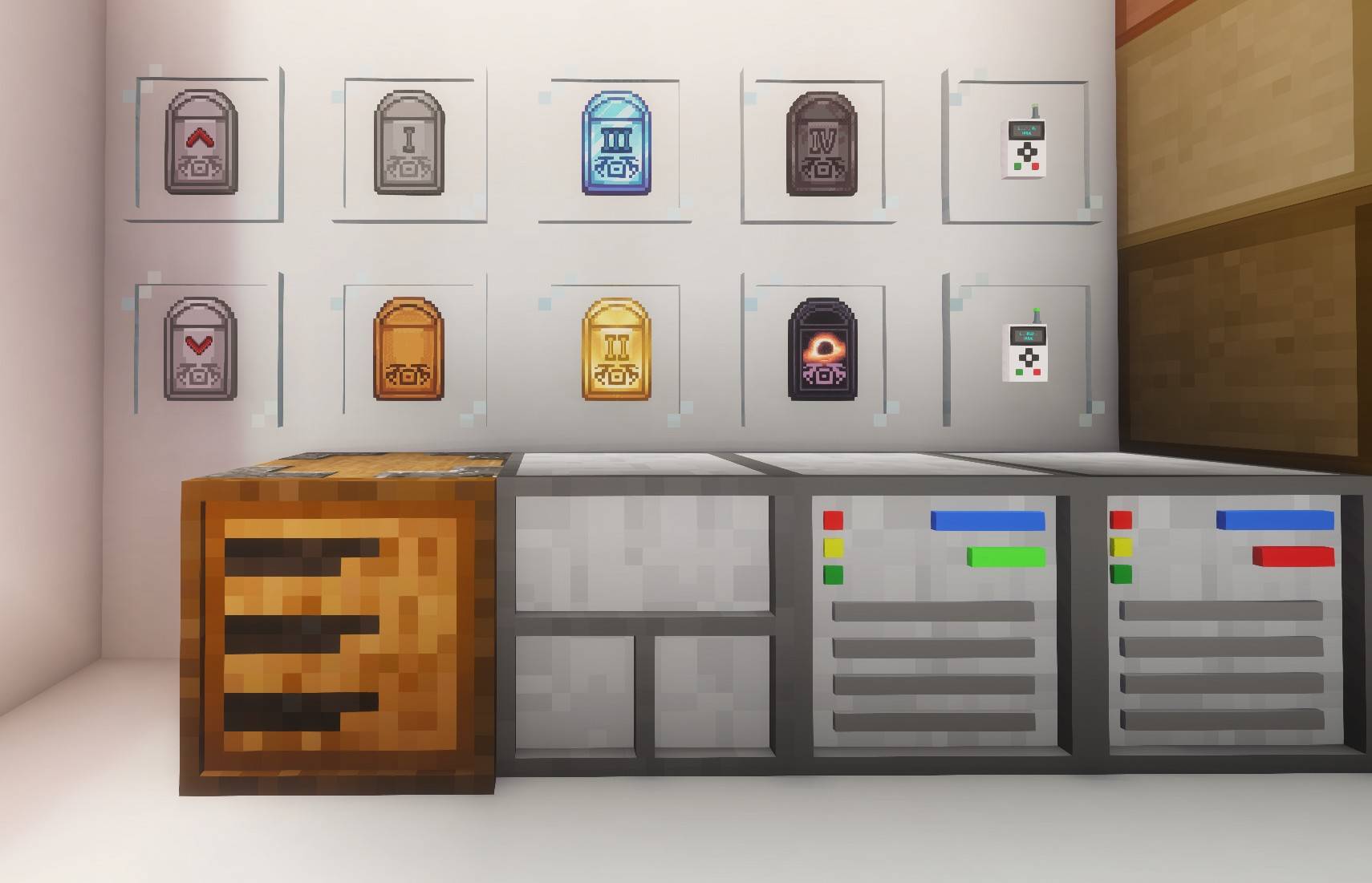
An all-in-one tool for managing your drawer network:
If you want an early game way to view your entire system, place a Storage Viewer either directly on the Storage Interface (automatically links) or link one to the network with the Storage Remote. The Storage Viewer will allow you to insert and extract items and fluids, and search for specific names, mods (@…), tags (#…), or tooltips ($…).
Slot upgrades directly into your drawers, Storage Interface, or Drawer Framer to enhance them:
Upgrade Types (Capacity, Range, Speed)
Utility Upgrades:
Utility Drawers has a customizable config file to allow for changing the properties of many items.
If you ever don't know how an item or block works, there is a GuideMe entry (hold G by default), providing comprehensive in-game documentation about mod mechanics and general information to help you learn the ins and outs of everything. 
.jar into your mods/ folderNo additional dependencies required.
MIT License
If you have any ideas of features to add or things to change, comment under the project and I will try to check it frequently to keep updating the mod!