Have you ever wanted more space, your own dimension or an easy way of imprisonment. Let me introduce you to pocket dimensions:
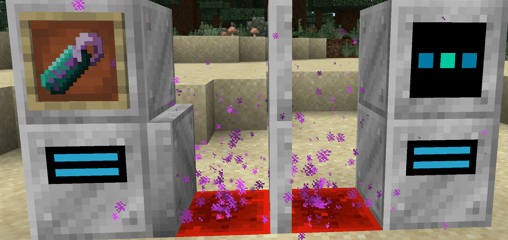
As you can see here, this is the basic setup only requiring a dimensional doorway, dimensional doorway confiurer, as well as a dimensional (The trapdoor is not nessary)
Important for all crafting recipes:
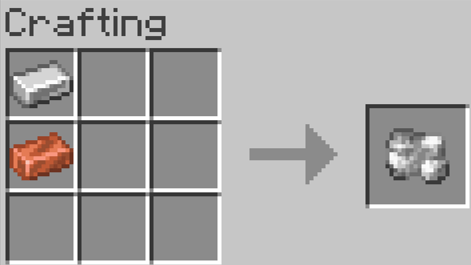
Raw Copper-iron alloy is made from iron and copper:
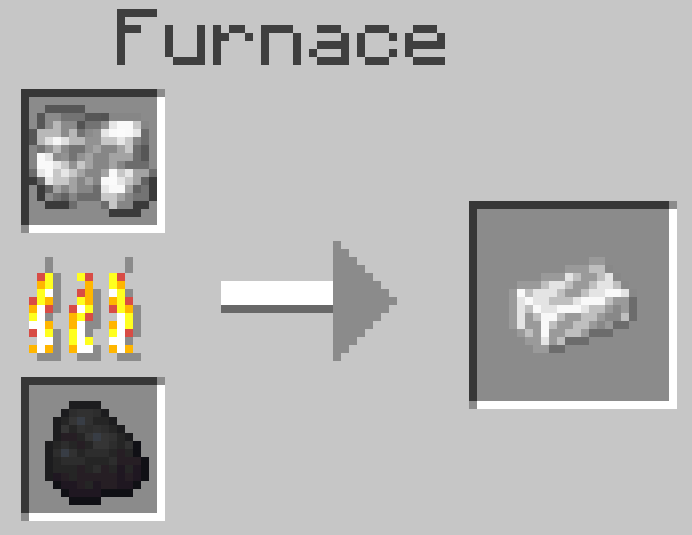
It then can be processed in a furnace or blast furnace:
Recipes:
Dimensional doorway:
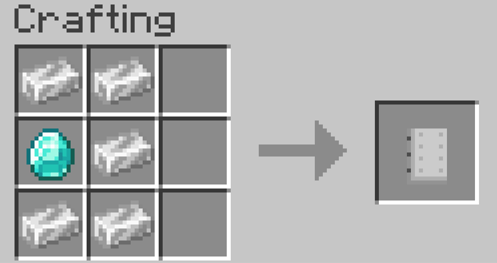
Dimensional doorway configurer:
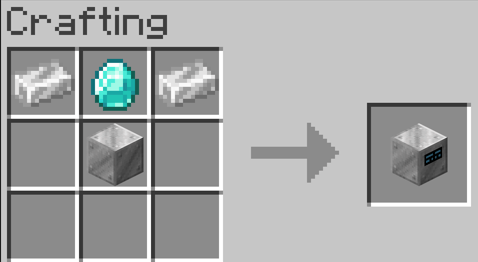
Dimensional creator:
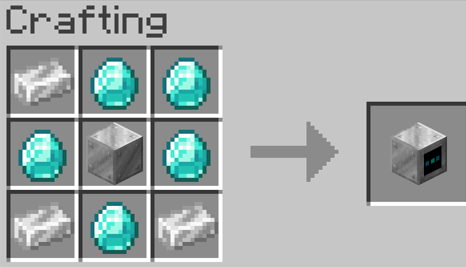
As well as:
The Forceload block:
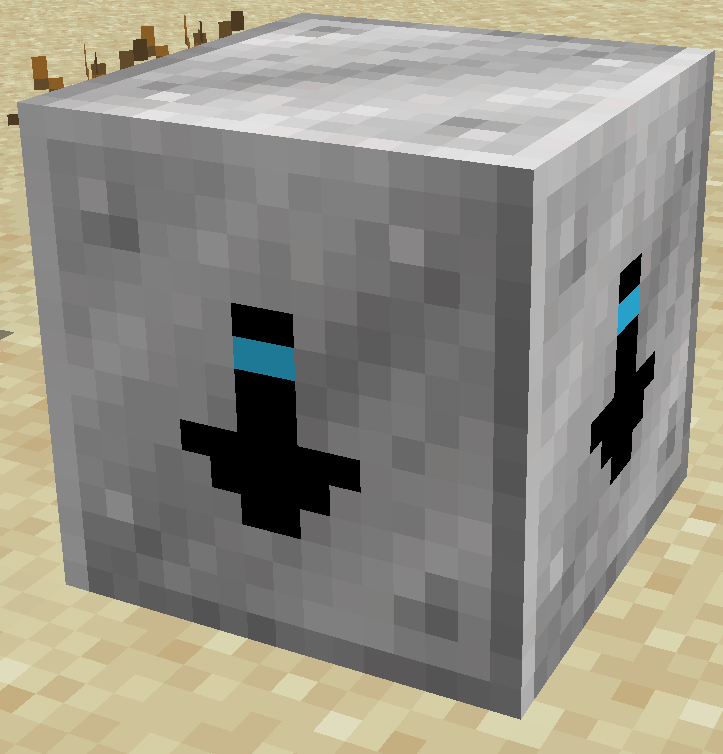
This block (While in a pocket dimension), automatically loads the chunks for you even when your not in the dimension.
Recipe:
Forceloader:
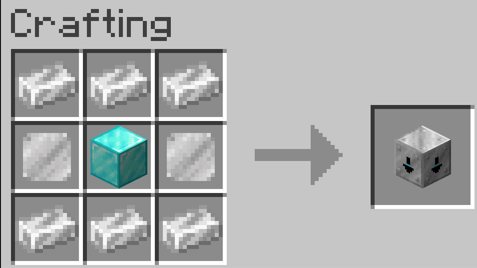
Dimensional Trapdoor:
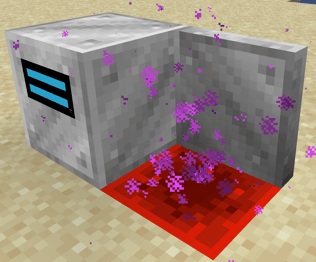
This acts a entrance to a pocket dimensional, working exactly like a dimensional doorway, except it cannot work as a exit to one
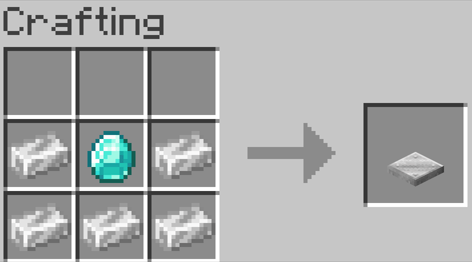
Recipe:
Dimensional Trapdoor:
Dimensional Spawner:
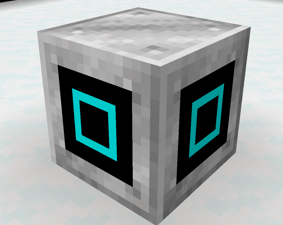
This spawns mobs inside of your pocket dimension with a (limit of 20 animals & 30 mobs) (The more that are placed increases spawn rates)
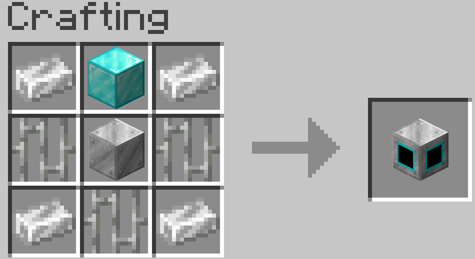
Recipe:
Dimensional Spawner:
Dimensional doorway and trapdoor varients:
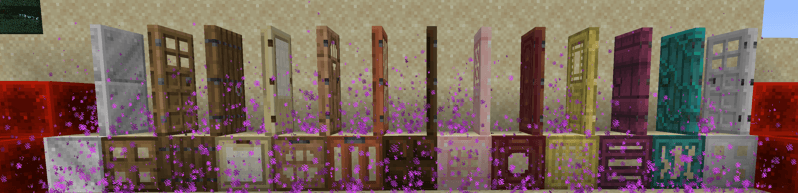
Recipes:
They are each crafted with any varient and your wanted door type
e.g. Normal dimensional doorway + Oak door = Oak dimensional doorway
Dimensional remote:
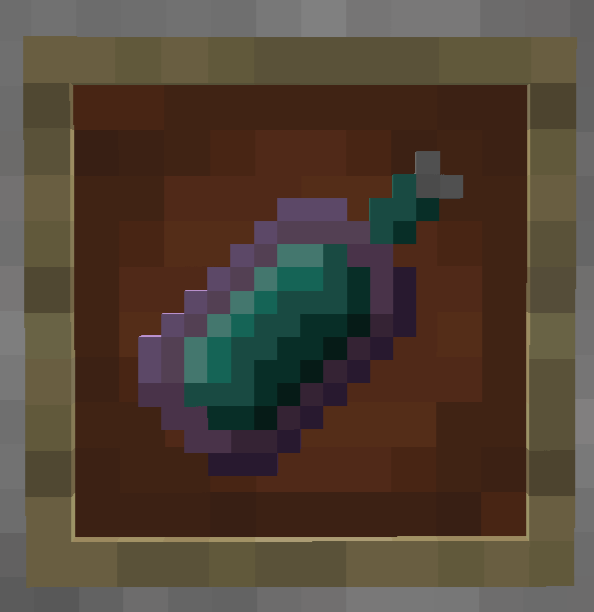
This item can be used on configurered doors to set a prioity exit (So you will always exit through the selected door)
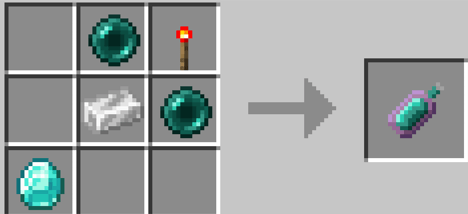
Recipe:
Dimensional remote:
In order to create & goto your dimension you must first craft all these componates and addtionally a size and biome template;
Sizes:
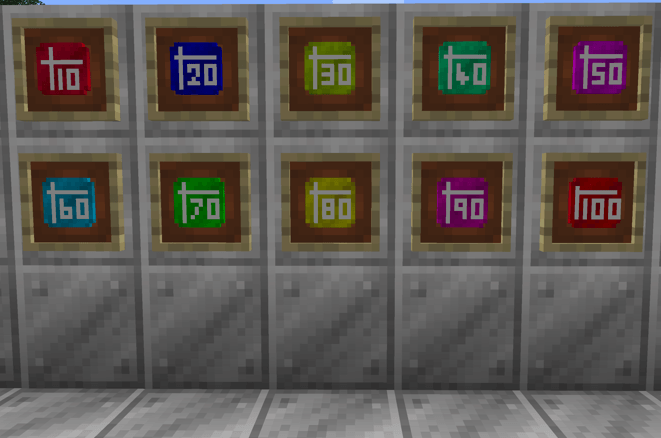
Recipes:
Blank template:
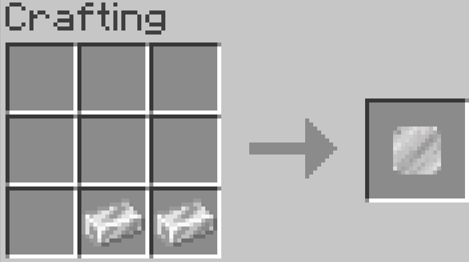
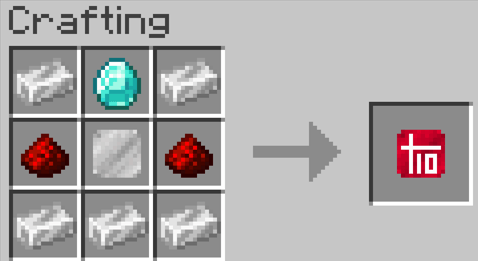
10 x 10 template:
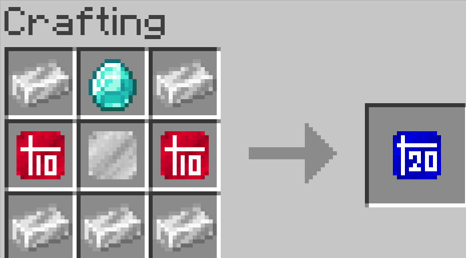
20 x 20 template:
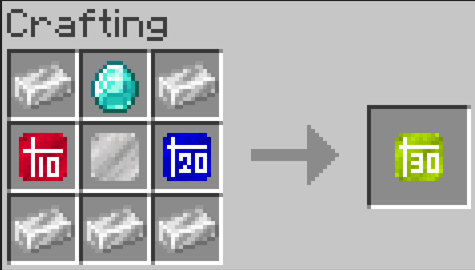
30 x 30 template:
40 x 40 template:

50 x 50 template:
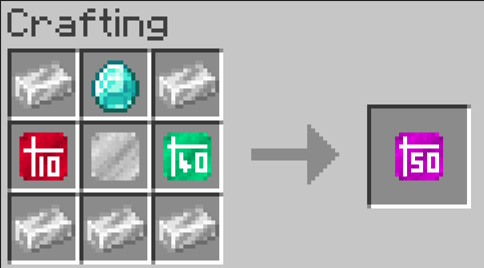
60 x 60 template:
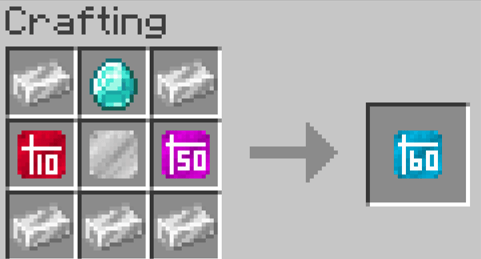
70 x 70 template:
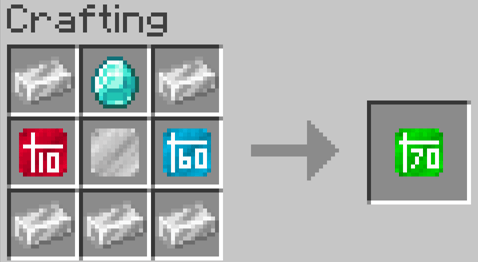
80 x 80 template:
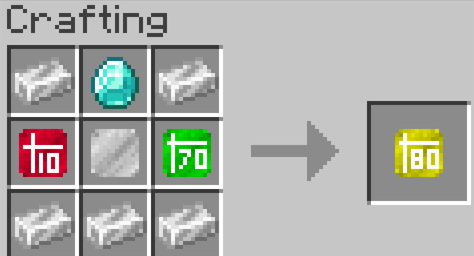
90 x 90 template:
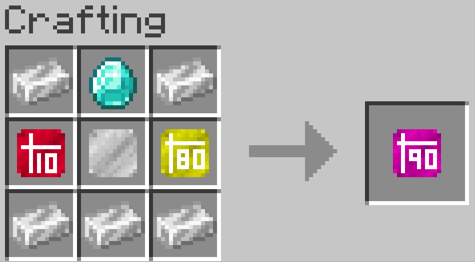
100 x 100 template:
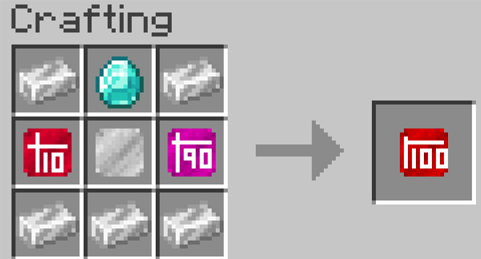
Biomes:
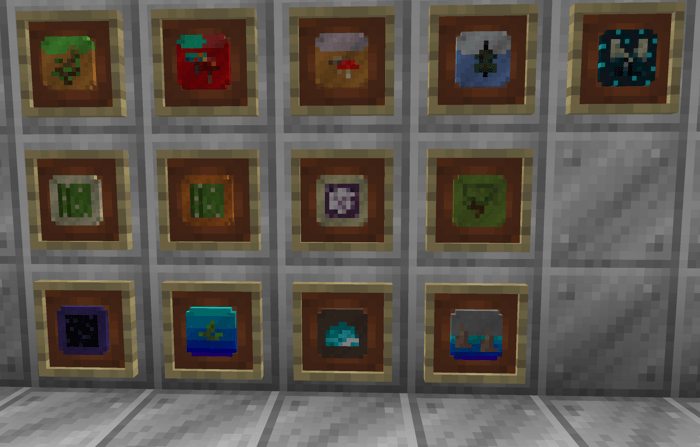
Recipes:
Blank template:
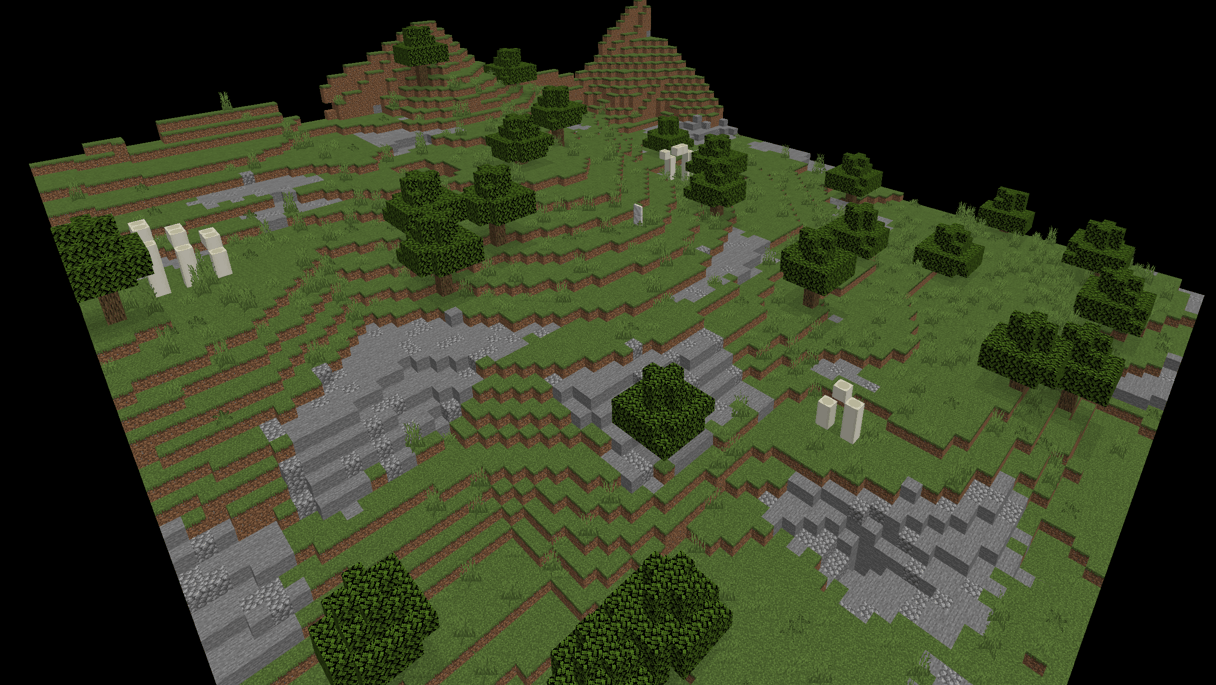
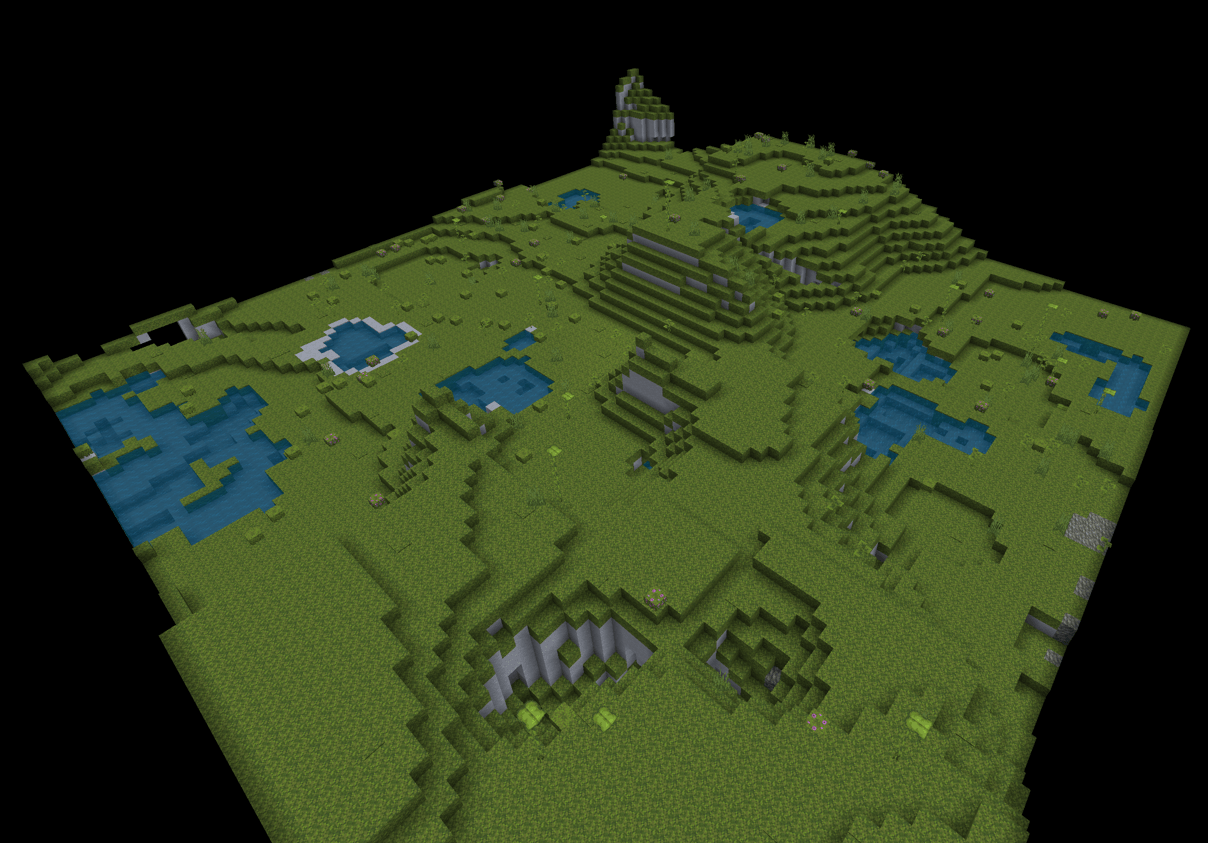
Plains template:
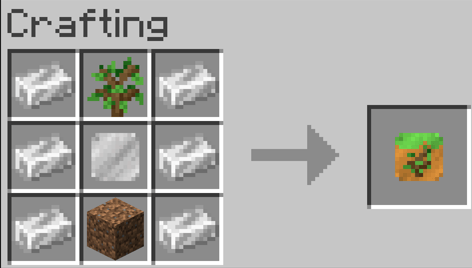
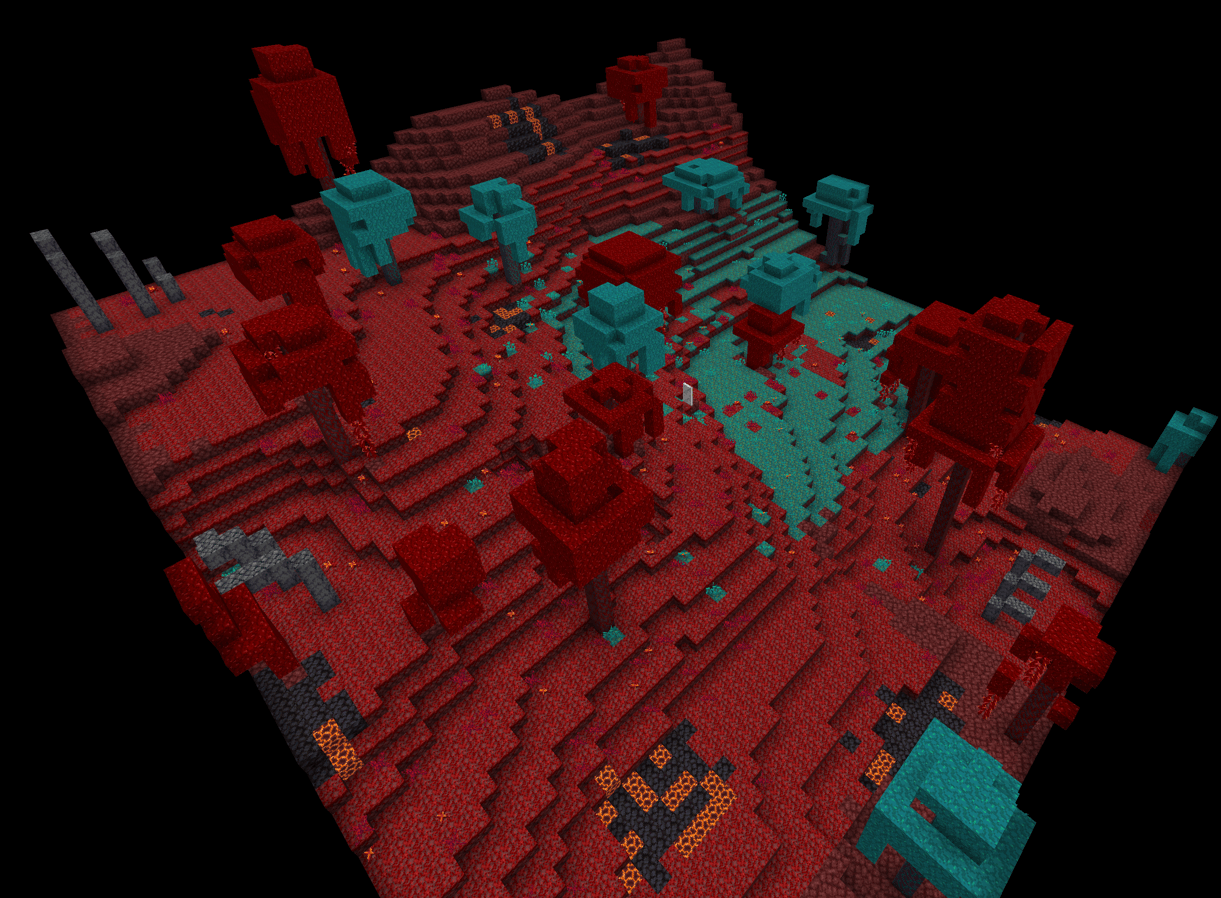
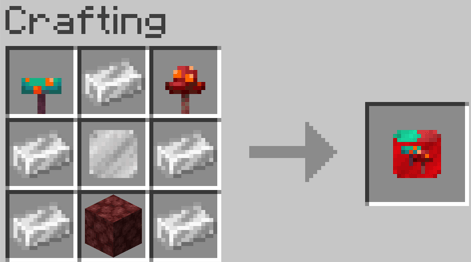
Nether forrests template:
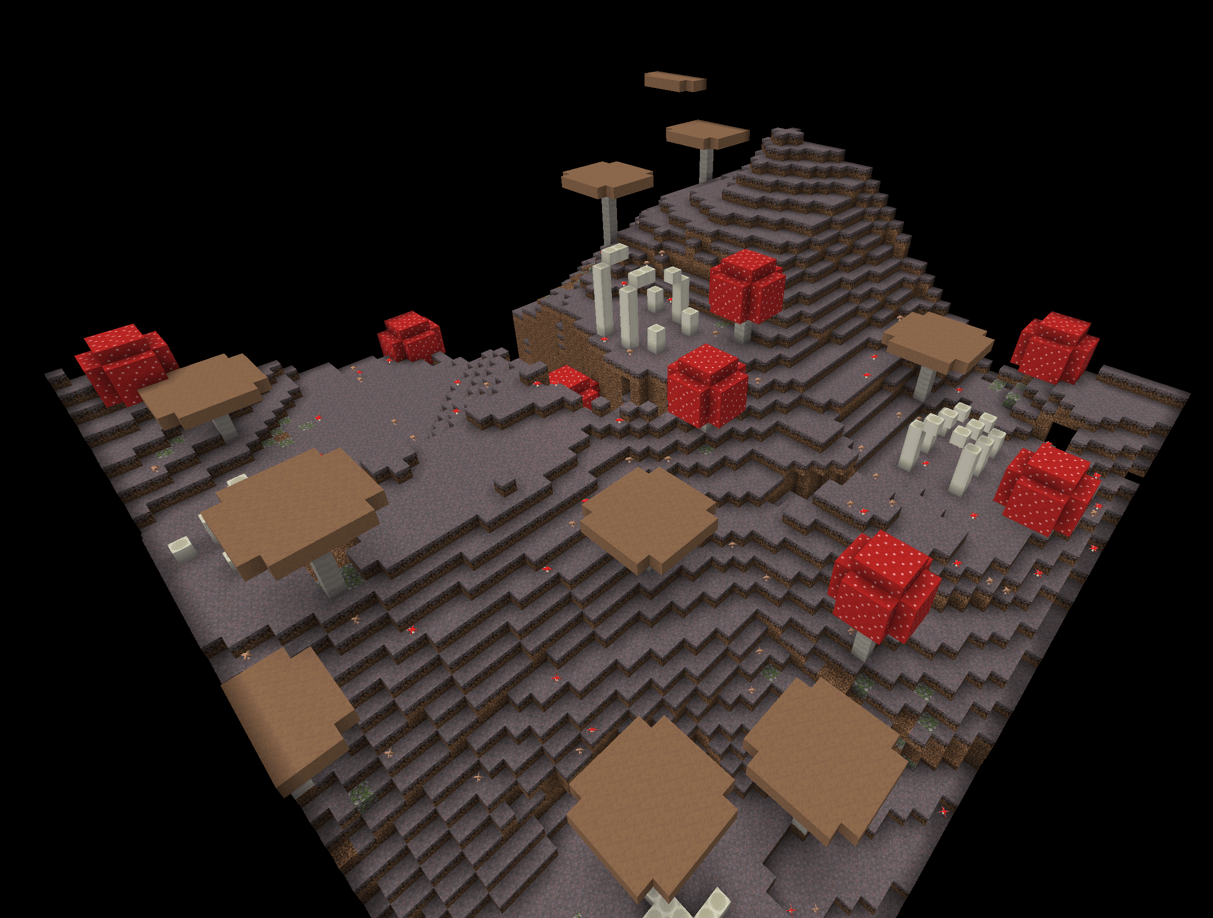
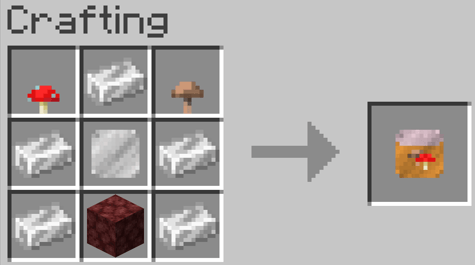
Mushroom template:
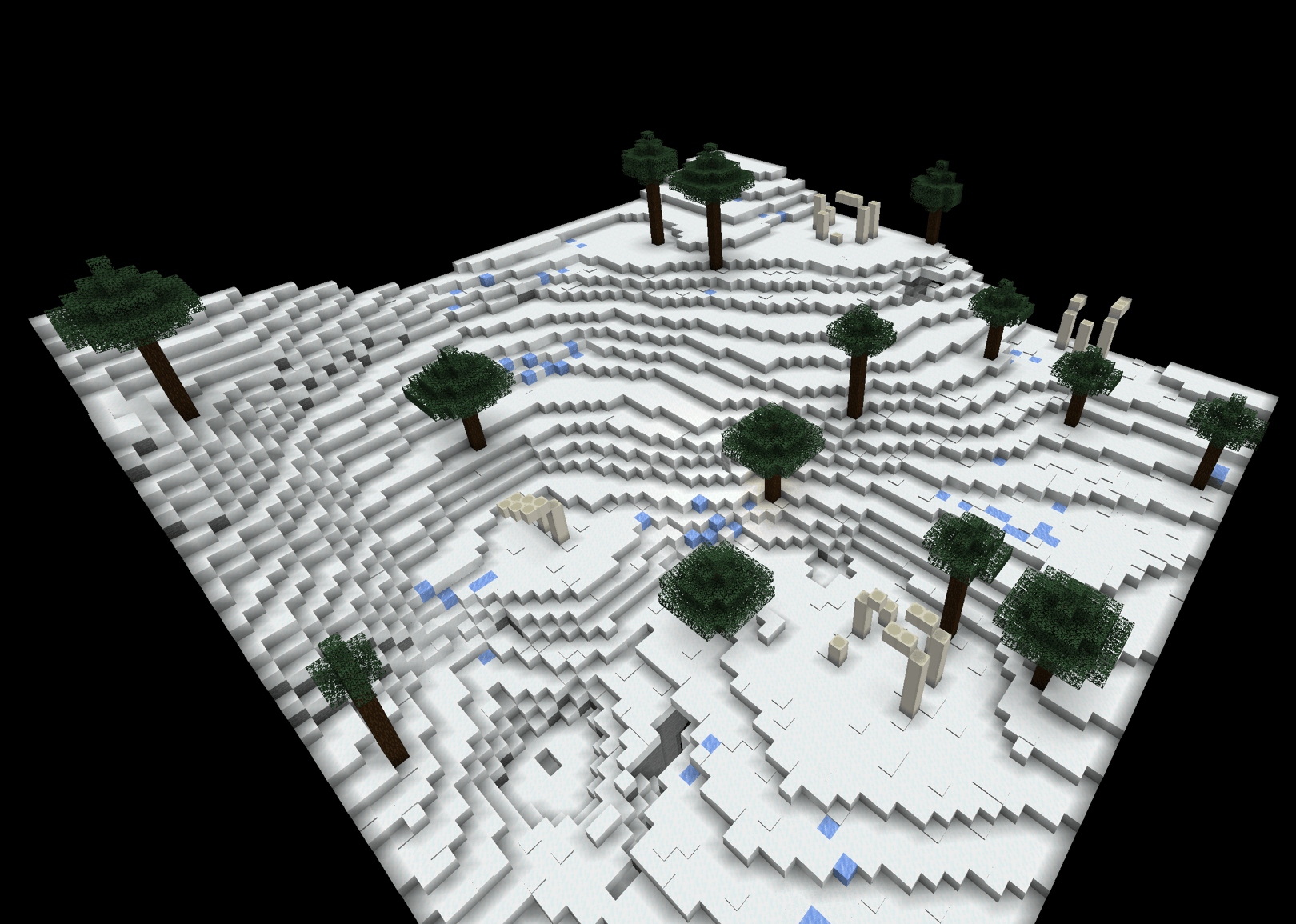
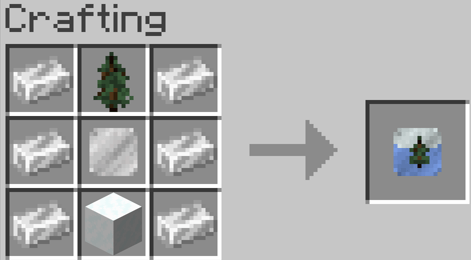
Ice and snow template:
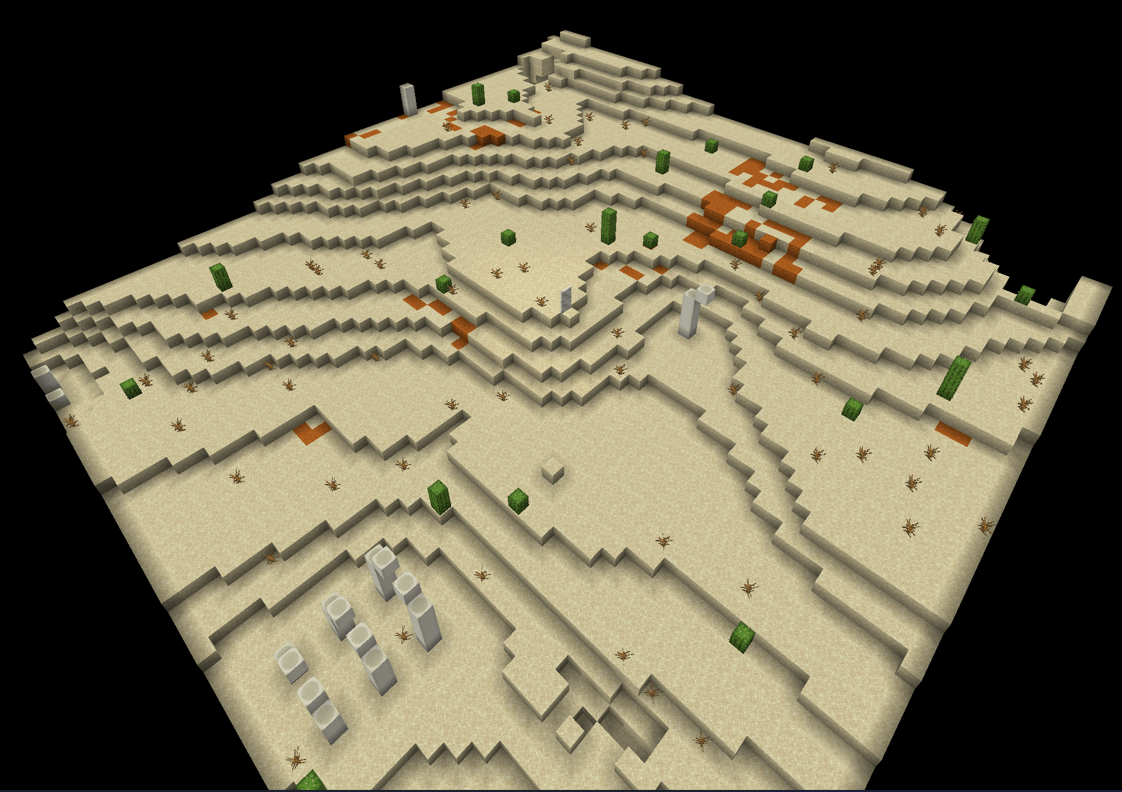
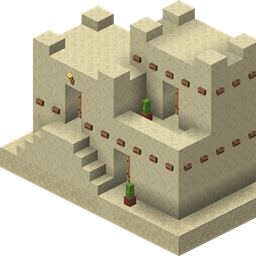
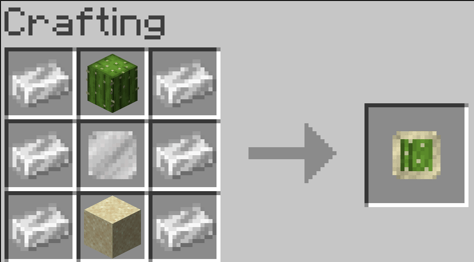
Desert template:
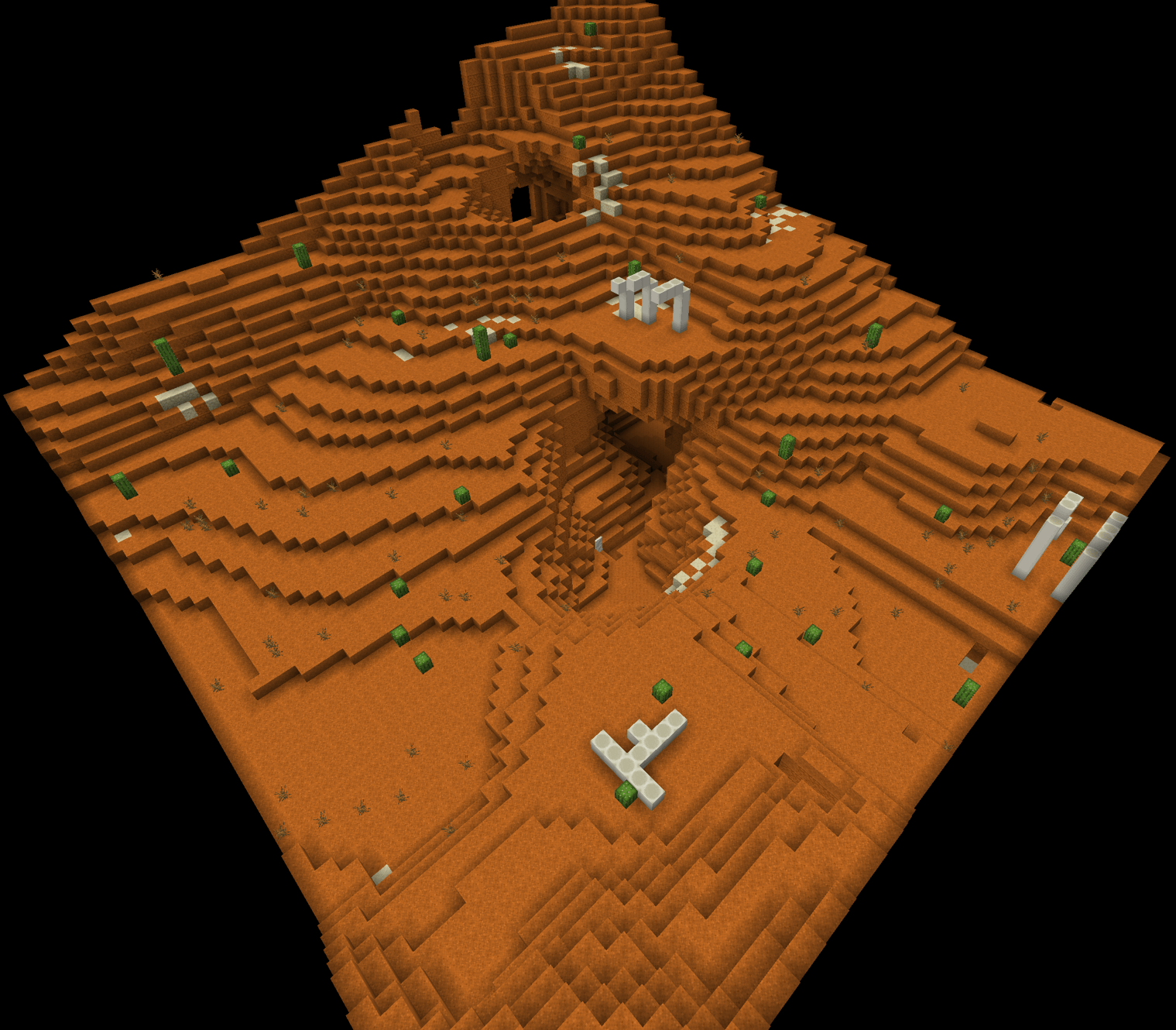
Red desert template:
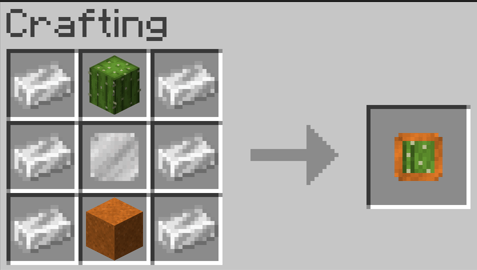
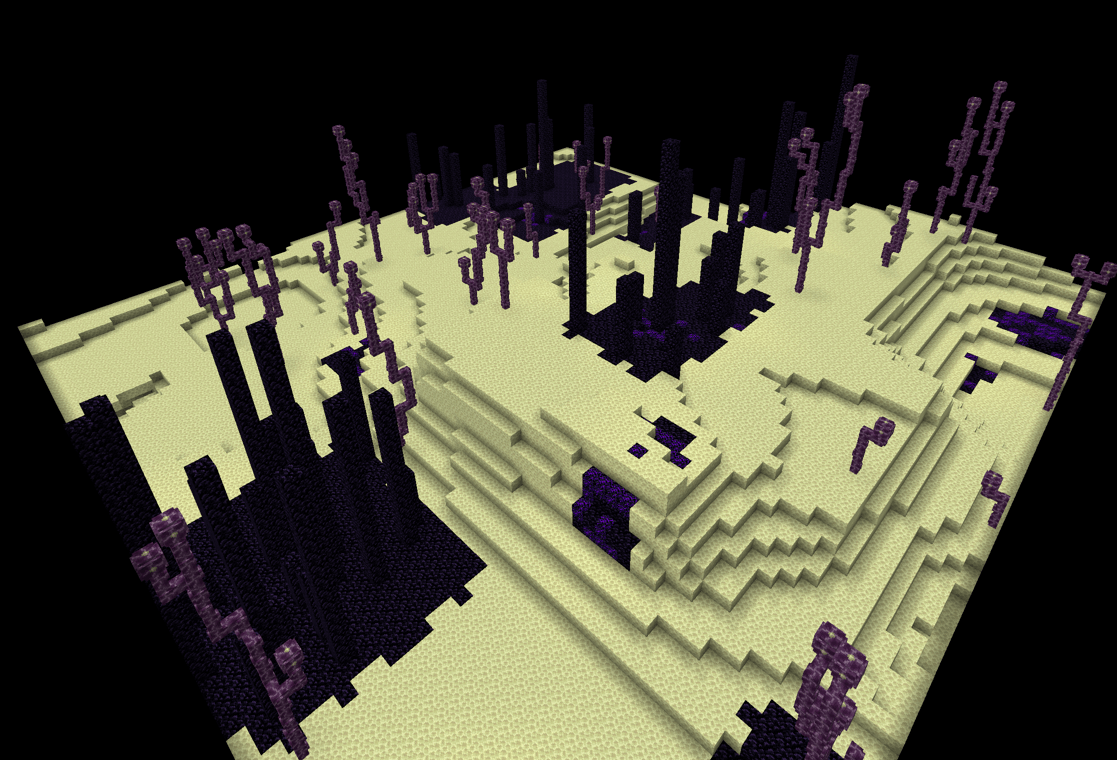
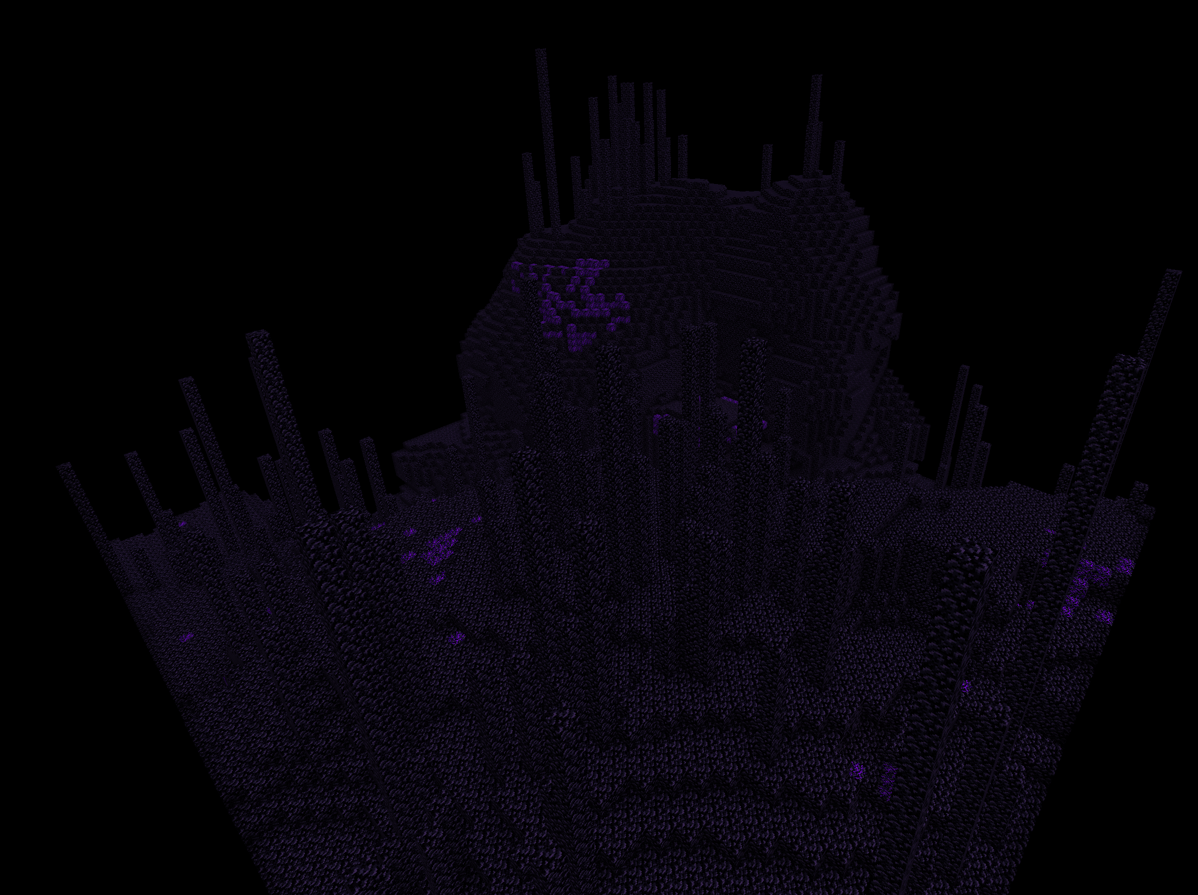
End template:
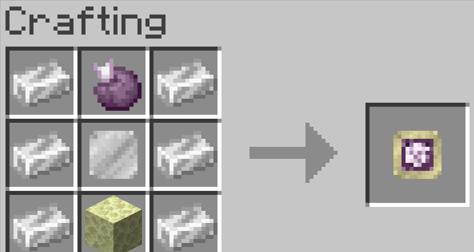
Moss template:
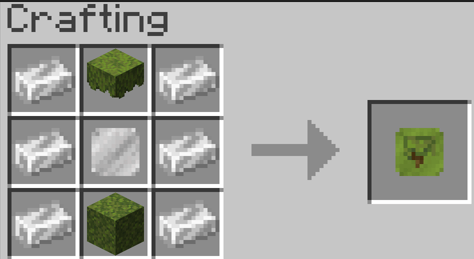
Obsidian Prison template:
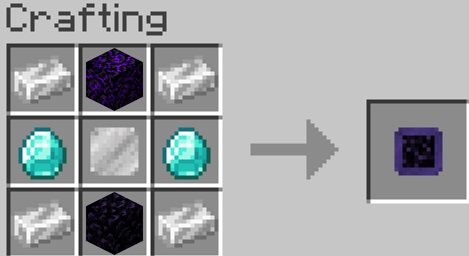
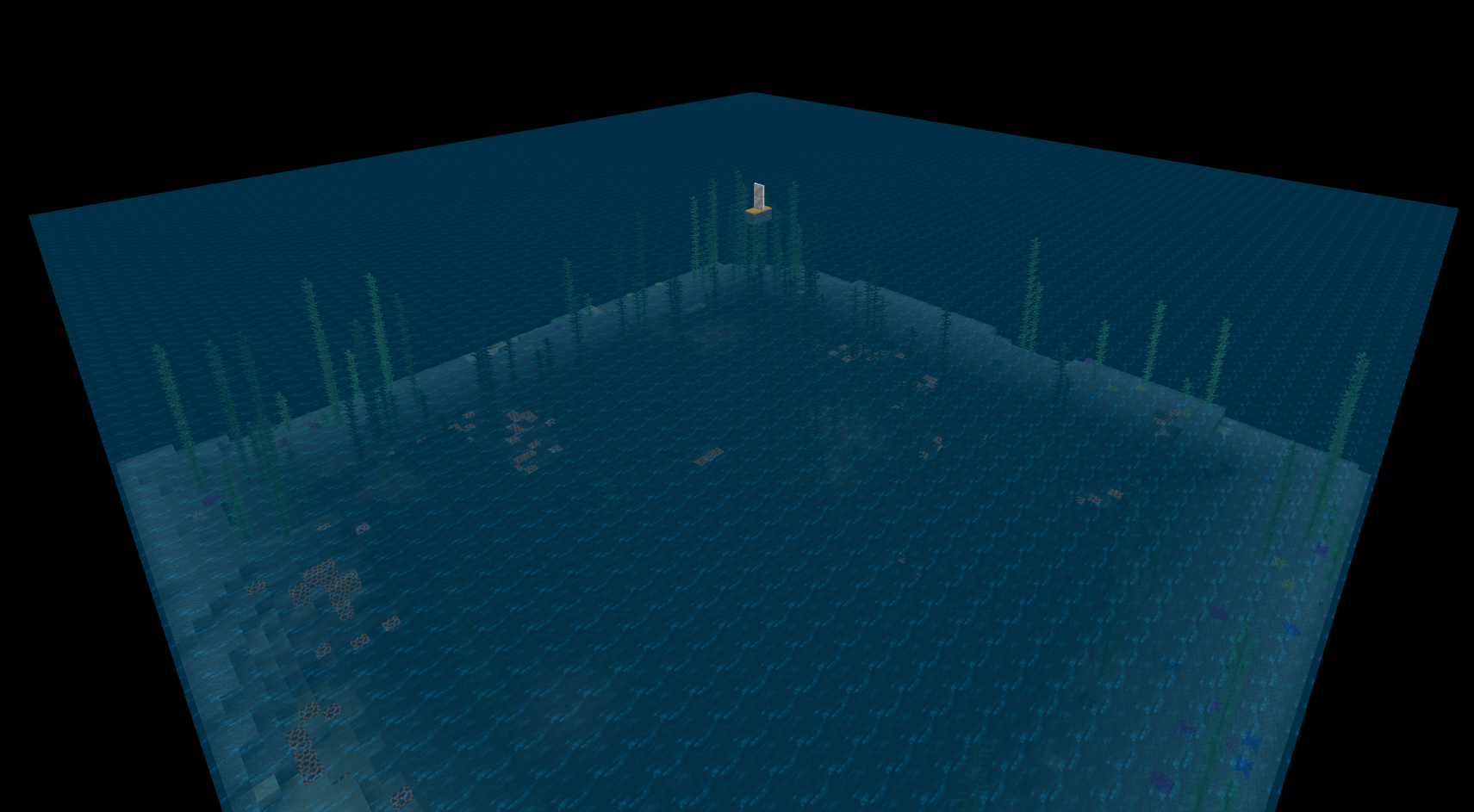
Ocean template:
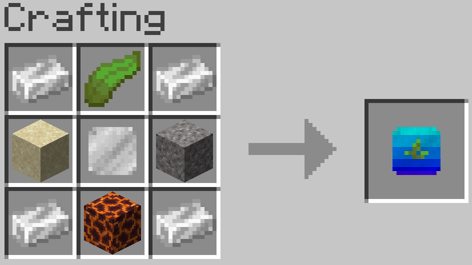
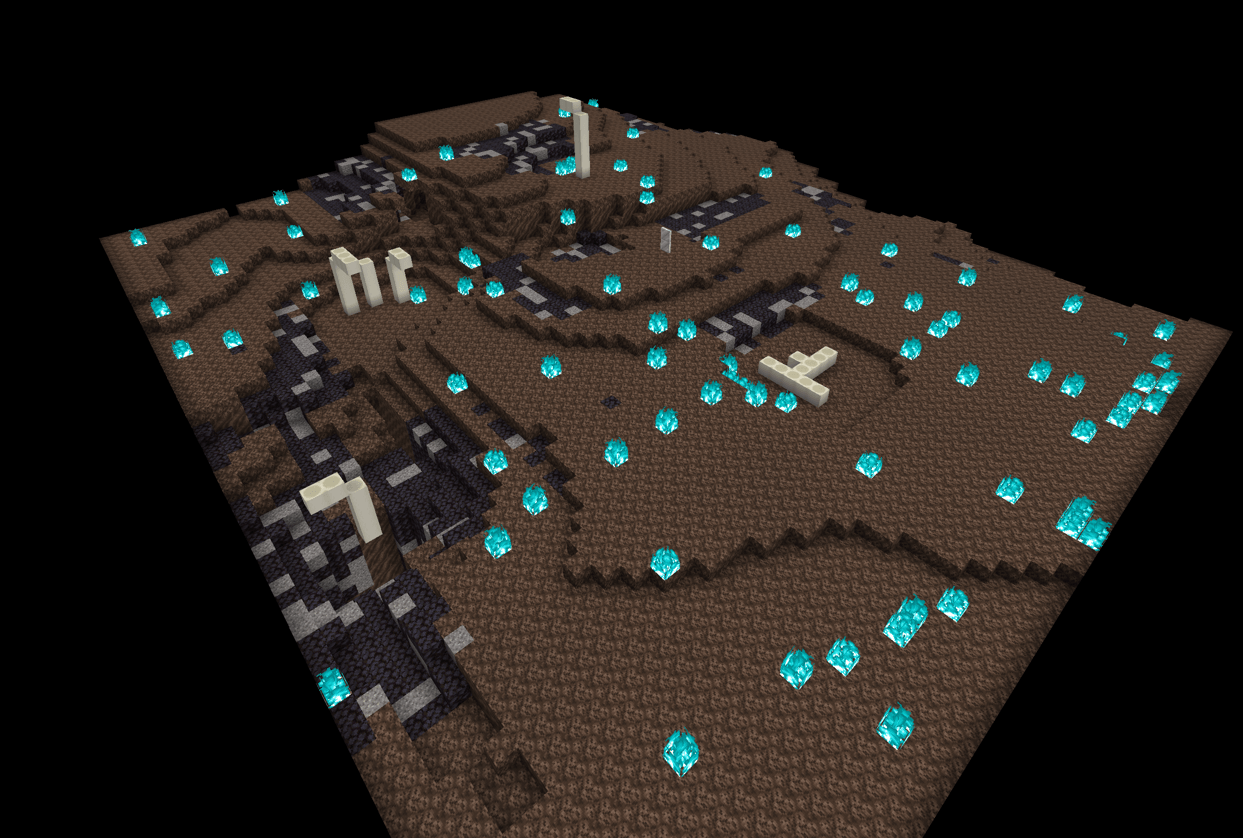
Soul Sand Vally template:
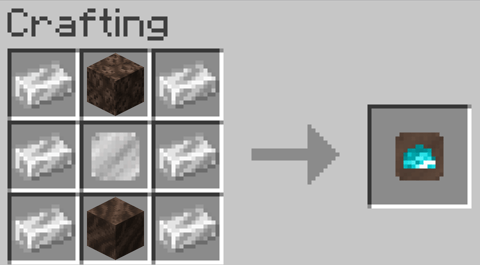
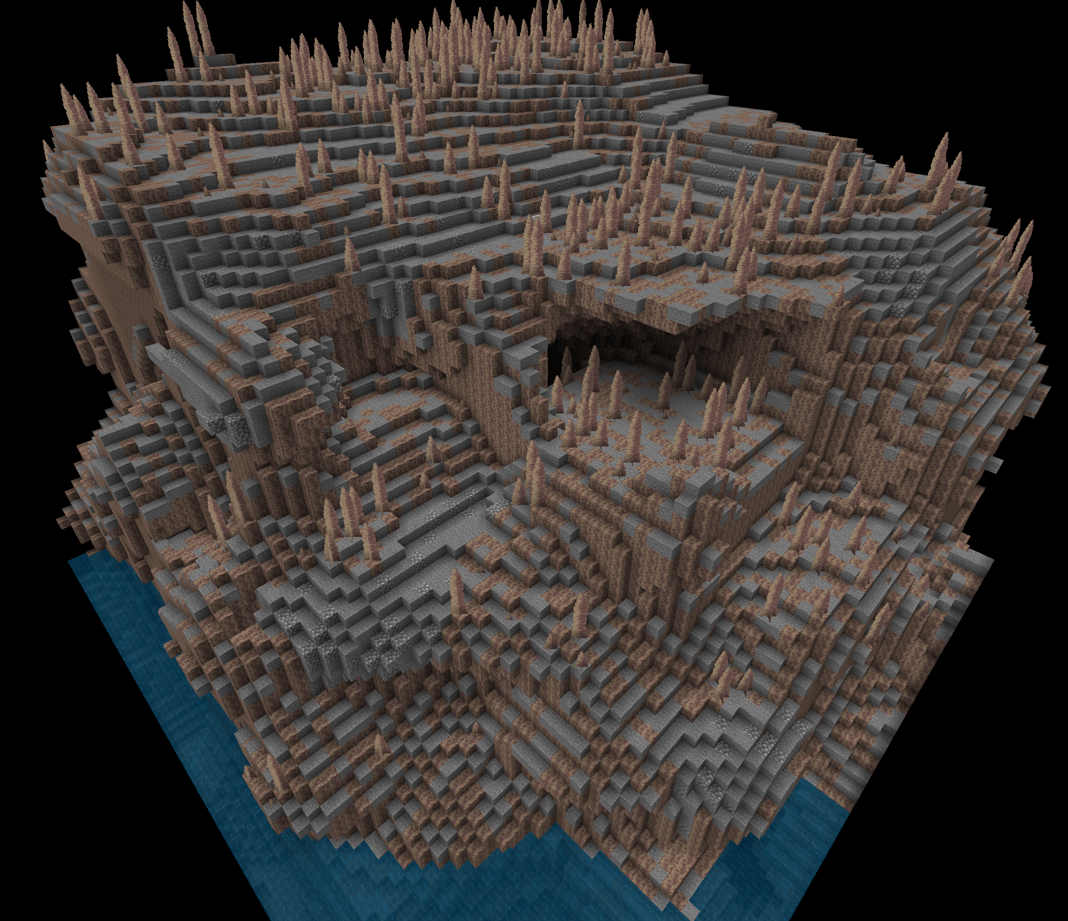
Dripstone template:
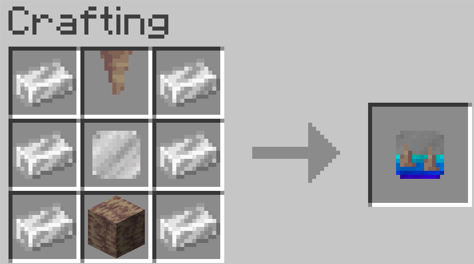
Sculk template:
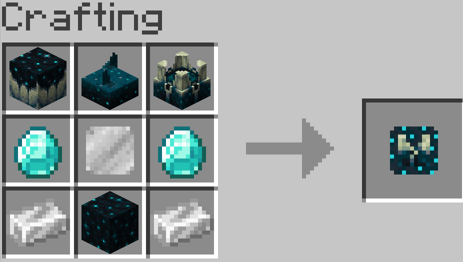
To create a pocket dimension simply add a size and biome template:
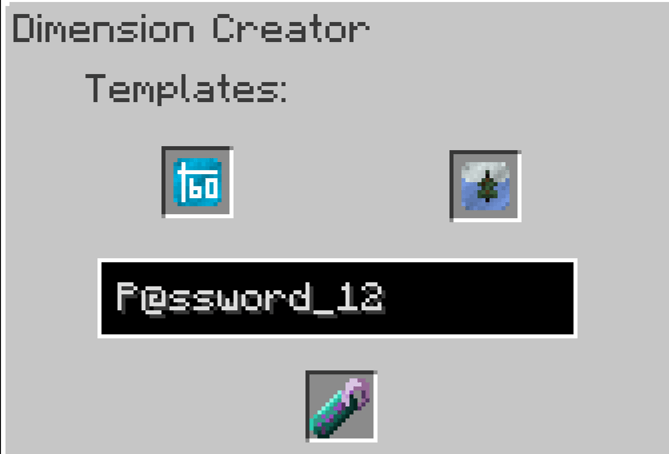
Remove the created pocket dimension tag, (look at it's Dimensional address and password.)
Next enter into a Dimensional doorway configurer (Next to a dimensional doorway) then either enter the dimensional address & password or add the tag item
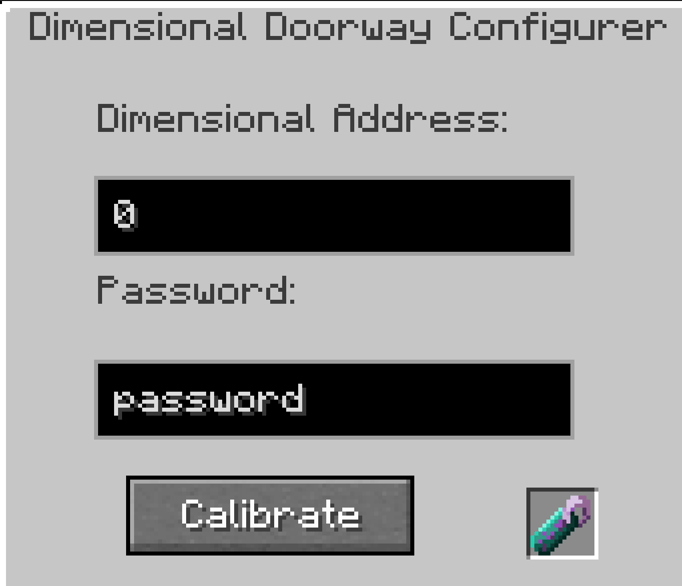
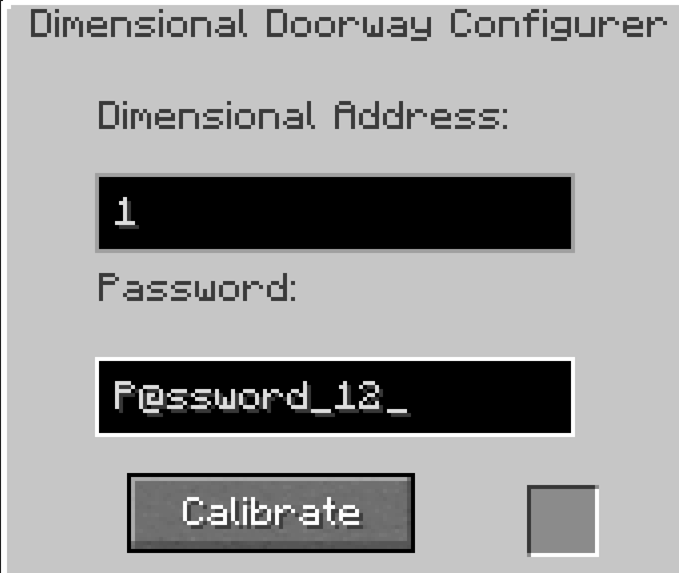
Then press "Calibrate" button
Finally power (With redstone) and step into the dimensional doorway (or trapdoor) to enter your dimension
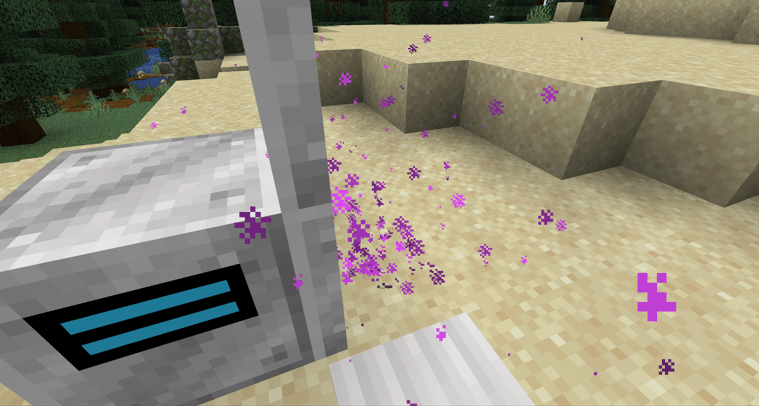
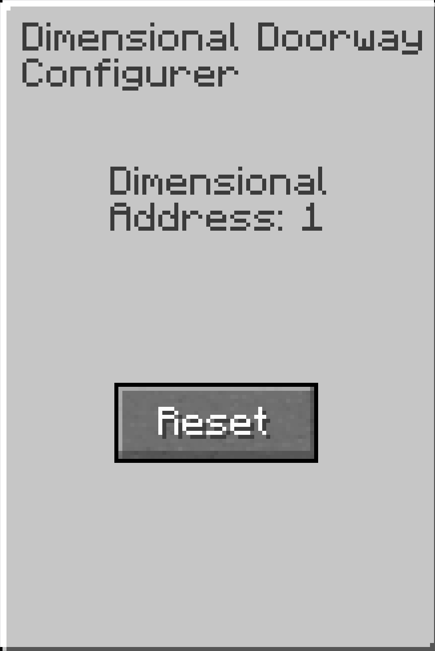
To reset a doorway, click on the dimensional doorway manager and press the "Reset" button, or use a new dimensional doorway manager:
Tips:
Extra:
If you are a fan of my work and want me to continue updates and support for all of my mods
Consider supporting me on my pateron (£1 - £3 per month)