Badges update automatically and link to the mod page on MineUniverse.
The Entity turns your singleplayer Minecraft world into a reactive, AI-driven sandbox. Instead of being another helpful chatbot, this mod actively watches your gameplay and acts as a dynamic Dungeon Master.
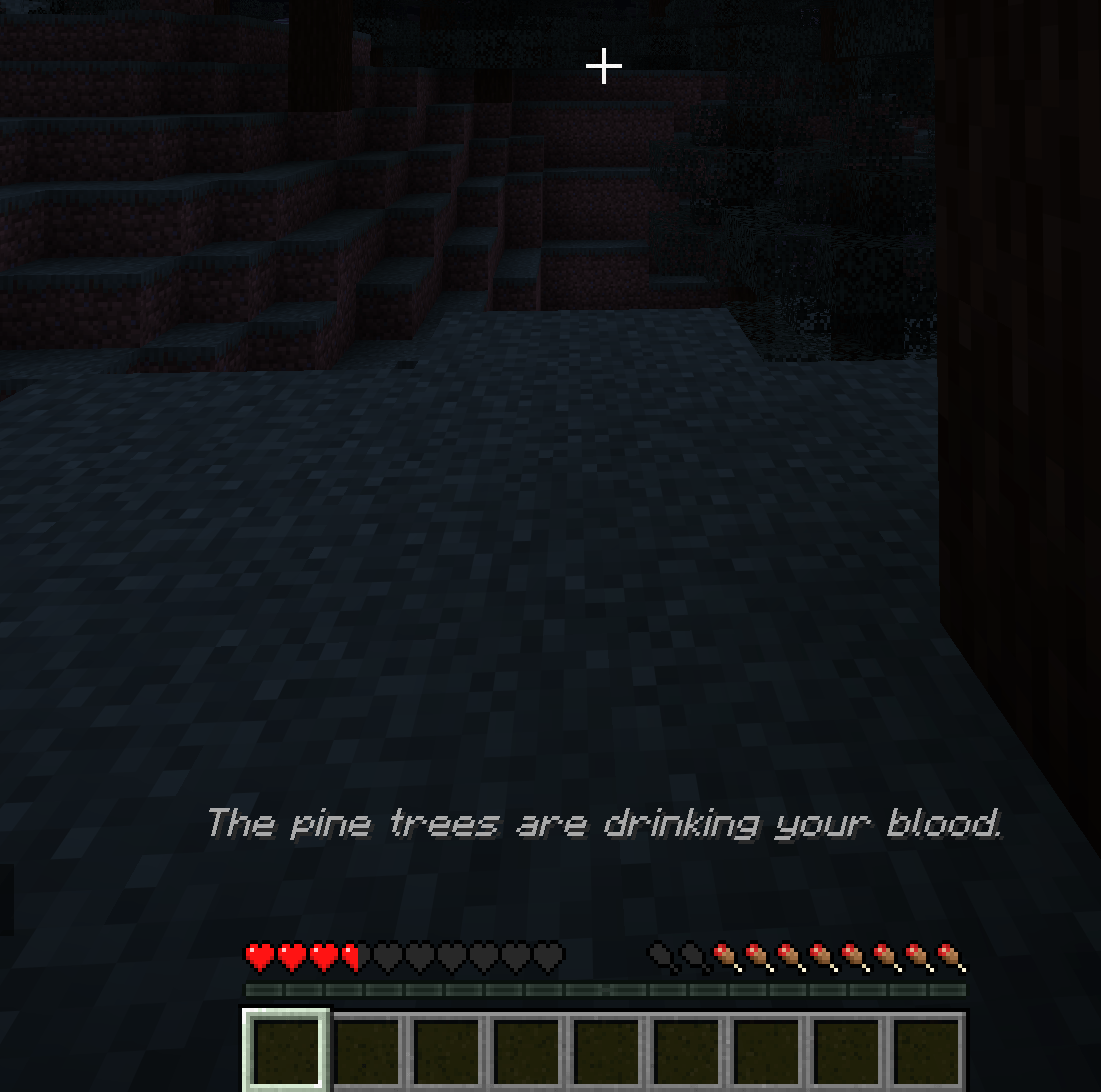
It reads your health, inventory, location, and recent actions, and responds in real-time. Depending on its configured personality, it might quietly guide you to safety, gaslight you with phantom sounds, or actively try to kill you.
.minecraft/config/the-entity/prompts. Turn it into a benevolent nature spirit, a cryptic cosmic horror, or an unhinged manager roasting your terrible survival skills, the limit is only your imagination.This mod requires an LLM to function. While you can use paid APIs, polling the game state gets expensive quickly. Running a local model or using a free API like Groq is highly recommended.
Here is the beginner-friendly setup using llama.cpp:
1. Download llama.cpp
Grab the latest release for your OS from the official repository: ggml-org/llama.cpp.
2. Get a Model
For the best balance of logic and hardware performance, Qwen 3.5 models are recommended. You can find several versions in the Qwen 3.5 unsloth Collection on Hugging Face.
3. Start the Server
Open your terminal and boot up the llama.cpp server. You must include specific flags for the mod to work correctly. For example, using the 27B model:
llama-server -hf unsloth/Qwen3.5-27B-GGUF:UD-Q4_K_XL --reasoning off -c 16384
--reasoning off: Prevents the model from getting stuck in internal thinking loops.-c 16384: Sets the context window high enough so the AI can remember your recent game history and inventory state.4. Connect the Mod
Boot up Minecraft, load into your world, and open The Entity's config screen from Mod Menu. Point the endpoint to your local server (usually http://127.0.0.1:8080), tune the rest of the configuration values to your taste, save, and see how long you survive.
Note: This mod is heavily resource-intensive depending on the local model you choose to run. It is currently designed for Singleplayer only.