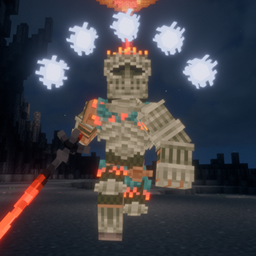







A mod that expands the Illager family by adding a new Magician illager called The Conjurer.
Download it here. Structure Gel is an API mod designed to make creating structures easier on the developers, specifically ones using the jigsaw system. All code is open source and documented.
The Conjurer is a magician inspired Illager miniboss. He owns a theater deep in the roofed forest biome. He has plenty of tricks up his sleve, so don't take him lightly!
Here are some awesome showcases & videos about The Conjurer, created by us and the community. Please show them some love!
The theater is a brand new naturally generating structure you can find in the roofed forest biome. Each room in the theater has multiple variants, which are picked from randomly. The audience in the theater can be made up of Pillagers, Vindicators, the occasional Witch, and if you're lucky, an Illusioner might come to watch.

Once you have stolen the show, or defeated him, The Conjurer drops his hat, a piece of fashion that will keep the Bad Omens away. The band on the hat is dyable similar to leather armor. He also drops 2-4 emeralds each time.
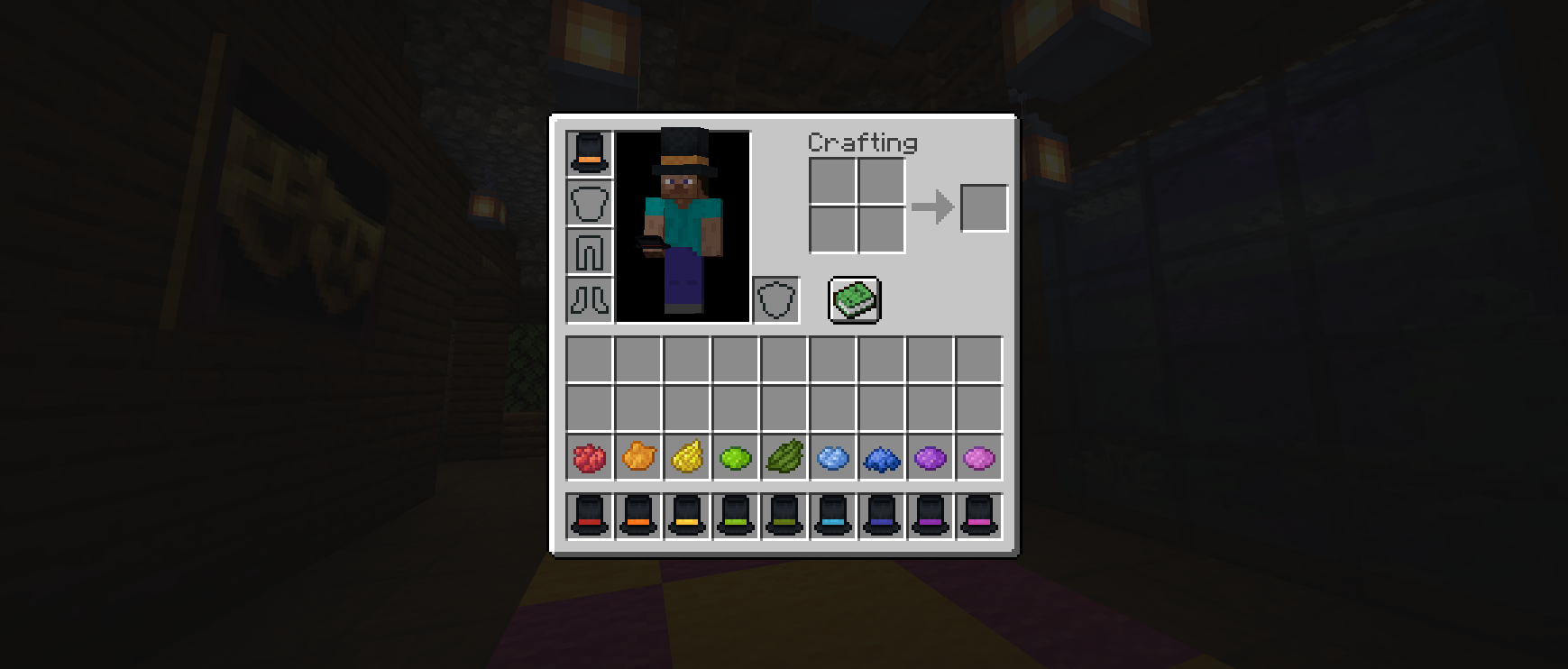
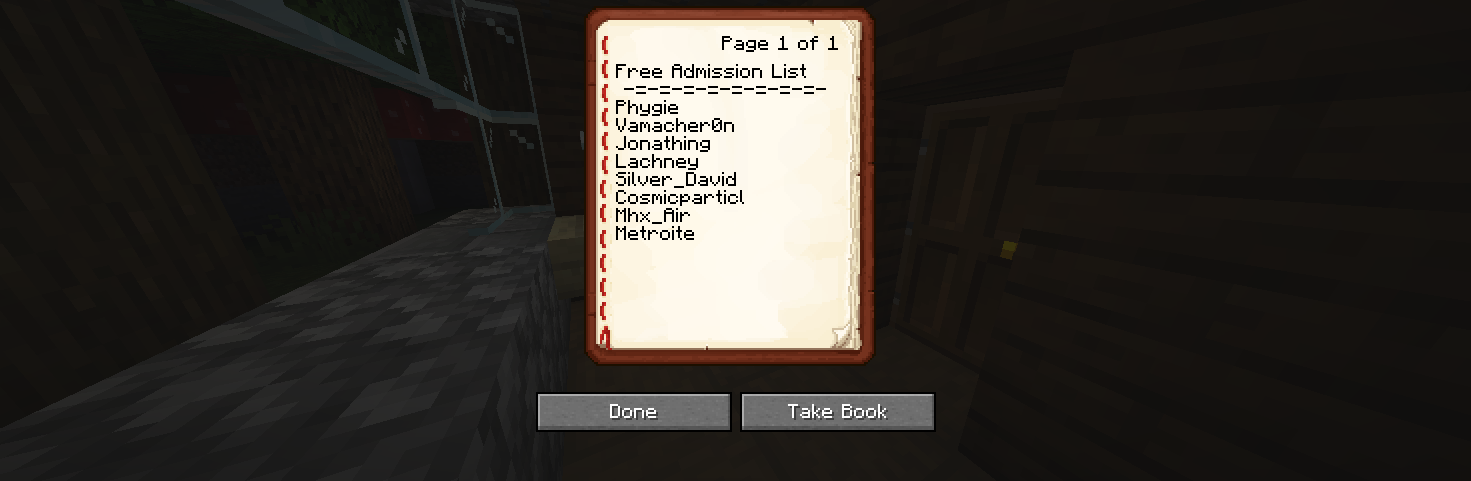
We have our Patron's names included in a list that we can dynamically update included in all of our mods pull from to reward them for supporting. In the theater, if you look in the admission office, you'll find a lectern with a list of 8 random names from the list of supporters and developers. The names on the list are in random order every time you find a new theater.
If you truly enjoy the mods we create for the community, please consider supporting us! All the proceeds goes towards our server hosting and development.


No, it was designed around the structure intentionally, by allowing him to spawn outside of it, half of the mod is invalidated.
Yes, you definitely can. Just make to provide credit to all the authors respectively and link back to the CurseForge page.
Yes, but before doing so make sure that all downloads are directly linked to CurseForge and provide credit to all the authors respectively.
All translators are credited here. Thank you to everyone who helps make this mod accessible!
 Cymraeg (Cymru) translations by: Fl3x_X_Placid
  Deutsch translations by: Yunoko
  Español (México) translations by: Vamacheron, dandeneko3
  Français (France) translations by: mathieu.lequere, emproer13640
  Italiano (Italia) translations by: michiregi4
  Vlaams (Vlaanderen) translations by: Lovely Senpai
  Polski (Polska) translations by: kebi, Jengordyn
  Português (Brasil) translations by: Mikeliro
  Русский (Russkiy) translations by: dreakss_win, Illusion288, mewnmewnmewn
  Slovenčina (Slovensko) translations by: keksik.youtub
  Türkçe (Türkiye) translations by: beysoy13, ygzbys, gux
  Українська (Ukrayins'ka) translations by: mewnmewnmewn
  简体中文(中国大陆) translations by: ByrneShaw
🤚 Support: If you have questions or any issues with our mods, read the FAQ! You can also either submit an issue on the issue tracker, or come into our Discord server where we can help you!