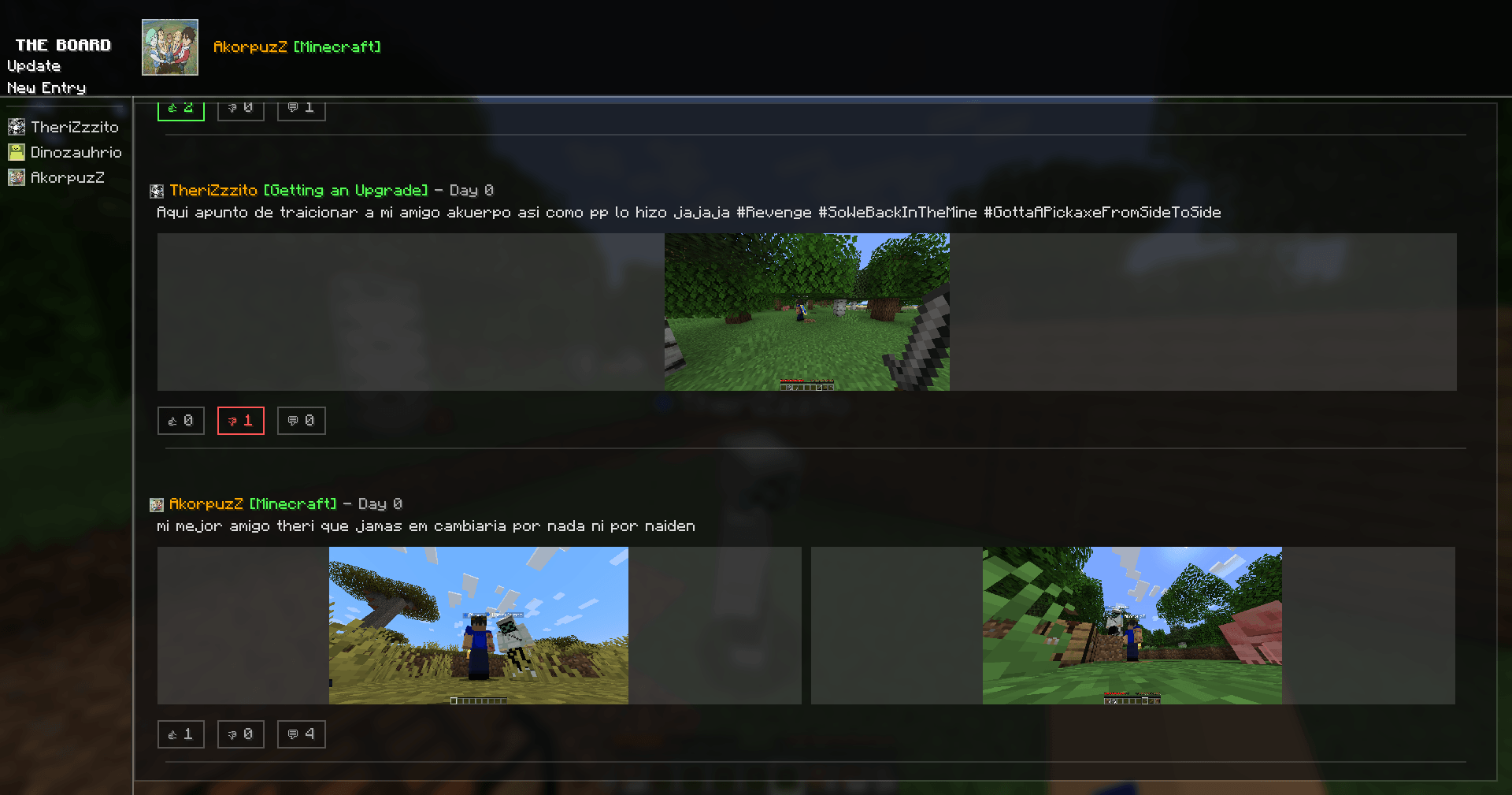
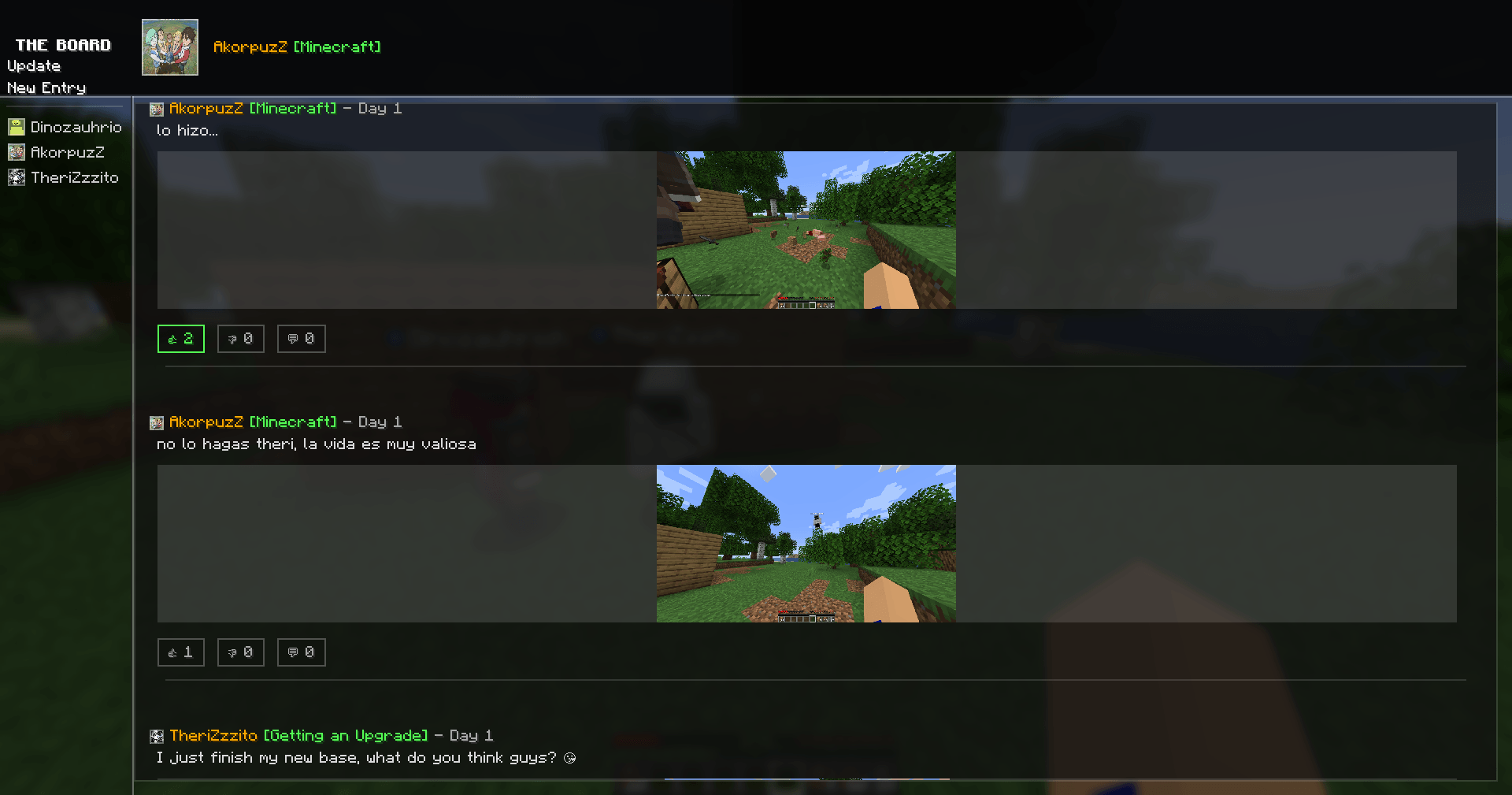
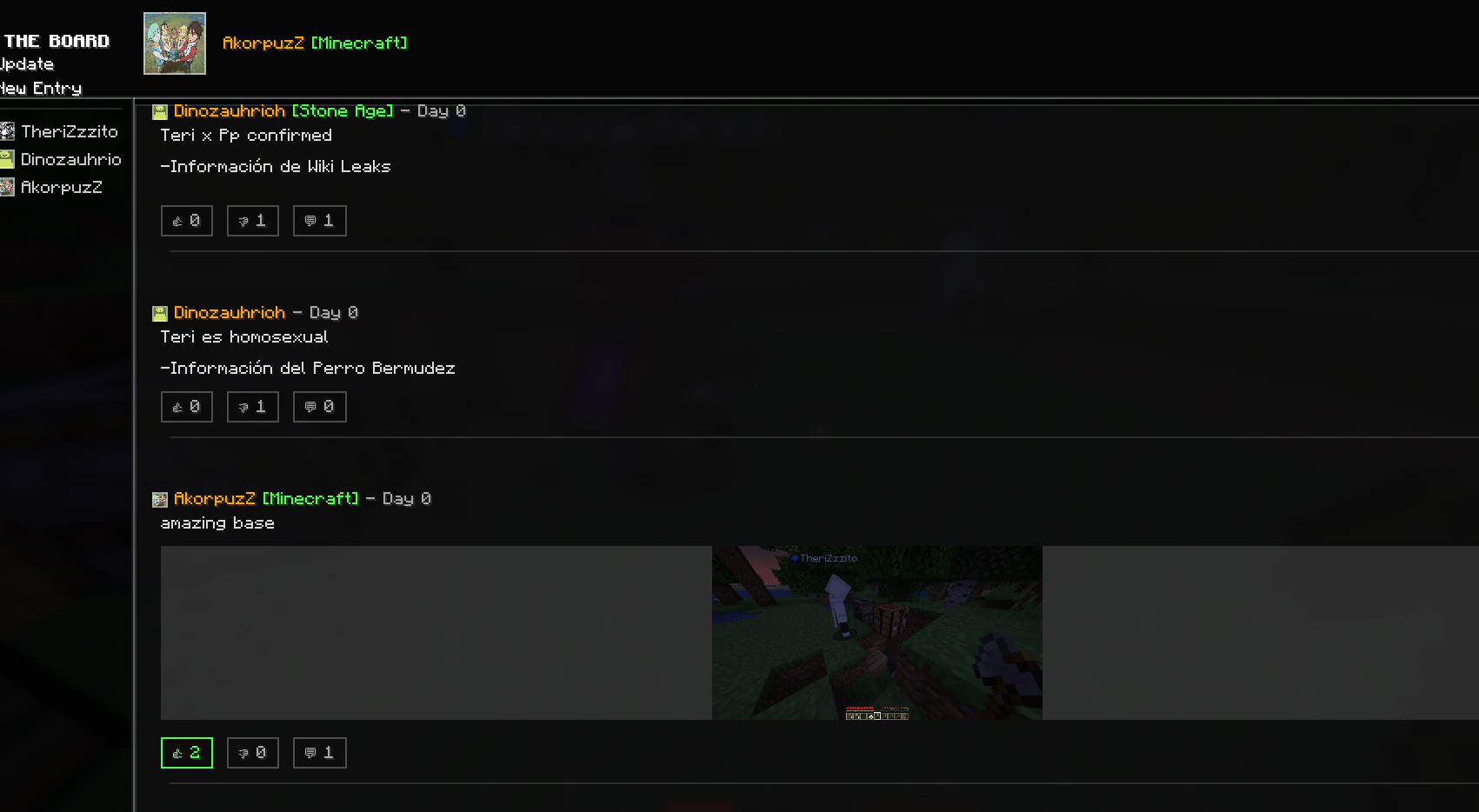
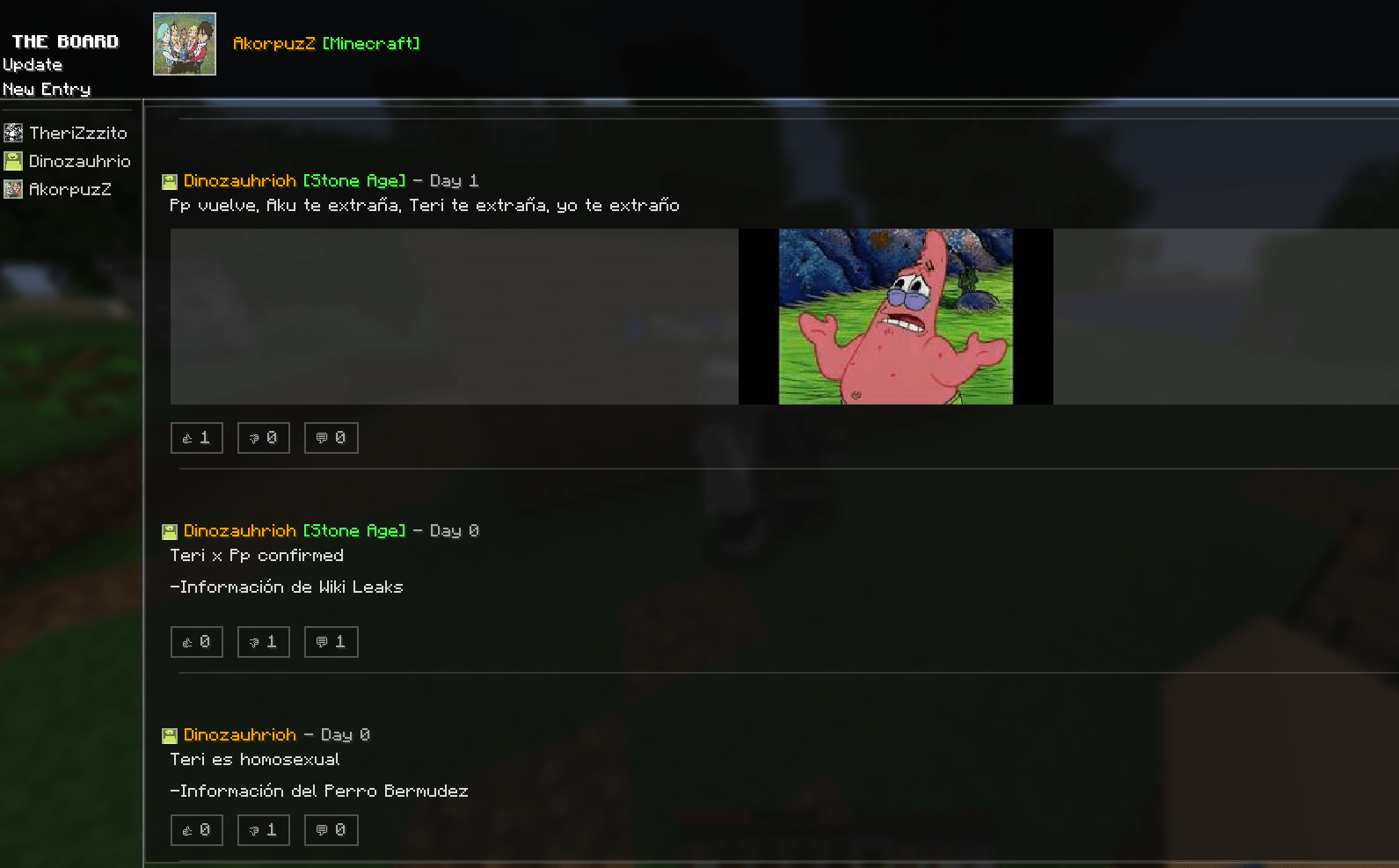
The Board is a visual communication platform designed for Minecraft servers. It allows players to document their progress, share stories, and publish important announcements on a dynamic, shared wall visible to everyone.
Whether you're announcing a new shop, showcasing a massive build, reporting a bug, or sharing a community moment, The Board strengthens player interaction and keeps your server connected.
Create posts with up to 2,000 characters.
Attach up to 3 images per entry.
Supported formats: .JPG and .PNG.
Posts appear instantly in the global feed.
Images are managed through a local folder.
Easy access via the "New Entry" interface.
Automatic processing ensures compatibility for all players on the server.
Fully redesigned interface with a cohesive and modern aesthetic.
Cleaner layout and improved content hierarchy.
Better separation between text, player information, and images.
Optimized navigation between screens.
Smoother interface flow.
More intuitive user experience.
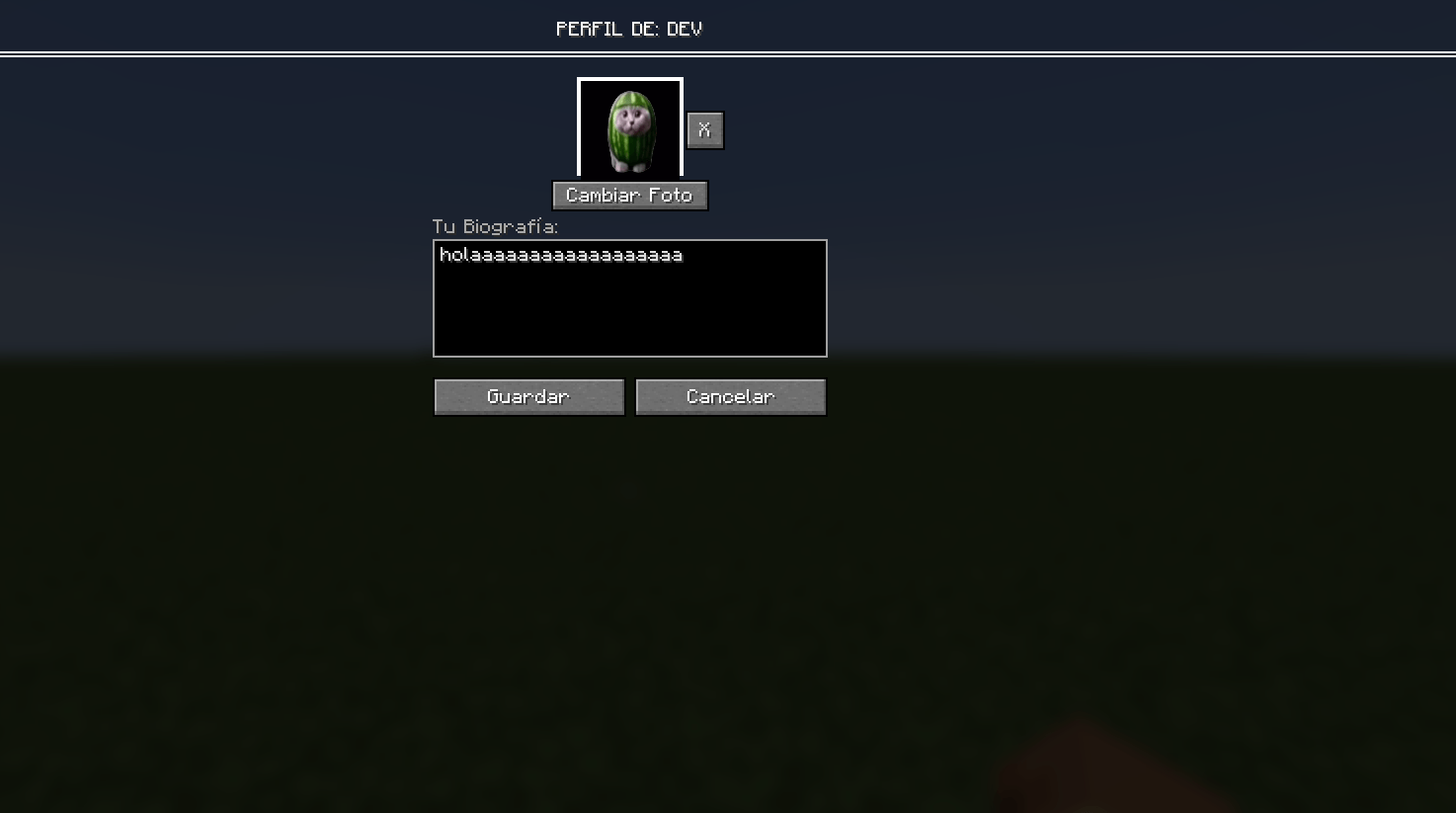
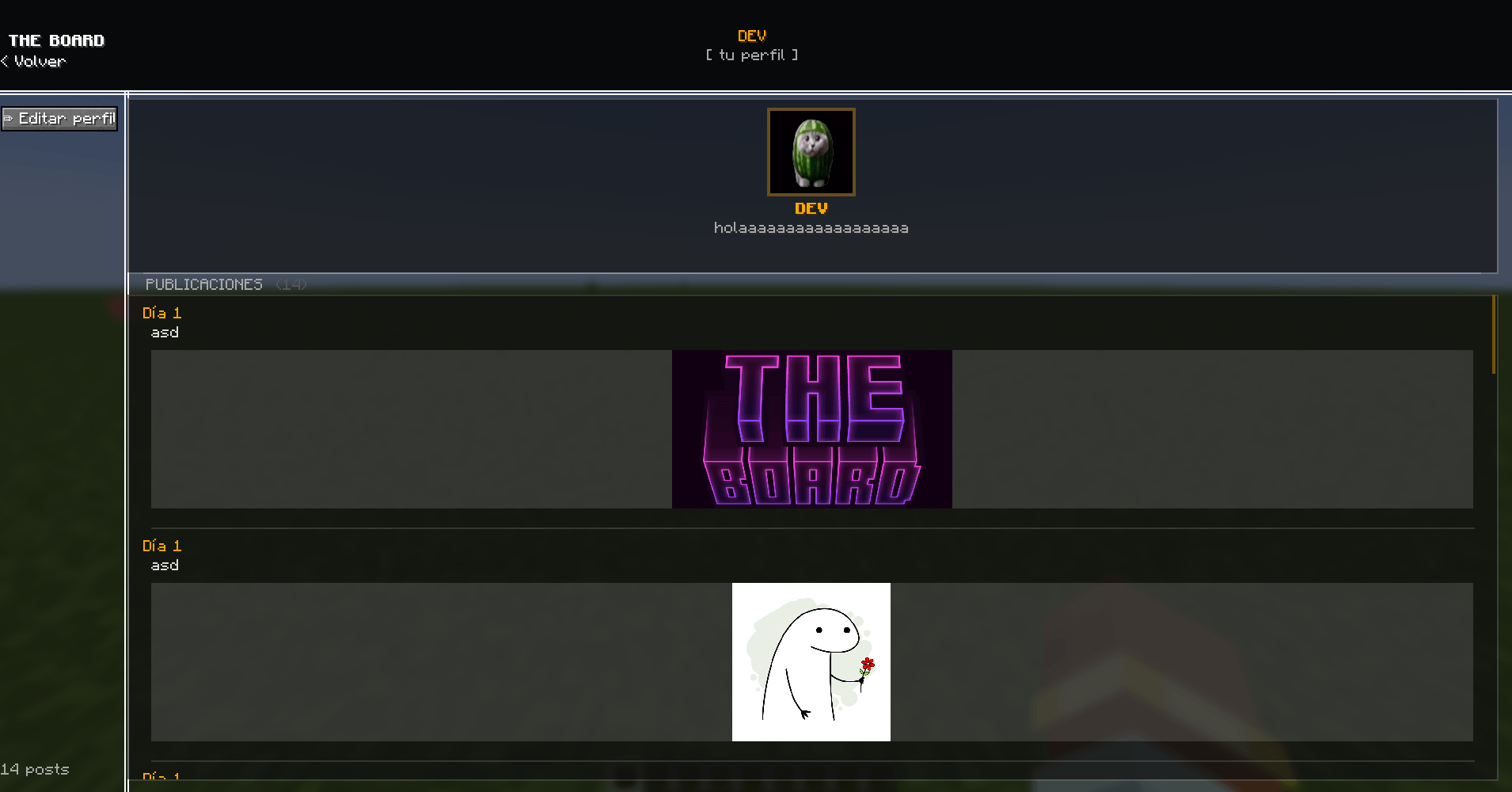
A new profile system has been implemented to improve organization and player tracking.
View your personal profile with all your entries.
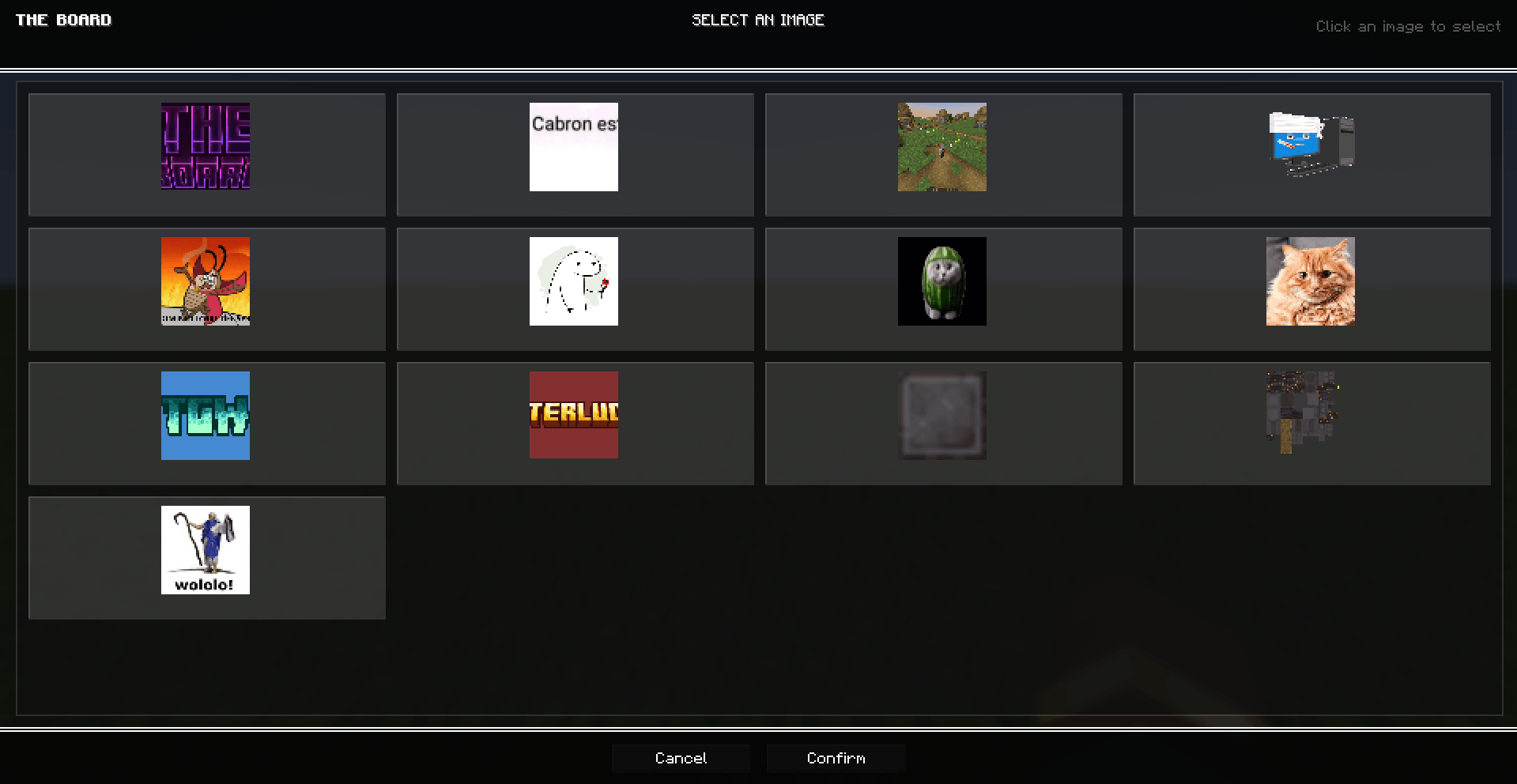
Select a profile picture from the board-images folder.
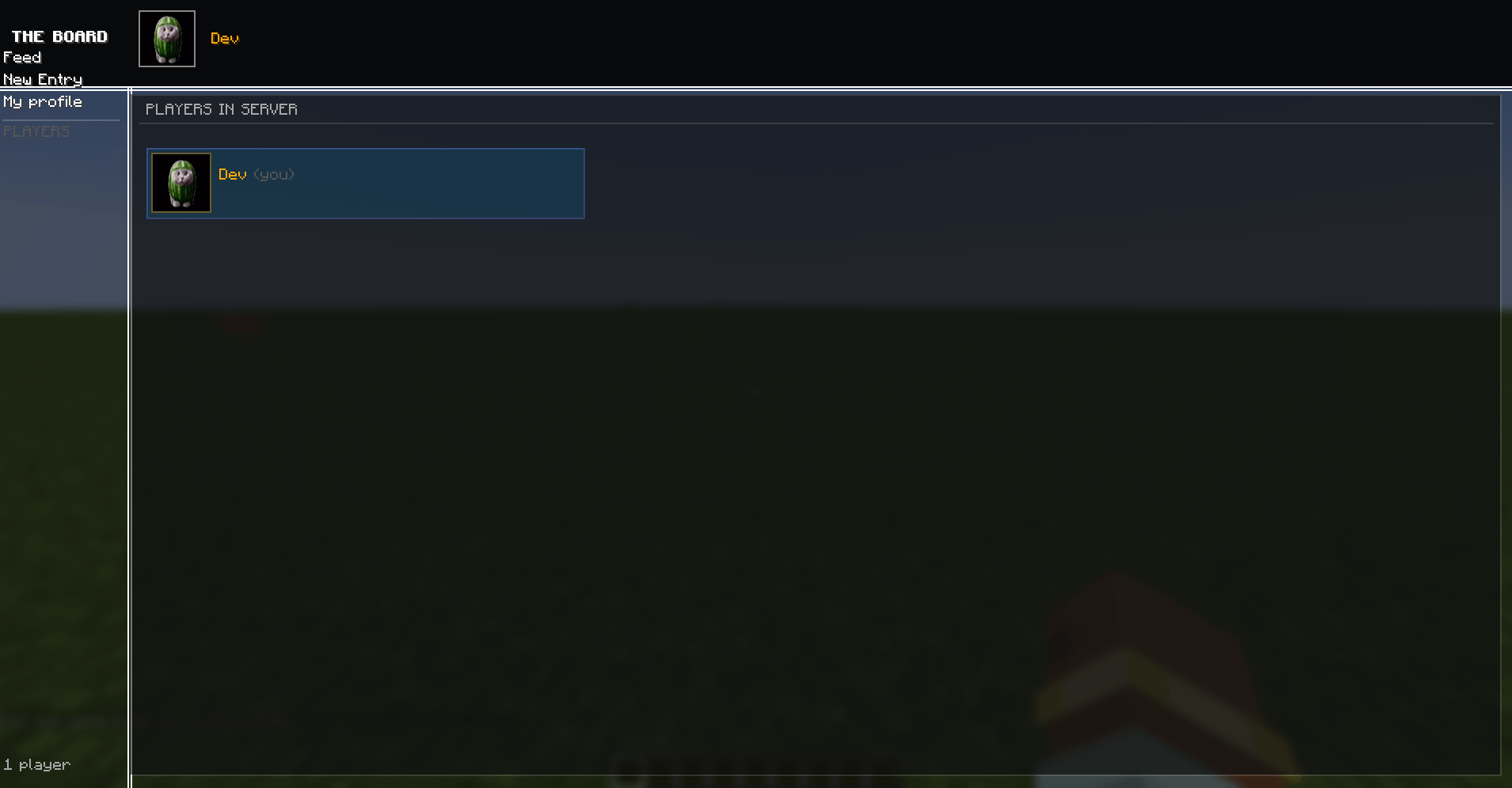
View other players' profiles.
Profiles help organize content and improve community interaction.
Open The Board
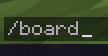
Use the /board command to access the interface.
Add Images
In the "New Entry" tab, click the folder button to open the local directory.
Place your .png or .jpg files inside.
Reload
Close and reopen the interface to allow the mod to detect new files.
Create Your Post
Select up to 3 images.
Write your text (maximum 2,000 characters).
Submit your entry to publish it in the global feed.
Image Support: .JPG, .PNG
Character Limit: 2,000 per post
Maximum Images: 3 per entry