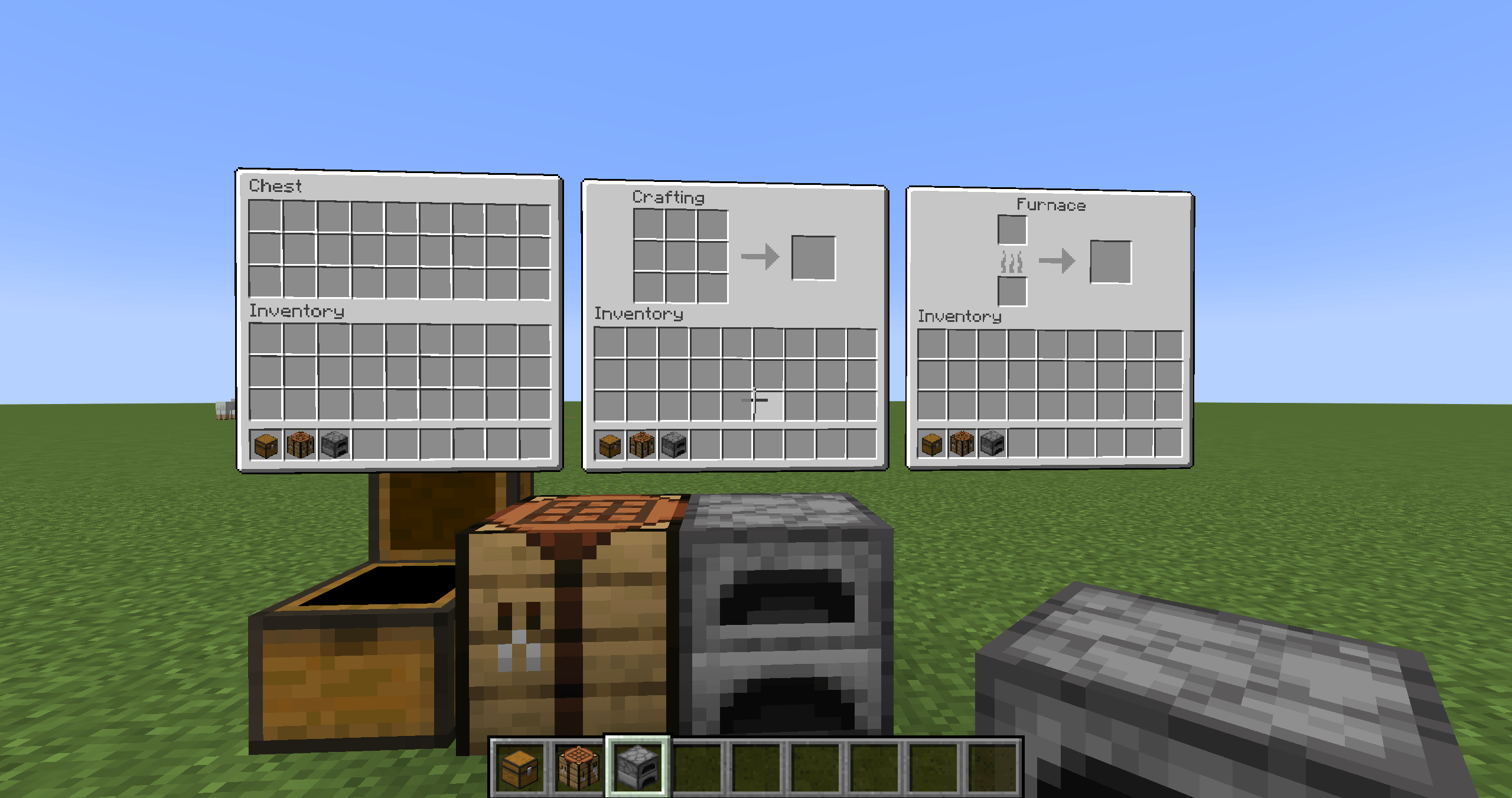
Bring your inventory into the world
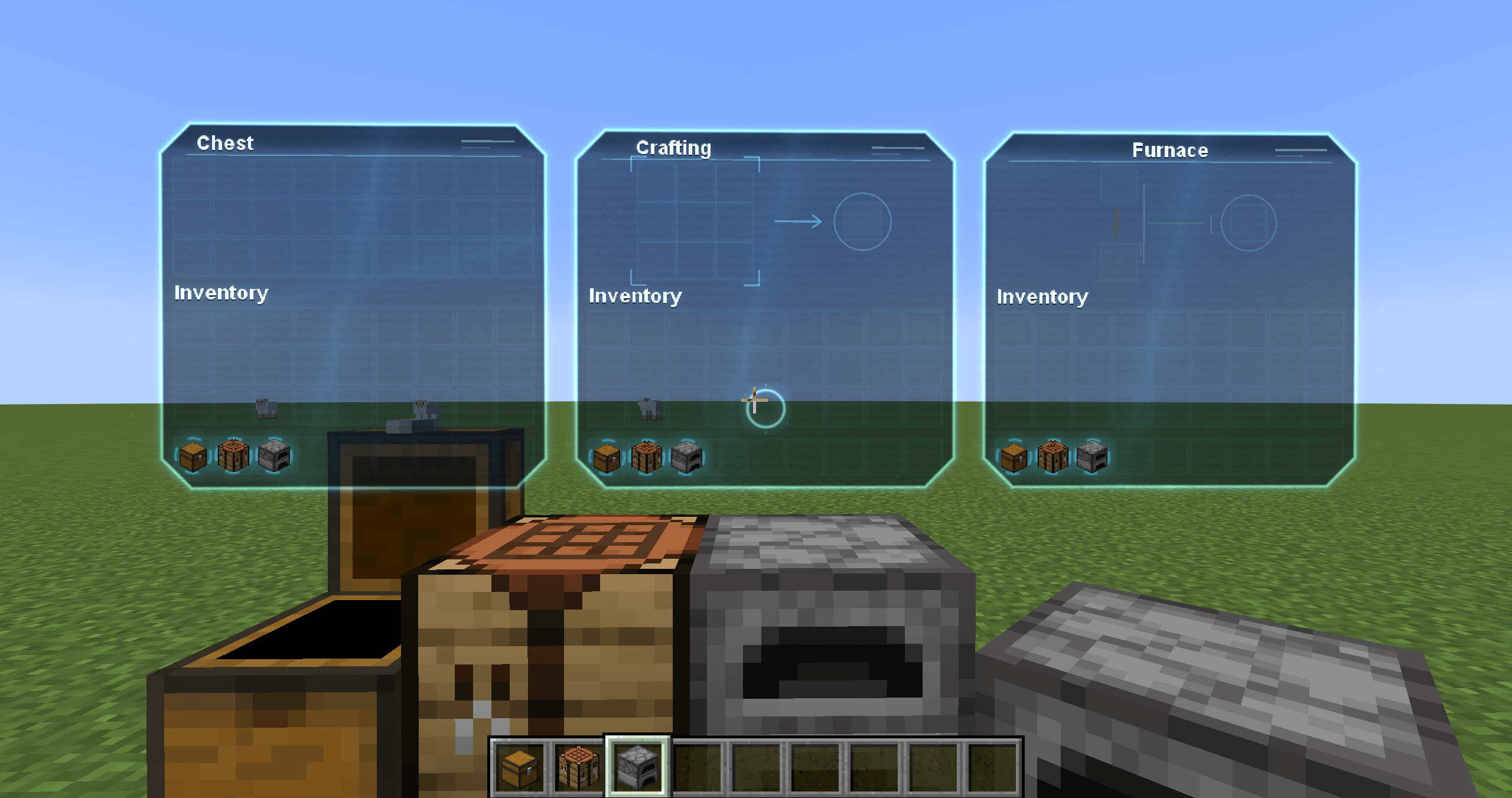
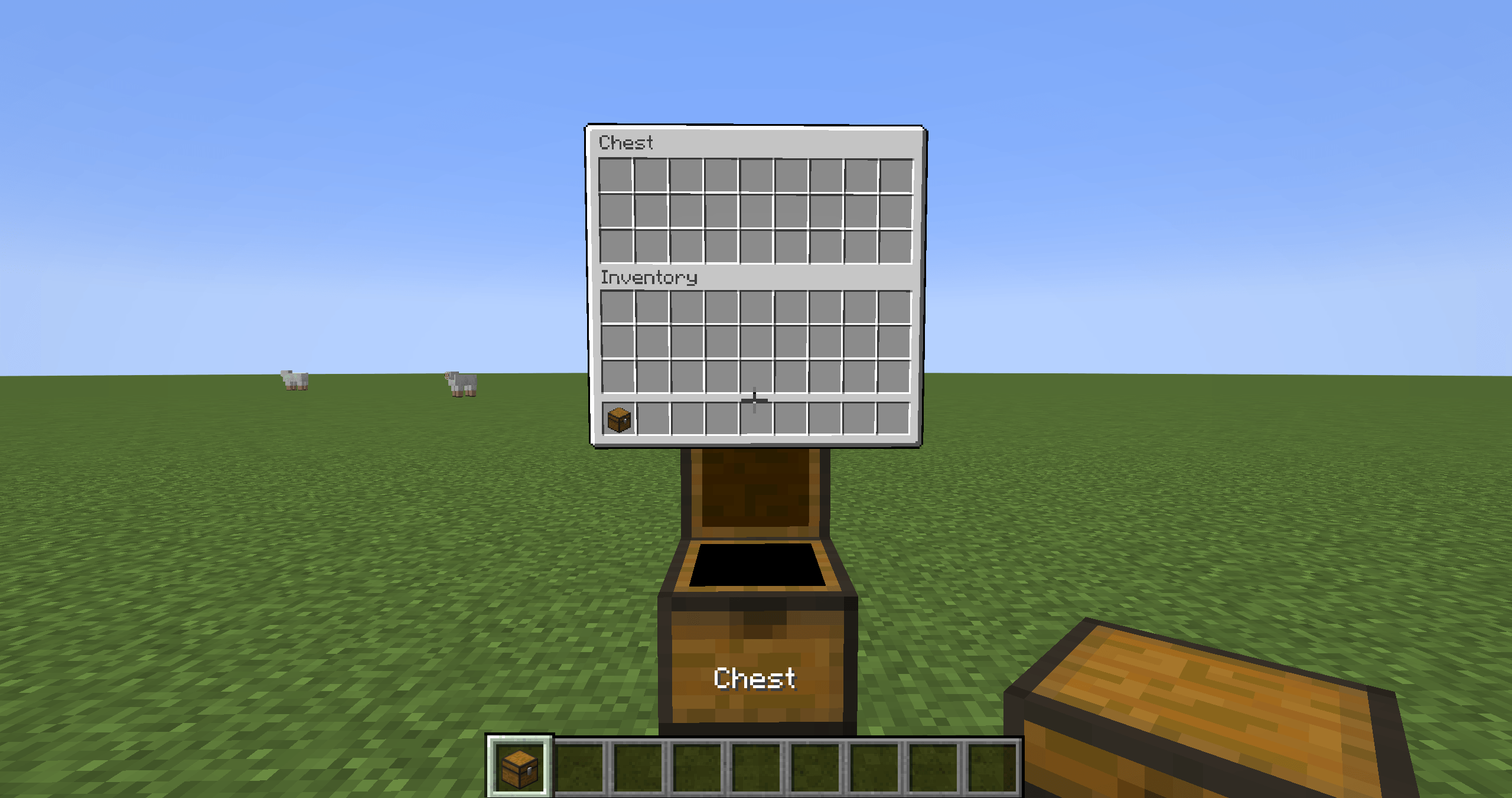
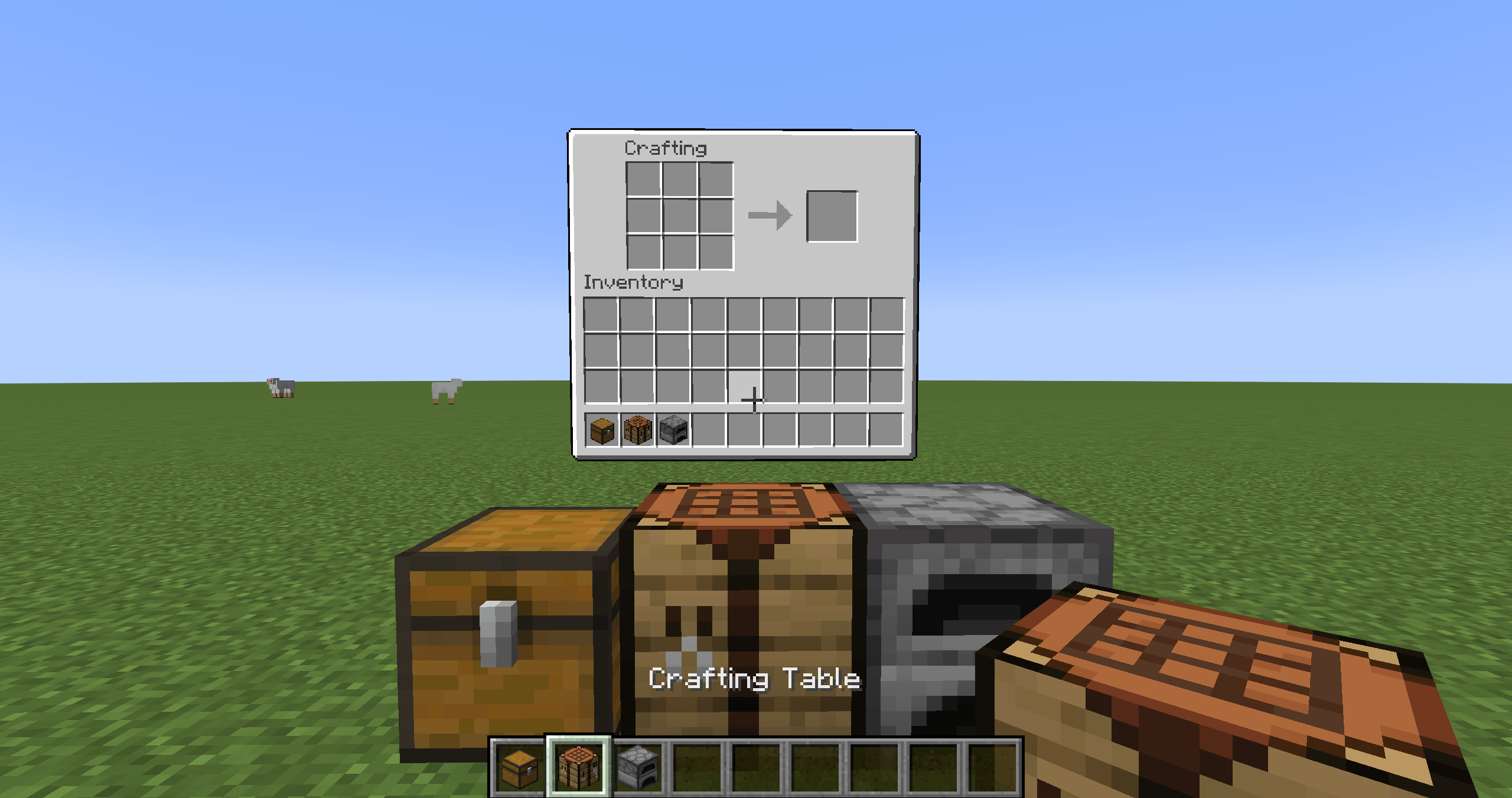
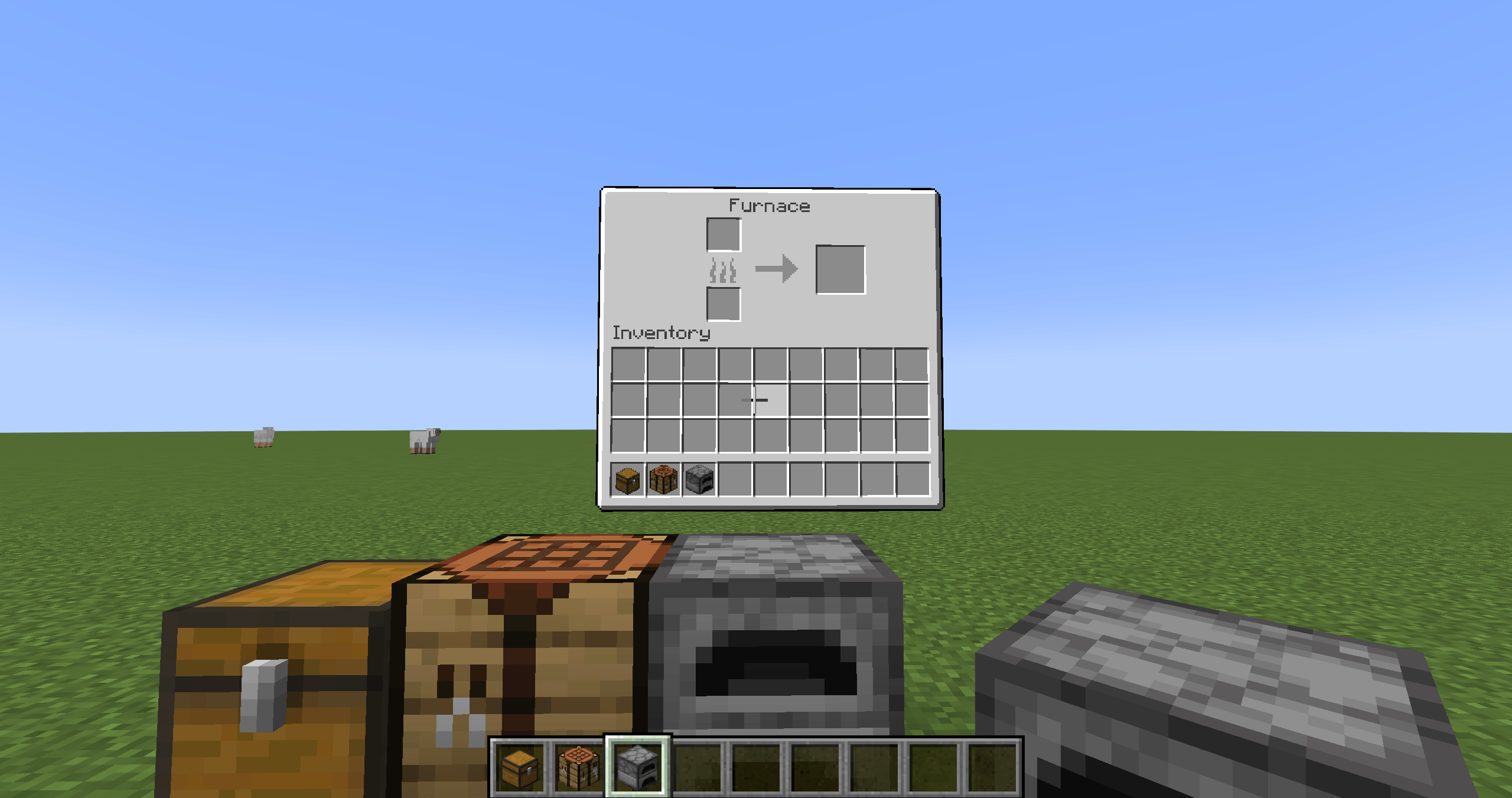
Tangible UI turns supported Minecraft container screens into interactive panels anchored beside the blocks that use them. Open a chest, furnace, crafting table, or workstation and keep moving and looking around while its inventory remains in the world.
### Features
- World-space panels with opening and closing animations
- Vanilla-inspired and holographic visual themes, switchable in-game
- Multiple panels can stay open at once; panels hide with distance and return when you come back
- Slot hovering, item pickup and placement, drag distribution, double-click collection, shift-click transfer, and supported keyboard shortcuts
- Drag items between open panels with the server validating both containers and slots
- Creative middle-click cloning and middle-drag filling
- Furnace, brewing, enchanting, recipe, anvil, and beacon controls use their actual menu behavior
- Inventory actions are processed and validated by the server
- Adjustable panel size, animation duration, auto-hide distance, and holographic glow
### Supported vanilla blocks
Chest (including trapped and double chests), barrel, ender chest, shulker box, hopper, dispenser, dropper, furnace, blast furnace, smoker, crafting table, brewing stand, anvil, enchanting table, grindstone, smithing table, cartography table, stonecutter, loom, and beacon.
Modded container adapters are not included yet.
### Controls and settings
- Right-click a supported block to open or toggle its panel.
- Press **P** to toggle the optional pointer mode while panels are open.
- Press **O** to open Tangible UI settings. Changes apply immediately.
- **U** toggles the development test panel; it is intended for testing and is not needed for normal play.
Key bindings can be changed in Minecraft's Controls menu.
### Installation
Use Minecraft 1.20.1 with Forge 47.3.x and Java 17. Install Tangible UI on both the client and server for multiplayer. No additional mod dependency is required.
### Feedback
Please report the Minecraft version, Forge version, whether the issue occurs in single-player or multiplayer, and attach the relevant client or server log when reporting a crash or bug.