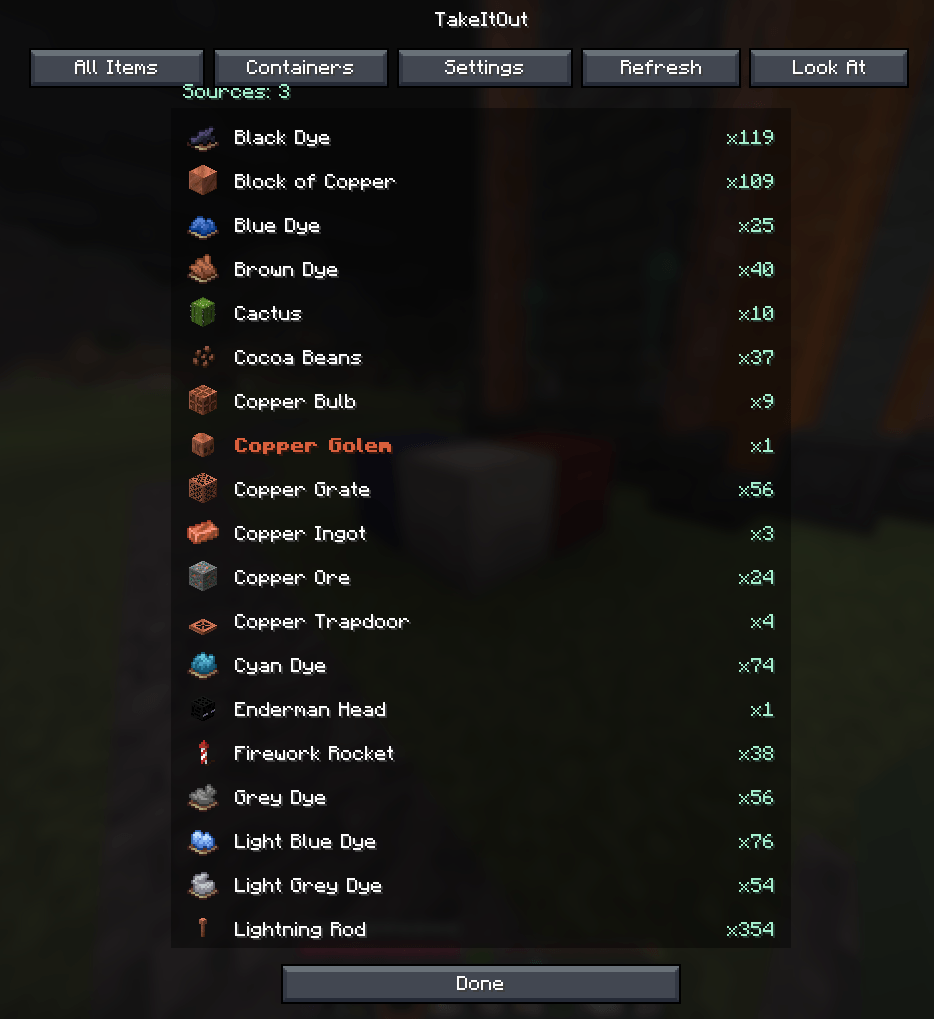
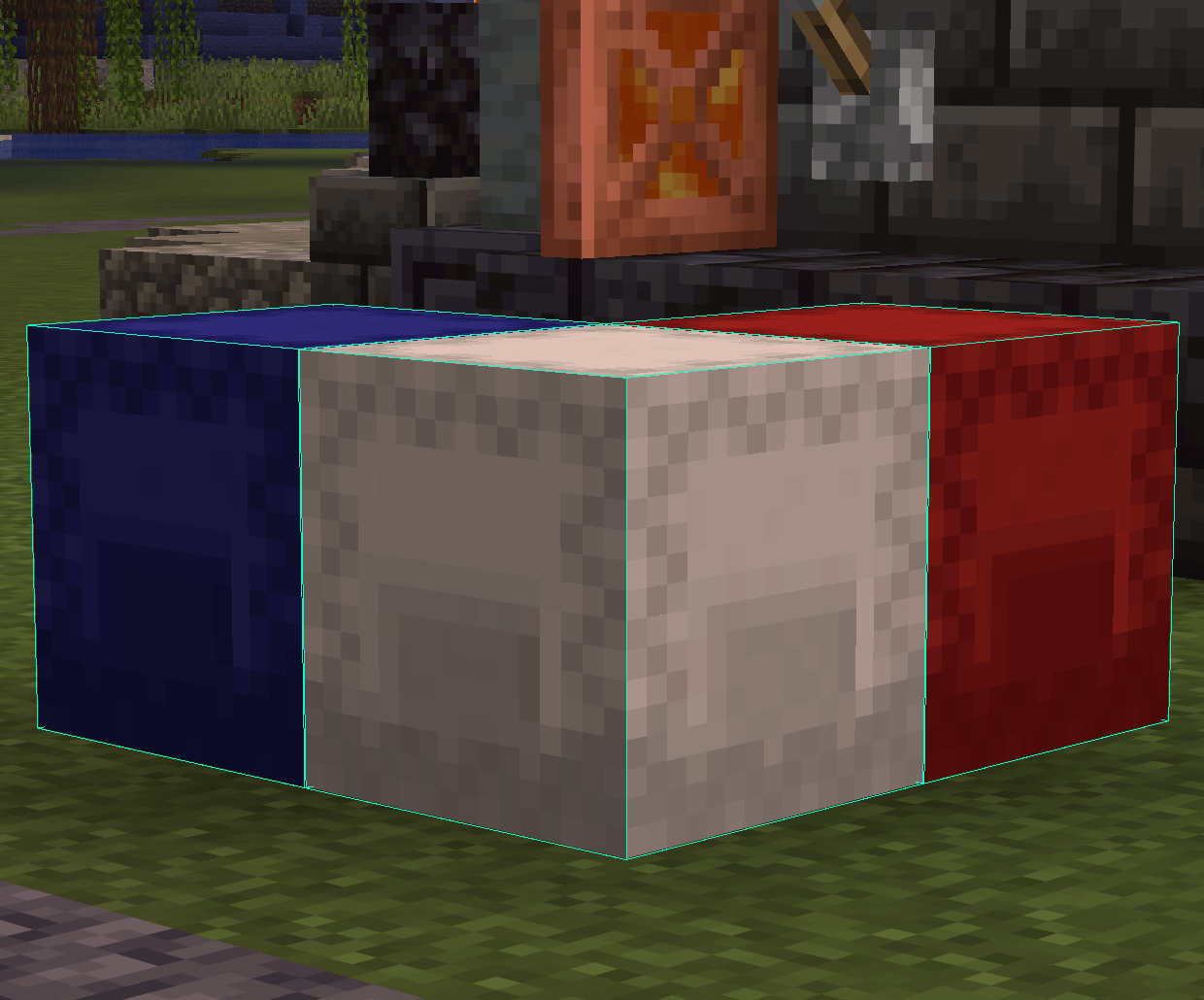
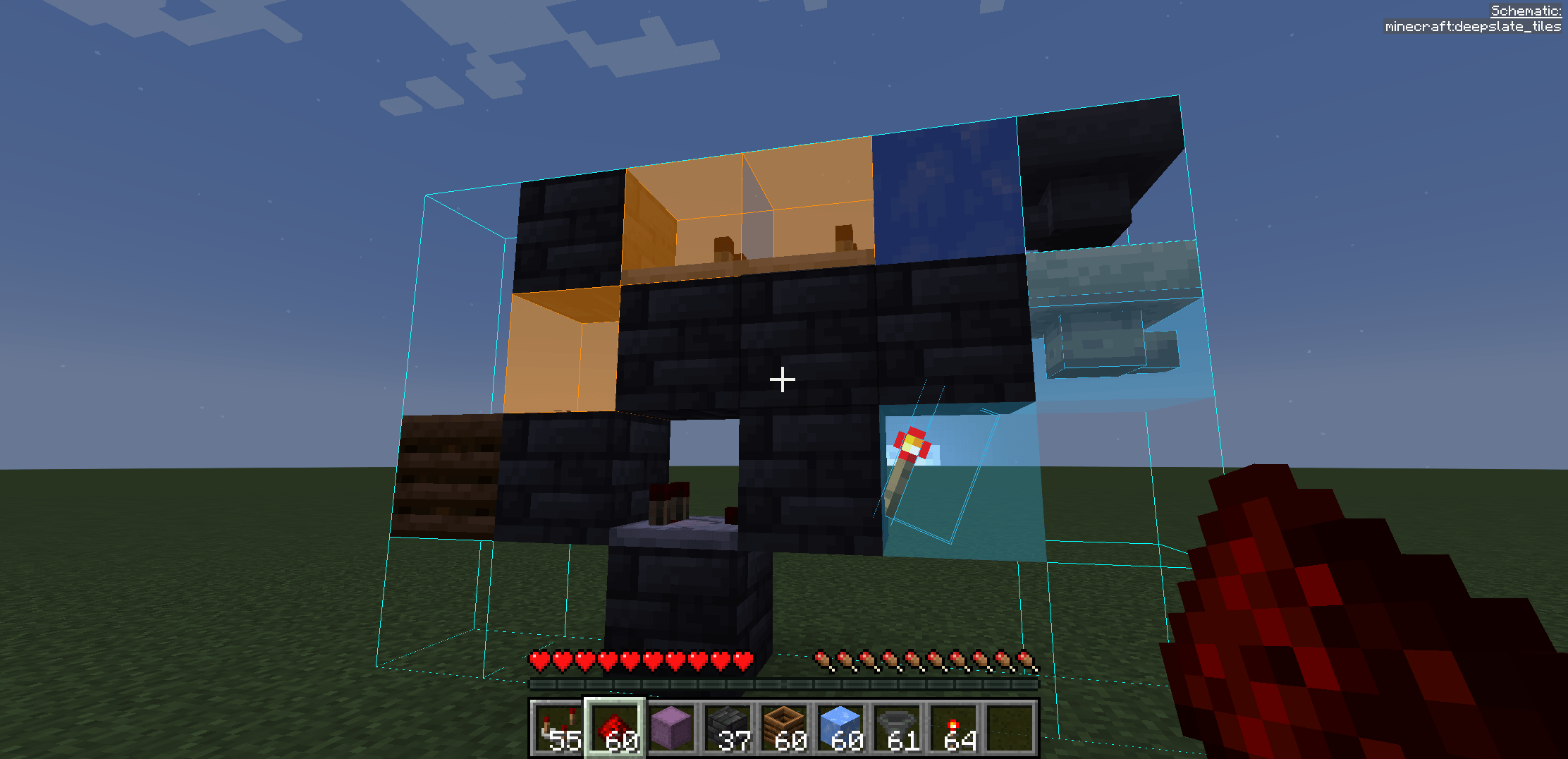
Pick blocks directly from shulker boxes — whether they’re in your inventory or placed in the world — using:
Build faster — whether you use Easy Place or place blocks manually.
💡 Perfect for Litematica users:
Works with both Easy Place and manual building — automatically supplying the correct blocks either way.

Fast building with Litematica using blocks directly from shulker boxes and linked containers.
📦 Pick blocks directly from:
🧱 Litematica Easy Place support
Right-click schematic blocks to auto-pick and place them exactly as defined by the schematic
🖱️ Manual placement support (Auto Take Out)
Right-click in schematics to automatically take the required item while placing blocks normally
⚡ Full support for Litematica schematics
🖨️ Compatible with:
🔄 Compatible with Tweakeroo Restock
🖱️ Pick block support — use the mouse wheel
🔄 Auto pick mode (R)
📦 Extraction modes — SINGLE / STACK (B)
📁 Container Groups
Save, switch and share named container setups with other players on the server
🌐 Server-side Shared Groups
Publish container groups to the server and let other players import them instantly
📦 Box Selection Tool
Select a cuboid area to automatically link all containers inside it
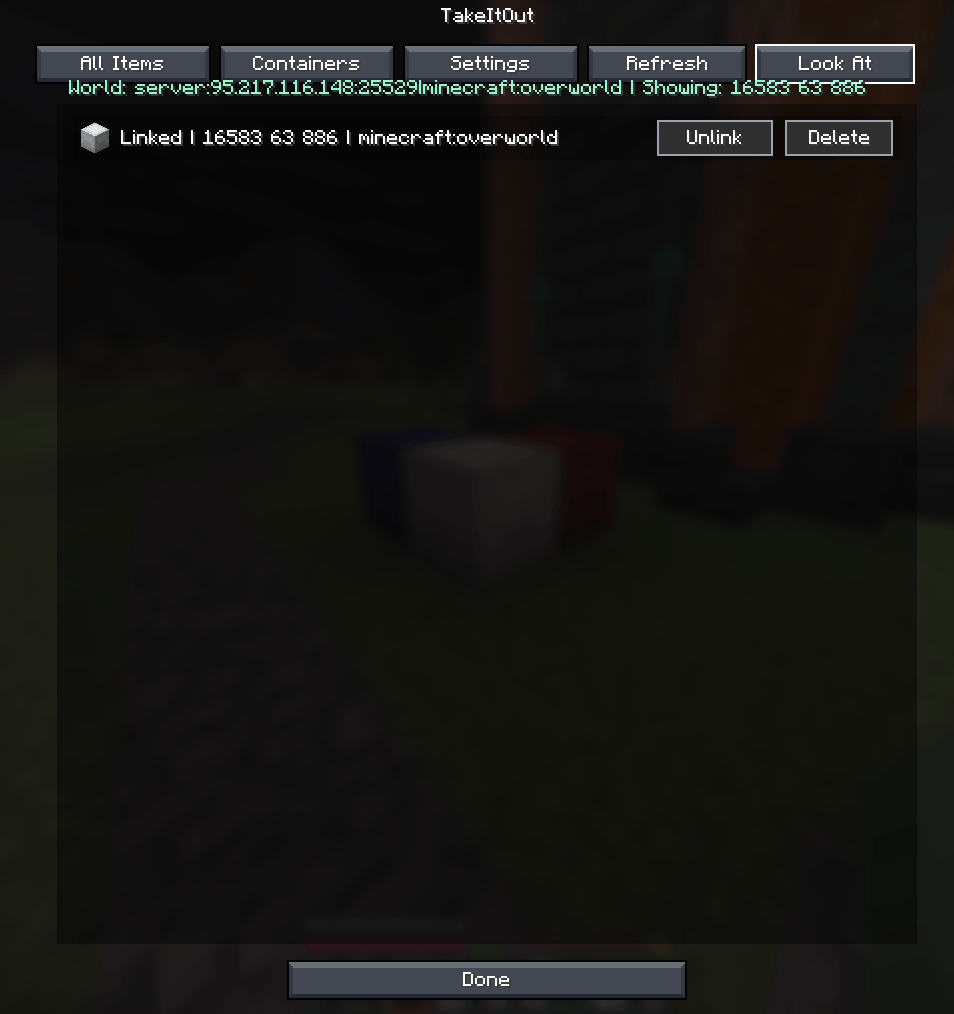
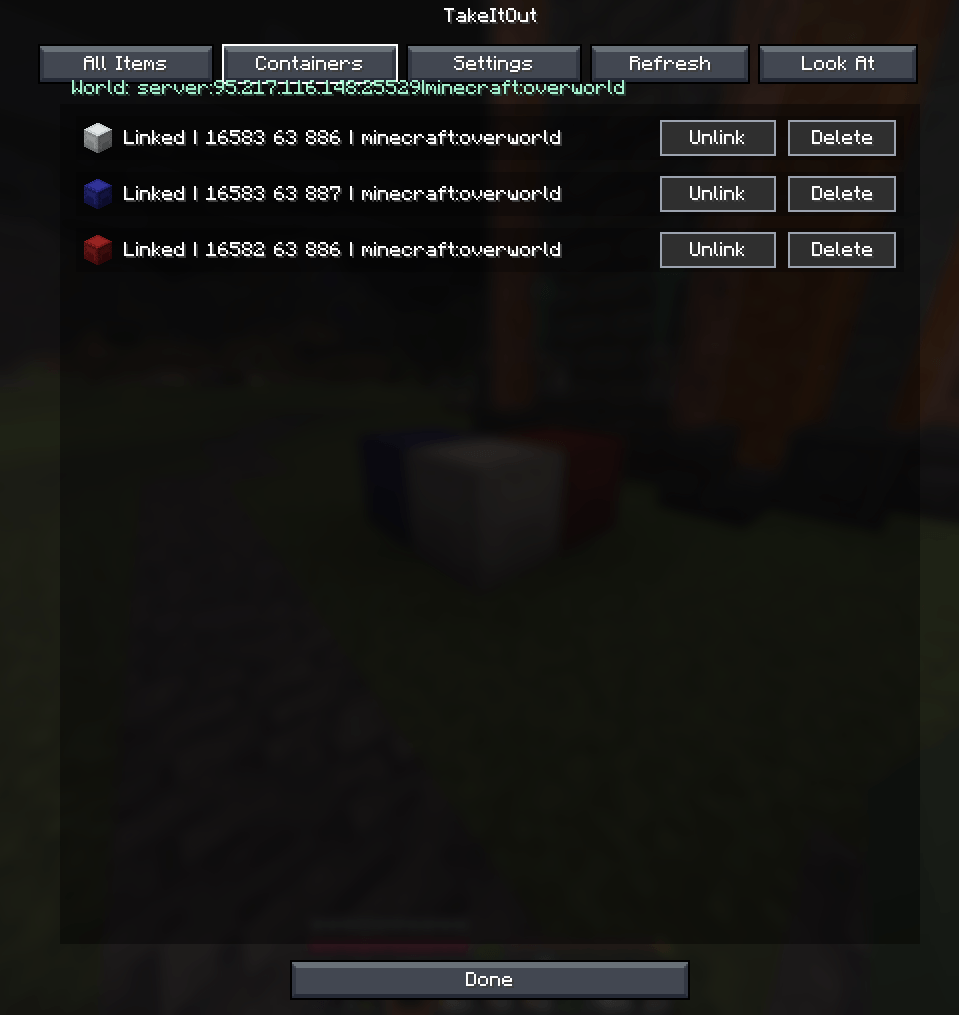
Link containers using the H key.
Supported:
Features:
Additional functionality:
TakeItOut may conflict with Item Swapper because both modify item picking behavior.
Possible issues:
👉 Try disabling Item Swapper if issues occur.
Install on the server or use the companion plugin for:
Older TakeItOut client versions are not compatible with newer servers.
Please update the client to the latest version.
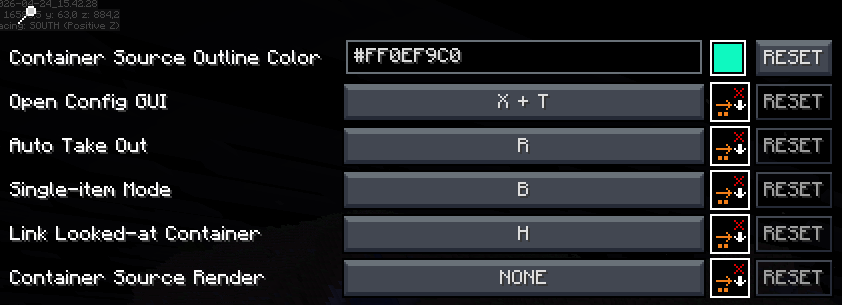
Open the settings screen with:
Discord: https://discord.gg/TR8tUk4WNF
Modrinth: https://modrinth.com/mod/takeitout
Support: https://ko-fi.com/maxbel
Made by Max Bel