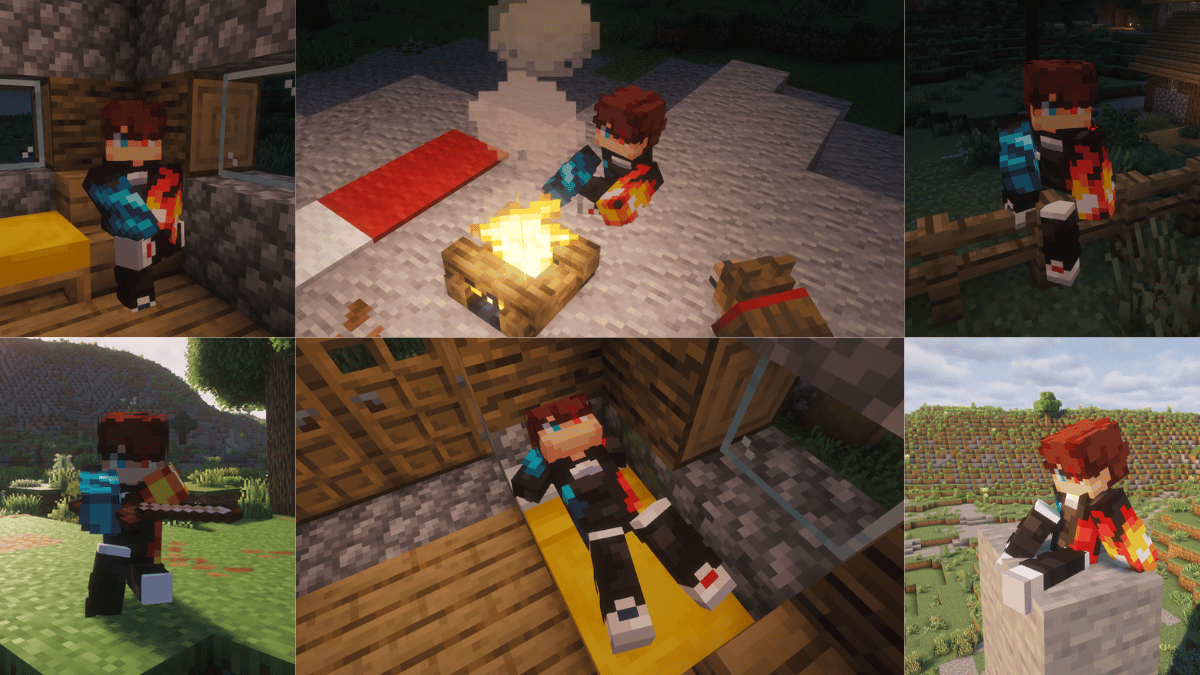
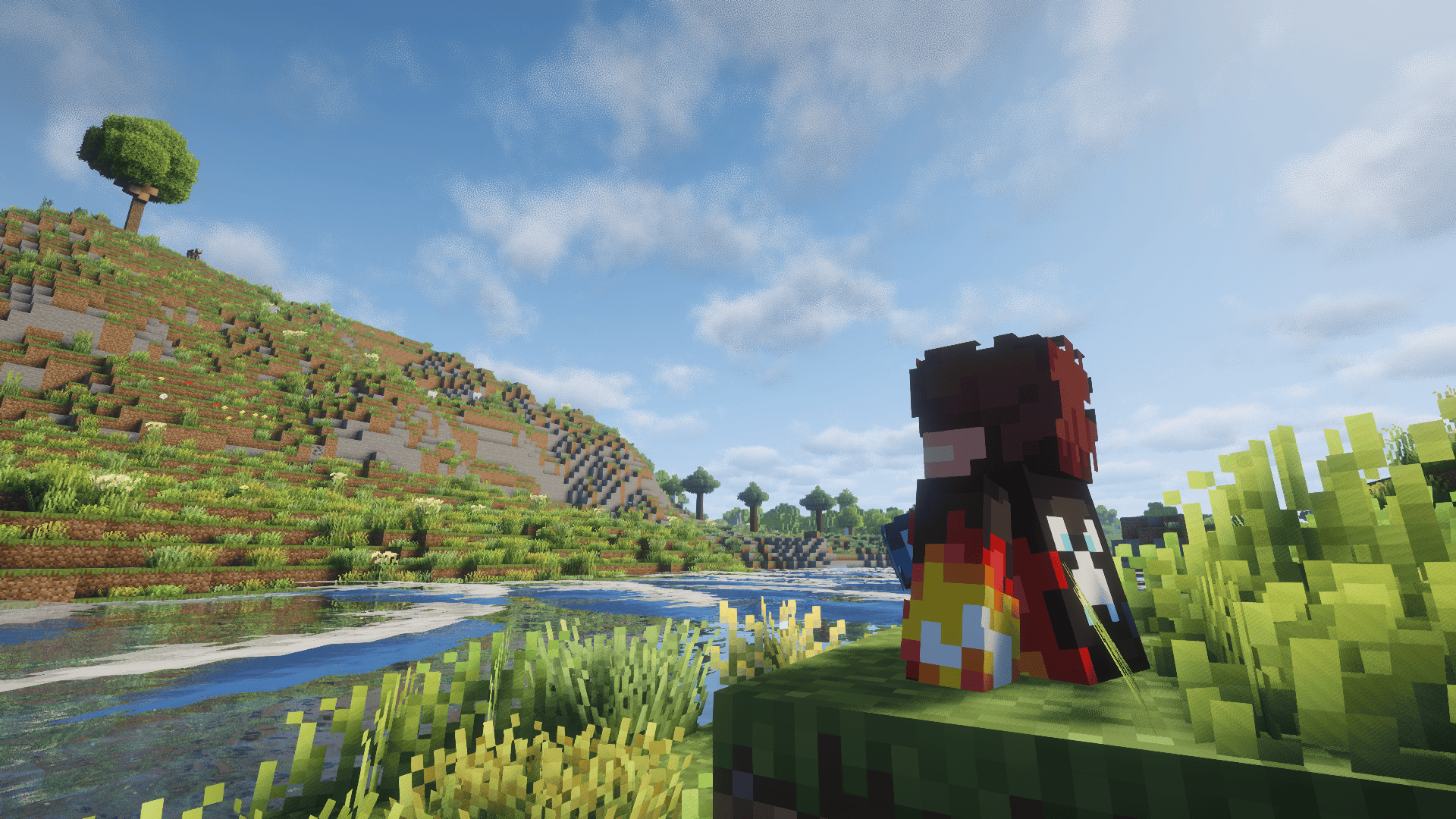
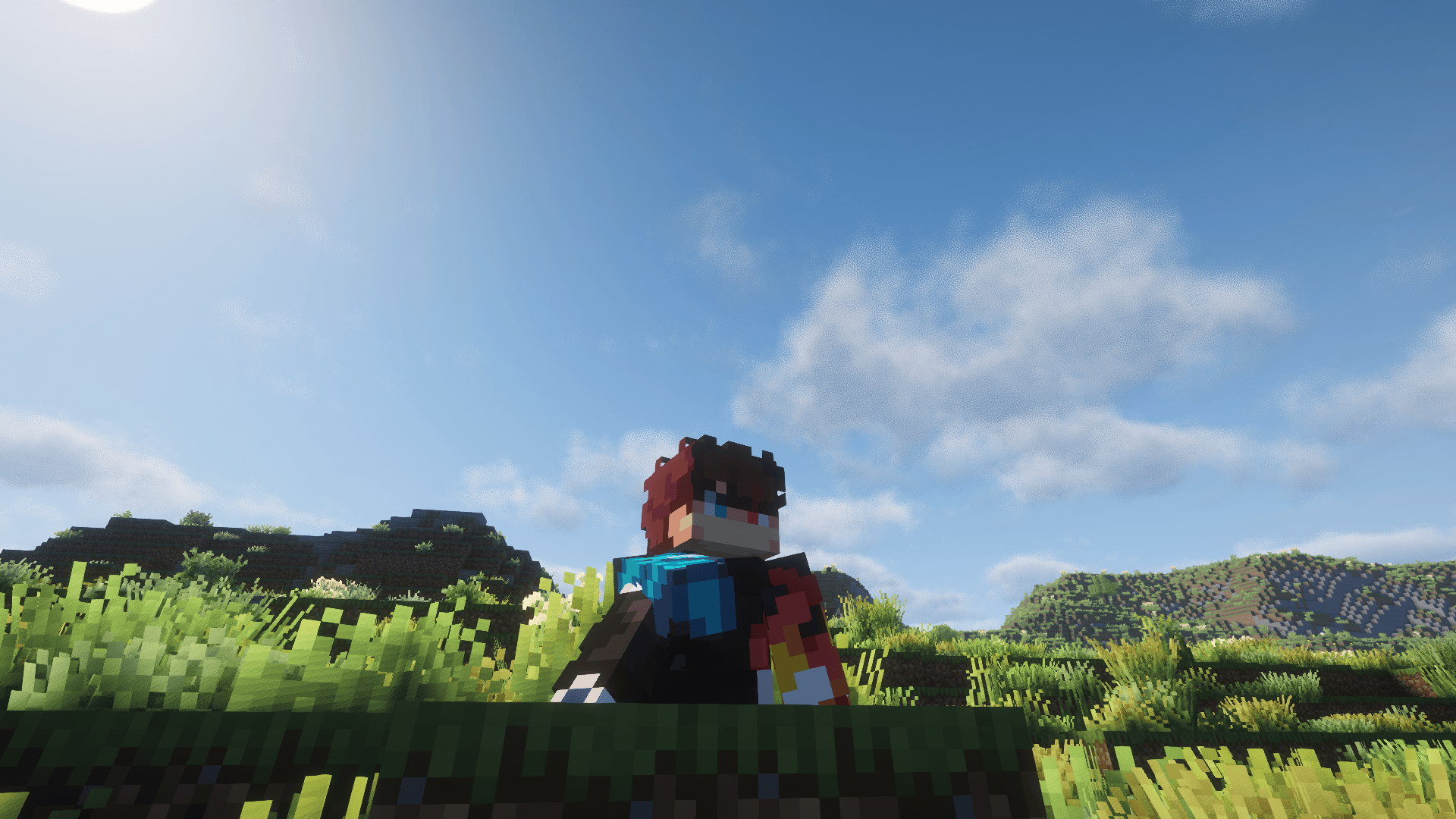
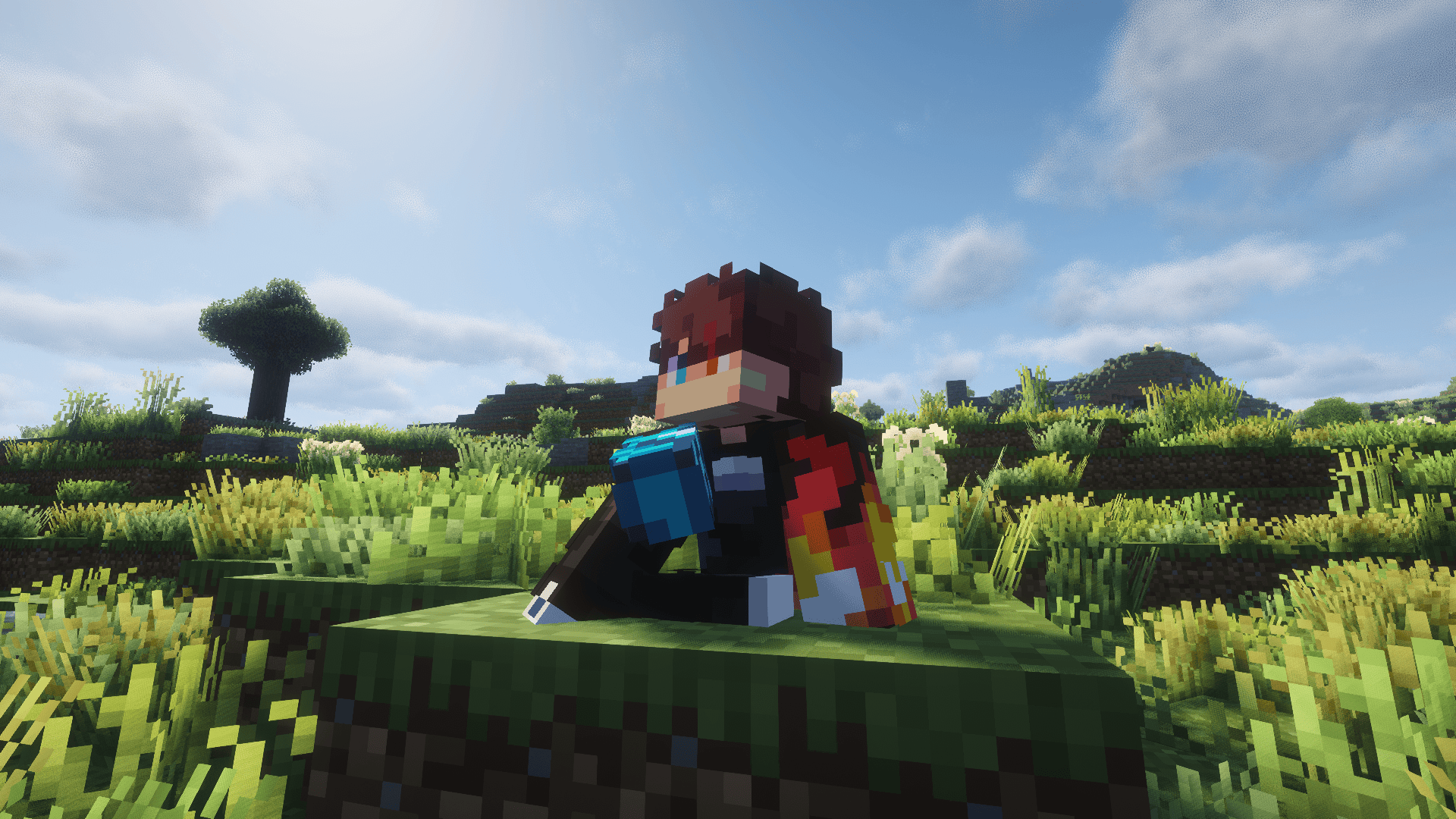
Sit, lounge, and relax. Press a key and Take a Seat plays a context-aware sitting animation on your player — it figures out what you're near or holding and picks a fitting pose, then keeps your model in frame with a smooth camera. Other players see you sitting too (when they also have the mod).
Take a Seat is a from-scratch rebuild of the discontinued Sitting Plus for Minecraft 26.1.2, running on the Player Animation Library backend.
These are cosmetic animations. You don't actually mount the block — your model poses in place, and moving stands you back up.
X (rebindable in Options → Controls → Take a Seat) to sit./sit command: /sit (context detection), /sit <pose> to force a pose (e.g. /sit chair), or /sit <pose> <variant> (e.g. /sit bed 2).When you press the key, Take a Seat checks these in order and uses the first match:
| Priority | Trigger | Pose (animation variants) | Notes |
|---|---|---|---|
| 1 | Looking at a campfire (within ~2 blocks) | campfiresit |
Looping idle |
| 2 | Looking at a furnace (furnace / blast furnace / smoker) | furnacesit |
Looping idle |
| 3 | Holding a sword | swordsit, swordsit2 |
2 variants |
| 4 | Holding an axe | sittingaxe |
1 variant |
| 5 | Holding a shovel | sittingshovel |
1 variant |
| 6 | Holding a fishing rod | fishing |
Looping cast |
| 7 | Standing on stairs | chairsitting 1–4 |
"Sit in a chair" — 4 variants |
| 8 | Standing on a fence | fencesitting 1–2 |
Perched higher, 2 variants |
| 9 | Standing on a bed | bedlyingdown 1–3 |
Lie down, 3 variants |
| 10 | Standing on a bottom slab | chairsitting 1–4 |
Treated as a chair |
| 11 | Standing on a carpet | Ground poses | Treated as floor |
| 12 | Standing on a #takeaseat:sittable block |
chairsitting 1–4 |
Datapack-defined chairs (incl. modded) |
| 13 | Anywhere else (ground) | kneesitting, buttsit, buttsit2, kneeleaning |
Default, 4 variants |
Because the list is checked top-down, what you're looking at or holding wins over what you're standing on — e.g. holding a sword while standing on stairs gives you the sword pose, not the chair pose. Set your hand empty and look away from campfires/furnaces to get the stair/fence/bed/ground poses.
That's 20 hand-made animations in total, cycled per category by tapping the key again.
enableThirdPersonOnSit). Standing restores your previous view.enableSitCameraFocus, distance: cameraFocusOffset).Edit config/TakeASeatConfig.json (created on first launch):
| Option | Default | Description |
|---|---|---|
enableClickToSit |
true |
Right-click stairs with an empty hand to sit on them. |
enableThirdPersonOnSit |
true |
Switch to third person while sitting. |
enableSitCameraFocus |
true |
Smoothly lower the camera to focus on the seated model. |
cameraFocusOffset |
0.55 |
How far (blocks) to lower the camera while sitting. |
onlyLowerCameraInFirstPerson |
false |
Only apply the camera lowering effect in first person. |
enableAfkSit |
false |
Auto-sit after being idle. (Off by default — was non-functional in the original Sitting Plus.) |
afkSitDelaySeconds |
60 |
Idle seconds before AFK auto-sit triggers. |
Take a Seat syncs poses to other players: when you sit, your client tells the server, which relays it so everyone running Take a Seat mirrors your animation. The mod should be installed on the server and on each client that wants to see the animations. Players who were already sitting when you join are synced to you automatically (no need for them to re-sit).
Make any block sittable (it'll use the chair pose) by adding it to the #takeaseat:sittable block tag — create data/<your_pack>/tags/block/sittable.json:
{
  "replace": false,
  "values": [
    "mymod:fancy_chair",
    "minecraft:lectern"
  ]
}
Bottom slabs and carpets are recognized automatically, so you only need the tag for extra/modded blocks.
Original mod by SaltyWater
Original Sitting Plus page: https://www.curseforge.com/minecraft/mc-mods/sitting