Tailormade
Create your own custom clothing in Minecraft!
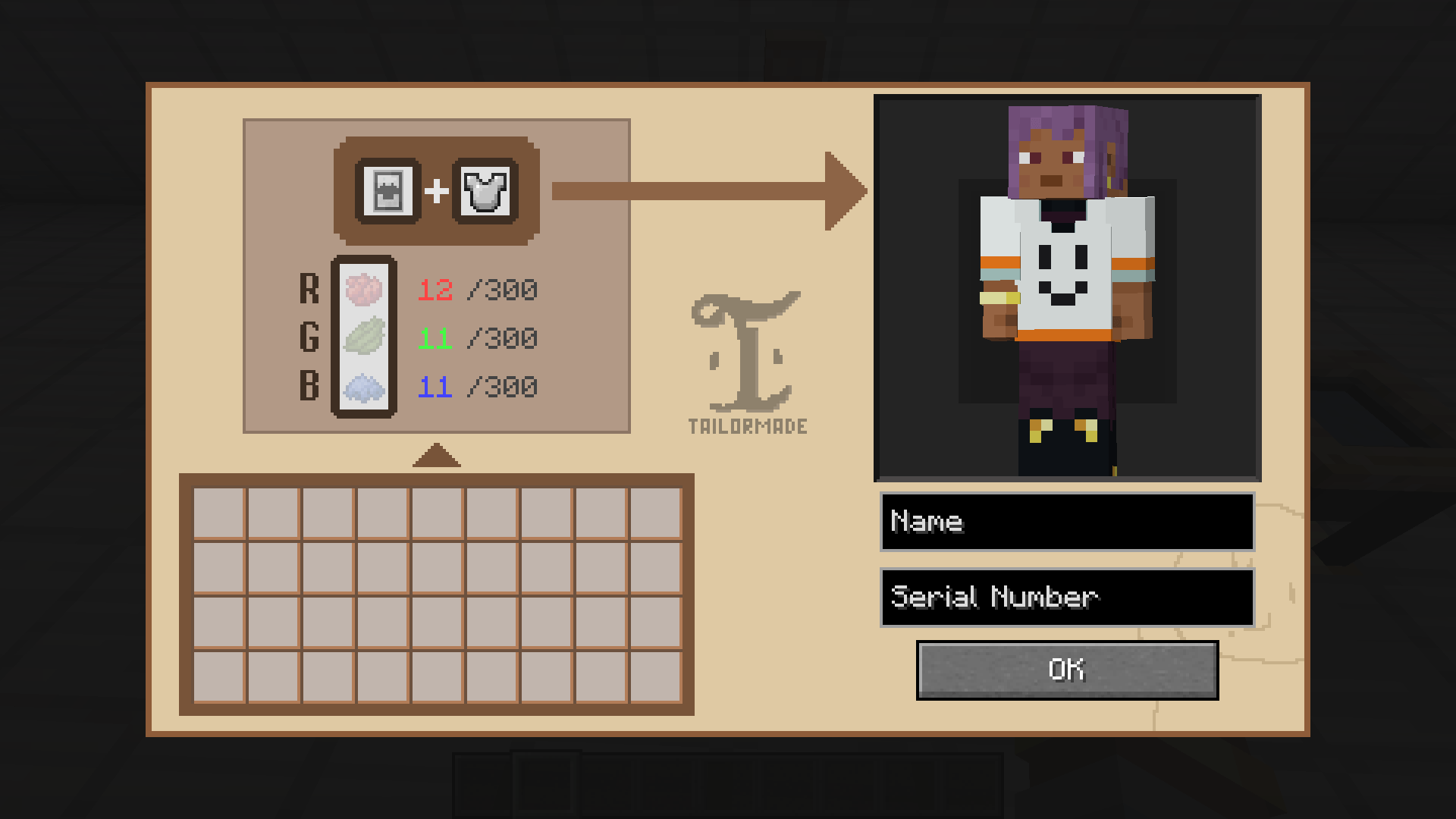
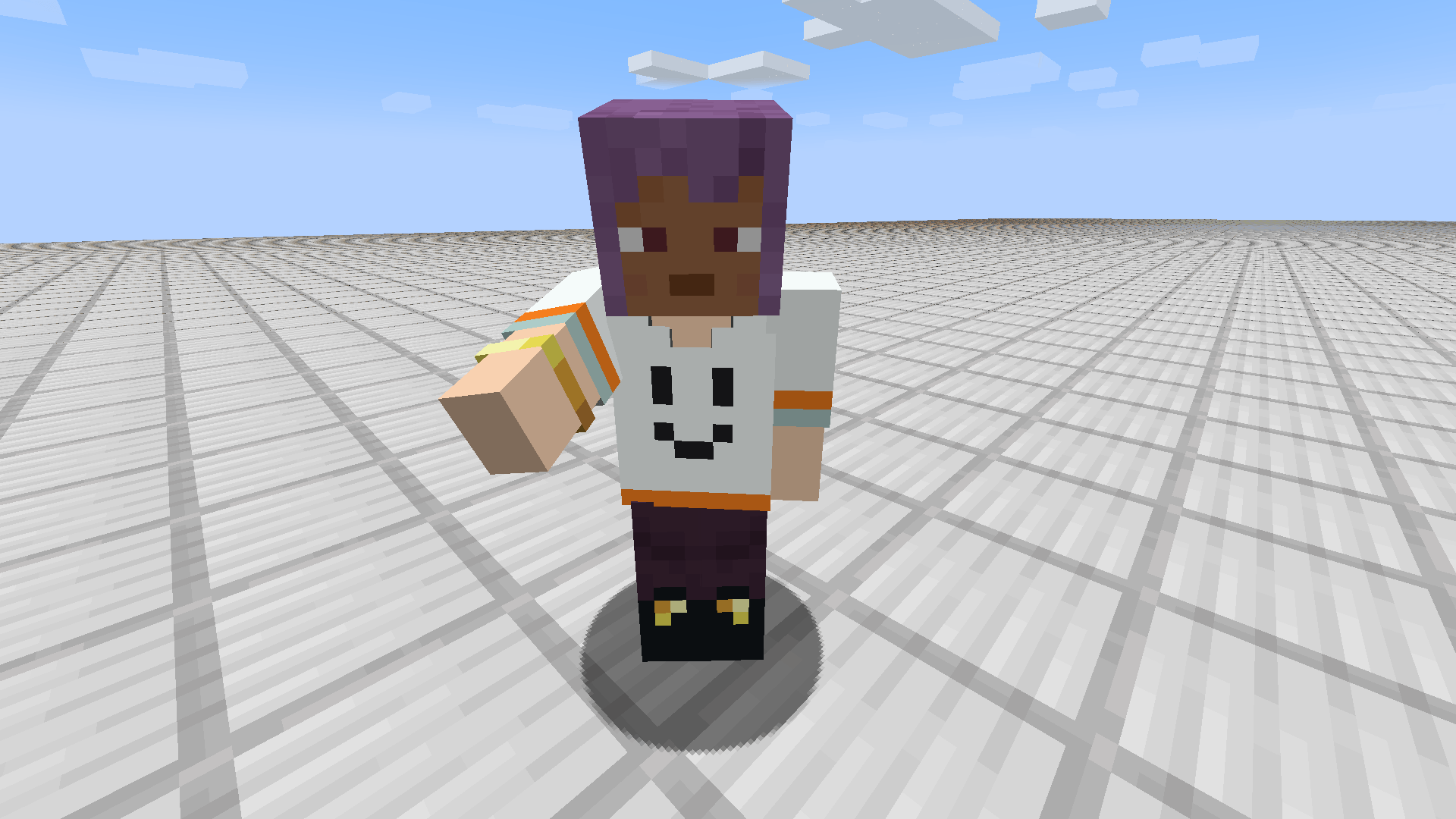
Tailormade replaces the visual look of your armor with designs you draw in-game — while every stat and enchant stays exactly as it was. No modeling, no external tools, just you — and endless fashion.
visit Wiki / Issue Tracker
Notice: This mod is currently in active development (Beta). While core features are stable, please make sure to back up your worlds before updating!
Any bug reports and suggestions are always welcome.
Modpack Policy: Feel free to include Tailormade in any of your modpacks! (Attribution is all the more appreciated, but not required :))
Features
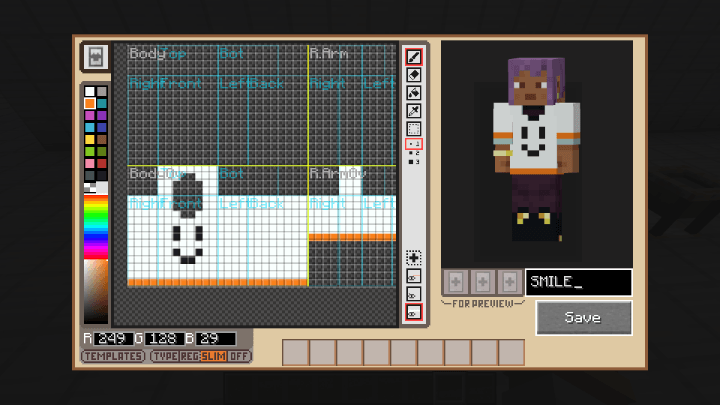
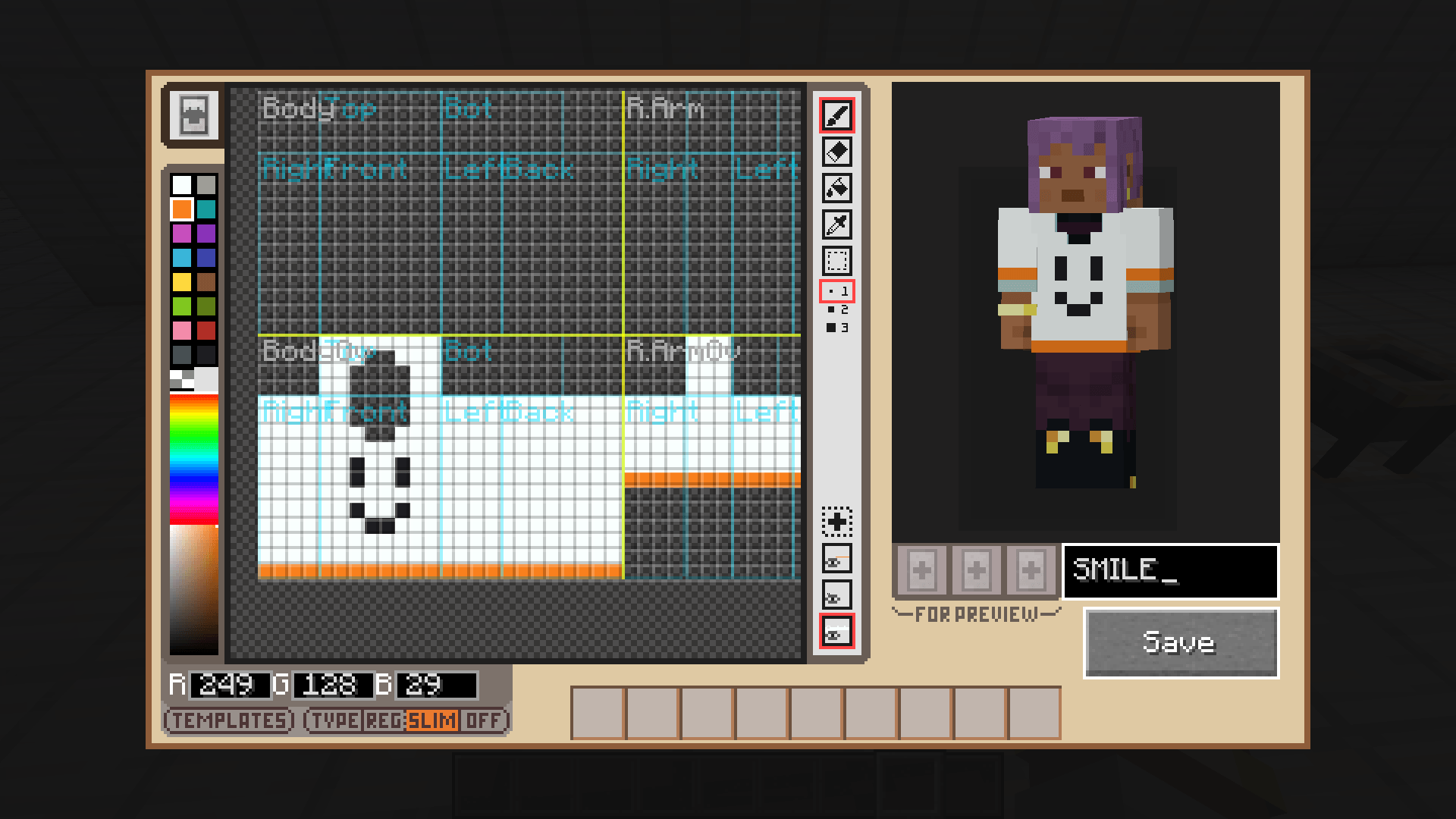
- In-Game Clothing Design: Instantly replace the appearance of your armor with skins designed entirely in-game.
- Style Meets Substance: Change only the visual look of your gear while keeping all the vanilla stats and perks of your armor!
- Easy Reversibility: By simply using Bleach, you can strip the custom texture away and revert it back to standard armor.
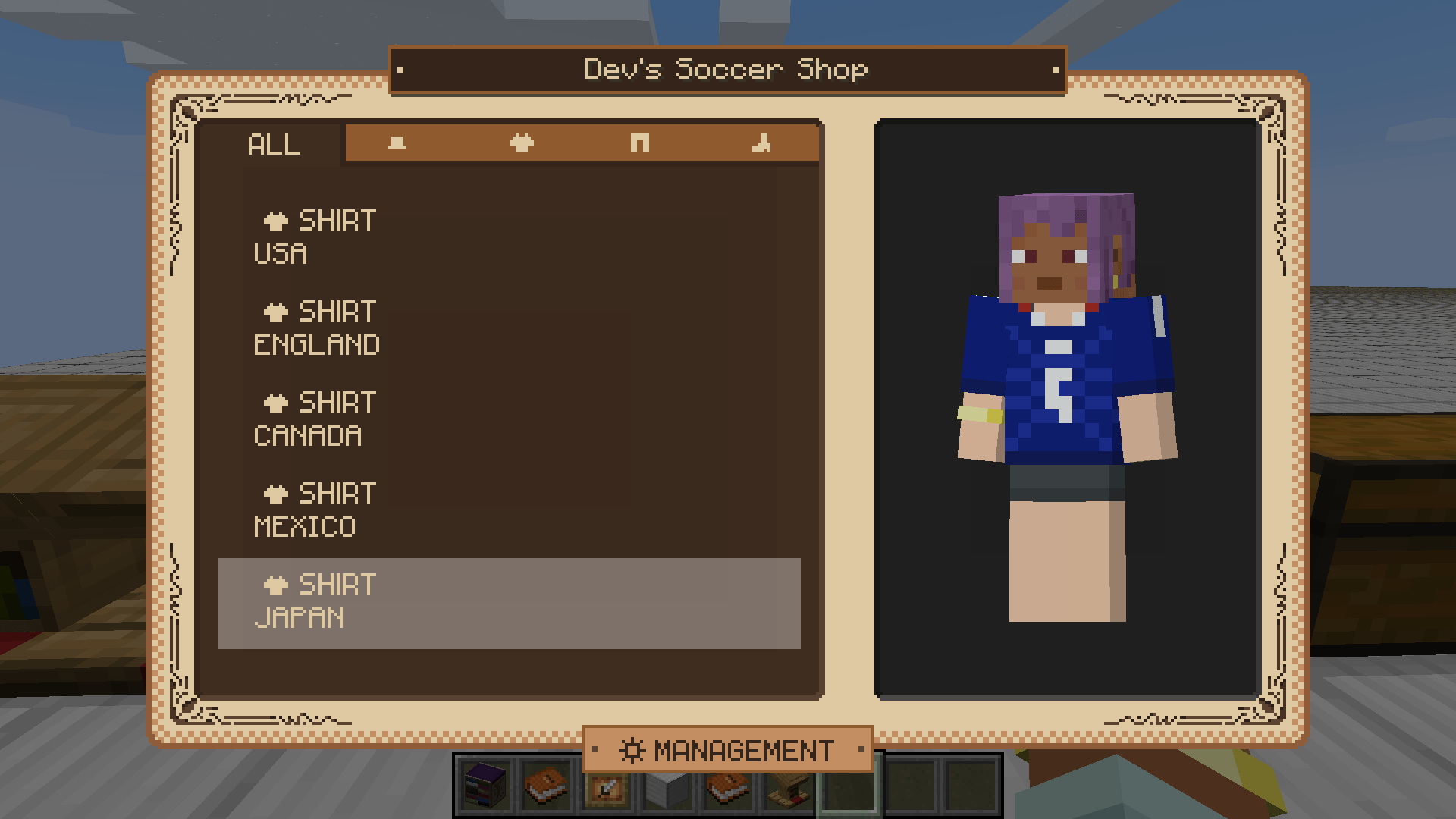
- Design Sharing: Easily export and import your designs to share with other players!
- Synergy with Cosmetic Armor Reworked: Fully compatible with Cosmetic Armor Reworked! You can apply your custom designs made with Tailormade to armor pieces, and equip them in Cosmetic Armor's dedicated slots for effortless, stylish outfit swapping.
How to "Tailormade" Your Armor
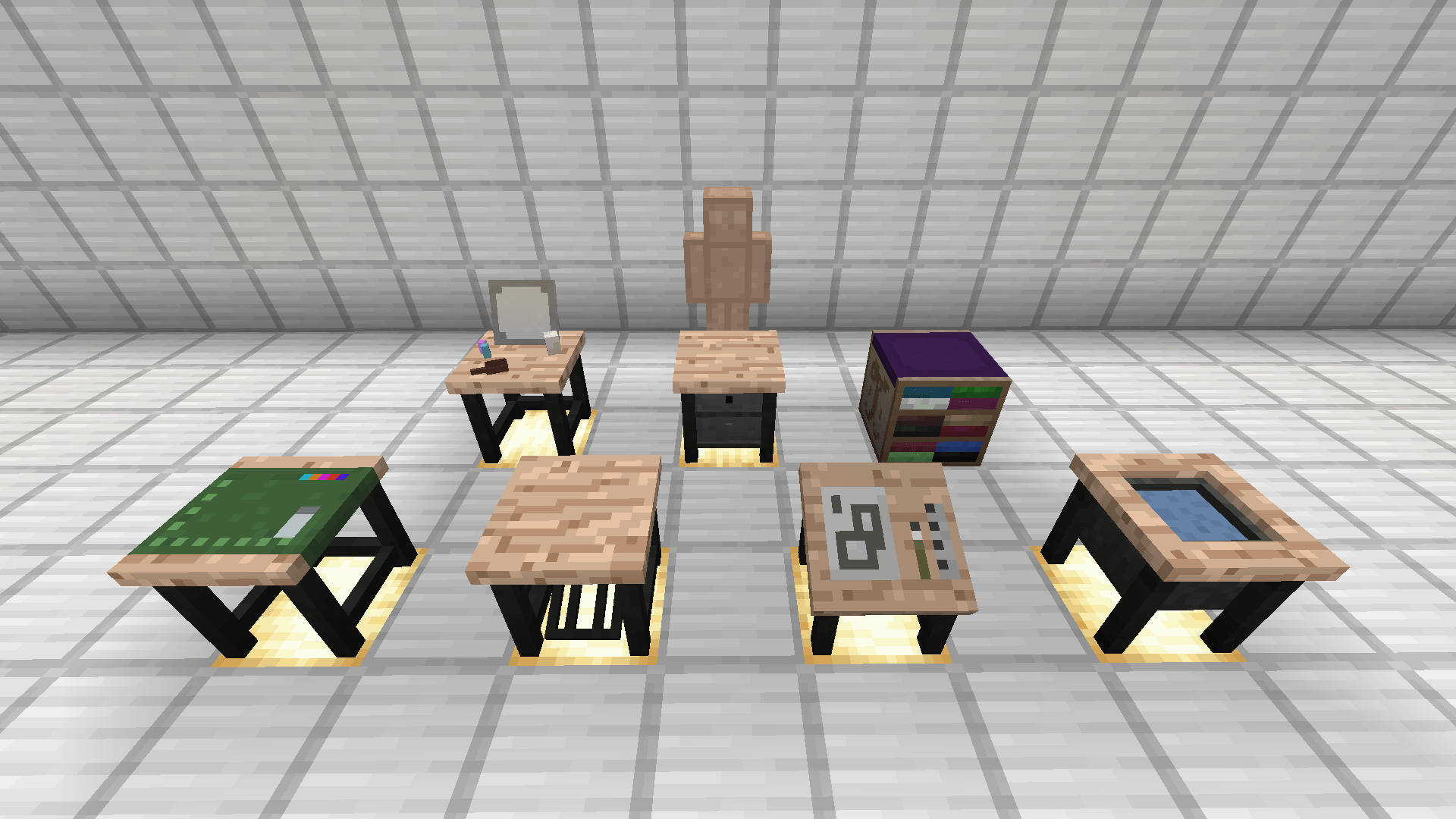
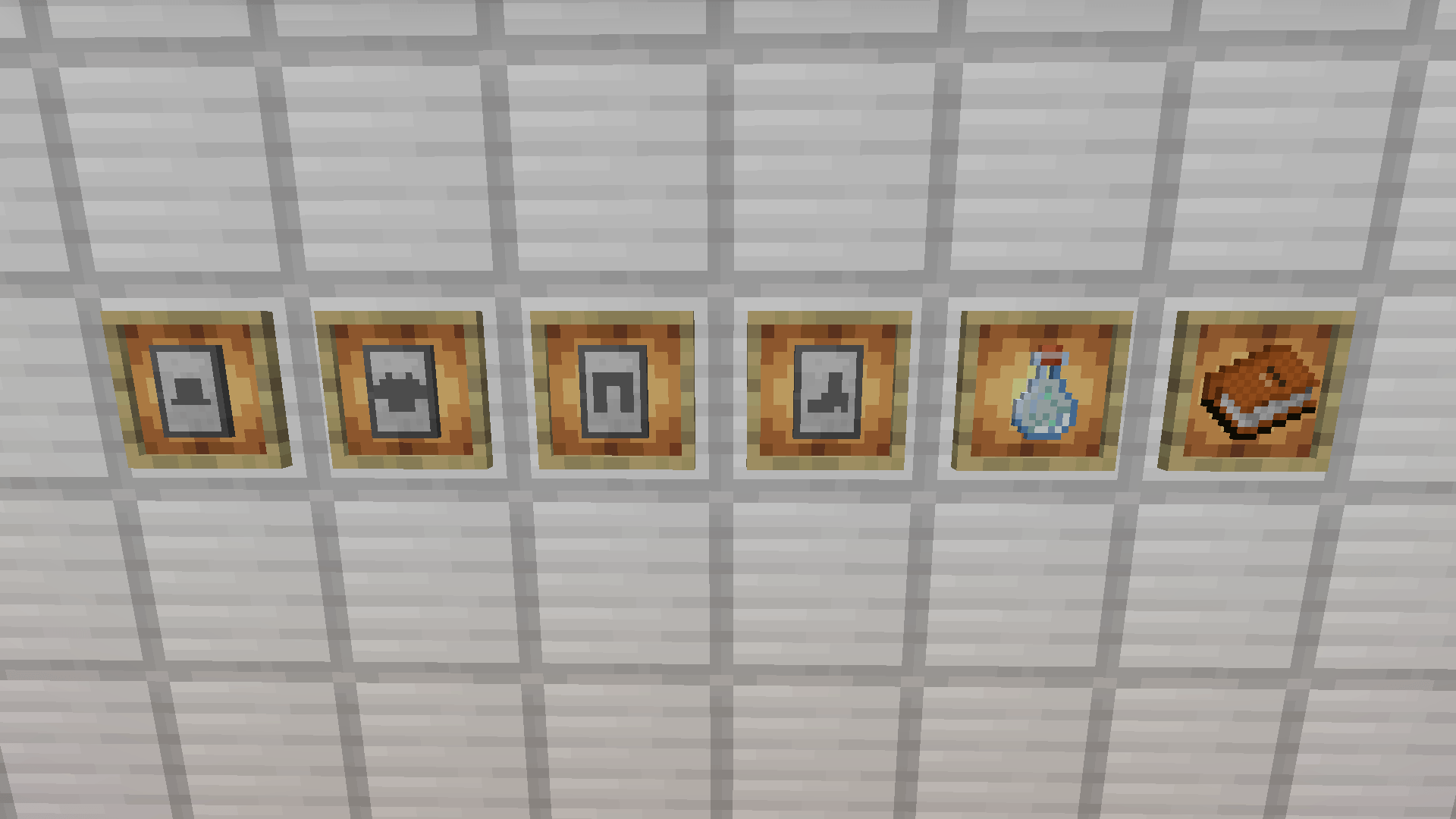
- Craft a Design Pattern with Paper and Black Dye.
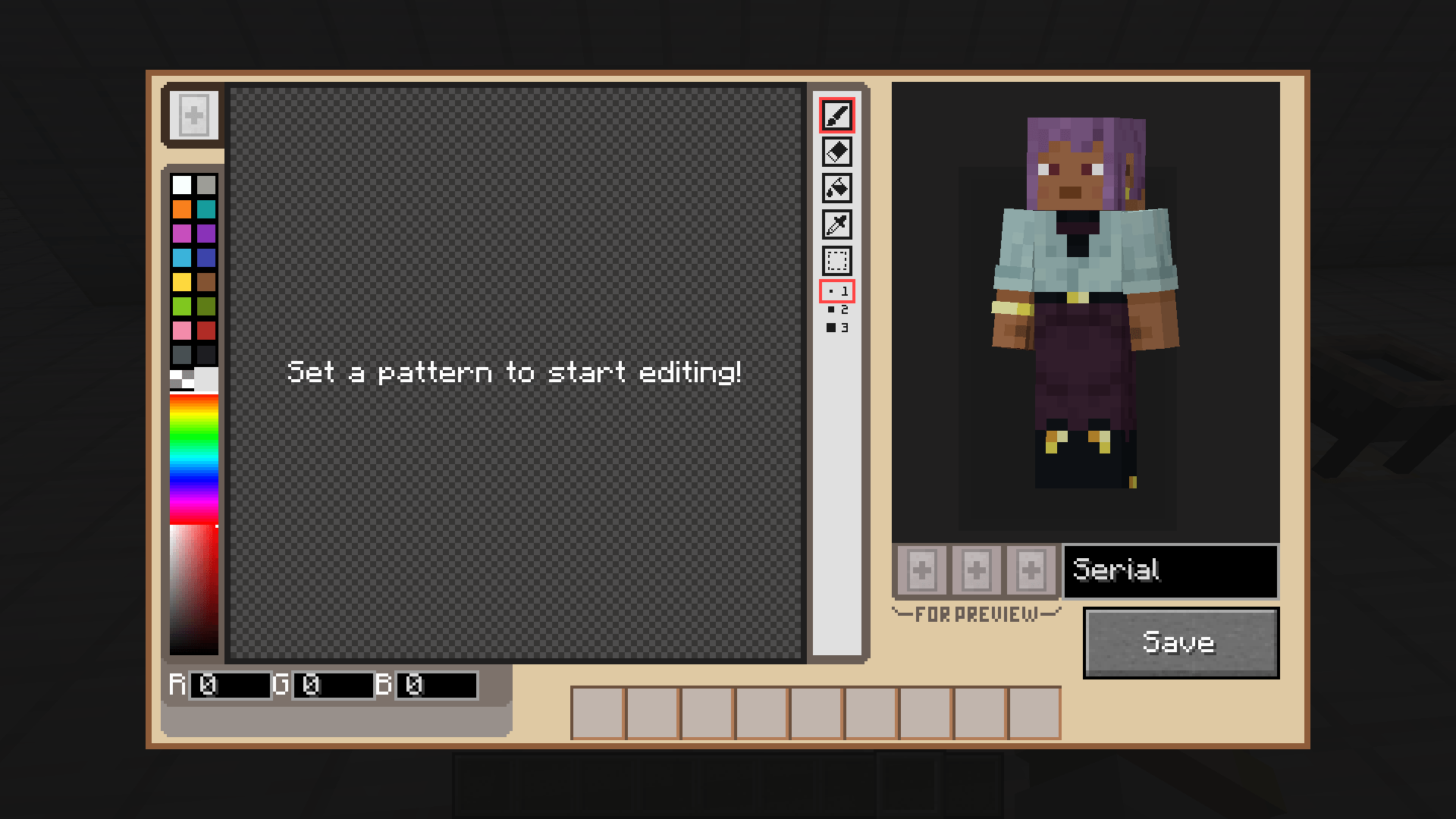
- Insert the Pattern into the Design Table, select the part you want to edit, and sketch your design!
- Attach your completed design to the corresponding armor using the Tailoring Station.
Learn more on our Wiki.
FAQ
- Which armor pieces are supported?
In theory, all standard armors are supported.
- What happens to armor stats and attributes?
Everything, including enchantments, will be fully preserved. Only the visual appearance changes.
- Is this mod required on the server for multiplayer?
Yes. Both the server and clients need the mod installed.
- Can I add this mod to my modpack?
Of course! I'd be more than happy to have it included!
Learn more on our Wiki FAQ.