Badges update automatically and link to the mod page on MineUniverse.
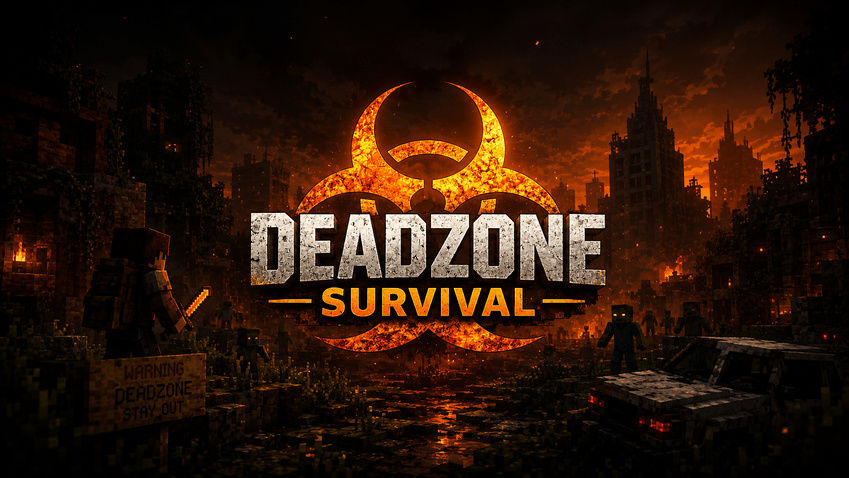
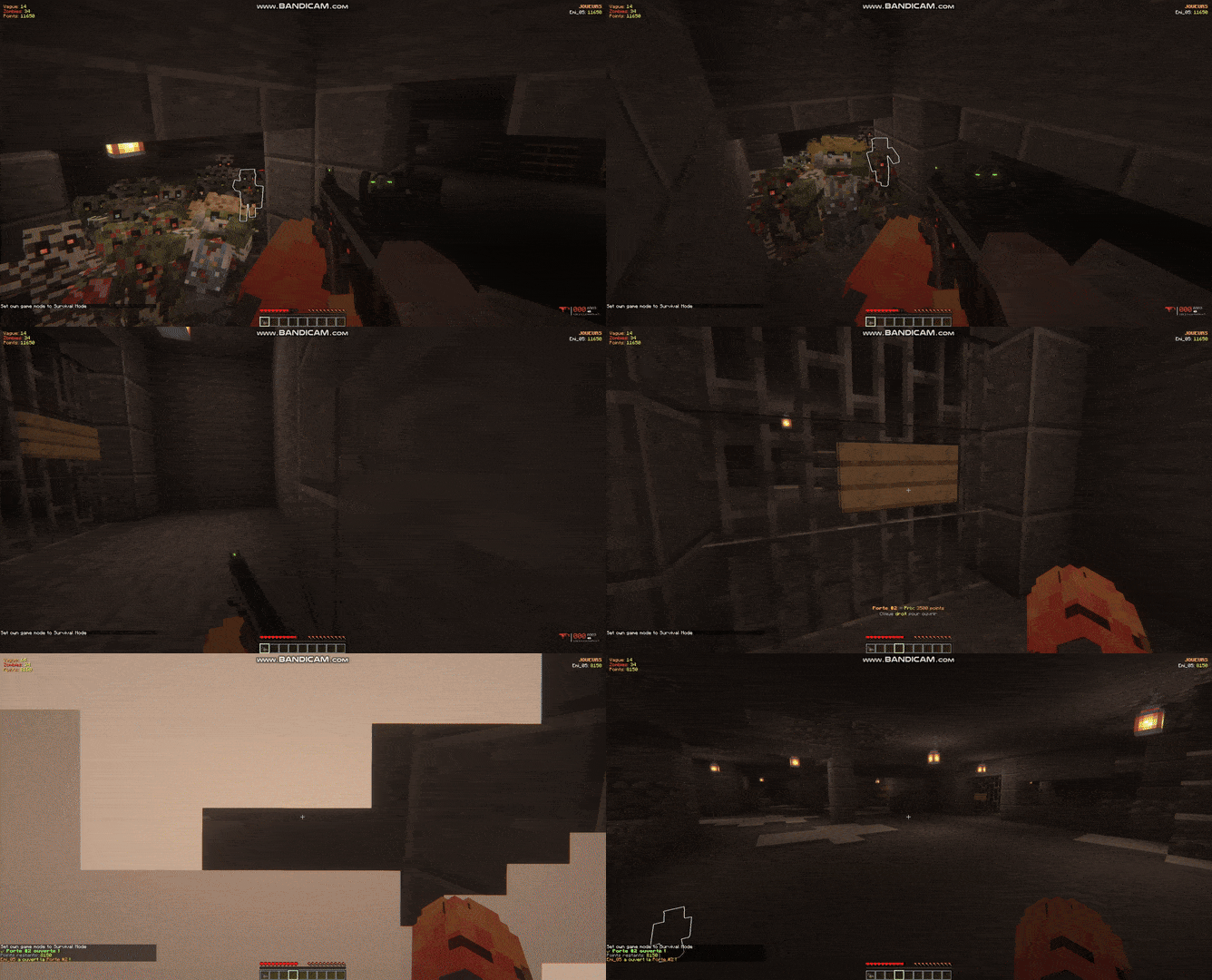
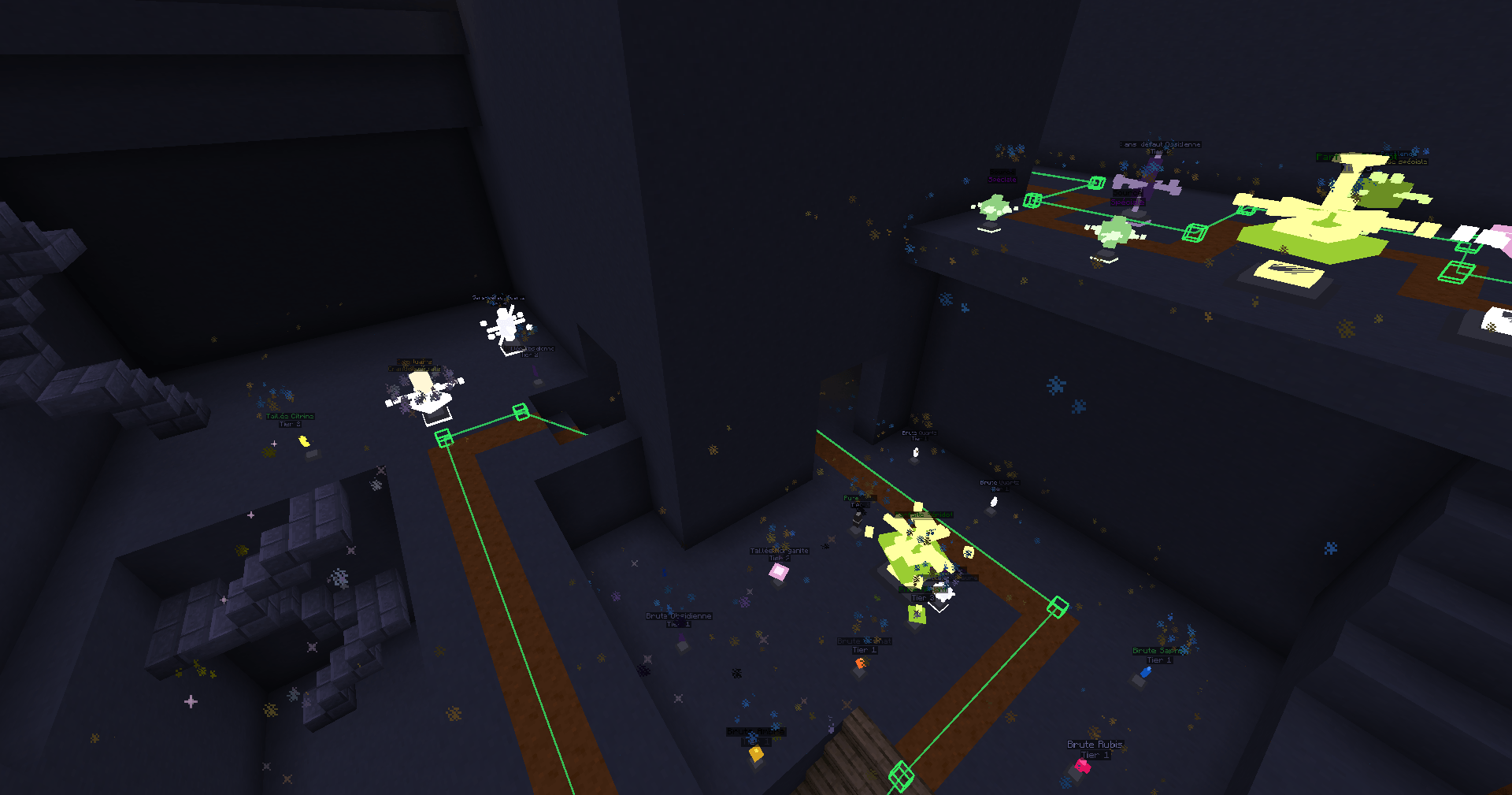
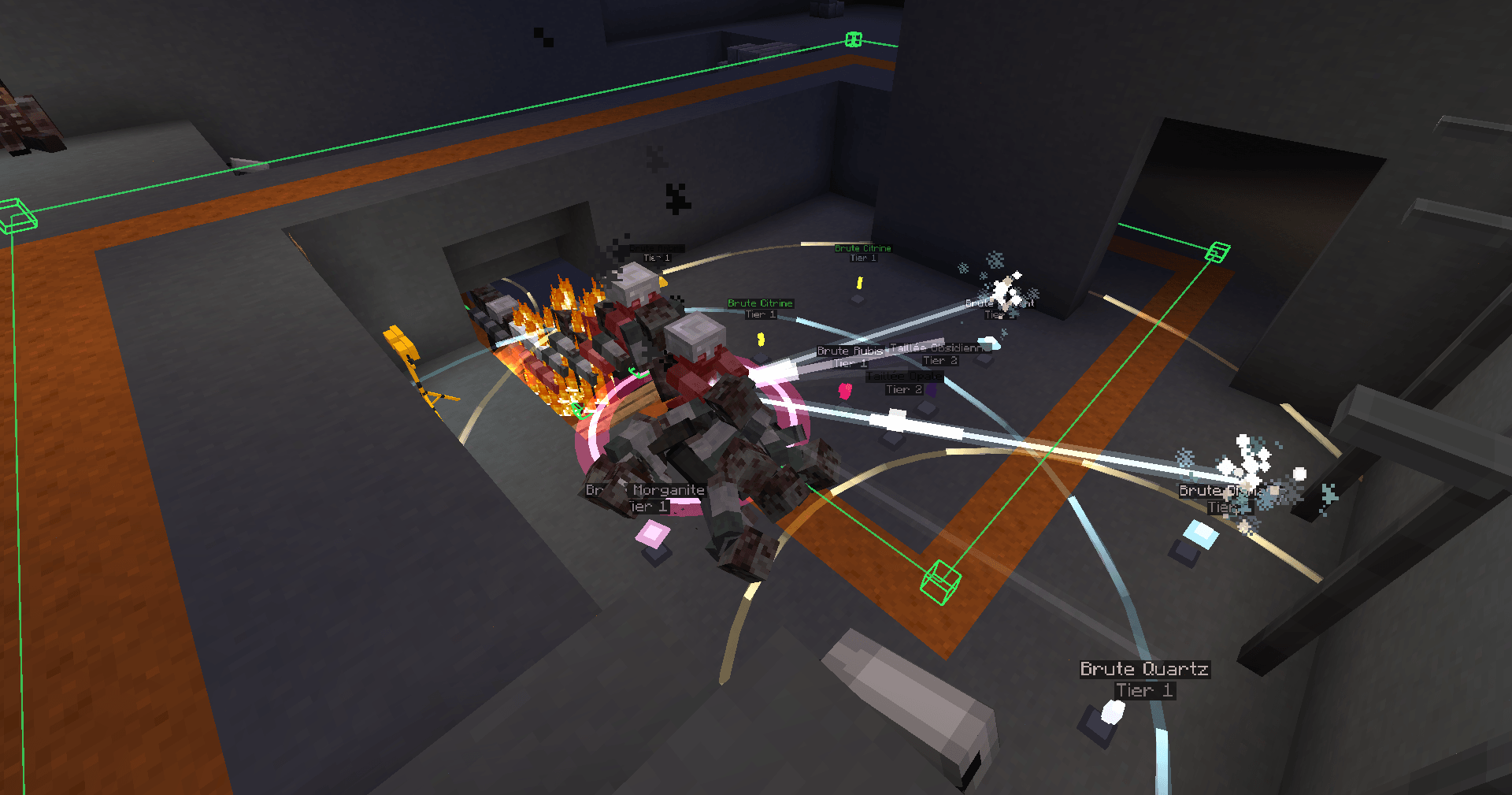
Zombie Mod turns your Minecraft server into an intense zombie survival experience inspired by classic round-based zombie modes. Face endless waves of the undead that get stronger over time, manage your points to buy weapons and open new areas, and try to survive as long as you can with your friends!
This mod brings a complete zombie survival experience: wave system, points, Mystery Box weapon crates, buyable doors that unlock new areas, and much more.
| Command | Description | Permission |
|---|---|---|
/zombiestart [mapName] |
Starts a game with a 60-second countdown. Optionally specify a map. | OP (level 2) |
/zombiestop |
Stops the current game and resets everything (doors closed, animations stopped) | OP (level 2) |
/zombiejoin |
Join the current game | Everyone |
/zombieleave |
Leave the current game | Everyone |
/zombiestatus |
Shows game status (wave, zombies, players) | Everyone |
/zombieskip |
Instantly skip to the next wave (for testing) | OP (level 2) |
Examples:
/zombiestart
/zombiestart nacht_der_untoten
/zombiejoin
| Command | Description |
|---|---|
/zombiemap create <name> |
Creates a new map |
/zombiemap delete <name> |
Deletes an existing map |
/zombiemap select <name> |
Selects the active map for the next game |
/zombiemap list |
Lists all available maps |
/zombiemap info [name] |
Shows detailed information about a map |
Examples:
/zombiemap create nacht_der_untoten
/zombiemap select nacht_der_untoten
/zombiemap info nacht_der_untoten
| Command | Description |
|---|---|
/zombierespawn set <mapname> |
Sets the player respawn point to your current position |
| Command | Description |
|---|---|
/zombiespawn add <mapname> [doorNumber] |
Adds a zombie spawn point at your position. Without doorNumber: spawn is always active. With doorNumber: spawn becomes active only when this door is opened. |
/zombiespawn clear <mapname> |
Clears all zombie spawns on the map |
/zombiespawn list <mapname> |
Lists all spawn points and their status |
Examples:
/zombiespawn add nacht_der_untoten
/zombiespawn add nacht_der_untoten 1
/zombiespawn add nacht_der_untoten 2
| Command | Description |
|---|---|
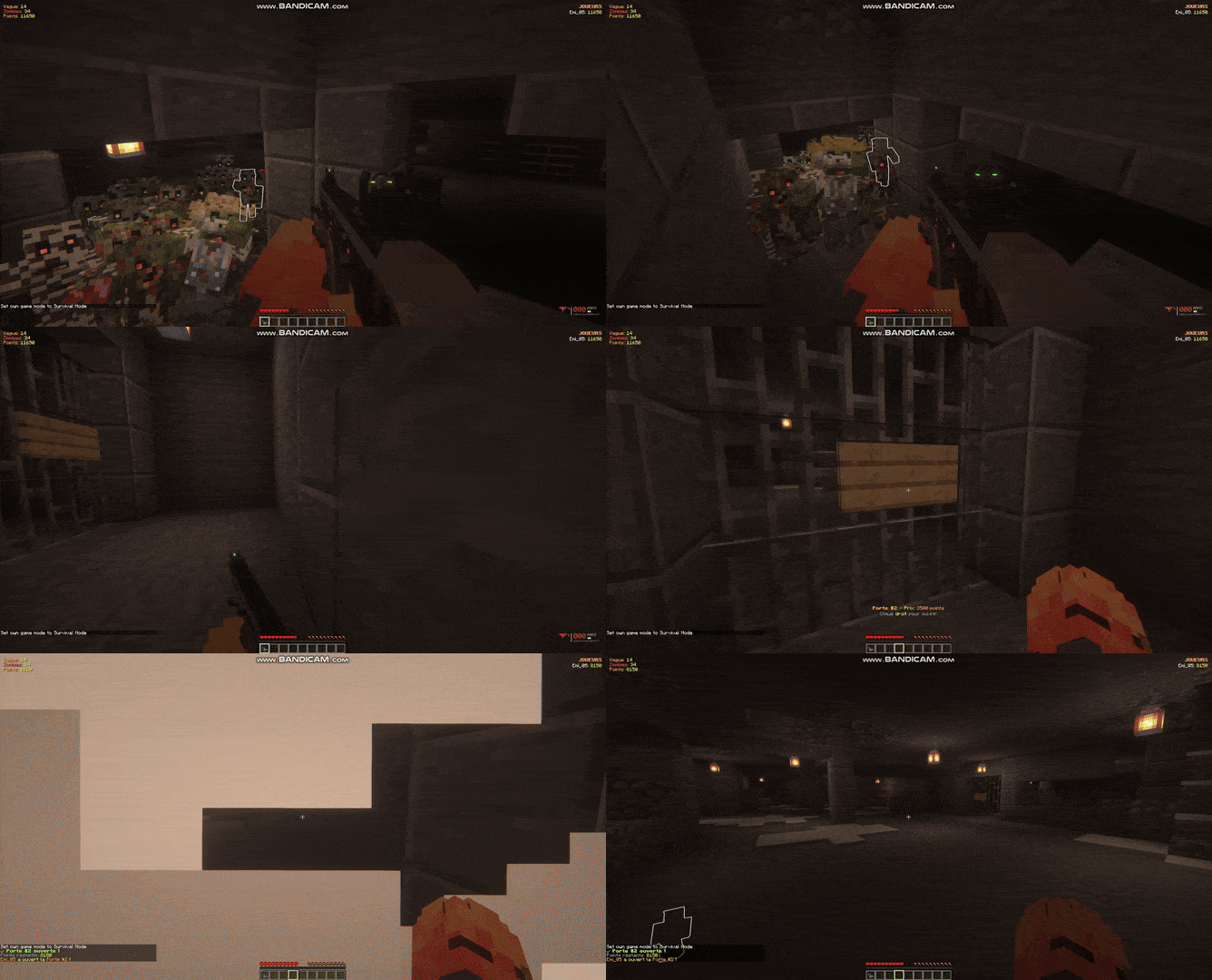
/zombiedoor add <mapname> <number> <cost> |
Look at a wall sign, then run the command. Saves the sign + the 3×3 wall behind it. |
/zombiedoor remove <mapname> <number> |
Removes a door from the map |
/zombiedoor list <mapname> |
Lists all doors on the map |
/zombiedoor open <mapname> <number> |
Opens a door (destroys the saved blocks) |
/zombiedoor close <mapname> <number> |
Closes a door (restores the saved blocks) |
Examples:
/zombiedoor add nacht_der_untoten 1 750
/zombiedoor add nacht_der_untoten 2 1250
/zombiedoor list nacht_der_untoten
Important: Doors automatically close at the end of every game!
| Command | Description |
|---|---|
| /weaponcrate create <cost> | Look at a chest, then run the command. Create a crate with a price |
/weaponcrate addweapon hand |
Look at a chest, then run the command. Adds a weapon crate with the given item.item in hand can be vanilla (minecraft:diamond_sword) or modded (tacz:ak47). |
/weaponcrate addammo hand <cost> |
Adds purchasable ammo with left-click on the crate |
/weaponcrate remove |
Look at a crate, then run the command to remove it |
/weaponcrate reload |
Reloads all 3D displays for crates (useful after clearing entities) |
Examples:
In-game usage:
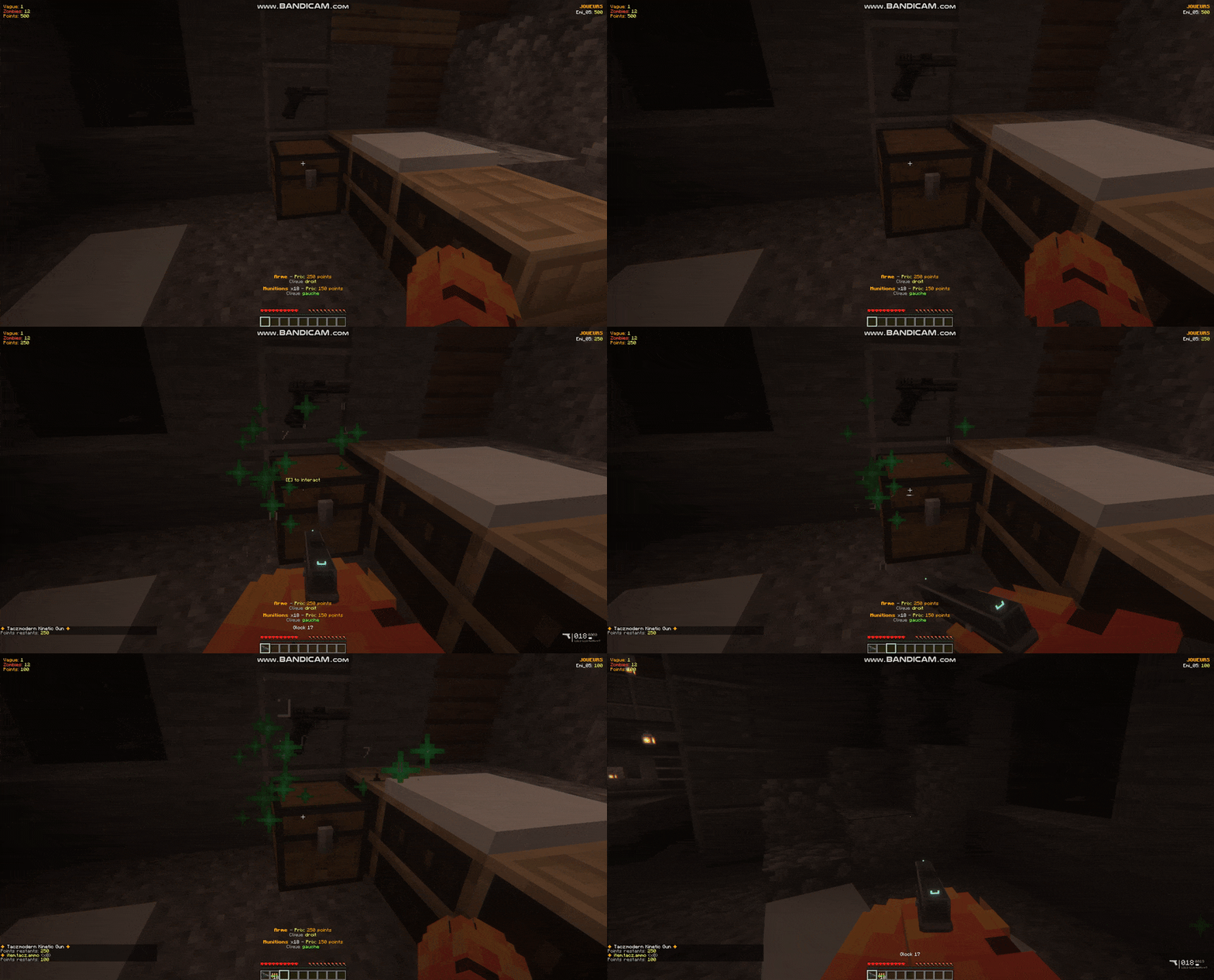
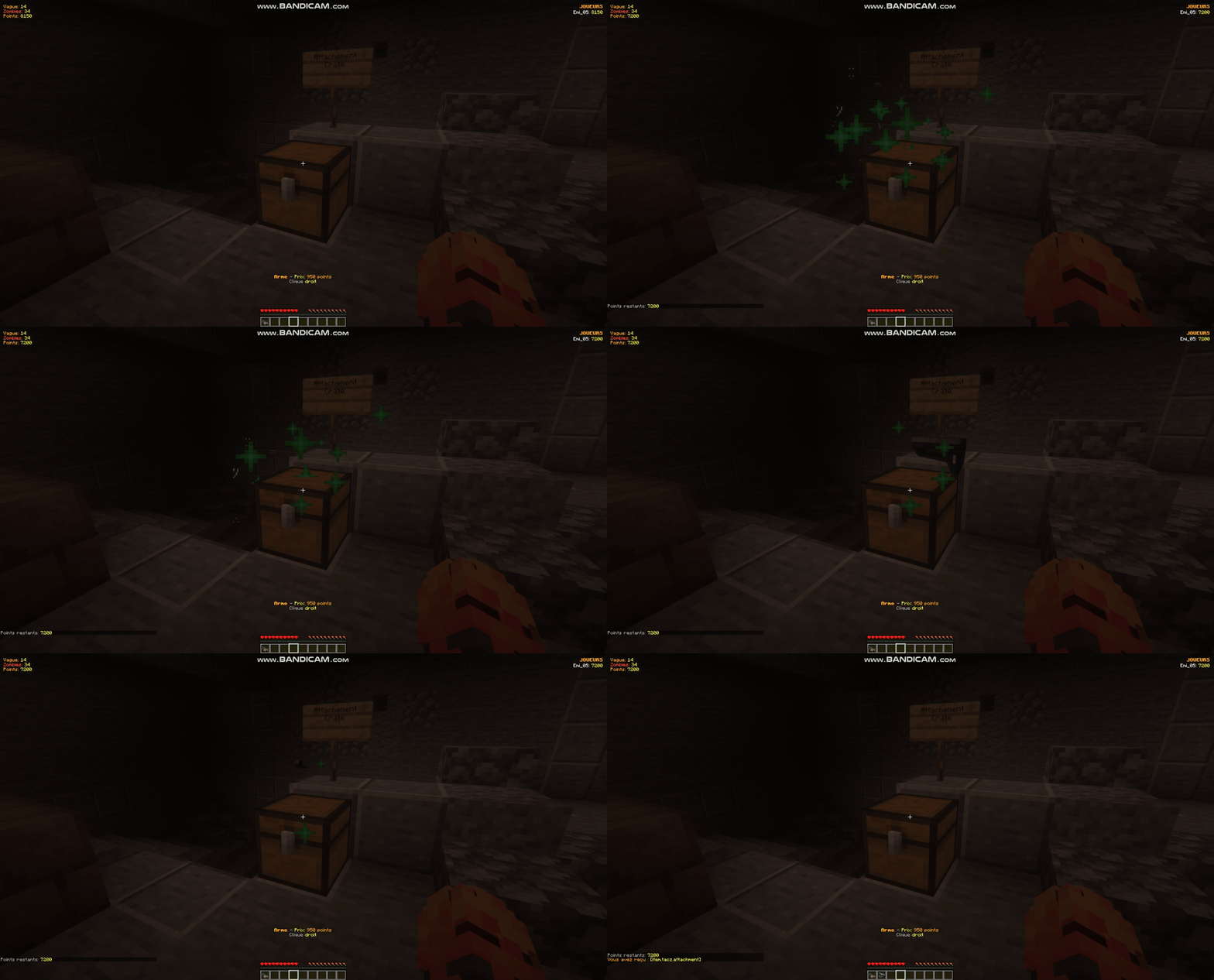
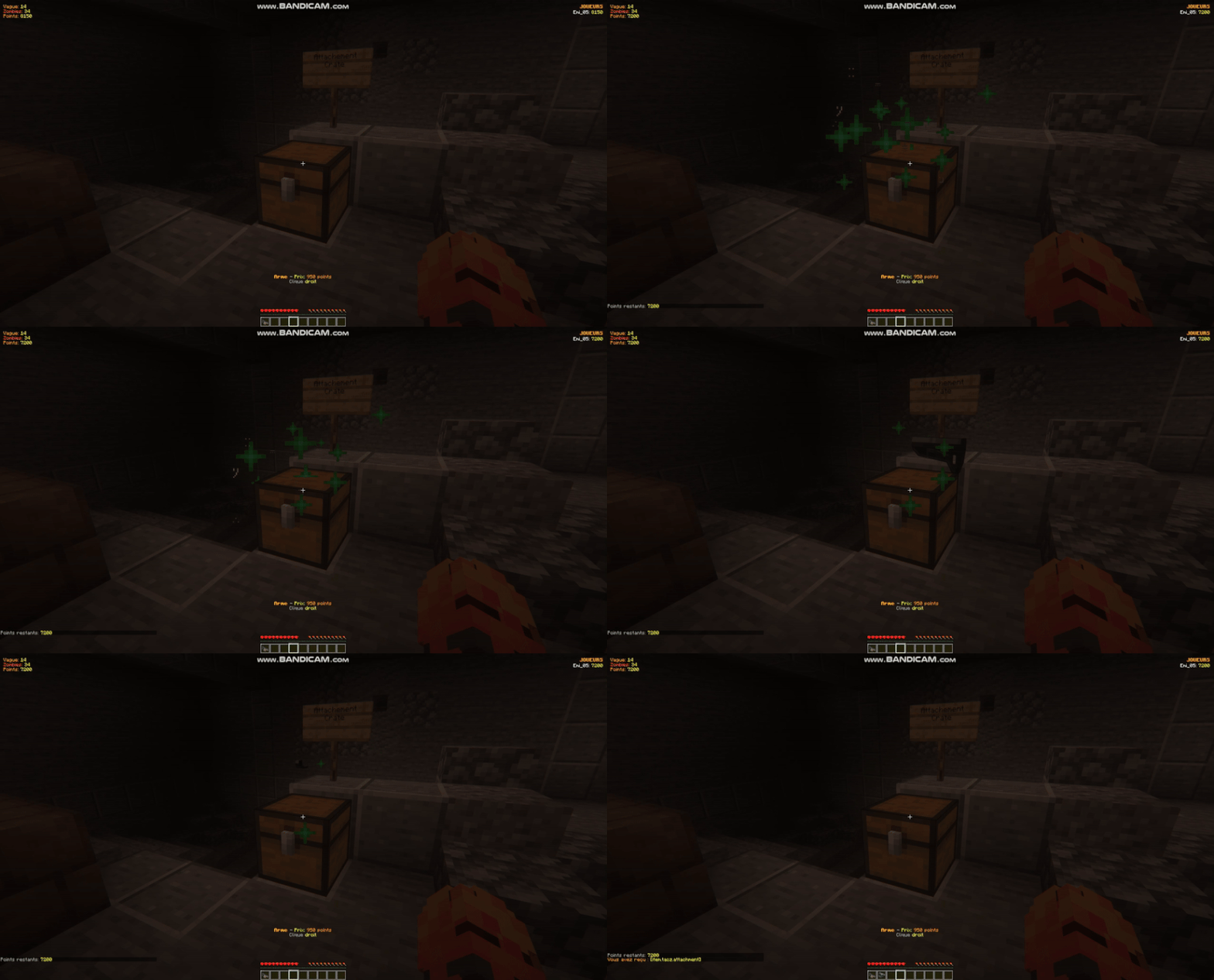
Right-click: Buy a random weapon (roulette animation if multiple weapons are configured)
Left-click: Buy all configured ammo types
| Command | Description |
|---|---|
/zombiejukebox add <cost> |
Look at a jukebox containing a disc, then run the command |
/zombiejukebox remove |
Look at a zombie jukebox, then run the command to remove it |
/zombiejukebox list |
Lists all configured jukeboxes in the world |
Example:
/zombiejukebox add 1000
| Command | Description |
|---|---|
/zombiehelp |
Displays the full help with all commands and mechanics |
The game starts after a 60-second countdown.
Players begin with 500 points.
Each wave spawns 6 + (wave × 6) zombies.
Zombies have 1 heart + 0.5 heart per wave.
15% chance for zombies to spawn with random armor.
There is a 10-second cooldown between waves.
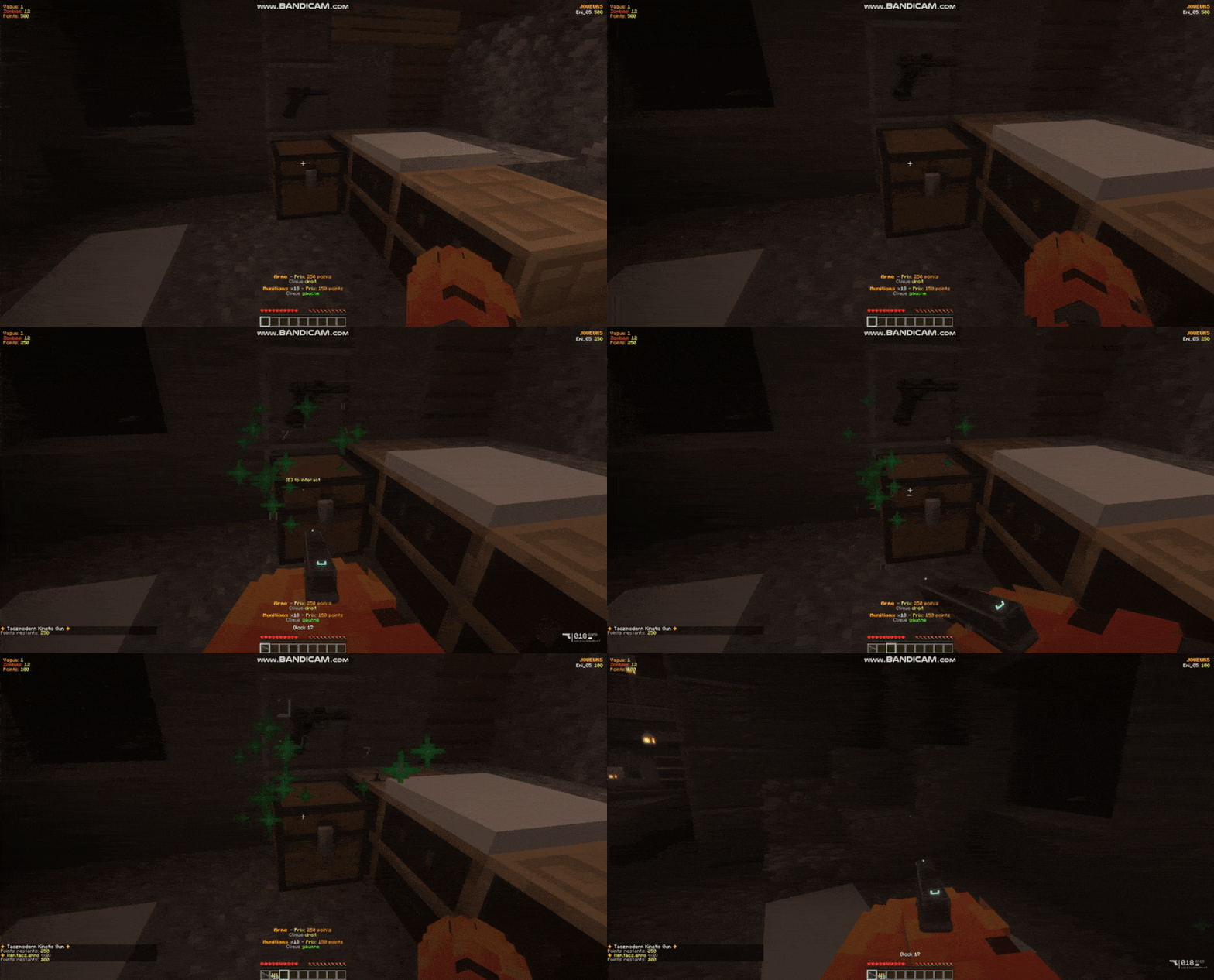
All configuration files are located in the config/ folder:
| File | Description |
|---|---|
zombiemod.json |
General gameplay configuration (starting points, cooldowns, etc.) |
zombiemod-maps.json |
Saves all maps and their configurations (spawns, doors, etc.) |
zombiemod-drops.json |
Configuration for zombie drops |
zombiemod-mobs.json |
Configuration for mobs (HP, armor, etc.) |
Install NeoForge 1.21 / FORGE 1.20.1 on your server or client.
Download Zombie Mod from CurseForge.
Place the .jar file into your mods/ folder.
Start the server/client.
Configuration files will be automatically generated in config/.
Create your first map:
/zombiemap create my_first_map
/zombiemap select my_first_map
Set the player spawn:
(Stand where you want players to spawn)
/respawnpoint my_first_map
Add zombie spawns:
(Stand at each spawn location)
/zombiespawn add my_first_map
/zombiespawn add my_first_map
/zombiespawn add my_first_map
Create a door (optional):
(Place a wall sign in front of a wall)
(Look at the sign)
/zombiedoor add my_first_map 1 750
Add a spawn linked to the door:
(Stand in the area behind the door)
/zombiespawn add my_first_map 1
Create a weapon crate:
(Place a chest)
(Look at the chest)
/weaponcrate addweapon 500 (exemple of held item in hand tacz:AK47) /weaponcrate addweapon 950 hand (exemple of held item in hand tacz:m4a1) /weaponcrate addammo (exemple of held item in hand tacz:ammo_762x39) 100
Start the game:
/zombiestart my_first_map
Wait for an admin to start a game with /zombiestart.
Join the game with /zombiejoin.
Kill zombies to earn points (+100 per kill).
Buy weapons from Mystery Boxes (right-click chests).
Buy ammo (left-click chests).
Open doors to access new areas (right-click signs).
Survive as long as possible!
When you look at an interactive element, a HUD appears above your hotbar:
Bugs & Suggestions:
Please report bugs or submit suggestions on the GitHub page or directly on CurseForge.
Compatibility:
This mod is built for NeoForge 1.21 and is compatible with most content mods (weapons, armor, etc.).
Developed for NeoForge 1.21
Sounds used:
This mod is provided as-is for personal use and private servers. All sounds remain the property of their respective creators.