Applying shader effects to modded plant blocks often requires modifying files in the resource pack, which can be cumbersome and tedious, especially when you want to switch shaders easily. This mod simplifies the process by easily enabling modded plant blocks to sway with shader effects, creating a dynamic and immersive visual experience in your world—whether it's flowers, saplings, or other plant-like blocks.
Water Lilies Floating in Sildurs Shader
Water lilies from Region Unexplored float gracefully on the water, showcasing the unique effects of the Sildurs shader.

Flower Field in BSL Shader
The flower field in Region Unexplored comes to life with soft, vibrant lighting and shadow effects, thanks to the BSL shader.

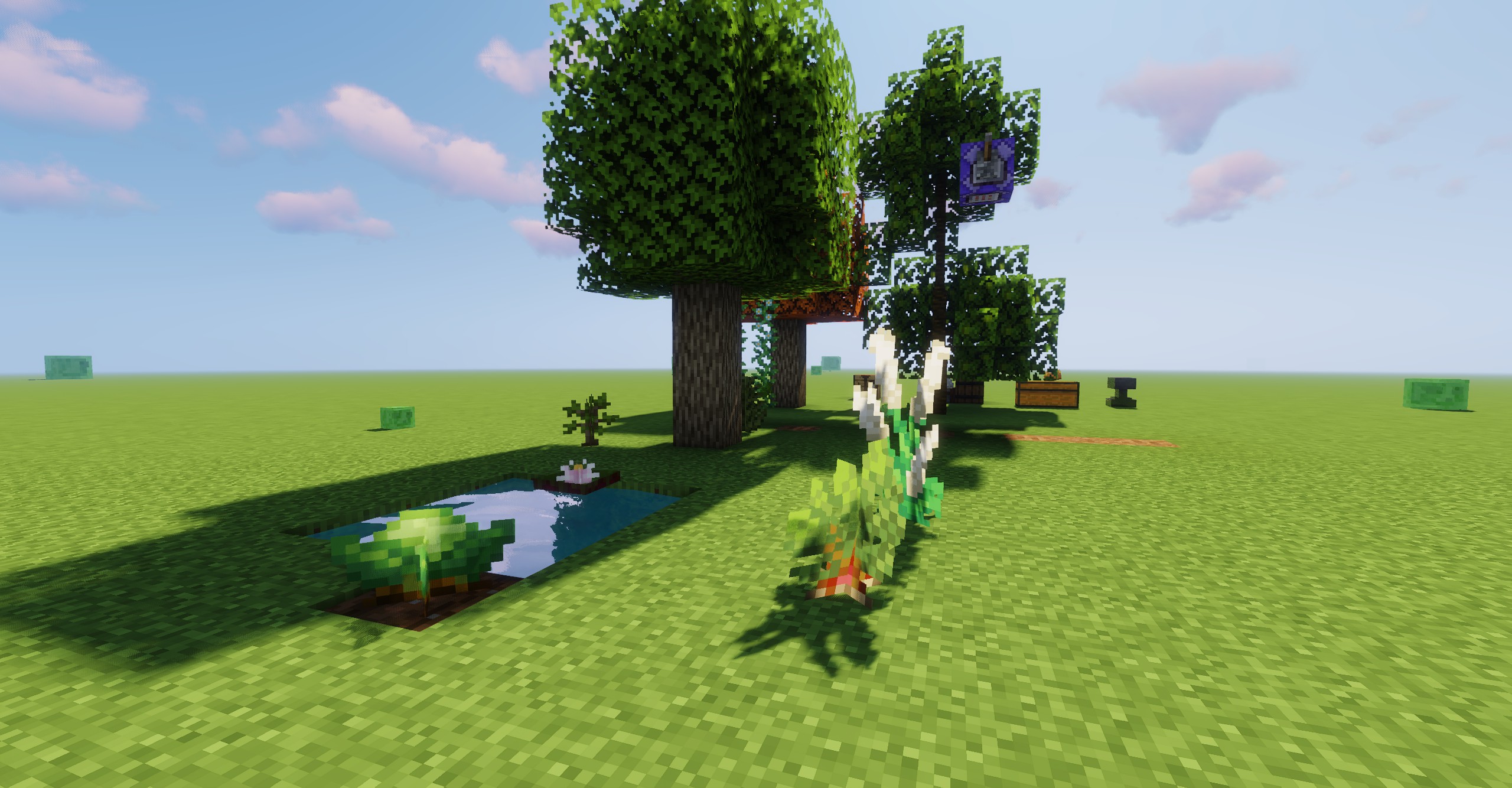
Wild Rice and Plum Trees in Bliss Shader
Wild rice from Farmer Delight and Plum trees from Environmental are nestled together, creating a tranquil and harmonious natural scene rendered beautifully by the Bliss shader.

Currently, you only need to configure the mod's TOML file, which can be found in the config folder as swaying_garden-client.toml. There are five methods to add blocks:
Additionally, you can perform blockstate checks with %, for example, "#minecraft:tall_flowers%half:upper", or "#minecraft:tall_flowers%half:upper:age:0". You can also use regular expressions for properties and values.
At the end of the config file, there’s a custom state matching feature. You can separate templates and matches using @, which allows special types, like "minecraft:vine@teastory:rice_plant". This will apply the vine's state to the rice plant from the teastory mod.
YurisCat create the icon and also Loci_Natit help so.