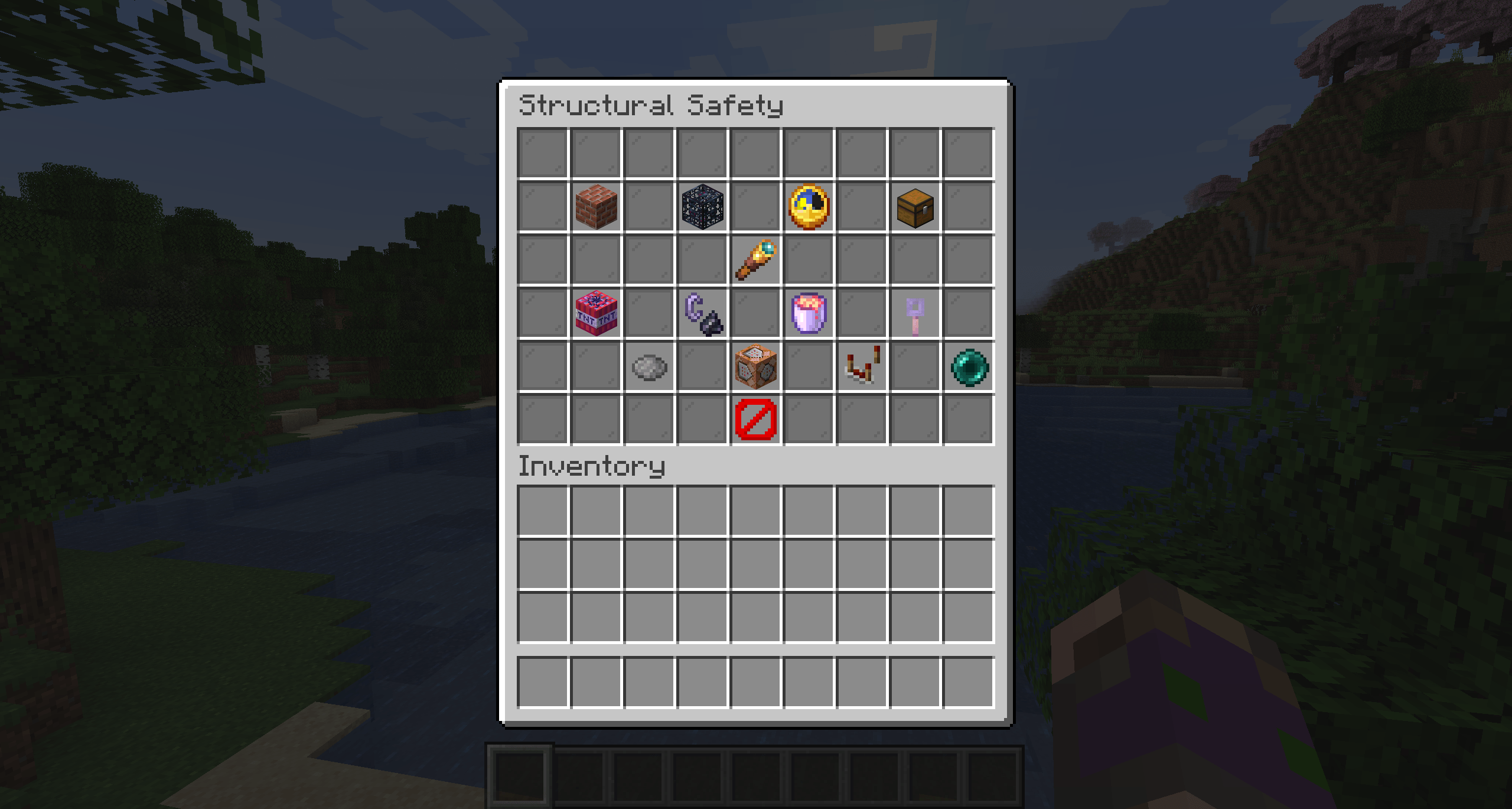
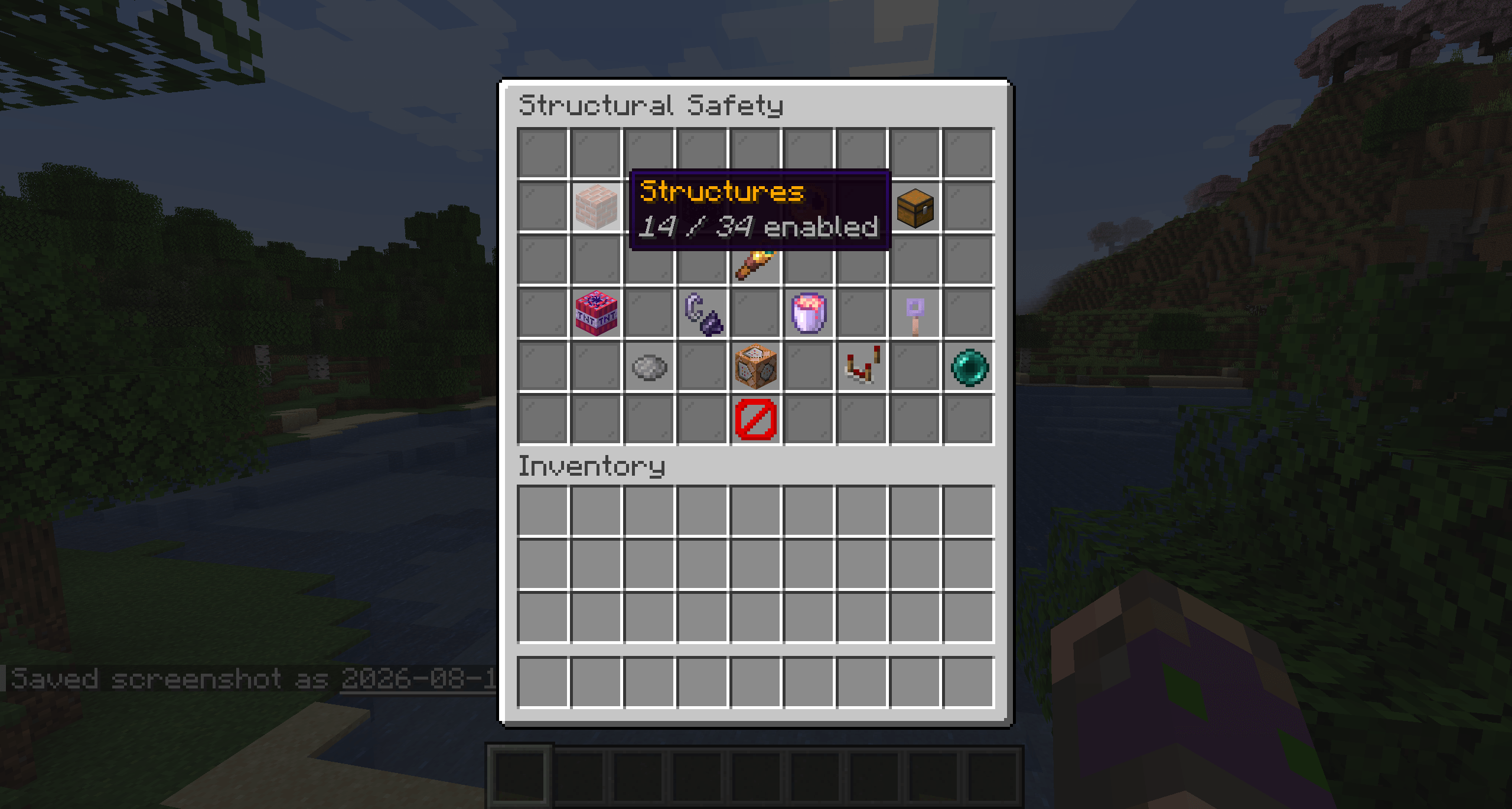
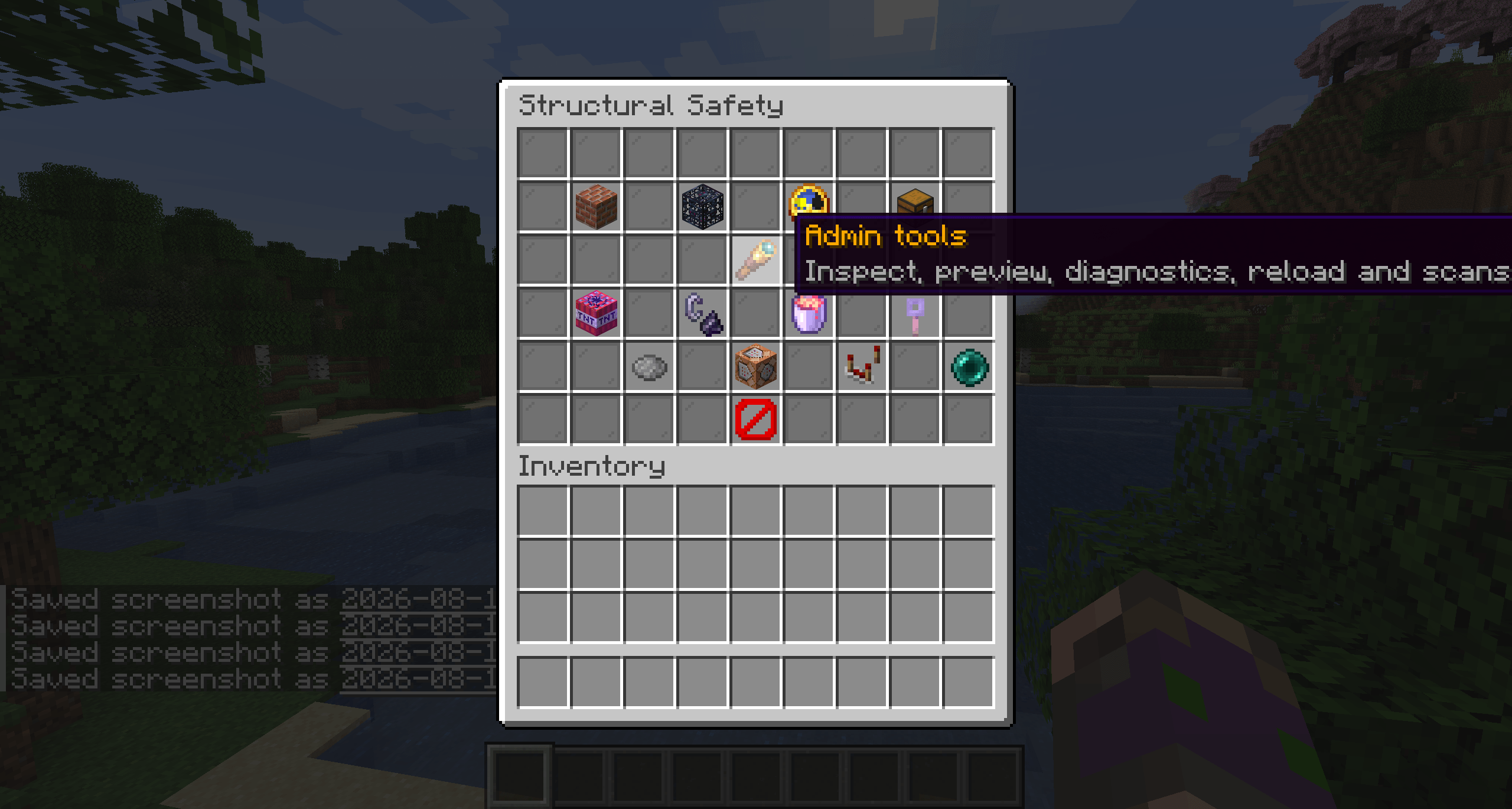
Keep generated structures intact. Automatically. Structural Safety protects naturally generated structures from grief and environmental damage by switching players into Adventure Mode inside them — while still letting them loot, fight, and explore. Fully configurable in‑game, no commands memorized required.
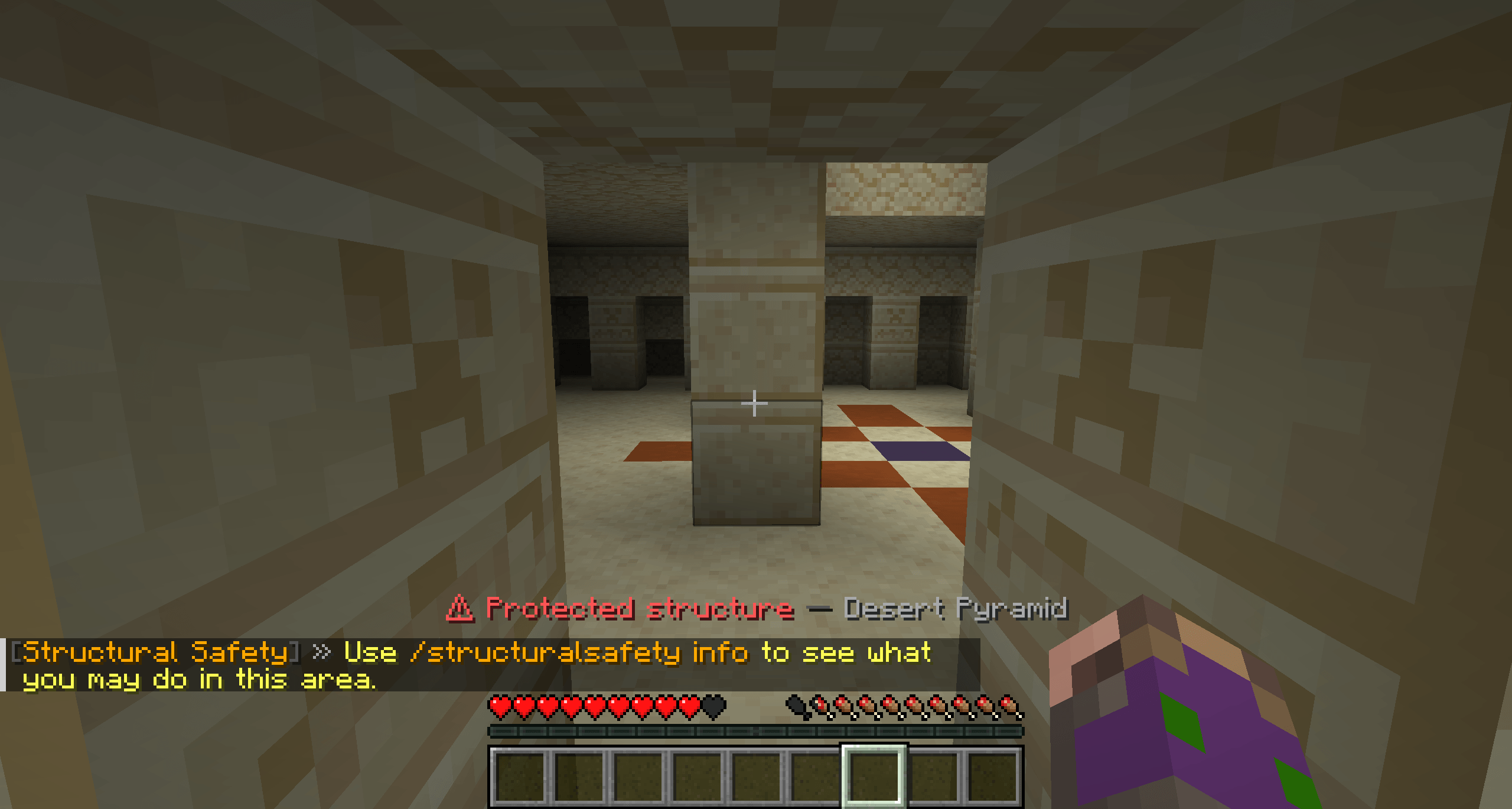
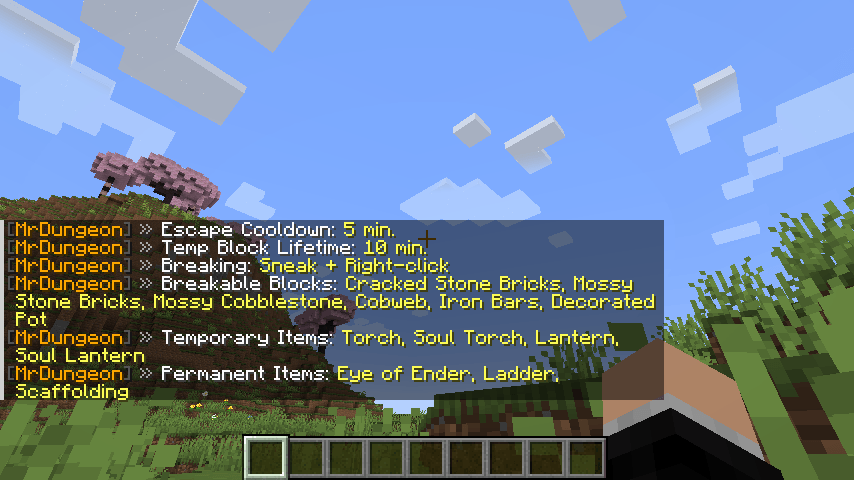
When a player enters a protected structure (dungeon, mansion, trial chamber, village …):
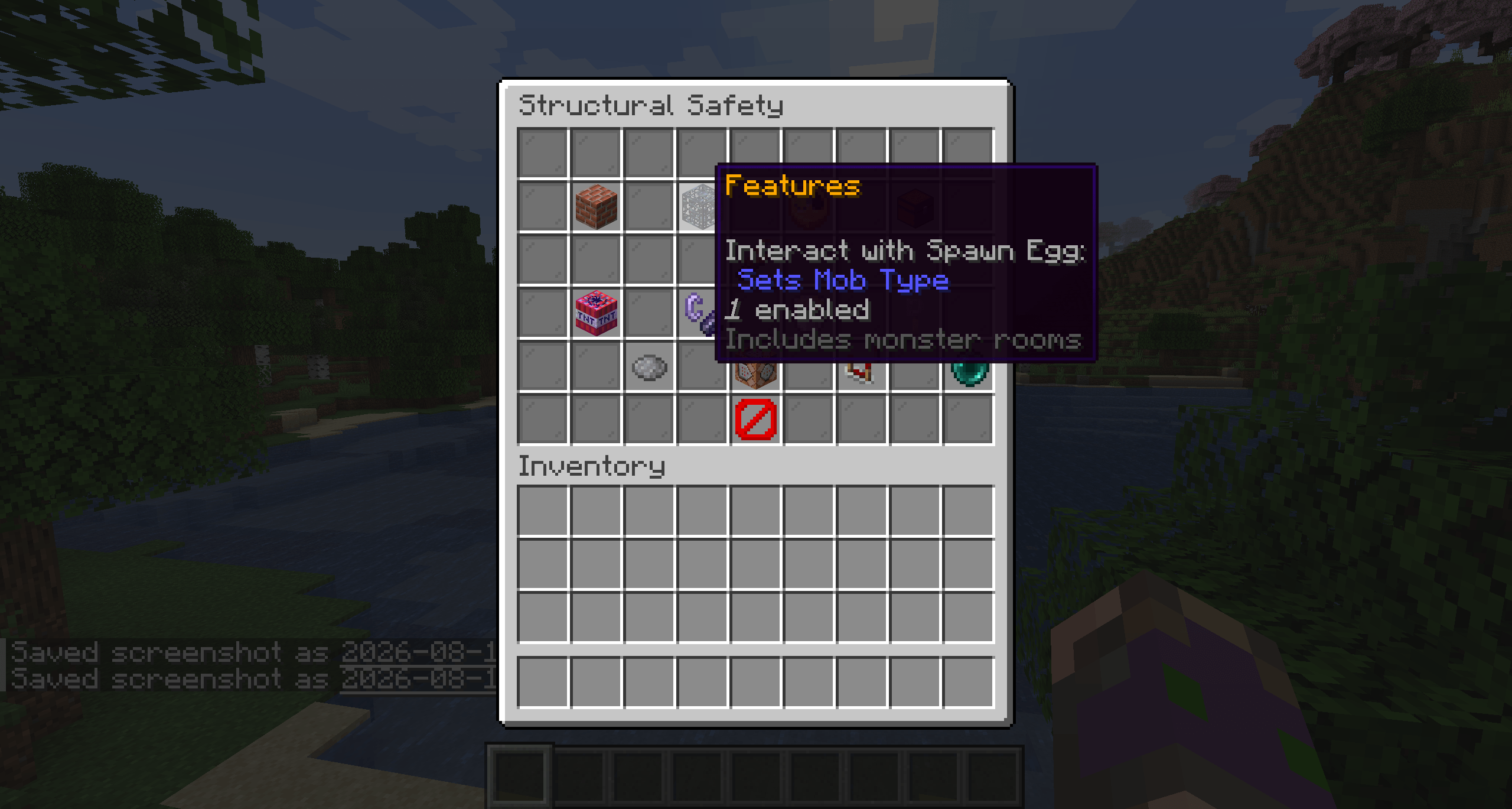
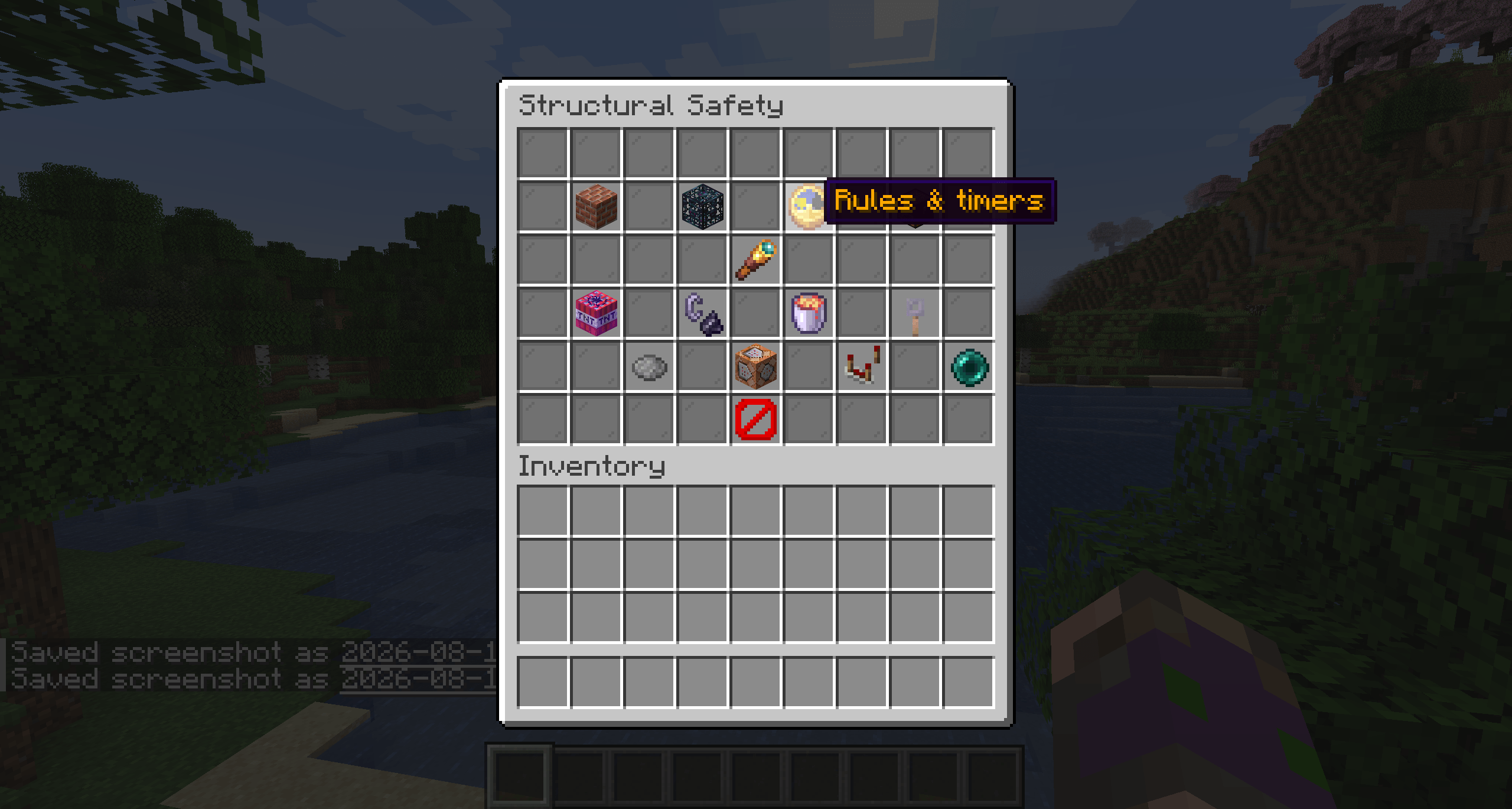
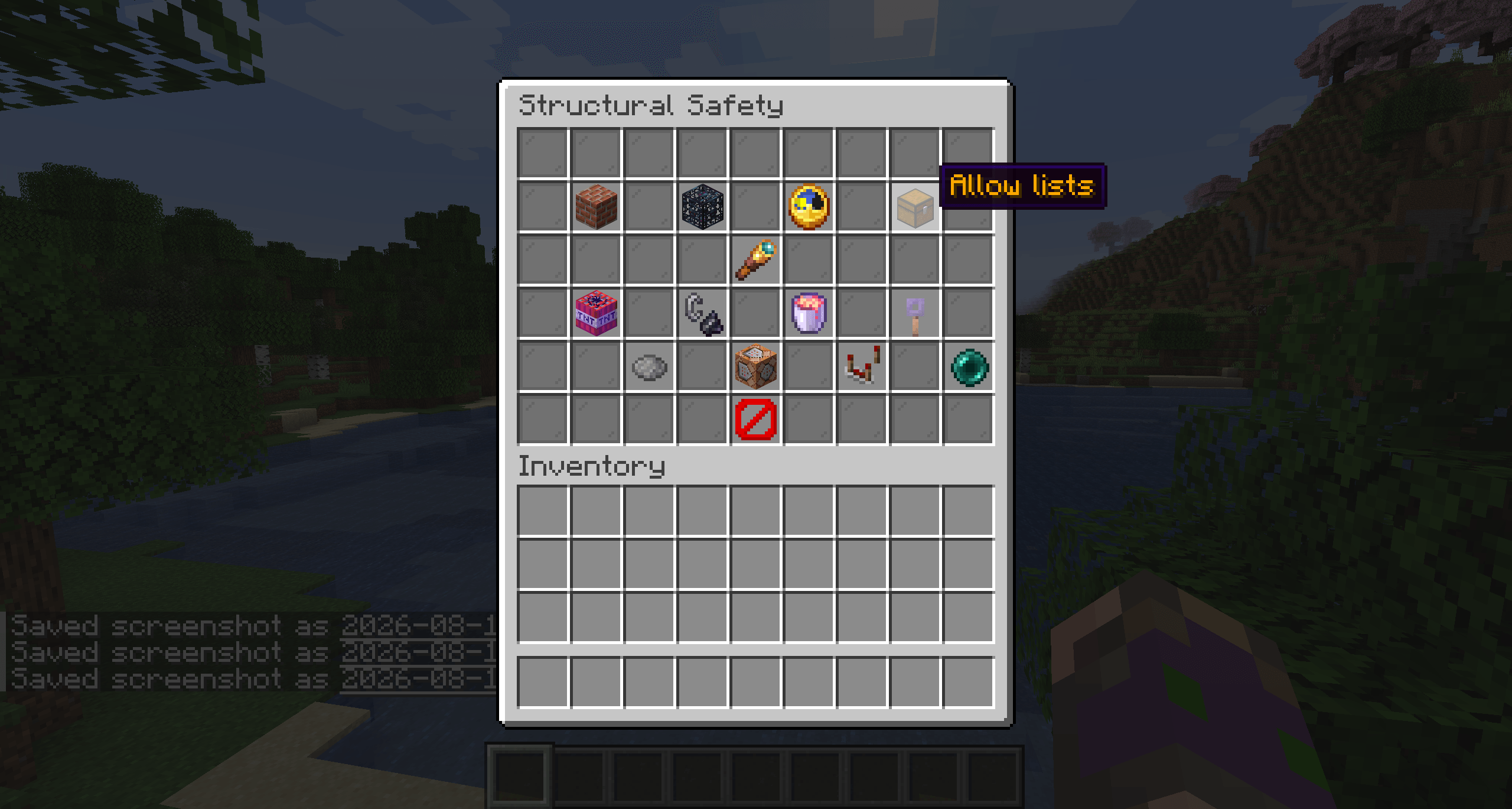
/structuralsafety escape command teleports a trapped player to the nearest safe spot.Everything is configurable live, in‑game, through a clean clickable menu — no file editing needed (but a JSON config exists for power users).
Players inside a protected structure are forced into Adventure Mode every second. Creative and Spectator players are never affected. Optional Op‑Bypass lets staff keep their game mode.
Even in Adventure Mode, players can still:
| Protection | Default | What it blocks |
|---|---|---|
| Explosions | ON | TNT, creepers, etc. removing structure blocks |
| Fire | ON | Fire appearing and burning structure blocks — including fire started by lava |
| Lava | ON | Flowing lava entering protected structures |
Each can be toggled independently. Turn Fire off and lava/fire behave exactly like vanilla again.
Spread‑out structures like villages use their overall bounding box instead of tight per‑building boxes — so plazas, gardens and paths between houses are protected too. The sprawling list is configurable.
/escape anti‑stuckTeleports the player to the nearest safe surface position (no lava/fire, room to stand). Has a configurable cooldown when used outside a structure (to prevent fast‑travel abuse) but is always allowed when actually stuck inside a protected area.
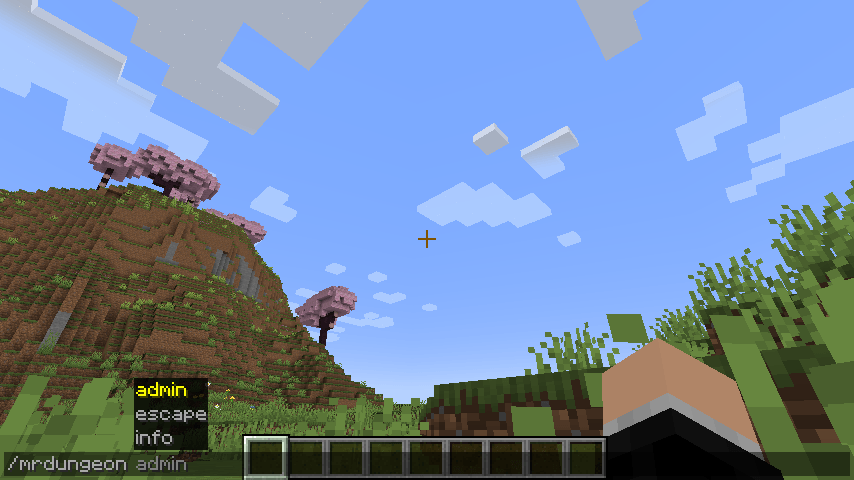
Player commands work for everyone. Admin commands require permission level 2 (op). Open the clickable menu any time with
/structuralsafety.
| Command | Description |
|---|---|
/structuralsafety or /structuralsafety help |
Open the main menu |
/structuralsafety info |
Show current settings & lists |
/structuralsafety escape |
Teleport to the nearest safe spot |
| Command | Description |
|---|---|
/structuralsafety admin |
Open the admin menu |
/structuralsafety admin protection |
Open the protection panel (click to toggle) |
/structuralsafety admin protection <explosions|fire|lava> [true|false] |
Toggle / set one protection |
/structuralsafety admin opbypass [true|false] |
Let ops keep their game mode |
| Command | Description |
|---|---|
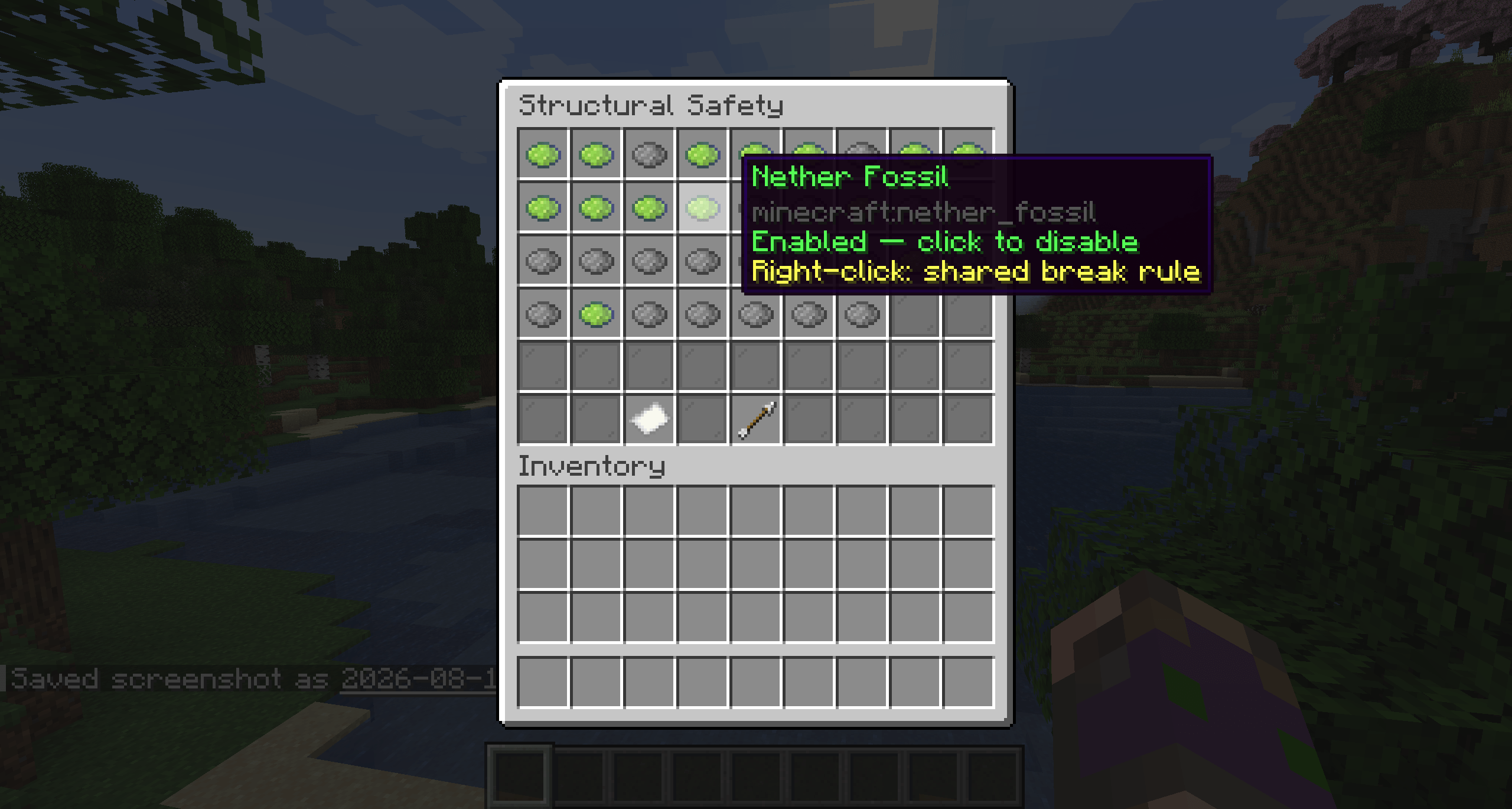
/structuralsafety admin structure / … list [page] |
Browse & toggle protected structures |
/structuralsafety admin structure protect <name> |
Protect a structure |
/structuralsafety admin structure unprotect <name> |
Unprotect a structure |
/structuralsafety admin structure protectall / unprotectall |
Protect / unprotect all |
/structuralsafety admin structure sprawling list |
Show sprawling structures |
/structuralsafety admin structure sprawling add|remove <name> |
Manage sprawling list |
| Command | Description |
|---|---|
/structuralsafety admin allow |
Open the allowances menu |
/structuralsafety admin allow break list|add <block>|remove <block> |
Blocks players may break |
/structuralsafety admin allow interact list|add <block>|remove <block> |
Blocks players may interact with |
/structuralsafety admin allow place temp list|add <item>|remove <item> |
Temporary placeable items |
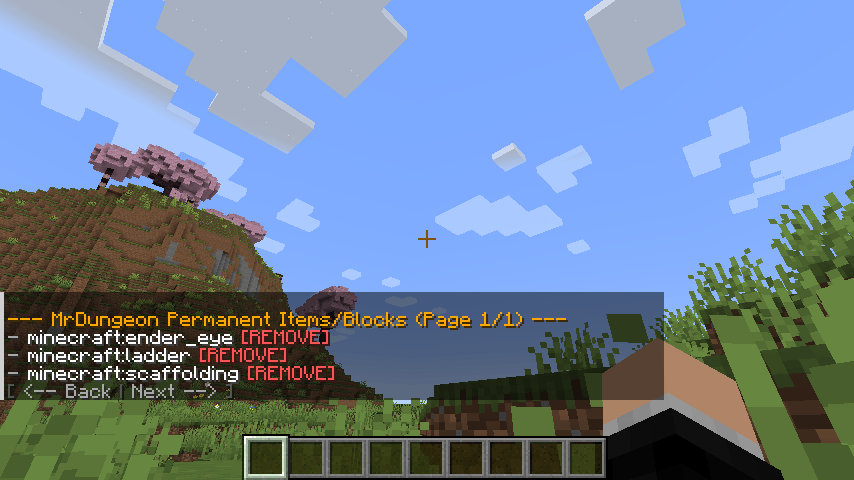
/structuralsafety admin allow place perm list|add <item>|remove <item> |
Permanent placeable items |
| Command | Description |
|---|---|
/structuralsafety admin time |
Show current timers |
/structuralsafety admin time escape <minutes> |
/escape cooldown |
/structuralsafety admin time temp <minutes> |
Temporary‑block lifetime |
Structure names accept either the plain name (e.g. Pillager Outpost) or the raw ID (e.g. minecraft:pillager_outpost), with tab‑completion.
Out of the box these vanilla structures are protected: abandoned_mineshaft, simple_dungeon, pillager_outpost, desert_pyramid, jungle_pyramid, mansion, monument, stronghold, trial_chambers, ancient_city, fortress, bastion_remnant, nether_fossil, end_city.
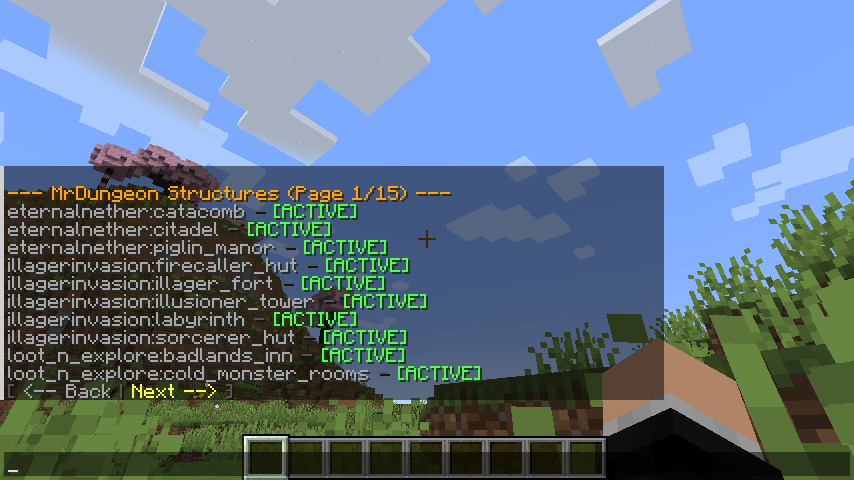
Modded structures are detected automatically and added to the config (disabled by default) — just enable the ones you want via /structuralsafety admin structure protect <name>.
A JSON config is created at config/structuralsafety_settings.json. Everything there can also be set in‑game, so editing by hand is optional. Keys include: structures, sprawling_structures, weak_blocks, interact_allowed, temp_place_items, perm_place_items, cooldown_minutes, temp_minutes, op_bypass, protect_explosions, protect_fire, protect_lava.
New default entries are merged into existing configs on update without wiping your customizations.
Made with ❤️ by Mrstilu2k6
🔗 Modrinth · 🔗 CurseForge · ☕ PayPal
💬 Found a bug? Have a suggestion? Drop it in the comments or open an issue — every piece of feedback helps!
☕ Enjoying the mod? If you'd like to support my work, a small tip is greatly appreciated. Every bit of support helps me dedicate more time to updates and new features!