Badges update automatically and link to the mod page on MineUniverse.
StalAPI is a library mod designed to centralize and provide reusable systems, features, and utilities for my others mods.
Its goal is to avoid duplicating code across projects while providing a common foundation for various rendering and animation systems. Over time, StalAPI will include custom shaders and post-processing effects, tools for rendering modded entities, as well as utilities for handling item and entity animations.
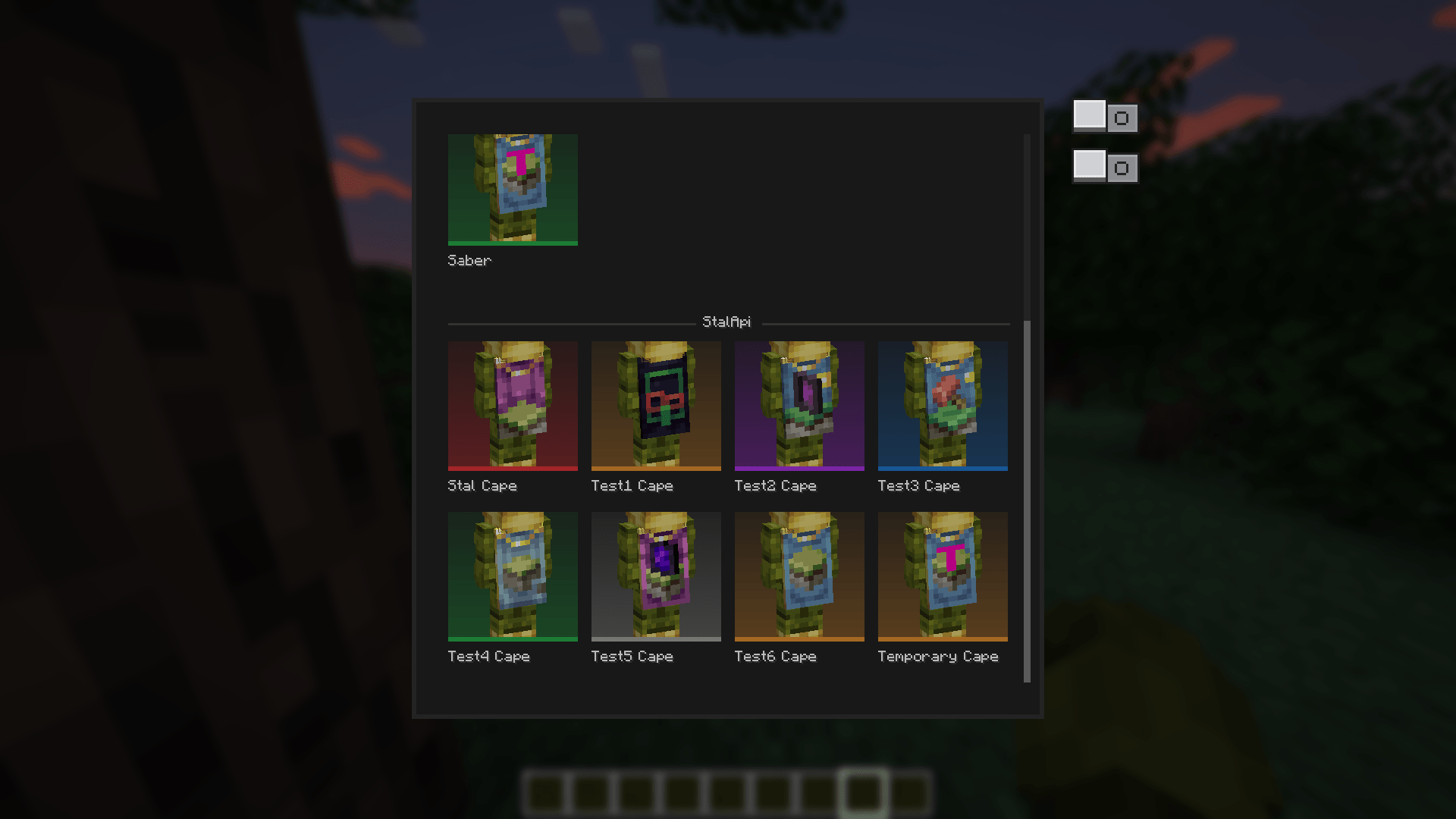
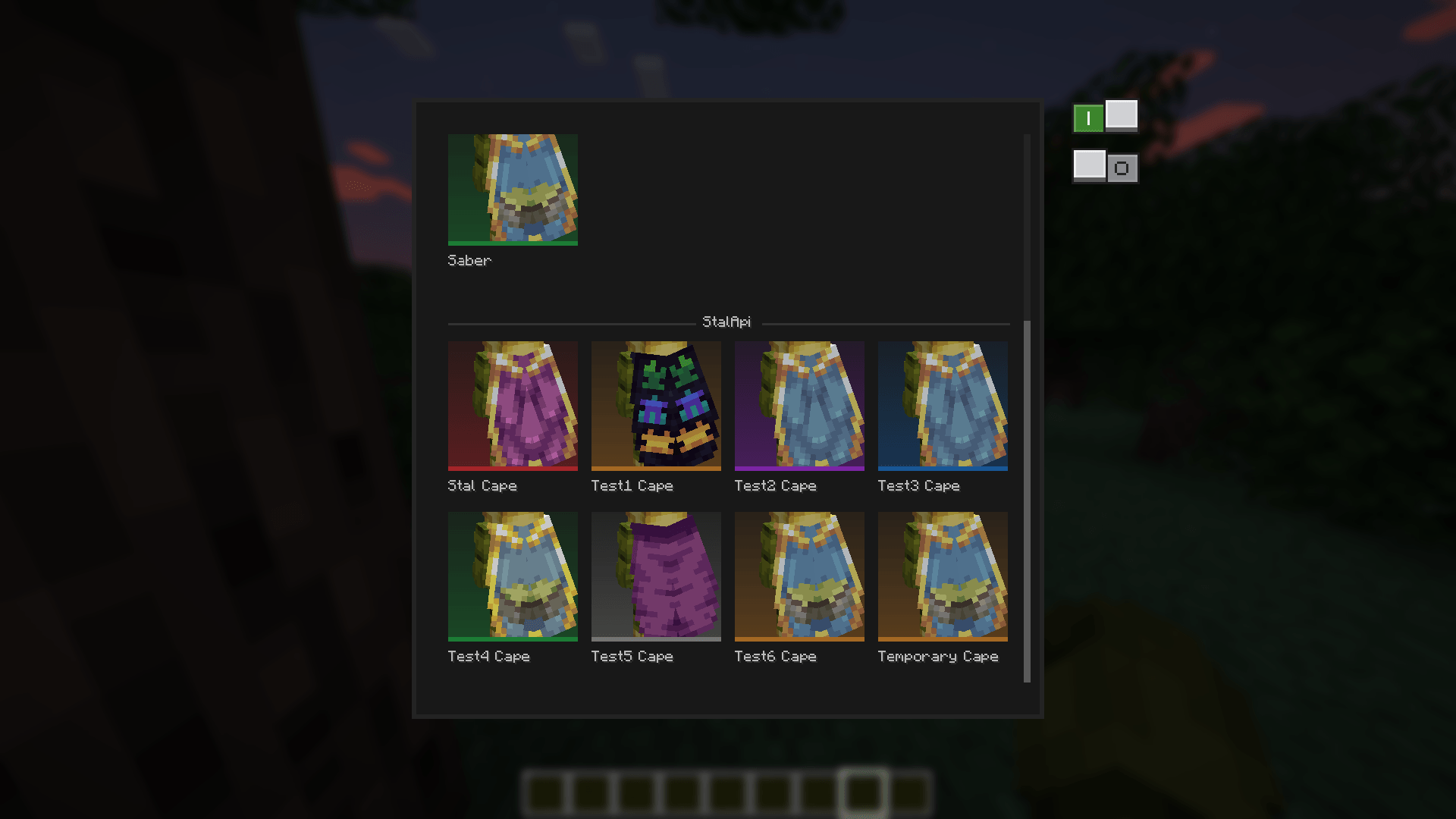
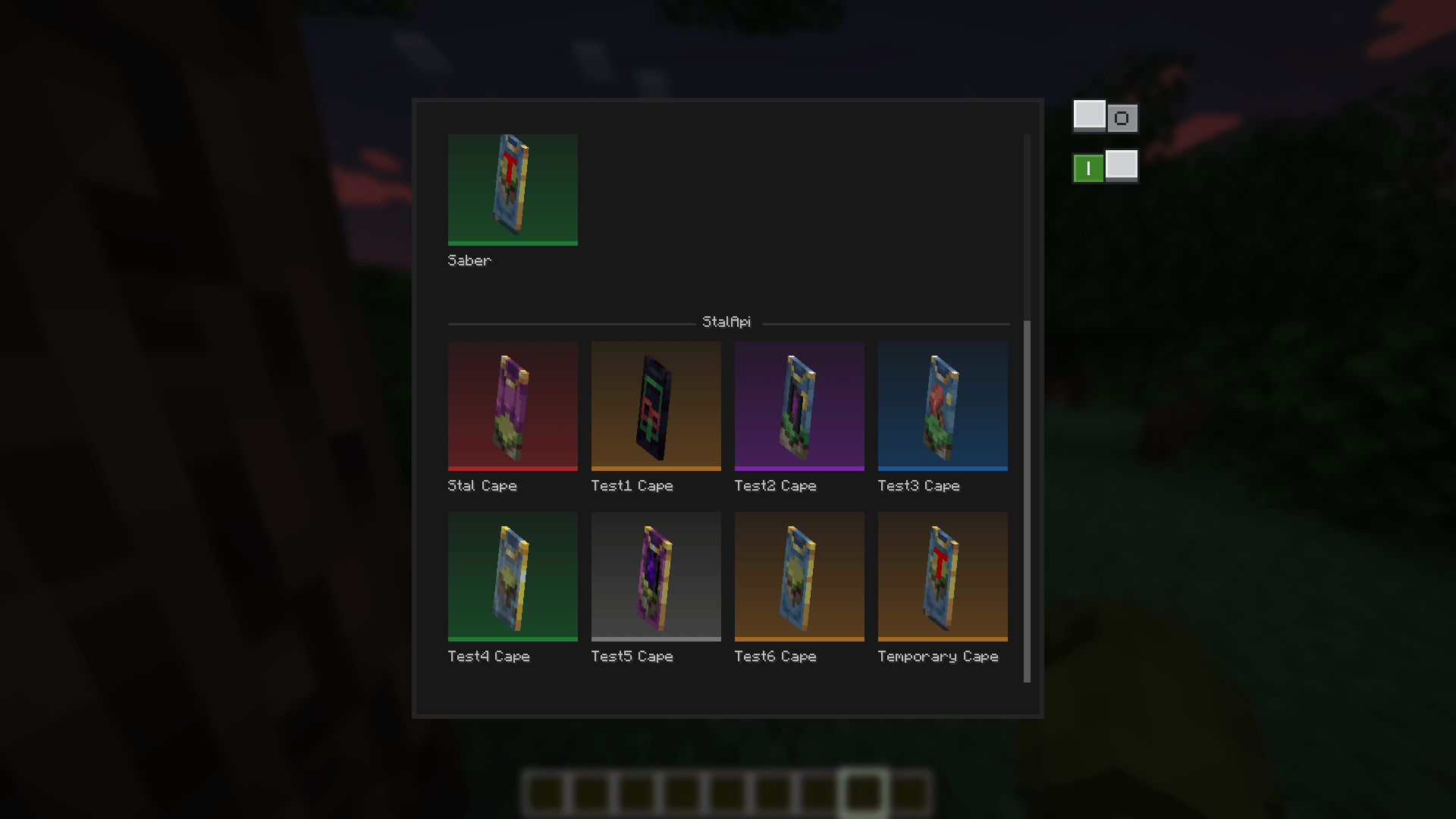
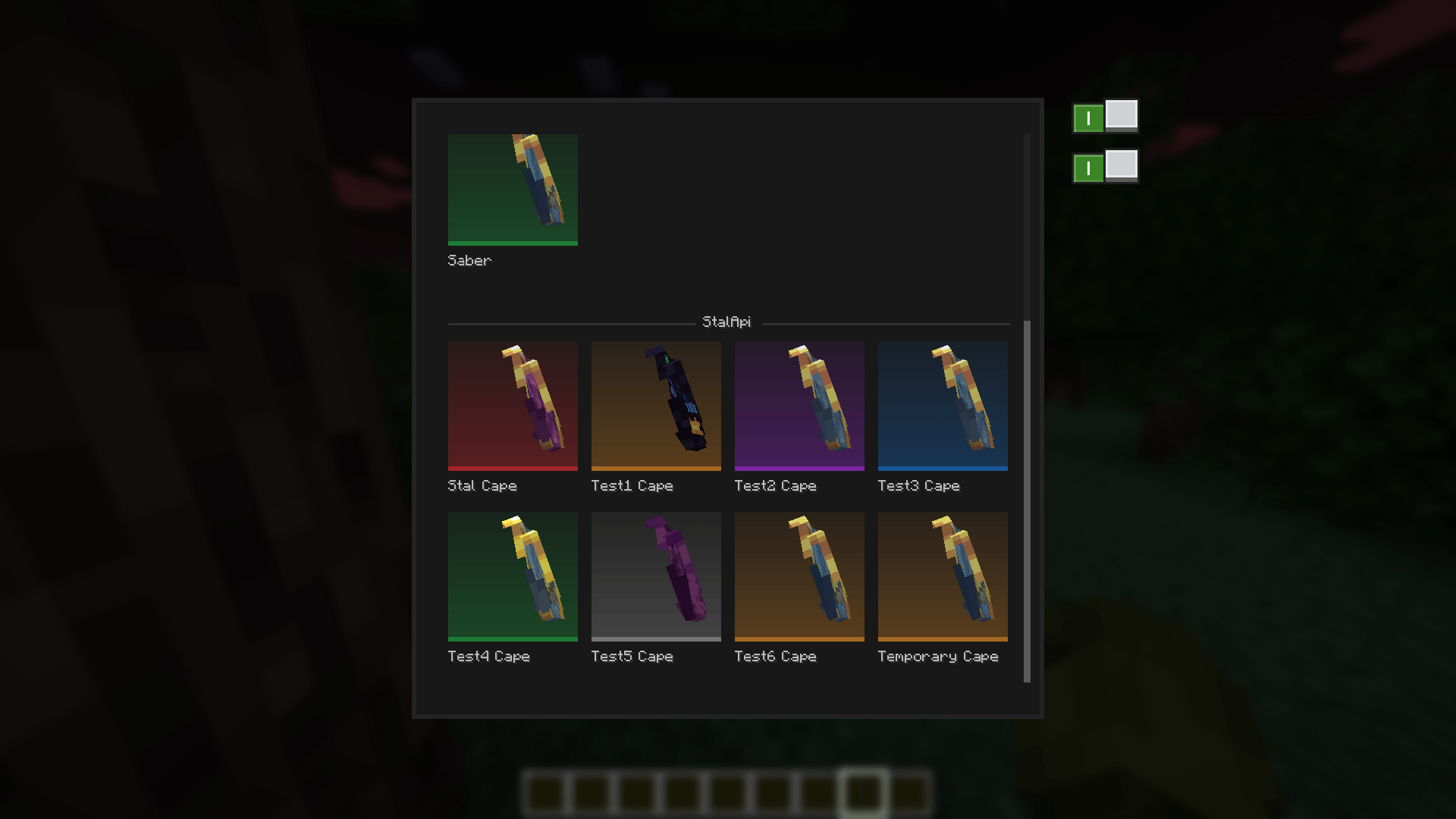
StalAPI also provides a cape management system for distributing exclusive reward capes to special players, such as contributors, beta testers, and event winners.
The API is designed to evolve over time as new reusable systems and features are developed.
For now, mod developers can use StalAPI as a cross-version cape library for their mods, allowing them to manage and customize capes without requiring updates to their mods whenever StalAPI is updated.
neoforge.mods.tomlIf your mod uses StalAPI for its cape system, using a required dependency (type="required") is recommended. This ensures that the capes are directly linked to your mod and that StalAPI is always available when your mod is loaded.
[[dependencies.{yourmodid}]]
    modId = "stalapi"
    type = "required"
    versionRange = "[1.0.0,)"
    ordering = "AFTER"
    side = "CLIENT"
Replace {yourmodid} with your own mod's ID.
An optional dependency (type="optional") can also be used if StalAPI is not essential to your mod, but required is recommended when your mod's cape system relies on StalAPI.
CapeRepository.register(...) API once, typically in your mod's constructor or common setup:import leroidesafk.stalapi.capes.CapeRepository;
import net.neoforged.fml.ModList;
// Called only once during startup (mod constructor, common setup, etc.)
if (ModList.get().isLoaded("stalapi")) {
CapeRepository.register("YourGitHubUsername", "your-cape-repository");
// Or|with a specific branch:
// CapeRepository.register("YourGitHubUsername", "your-cape-repository", "main"); }ModList.get().isLoaded("stalapi")' check is only necessary when using an optional dependency.required, it is guaranteed to be available when your mod is loaded.data.json formatThe same data.json format is used everywhere, whether the file is located at the root of the repository or inside a mod-specific folder:
{
    "global_name": "Section Name",
    "players": {
        "<player-uuid>": ["capeName1", "capeName2"]
    },
    "capes": {
        "capeName1": {
            "name": "Displayed Name",
            "rarity": "legendary"
        },
        "capeName2": {
            "name": "Another Name",
            "rarity": "rare"
        }
    }
}
global_name - Only used and read in the root data.json. It defines the name of the global/team section displayed in the interface. For a mod-specific data.json, this field is ignored; the section name is taken from the mod's name.players - Maps a player's UUID (with hyphens) to the list of cape names they own.capes - Contains metadata for each cape, including its displayed name and optional rarity.Supported rarity values are:common, uncommon, rare, epic, legendary, and mythic.
If no rarity is specified, the default color is used.
Cape textures support transparency, variable resolutions and animations, unlike vanilla capes.
Leroidesafk/stalapi-data) is always checked in addition to your own repository.<modId> folder must exactly match the corresponding mod's ID.data.json is always checked and can be used for global/team capes..png.mcmeta file.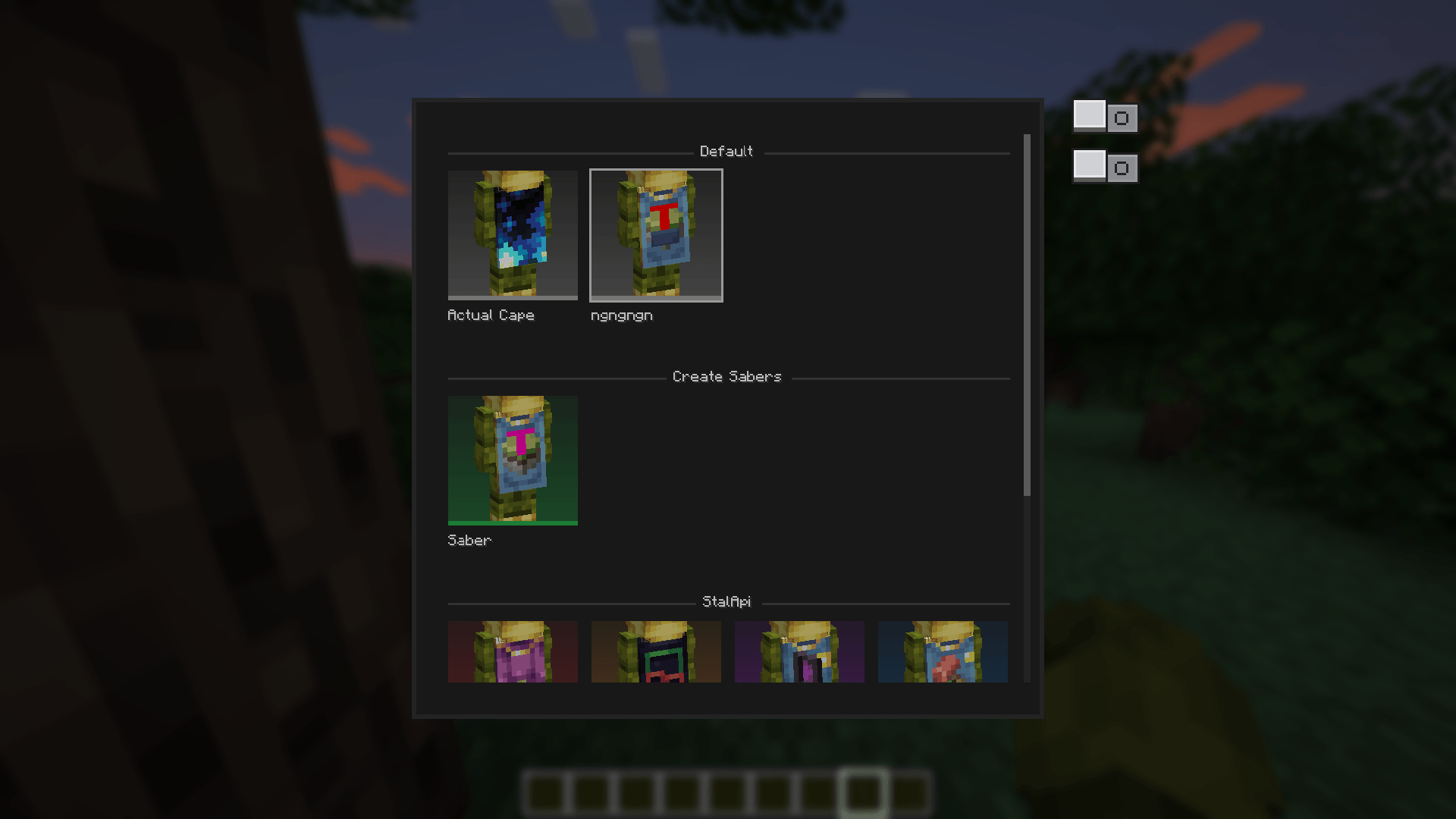
You can also take a look to my other mods