Mineuniverse
Mods
Sounds Cool

Sounds Cool

MOD
Add your own sounds to Minecraft through sound player blocks!
by ACGaming
Download Claim this project
Add a badge to your pageLink to Sounds Cool from a README, website or forum post.
Preview: Badge

Badges update automatically and link to the mod page on MineUniverse.

1,663 downloads
0 likes
0 followers
Updated Oct 14, 2026
0 hypes
Follow0
Cosmetic Miscellaneous Redstone
Advertisement Remove ads with Premium →

SOUNDS COOL

Add your own sounds to Minecraft through sound player blocks!

Ever wanted to have a custom greeting when you enter your base? Ever wanted to listen to your favorite music with your friends in Minecraft? This and much more is now possible with Sounds Cool! Sounds Cool is an easy-to-use, open-source and advanced Minecraft mod, which let‘s you upload your own .mp3, .wav or .ogg sound files to the server. When uploaded everyone can hear the sounds you uploaded when you play in-game!

How to use?

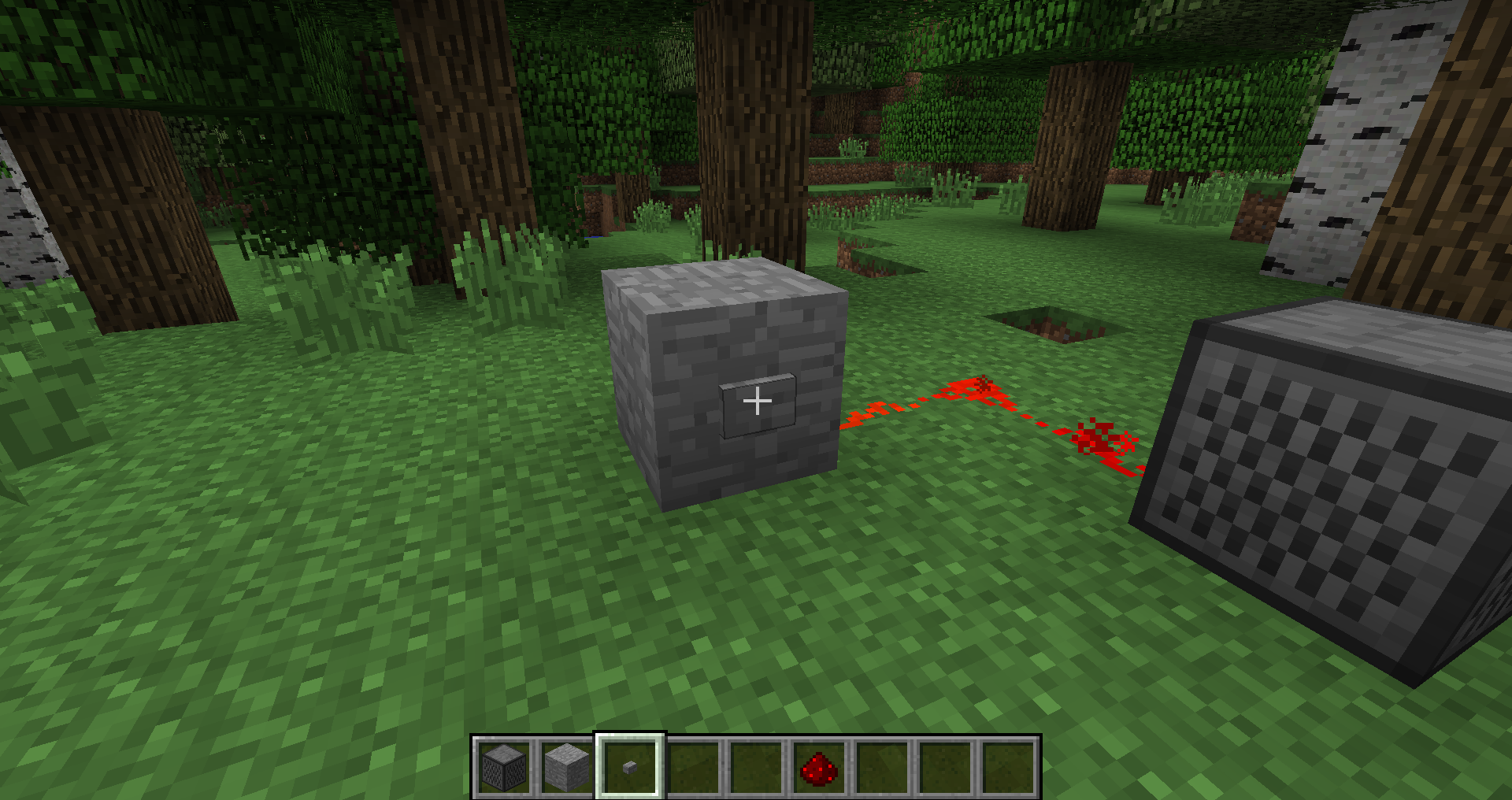
  1. Craft a Sound Player and place it in the world
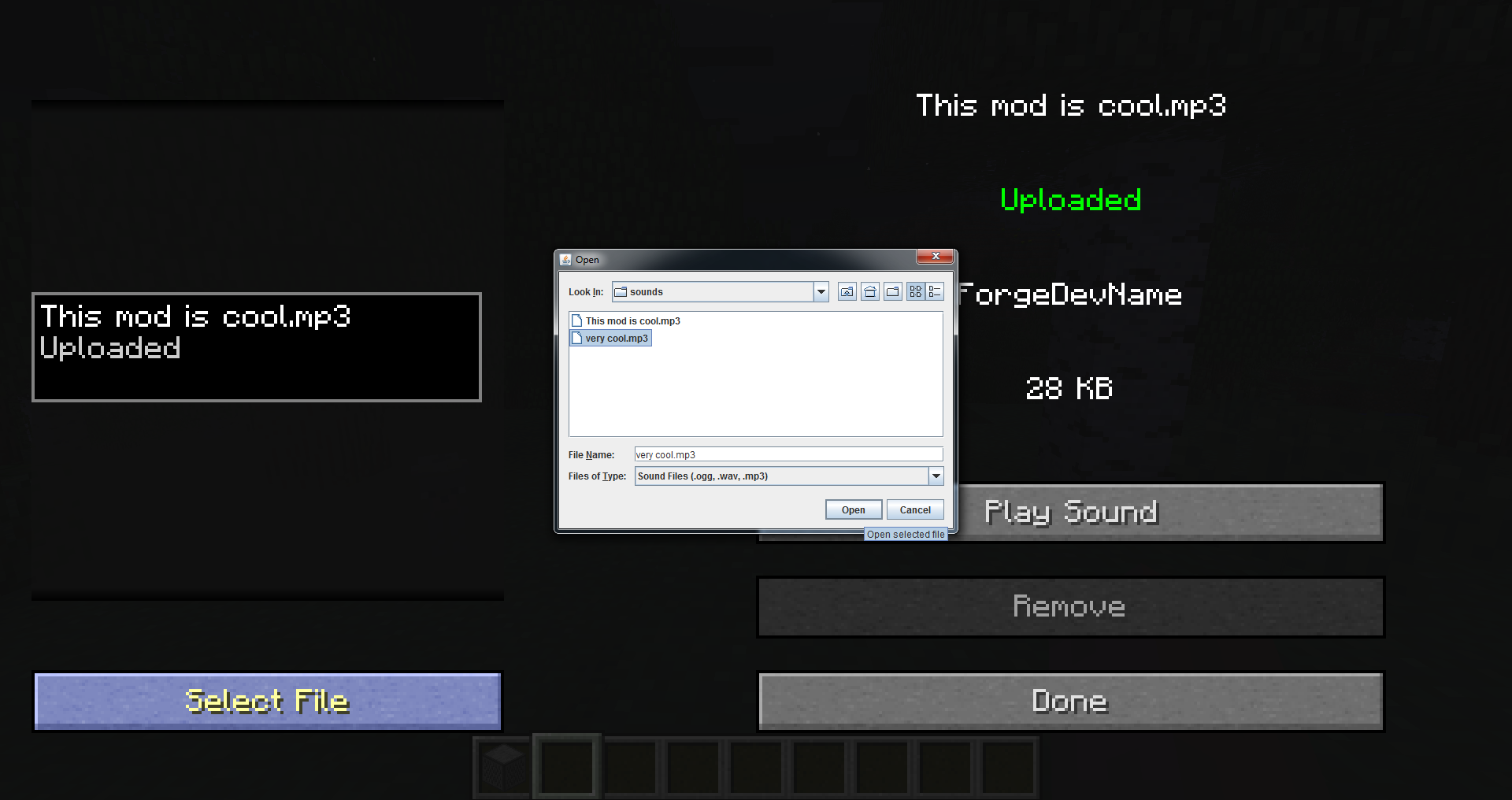
  2. Right-click it and click Select File, this will open a file selector
  3. Pick the sound that you want in the file selector (.mp3, .wav or .ogg)
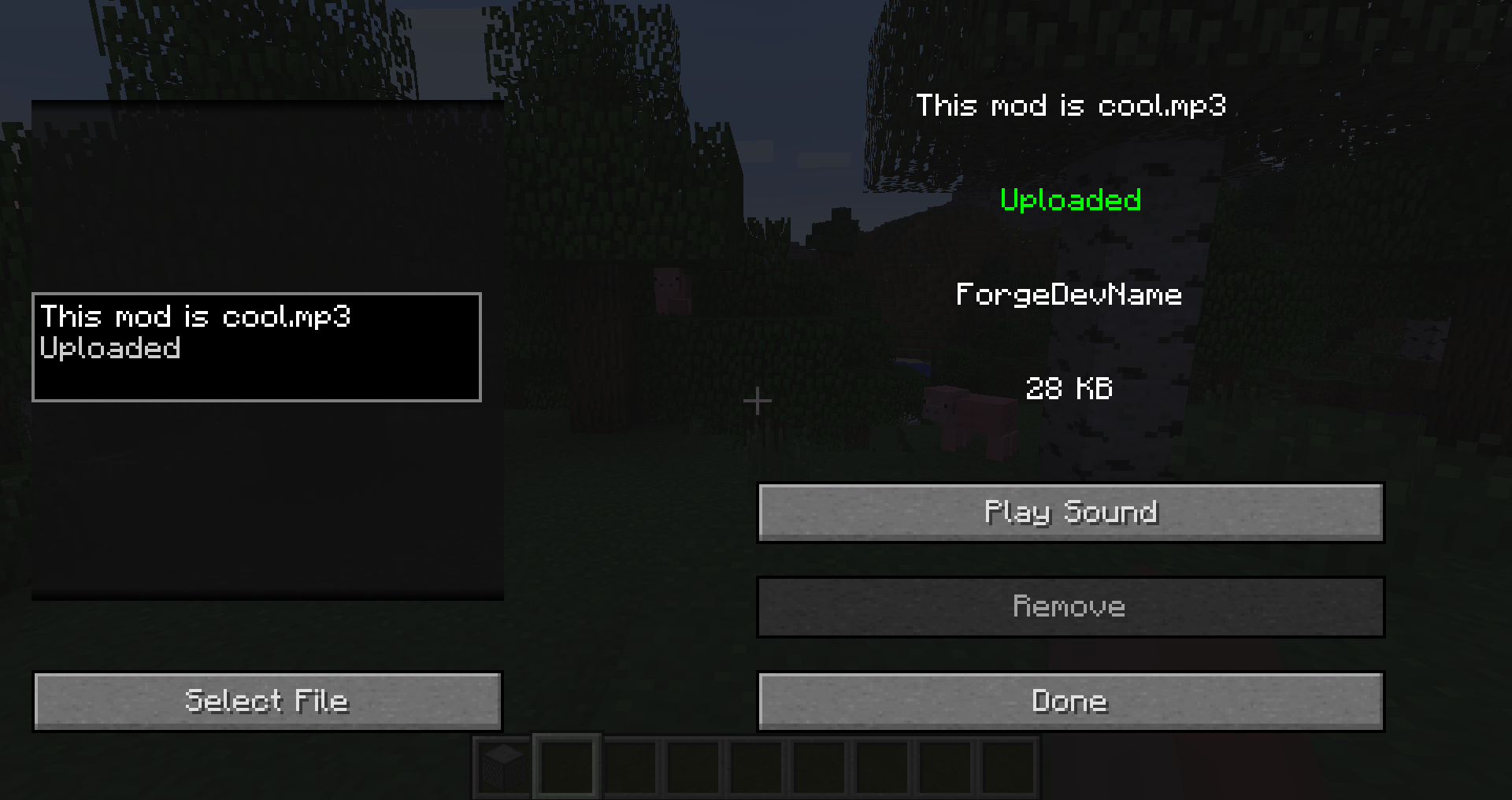
  4. Click Play Sound to preview the sound
  5. Click Upload to upload the sound to the server
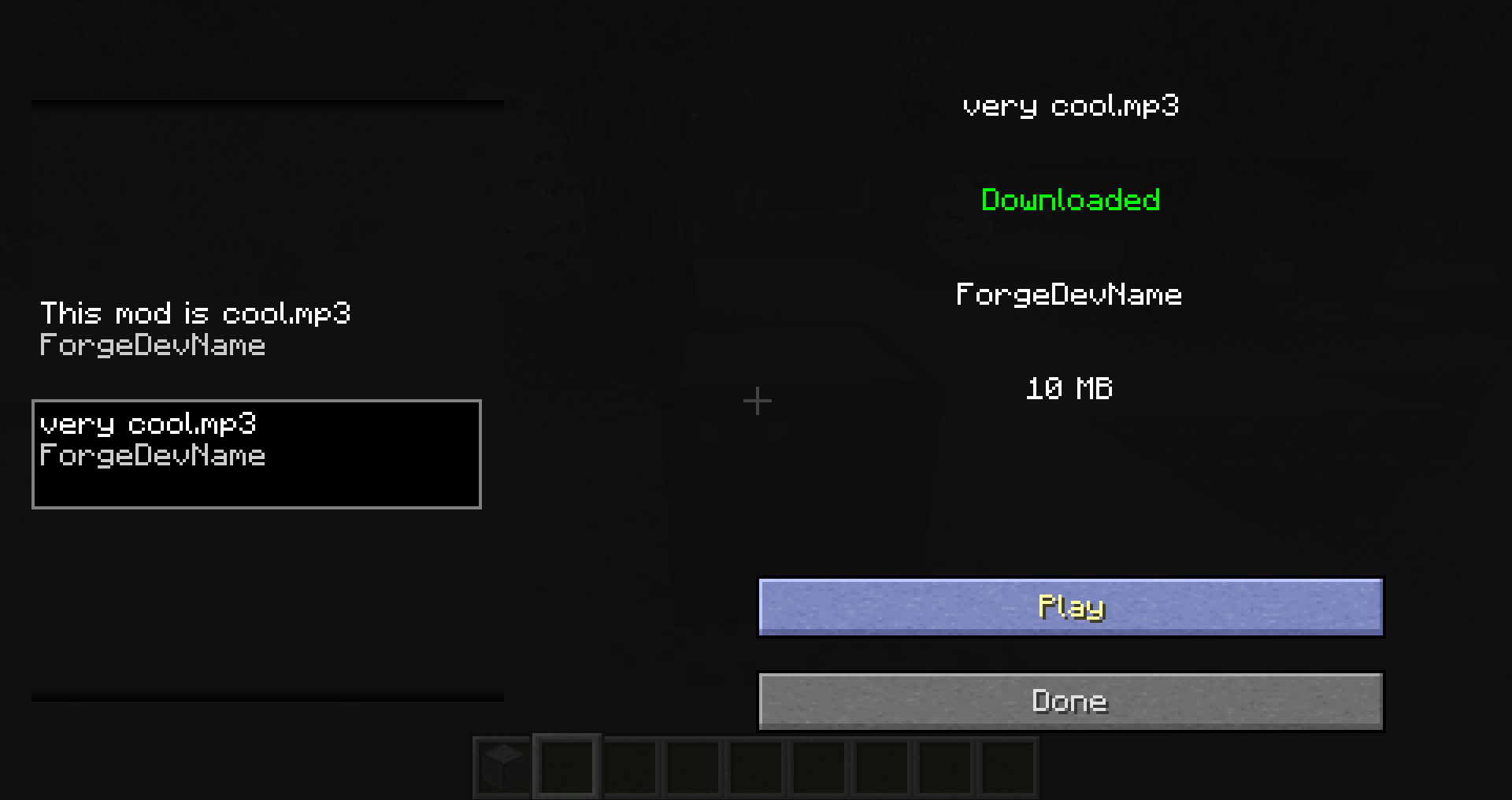
  6. Click Play or apply a redstone pulse to play the sound in the game

Sound Player Recipe

—

NOTICE: This is a 1.12 port of the mod Sounds Cool, originally made by Dynious for 1.7 and updated by zoonie for 1.8.


1.0.1
MC Client, Forge, Server, 1.12.2
Release 2024-03-08 Get
1.0.0
MC Client, Forge, Server, 1.12.2
Release 2024-02-14 Get

More from ACGaming

Advertisement Remove ads with Premium →

You Might Also Like