Badges update automatically and link to the mod page on MineUniverse.
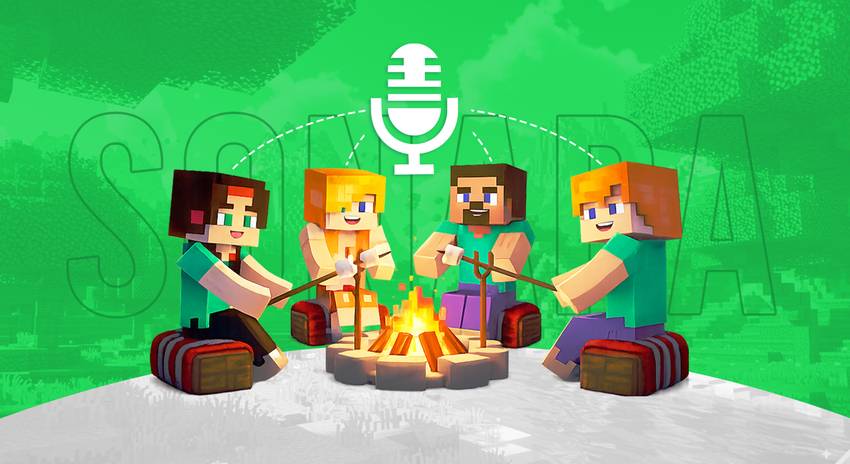

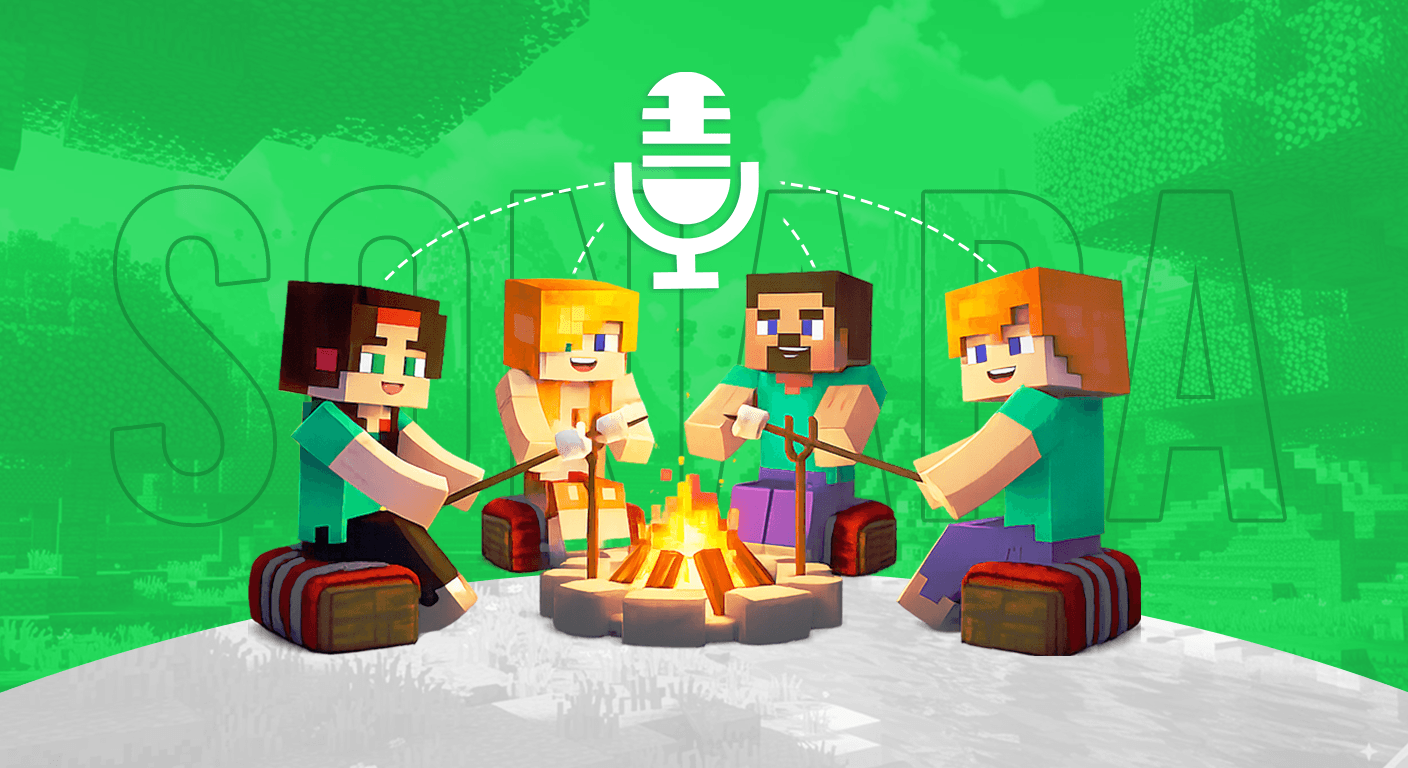
Talk to nearby players using your microphone. The closer you are, the louder you hear each other.
Voice Chat
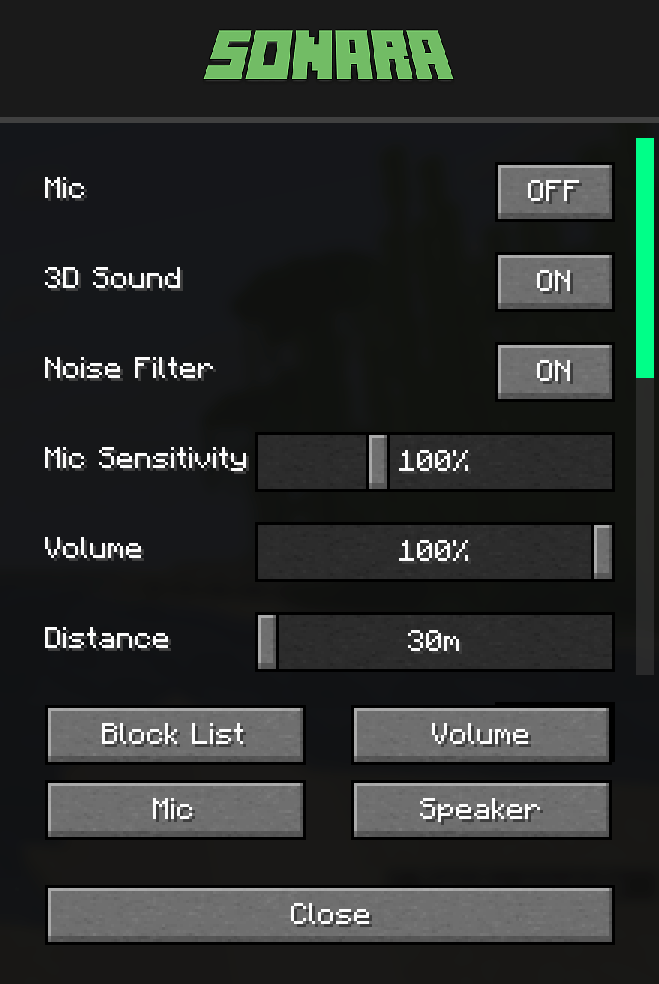
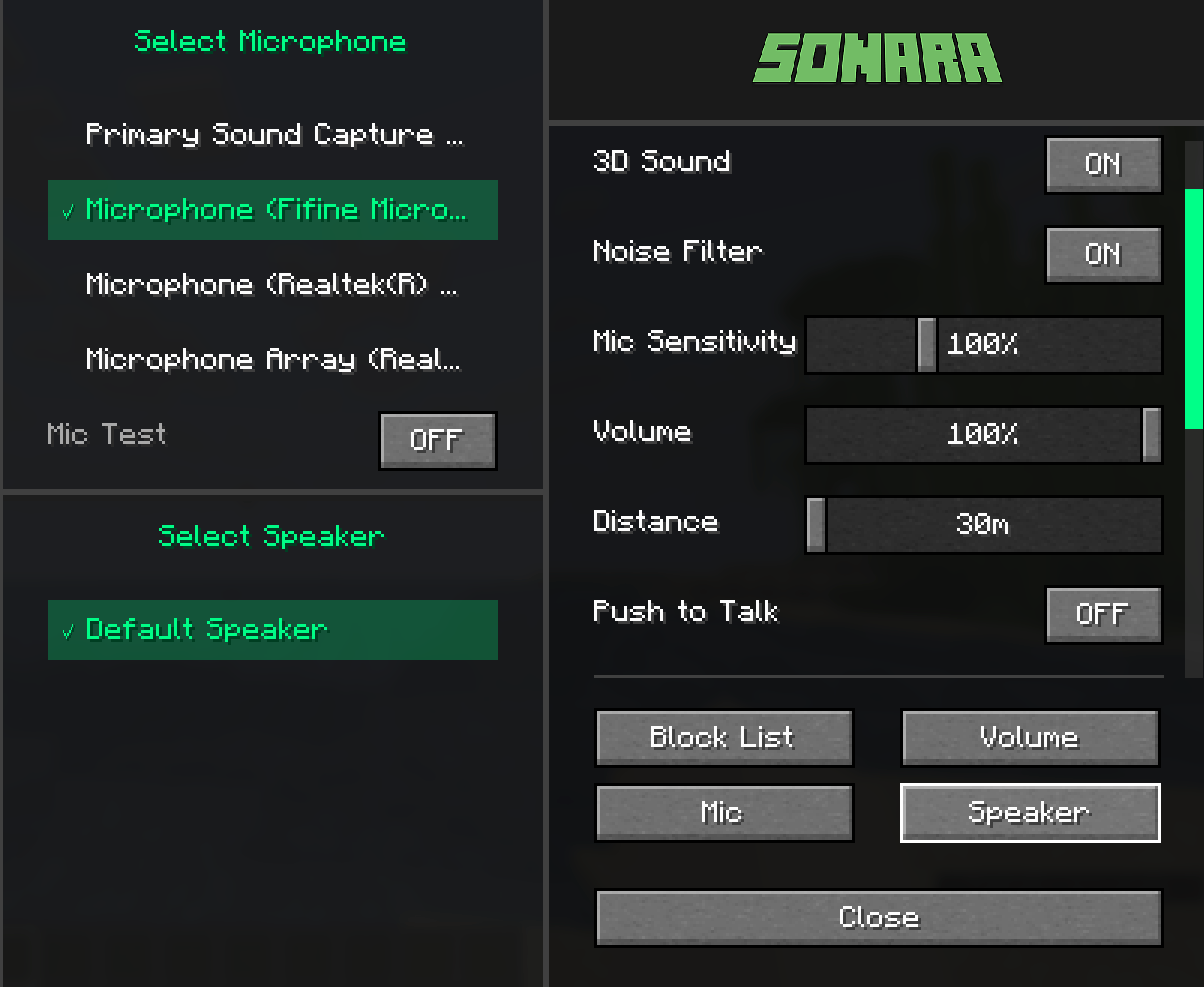
3D Spatial Audio - Hear voices from the player's direction
Distance Control - Adjust hearing range (30-120 blocks)
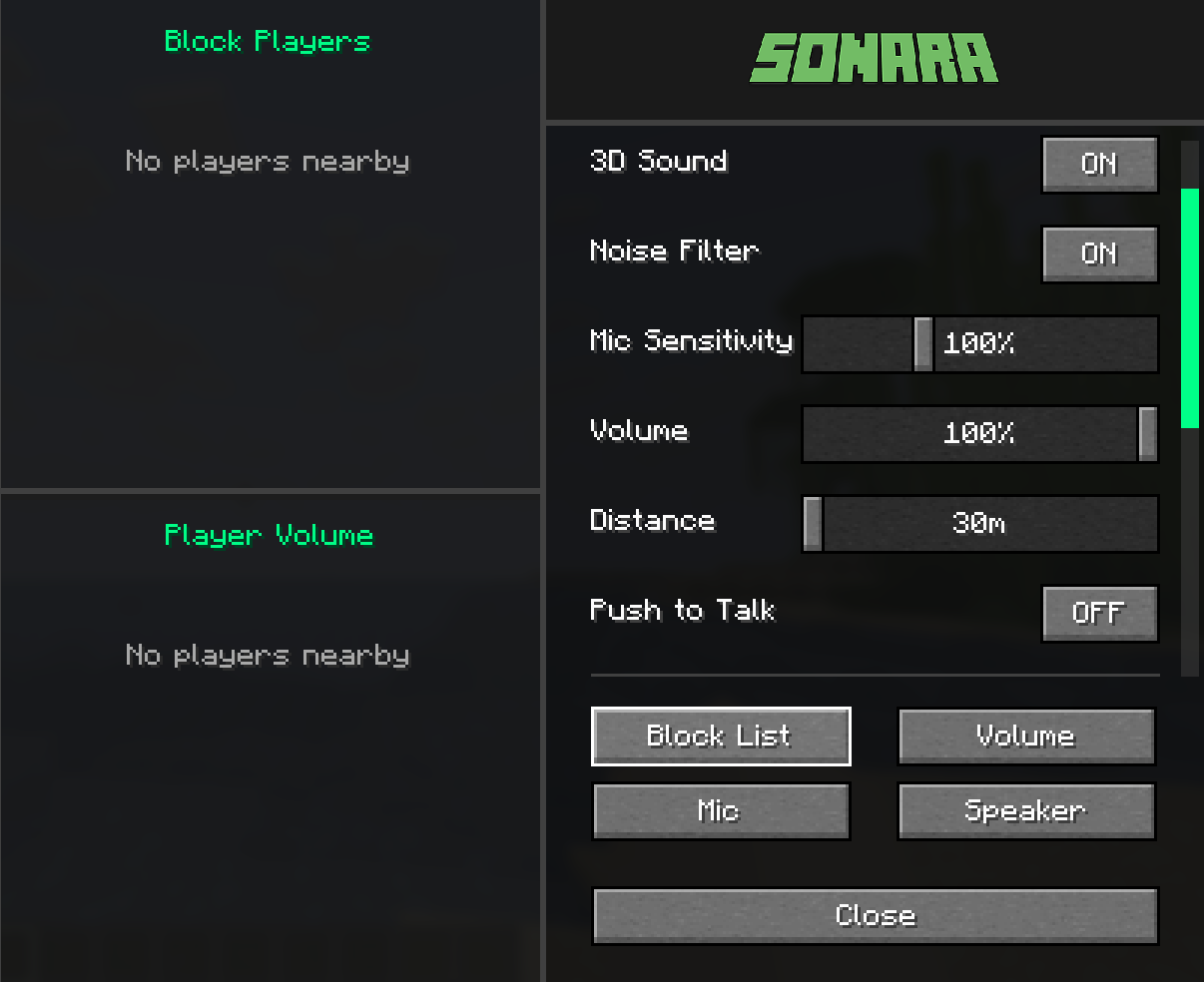
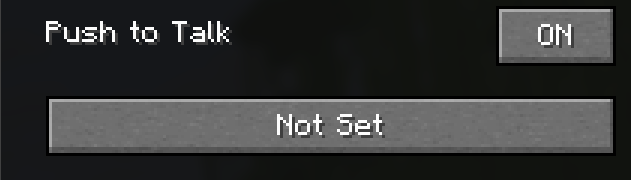
Push-to-Talk Mode - Press a key to talk, or enable always-on
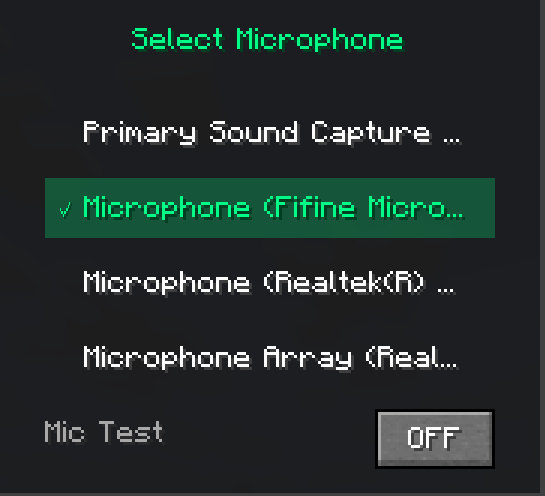
Microphone Test - Test your mic before joining
Audio Settings
Volume Control - Master volume for all voices
Mic Sensitivity - Adjust microphone input level
Noise Filter - Reduce background noise
Player Controls
Per-Player Volume - Set different volume for each player
Block List - Mute specific players
Audio Device Selection - Choose your mic and speakers
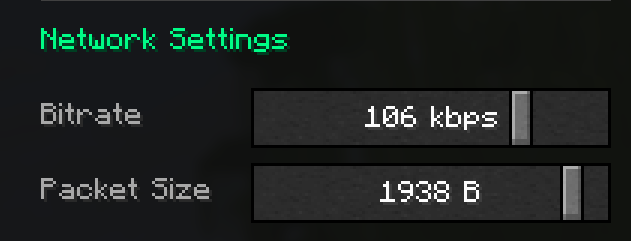
Network Options
Bitrate - Quality settings (32-128 kbps)
Packet Size - Latency optimization (512-2048 bytes)

1- Install the mod in your Fabric mods folder
2- Press V key to open voice chat menu
3- Toggle microphone ON/OFF or set push-to-talk key
4- Adjust settings as needed

/Voice data is transmitted directly between players and server
/No voice recordings are stored
/Block players anytime from the menu

Settings reset when game restarts (session-only)
Server must have the mod installed
All players need the mod to participate