Mineuniverse
Resource Packs
Smooth Font - 32x

Smooth Font - 32x

RESOURCE PACK
Smooth Font Texture Pack (32x)
by apt9002
Download Claim this project
8,346,381 downloads
0 likes
0 followers
Updated Oct 14, 2026
0 hypes
Follow0
32x Font Packs Modern
Advertisement Remove ads with Premium →

FEATURES:

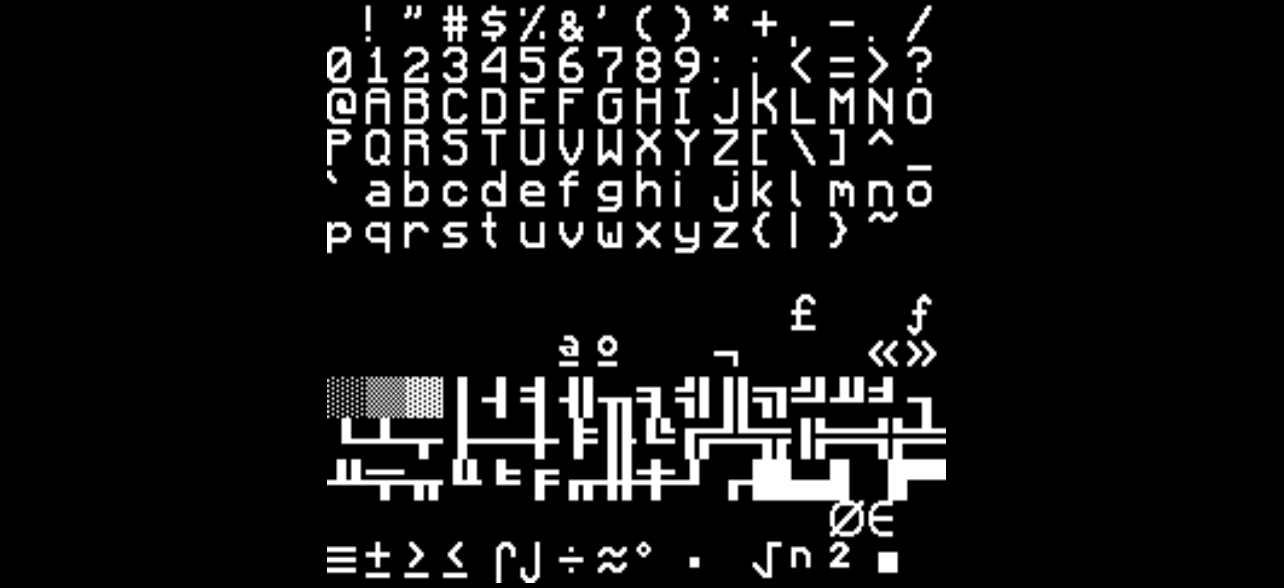
Minecraft Font Look Weird? 

This Pack Is Going To Fix It!

It Based On Faithful 32 Texture Pack (But Modified)

But Only Apply To Minecraft Font (Words, Numbers,...) 

Available For All Versions!

NOTES:

Support Mods

Feel Free To Add This Texture Pack Into Your Modpack

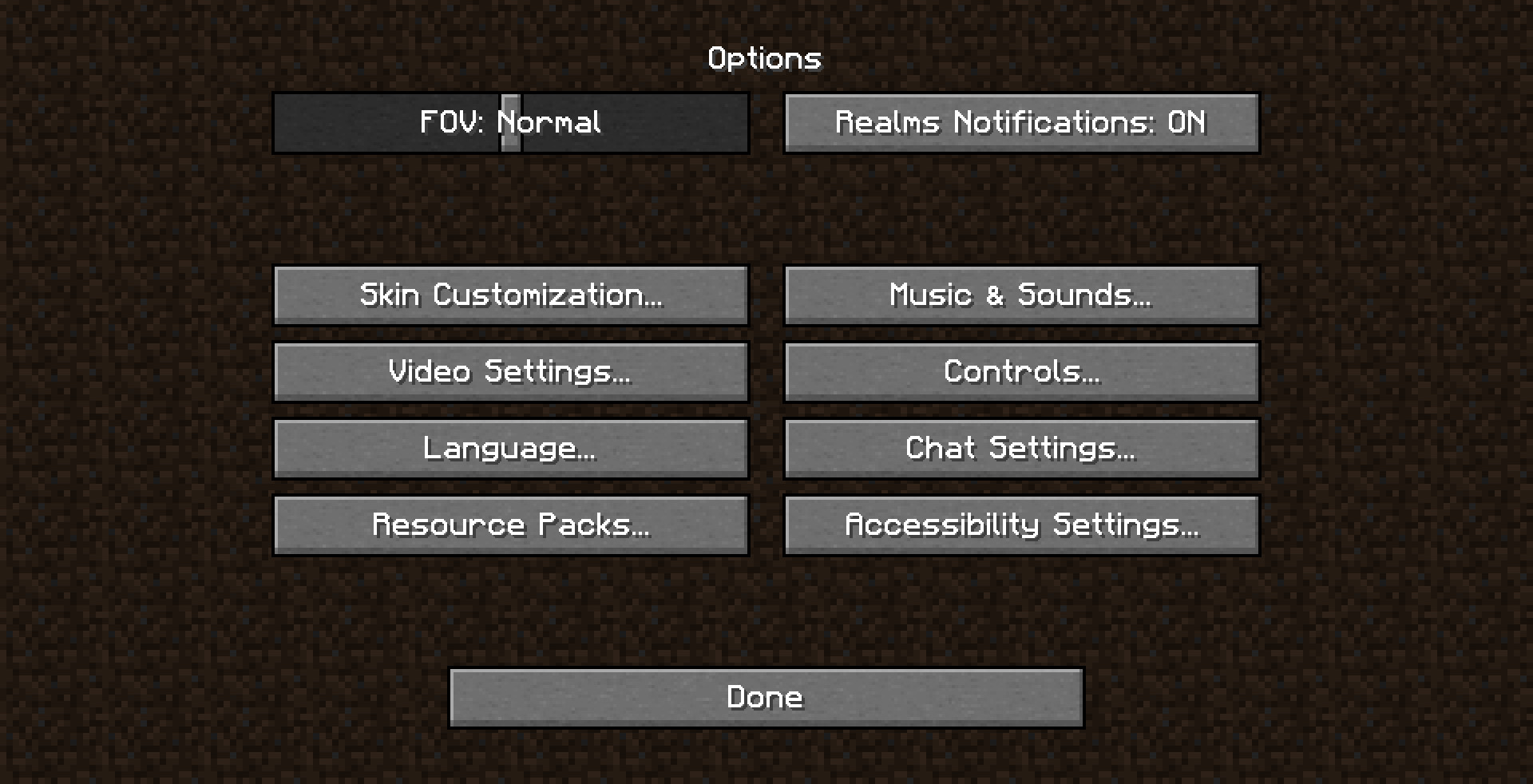
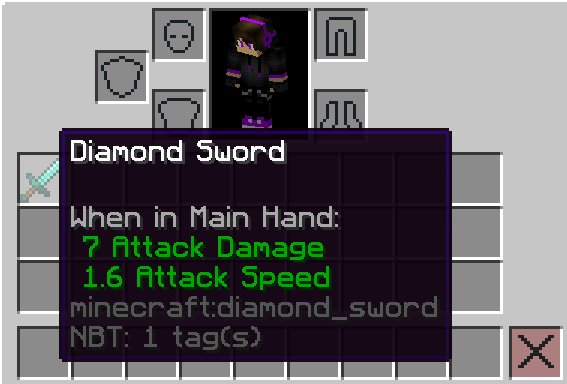
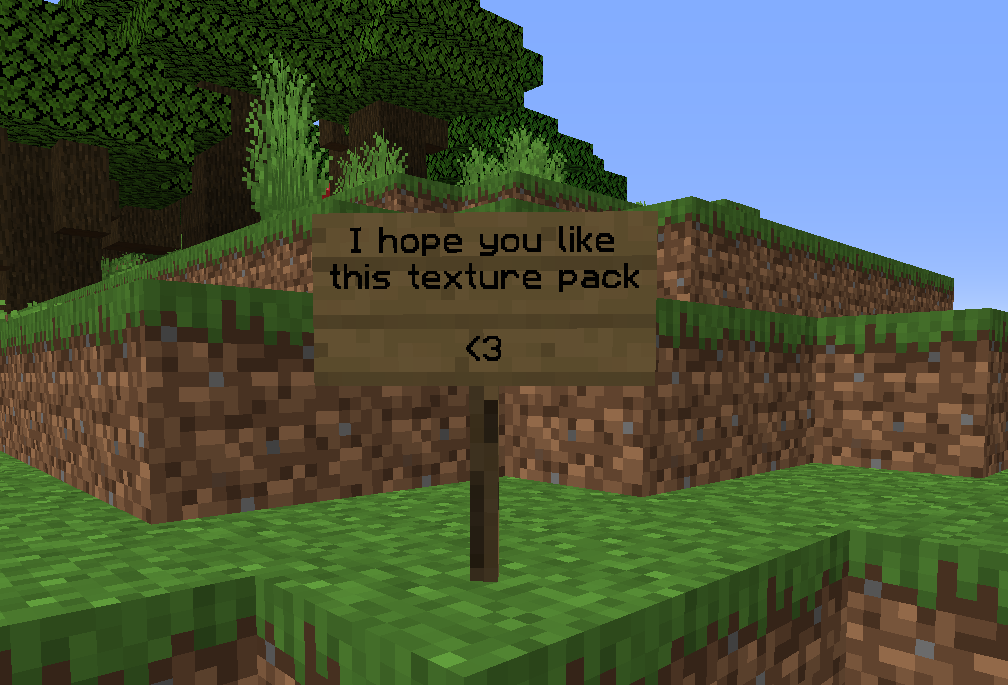
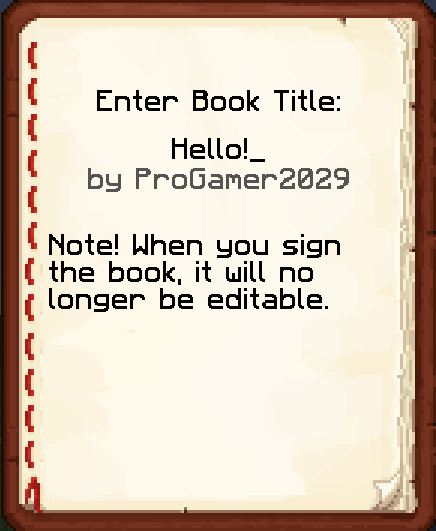
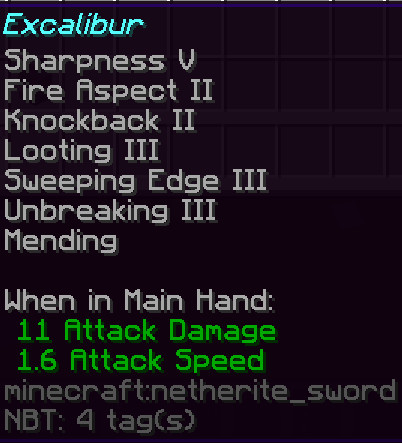
EXAMPLE: 
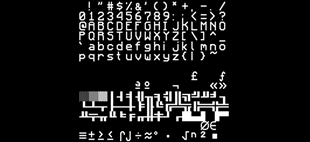
More In Images 

THANKS SO MUCH FOR A MILLION DOWNLOADS!

SmoothFont [1.21+]
MC 1.21.2-Snapshot, 1.21, 1.21.6-snapshot, 1.21.1-Snapshot, 1.21.8, 1.21.5, 1.21.4, 1.21.5-Snapshot, 1.21.1, 1.21.6, 1.21.3, 1.21.7, 1.21-Snapshot, 1.21.4-Snapshot, 1.21.2
Release 2024-08-13 Get
Smooth Font [1.20+]
MC 1.20.2, 1.20.5, 1.20.2-Snapshot, 1.20.5-Snapshot, 1.20.3-Snapshot, 1.20.3, 1.20.1, 1.20, 1.20.6, 1.20.4, 1.20-Snapshot
Release 2023-09-23 Get
Smooth Font [1.19.X]
MC 1.19.3, 1.19.4-Snapshot, 1.19.4, 1.19-Snapshot, 1.19.2, 1.19.1, 1.19, 1.19.3-Snapshot
Release 2022-08-20 Get
SmoothFont [1.19]
MC 1.19-Snapshot, 1.19.2, 1.19.1, 1.19
Release 2022-06-08 Get
SmoothFont [1.16.5]
MC 1.16-Snapshot, 1.16.3, 1.16.1, 1.16, 1.16.5, 1.16.4, 1.16.2
Release 2022-05-23 Get
SmoothFont [1.18/1.17]
MC 1.17.1, 1.18.1, 1.17, 1.18.2, 1.17-Snapshot, 1.18, 1.18-Snapshot
Release 2022-05-23 Get
SmoothFont [Older Version]
MC 1.9.1, 1.13.1, 1.9.3, 1.8.7, 1.15-Snapshot, 1.9.4, 1.9.2, 1.8.4, 1.14.4, 1.14.1, 1.14.3, 1.15, 1.13, 1.8.8, 1.8-Snapshot, 1.8.3, 1.8.6, 1.15.2, 1.14, 1.8, 1.9-Snapshot, 1.8.2
Release 2022-04-24 Get

Requirements & install

How to use this resource pack in Minecraft
Resolution
32x
Minecraft
1.21.4-Snapshot – 1.21.8
Install folder
.minecraft/resourcepacks

How to install resource packs

  1. Download the resource pack .zip file (do not extract it).
  2. In Minecraft open Options → Resource Packs → Open Pack Folder.
  3. Drop the .zip into the resourcepacks folder (.minecraft/resourcepacks).
  4. Move the pack to the Selected column and click Done.
Browse more: 16x resource packs 32x resource packs 64x resource packs 128x resource packs 256x resource packs 512x+ resource packs Resource Packs for 1.21.8 All resource packs

More from apt9002

Advertisement Remove ads with Premium →

You Might Also Like