Smelt Obsidian into Crying Obsidianis a unique Minecraft mod that introduces a new smelting recipe, allowing players to convert regular Obsidian blocks into Crying Obsidian. This mod adds a practical and immersive way to obtain Crying Obsidian, making it easier to enhance your builds with this rare and visually striking block.
Features:
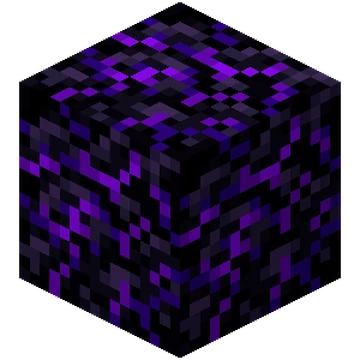
New Smelting Recipe:Transform Obsidian into Crying Obsidian using a furnace. providing a more accessible way to acquire this valuable block.
Enhanced Aesthetics:Crying Obsidian's unique texture and animation add a mystical and enchanting element to your structures and builds.
Survival Friendly: Designed to fit seamlessly into the survival gameplay experience, offering a balanced method to obtain Crying Obsidian without undermining the challenge of the game.
Versatile Usage:Use Crying Obsidian for decorative purposes, building respawn anchors, or simply to add a touch of the Nether to your world.
How It Works:
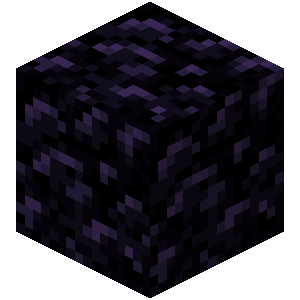
Gather Obsidian: Mine Obsidian blocks using a diamond or netherite pickaxe.
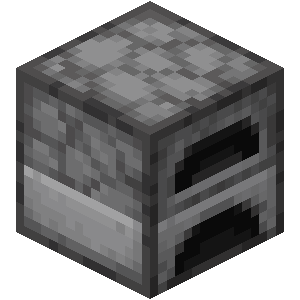
Smelt in Furnace: Place the Obsidian blocks into any furnace.
Receive Crying Obsidian:Each smelted Obsidian block will yield a Crying Obsidian block, ready for use in your builds and crafting recipes.
Installation:
Download the Mod:Ensure you have the correct version of the mod for your Minecraft installation.
Install Forge or Fabric or NeoForge:Depending on the mod version, install Minecraft Forge or Fabric or NeoForge.
Add to Mods Folder:Place theSmelt Obsidian into Crying Obsidianmod file into your Minecraft mods folder.
Launch Minecraft: Start Minecraft with the Forge or Fabric profile to begin smelting Obsidian into Crying Obsidian.