ShulkerPeek : Shulker Box Tooltip Preview for Fabric, Forge and NeoForge
See inside any shulker box without opening it.
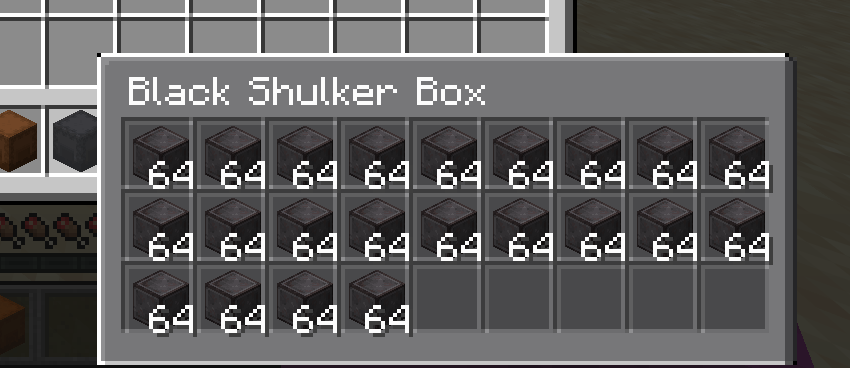
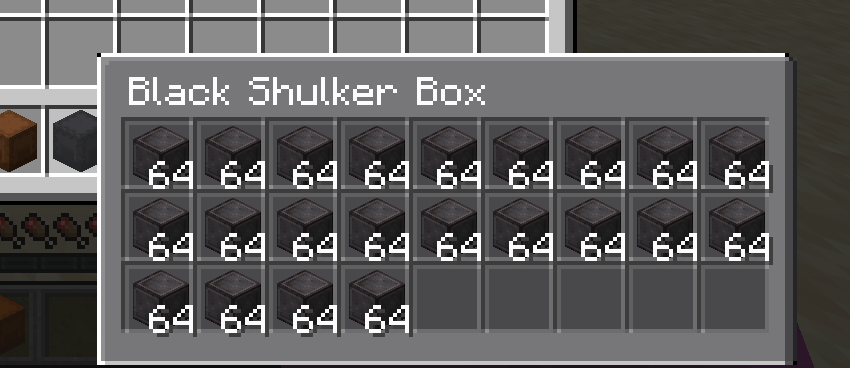
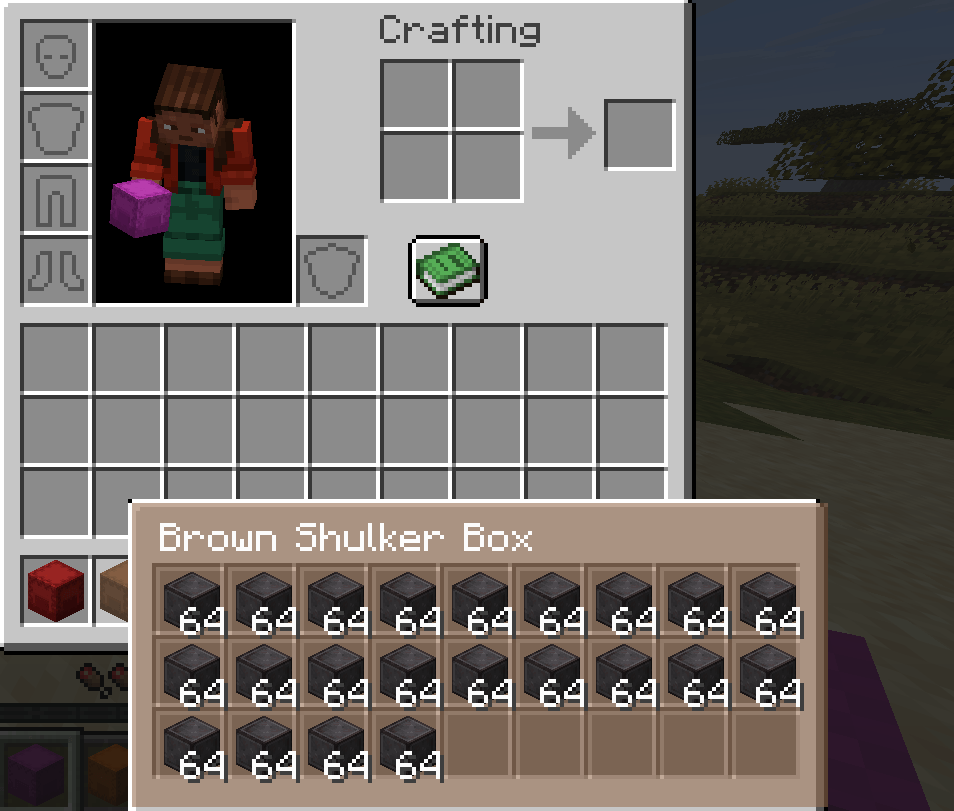
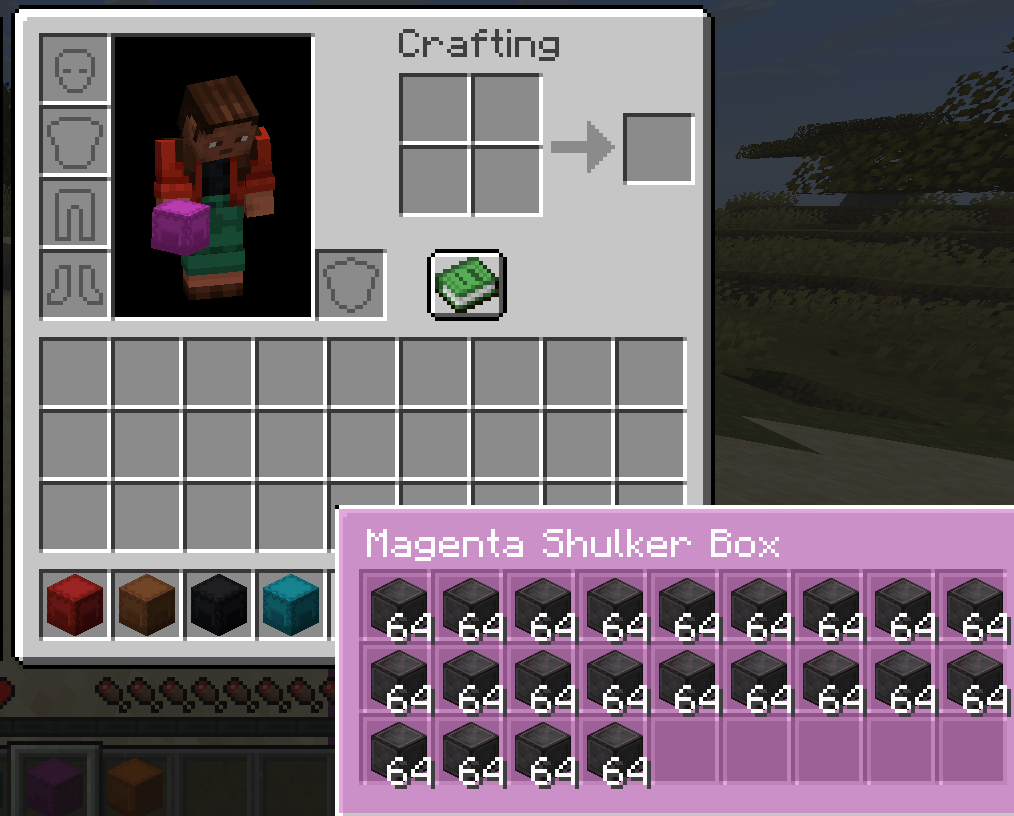
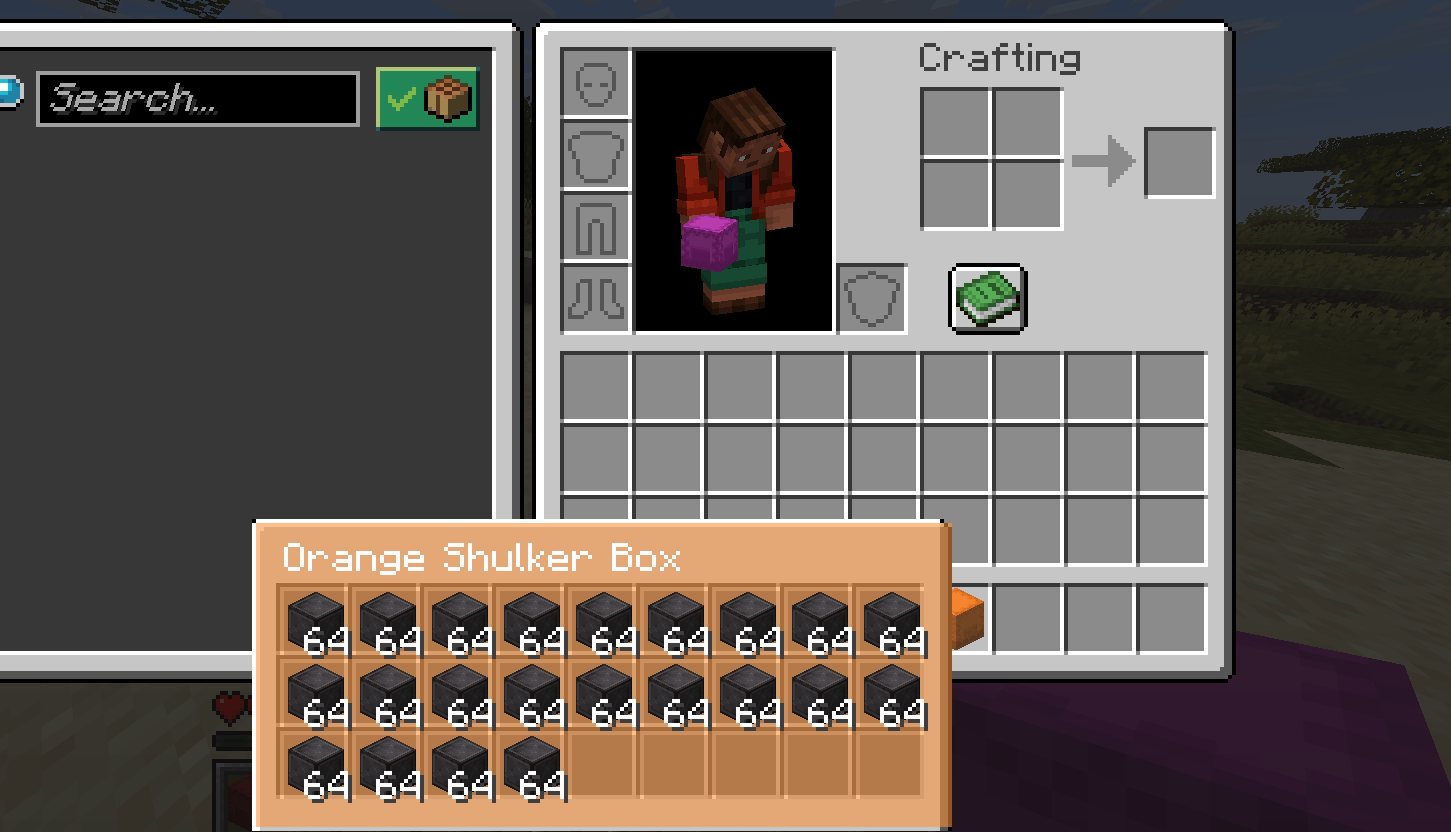
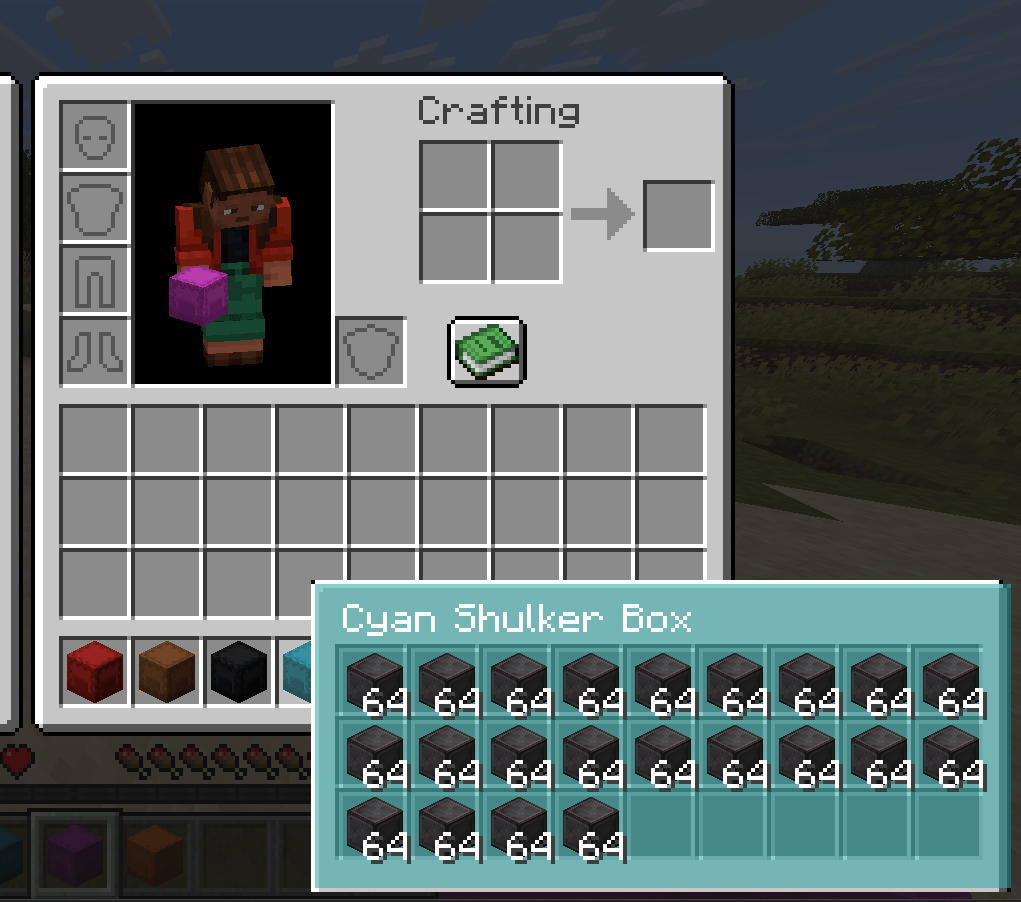
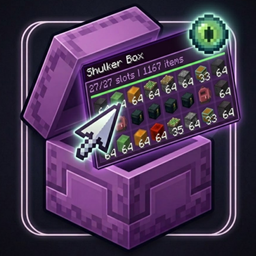
ShulkerPeek is a client-side shulker box tooltip preview mod. Hover over any shulker box in your inventory and instantly see its full shulker box contents in a clean 9x3 visual grid. No placing. No opening. No guessing what is inside.
The tooltip background tint matches the box dye color so you can see inside shulker boxes at a glance before even reading the name. The fastest way to manage shulker box storage in survival, technical play, or any modpack with heavy item management.
How the shulker box tooltip preview works
When you hover over a shulker box item, ShulkerPeek checks for stored inventory data. If data is found, the default tooltip is replaced with a fully rendered shulker box contents grid showing all 27 slots. Box title, stack counts, and color tint are all optional and configurable.
Everything runs client-side only. ShulkerPeek reads item data already on the client and renders it visually. It does not send data to servers and needs no server-side installation works on any server.
Shulker box preview features
Perfect for shulker box storage management
ShulkerPeek is built for players who carry many shulker boxes and need fast identification. Instead of placing and opening multiple boxes to find the right one, hover and see inside shulker boxes in seconds.
Configuration
|
Setting |
Default |
Description |
|
Enabled |
true |
Master on/off toggle |
|
Require Shift |
false |
Show shulker box tooltip on hover by default |
|
Show title |
true |
Display box name above the contents grid |
|
Show item counts |
true |
Stack size overlay on each slot |
|
Color tint strength |
medium |
Intensity of the dye color tint |
|
Slot background darkness |
medium |
Visibility of individual slot backgrounds |
Config file: config/shulkerpeek.json
In-game config screen available on Forge and NeoForge.
Requirements
What ShulkerPeek does not do