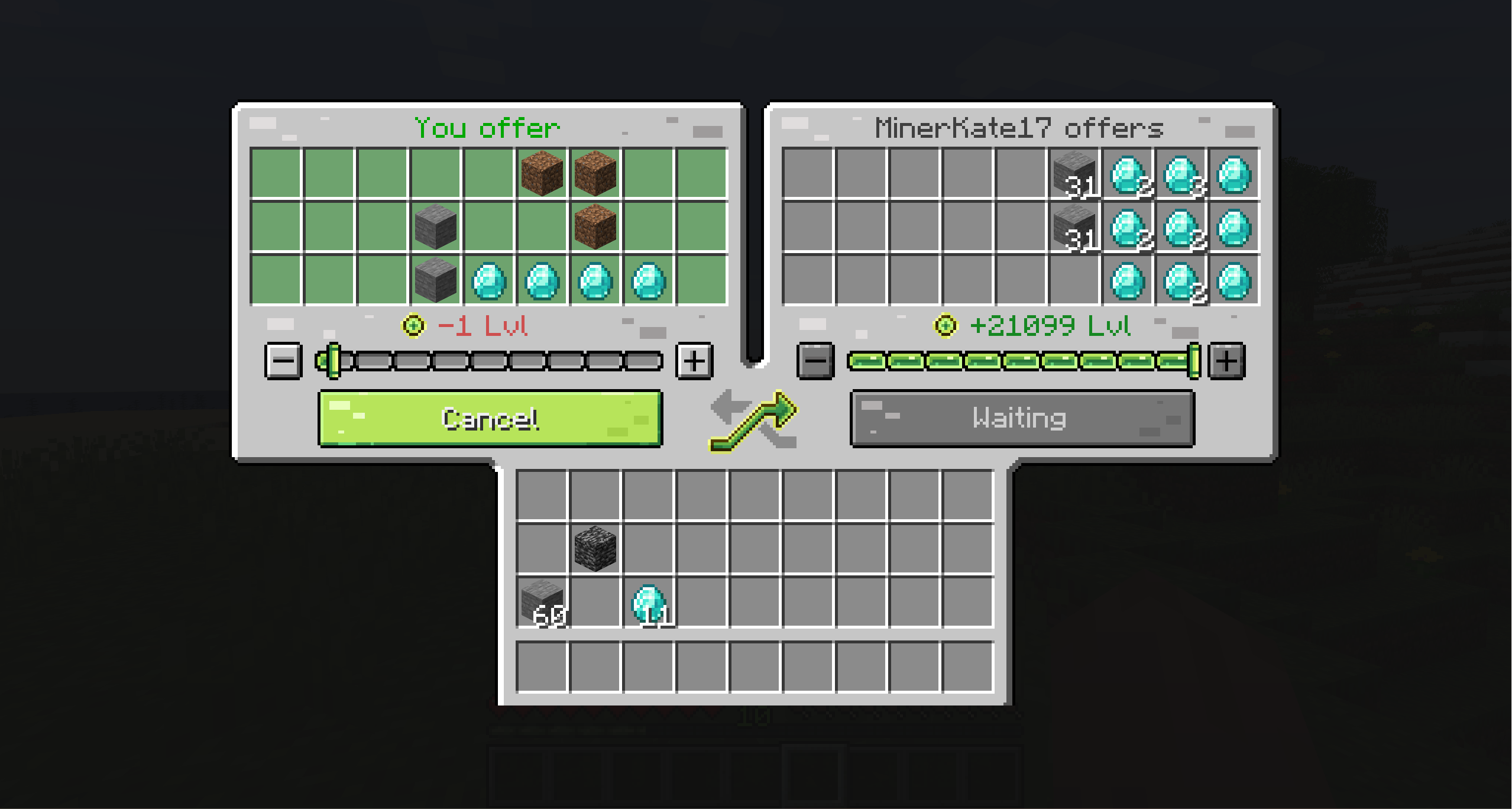
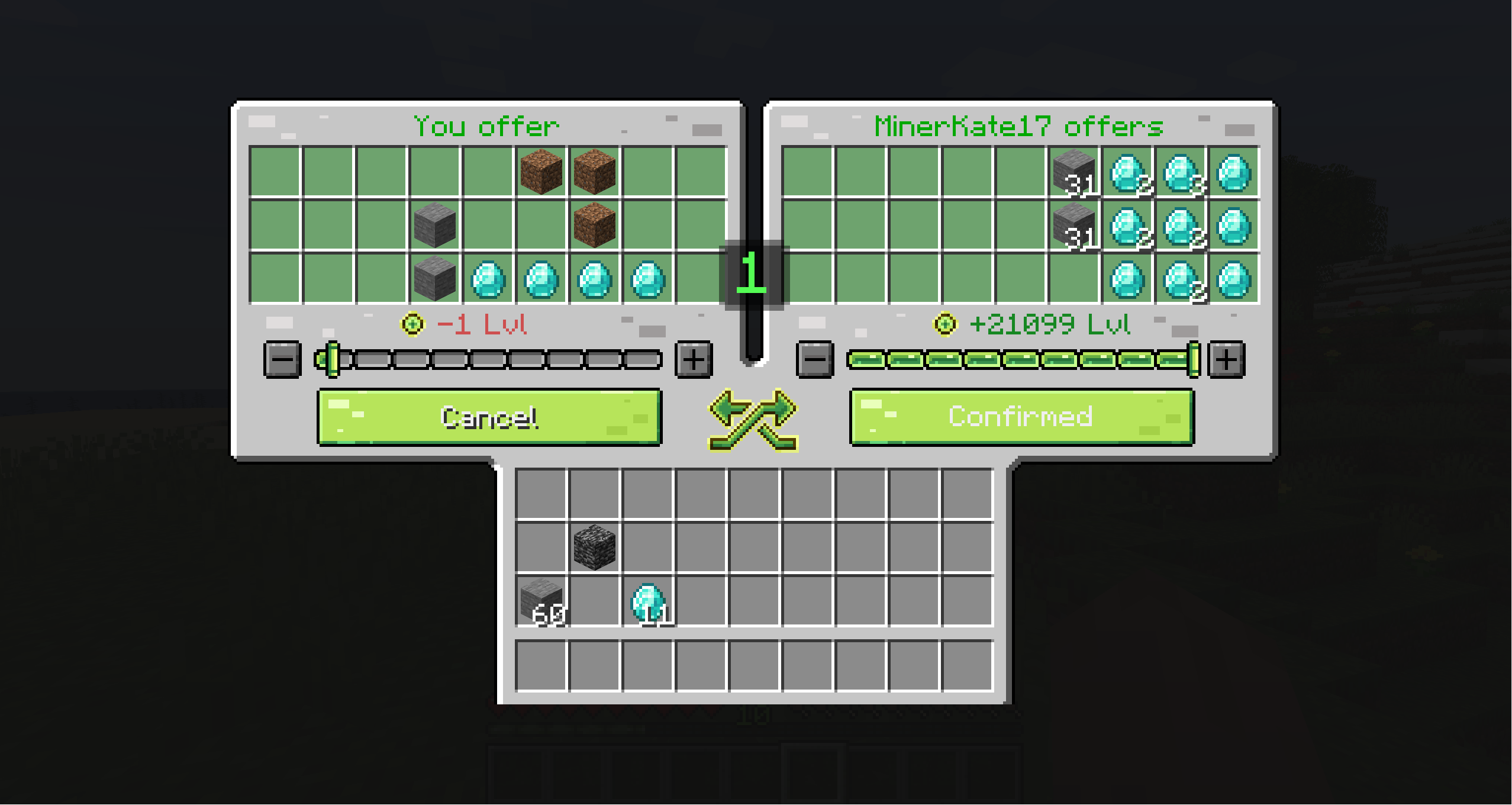
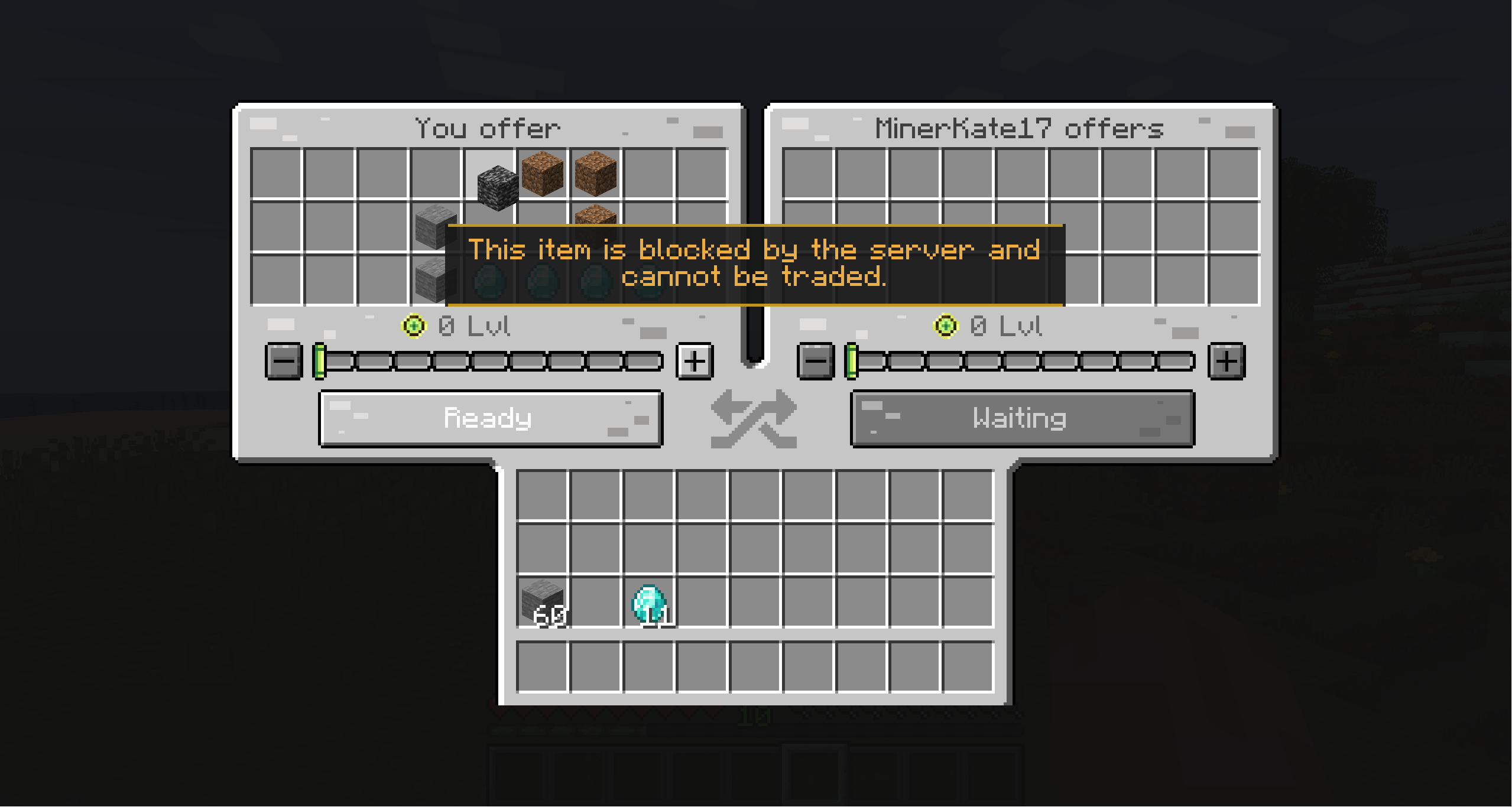
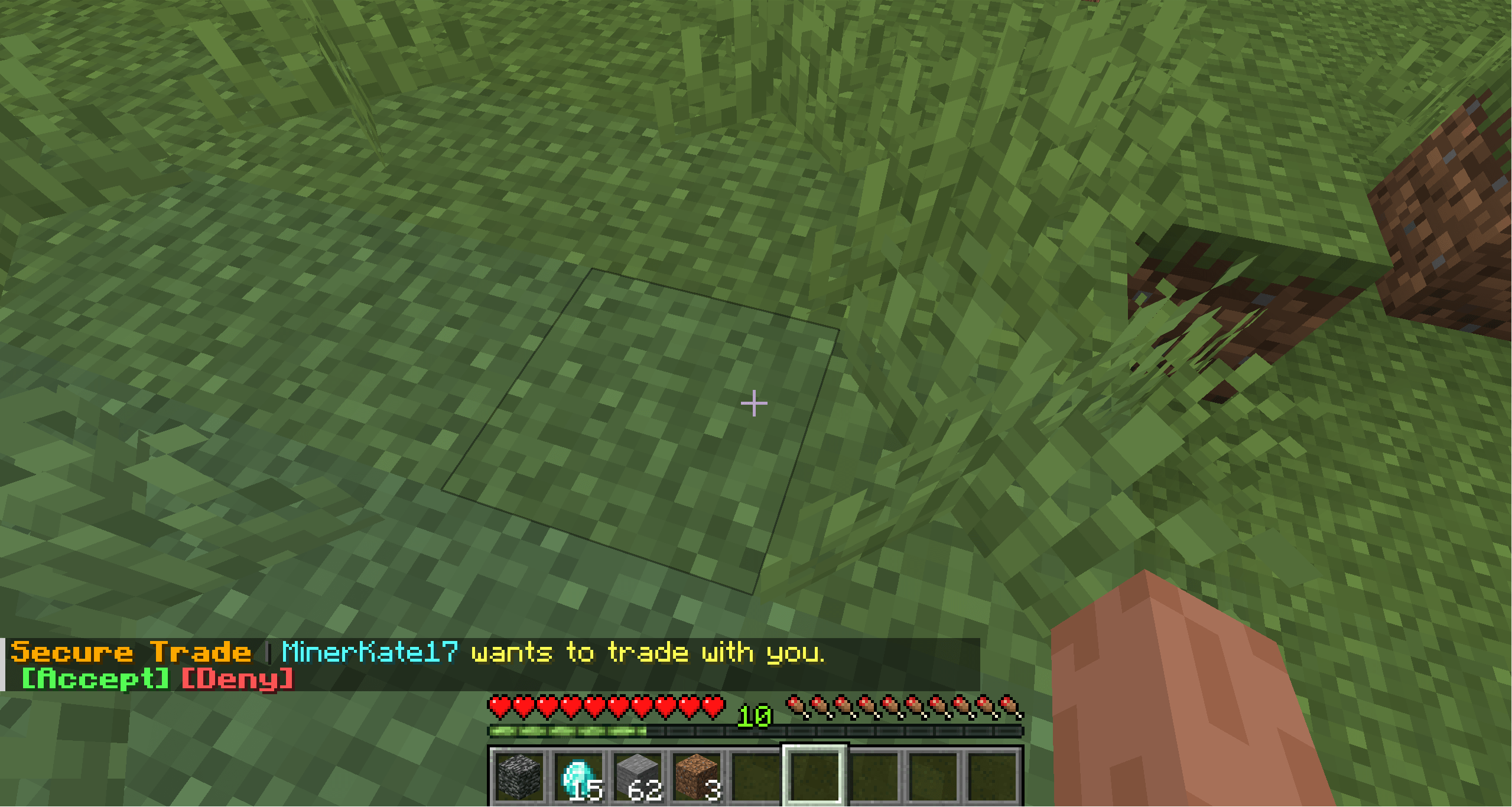
Secure Trade is a player trade mod for multiplayer worlds, co-op servers, and modpacks.
Trade items and experience with another player from anywhere: across a base, across the map, or even across dimensions. No more running back home just to hand over ores, tools, drops, or XP.
Minecraft multiplayer often splits players across different jobs and locations. One player may be mining, another crafting at base, and someone else exploring the Nether or a modded dimension.
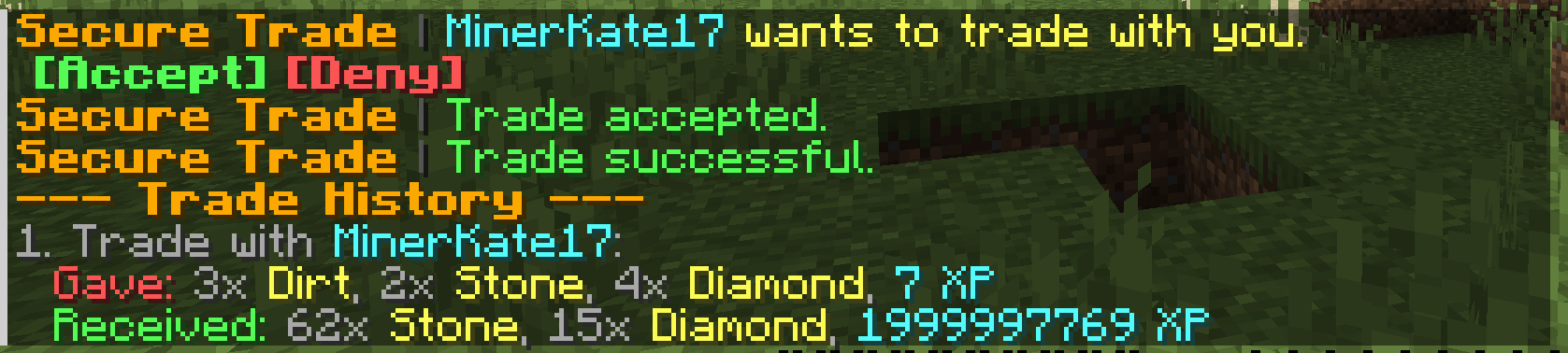
Secure Trade keeps that flow intact: send a trade request, confirm the exchange, and keep playing.
By default, trades are not limited by distance or dimension. Server owners can keep that freedom or configure stricter rules for local-only trading, dimension restrictions, item blacklists, cooldowns, logging, and trade history.
/trade <player>.If either player changes their offer after confirming, the ready state is reset so both sides can review the updated trade.
logs/securetrade.log| Minecraft | Loaders |
|---|---|
| 26.2 | Fabric, NeoForge |
| 26.1.x | Fabric, NeoForge |
| 1.21.1 | Fabric, NeoForge |
| 1.20.1 | Fabric, Forge |
| 1.19.2 | Fabric, Forge |
| 1.18.2 | Fabric, Forge |
| 1.16.5 | Fabric, Forge |
Use the file that matches your Minecraft version and mod loader.
| Command | Description |
|---|---|
/trade <player> |
Sends a trade request. If both players request each other, the trade opens immediately. |
/trade accept |
Accepts the current pending trade request. |
/trade deny |
Denies the current pending trade request. |
/trade history |
Shows recent trades for the player, including items and XP. |
The server configuration file is created at:
config/securetrade-server.toml