Scaffold+
Scaffold+ is a modern, lightweight client-side utility mod designed to make bridge building and scaffolding seamless, effortless, and safe. Equipped with an intuitive dark-glass configuration menu, real-time HUD counter, SafeWalk anti-fall protection, and intelligent inventory management.
---
Key Features
Three Bridging Modes:
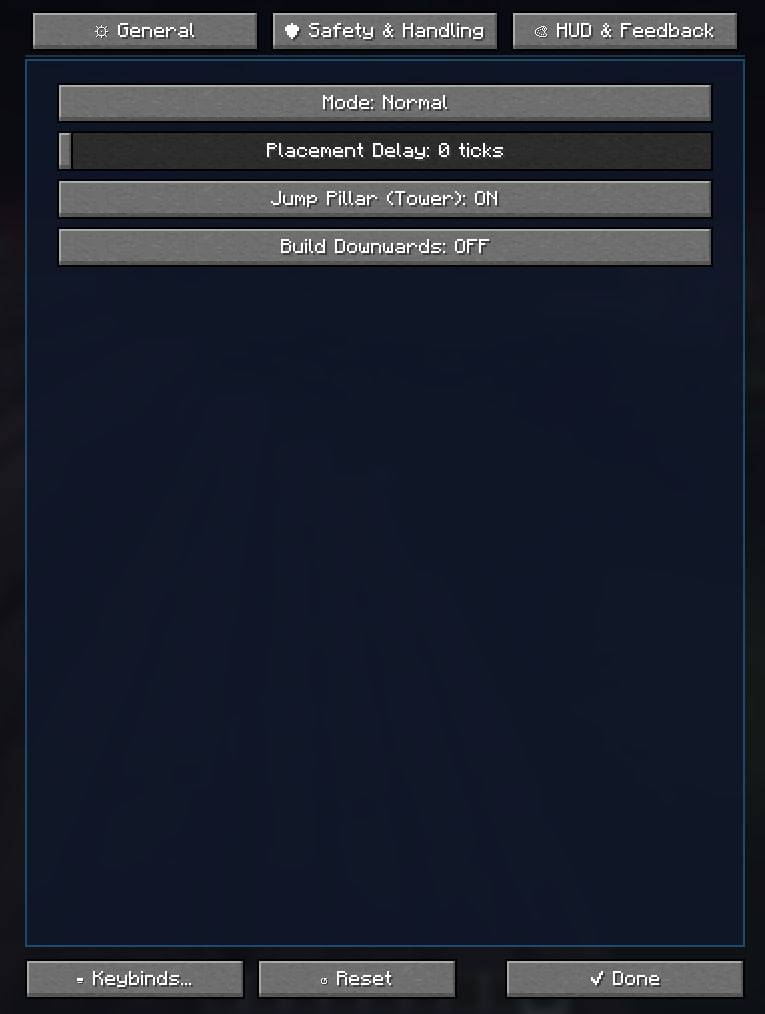
Normal: Smoothly places blocks directly under your feet as you step forward.
Fast: Tuned for sprinting and high-speed bridge construction.
Expand: Extends the bridge up to 3 blocks forward ahead of you.
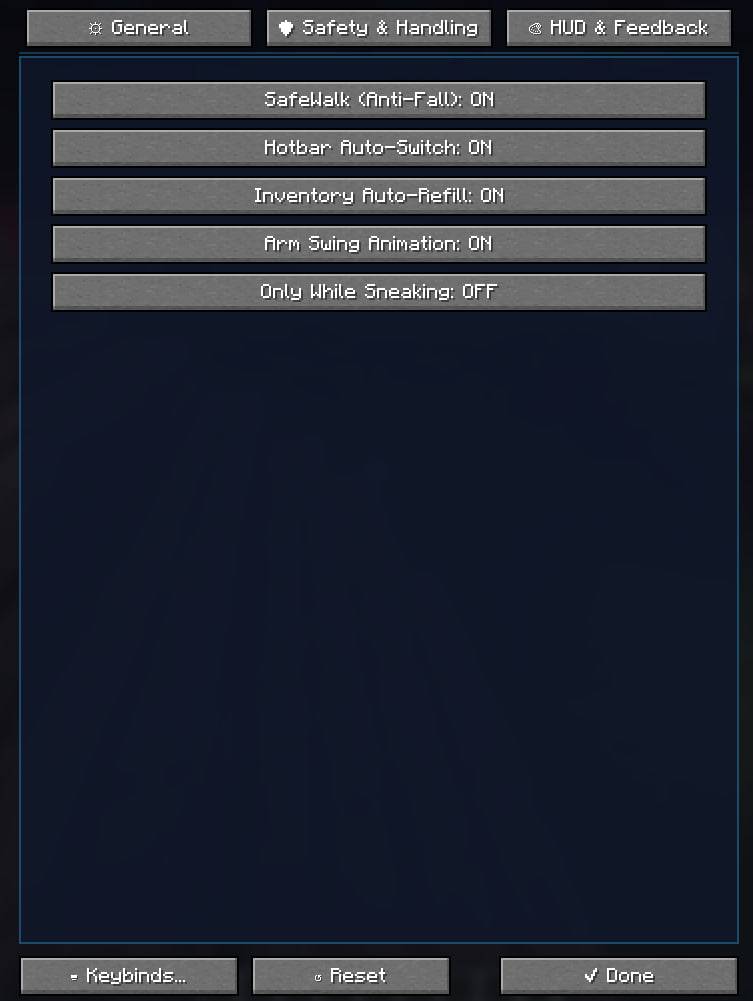
SafeWalk (Anti-Fall): Physically prevents you from slipping off block edges into the void, cliffs, or lava while Scaffold is active.
Smart Inventory Auto-Refill: Automatically transfers matching block stacks from your main inventory directly into your active hotbar slot without opening your inventory GUI!
Hotbar Auto-Switch & Memory: Switches to available building blocks in your hotbar when empty. Includes a customizable `lastUsedBlock` memory toggle.
Tower & Downwards Building: Build vertical pillars instantly by holding Jump, or step bridges down one block by sneaking and looking downwards.
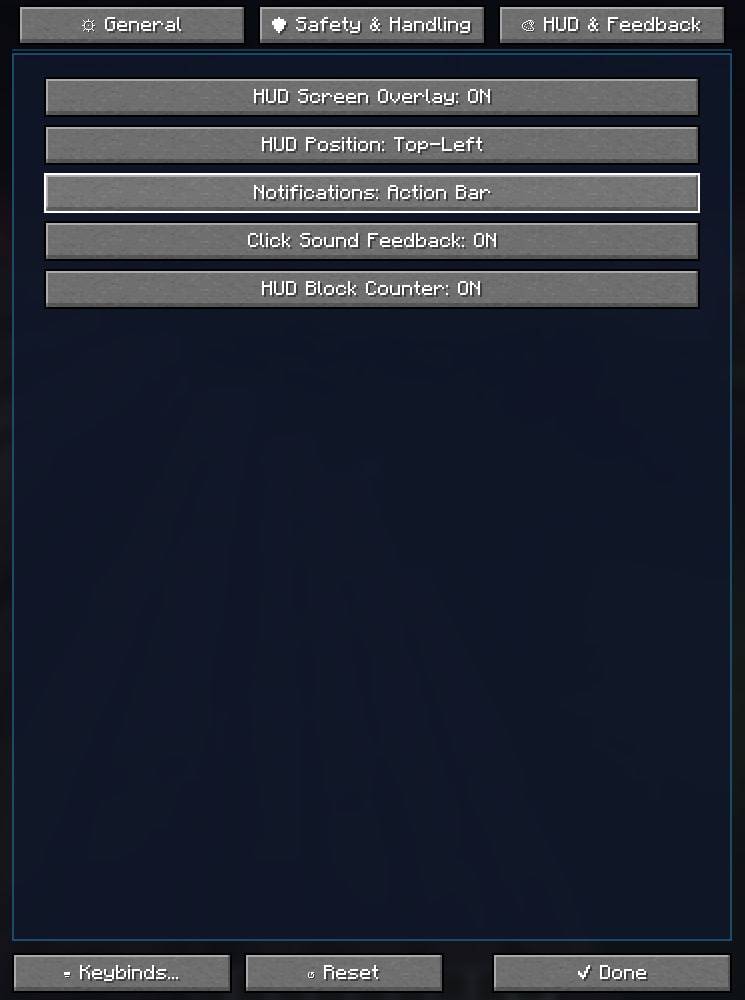
Modern HUD Overlay: A sleek dark-glass on-screen badge showing your active mode, status, and the exact remaining count of your building block across your entire inventory.
In-Game Configuration Screen: Beautiful custom GUI with tabs, sliders, toggles, sound feedback, and full localization (English & Russian).
---
Default Keybinds
[B] — Toggle Scaffold On / Off
[O] — Open Settings GUI
(All keys are fully rebindable in Minecraft Settings → Controls → Key Binds)
---
Installation & Dependencies
1. Requires Fabric Loader (0.19.5+) and Fabric API.
2. Put the `scaffoldmod-1.0.0.jar` into your `.minecraft/mods` folder.
3. (Optional) Install Mod Menu to open the config screen directly from the mod list.
4. 100% Client-Side: Does not require the mod to be installed on servers!