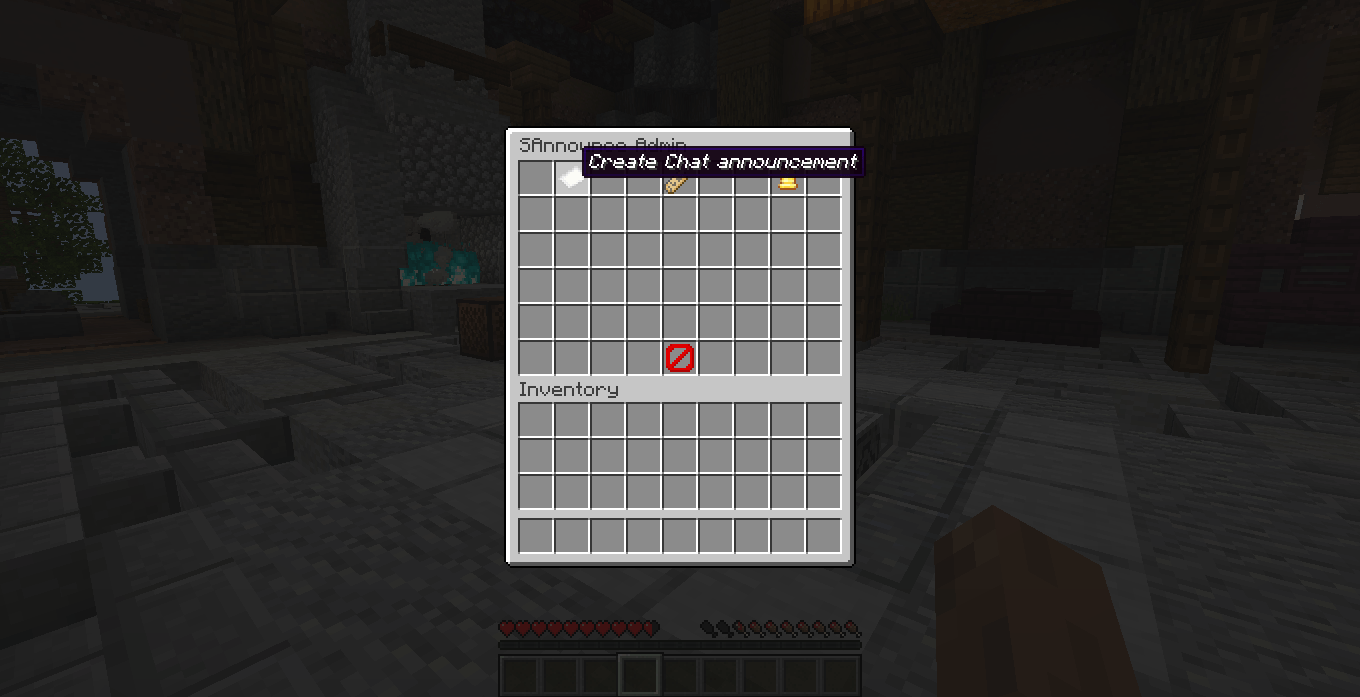
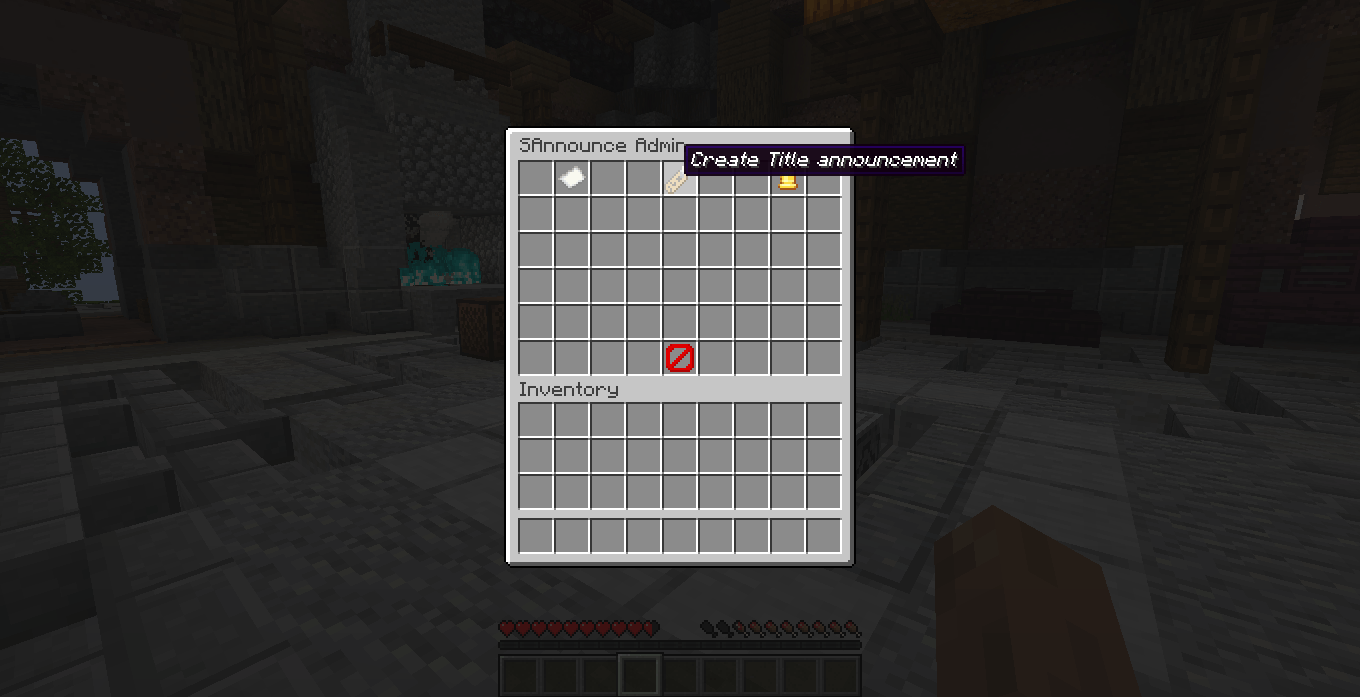
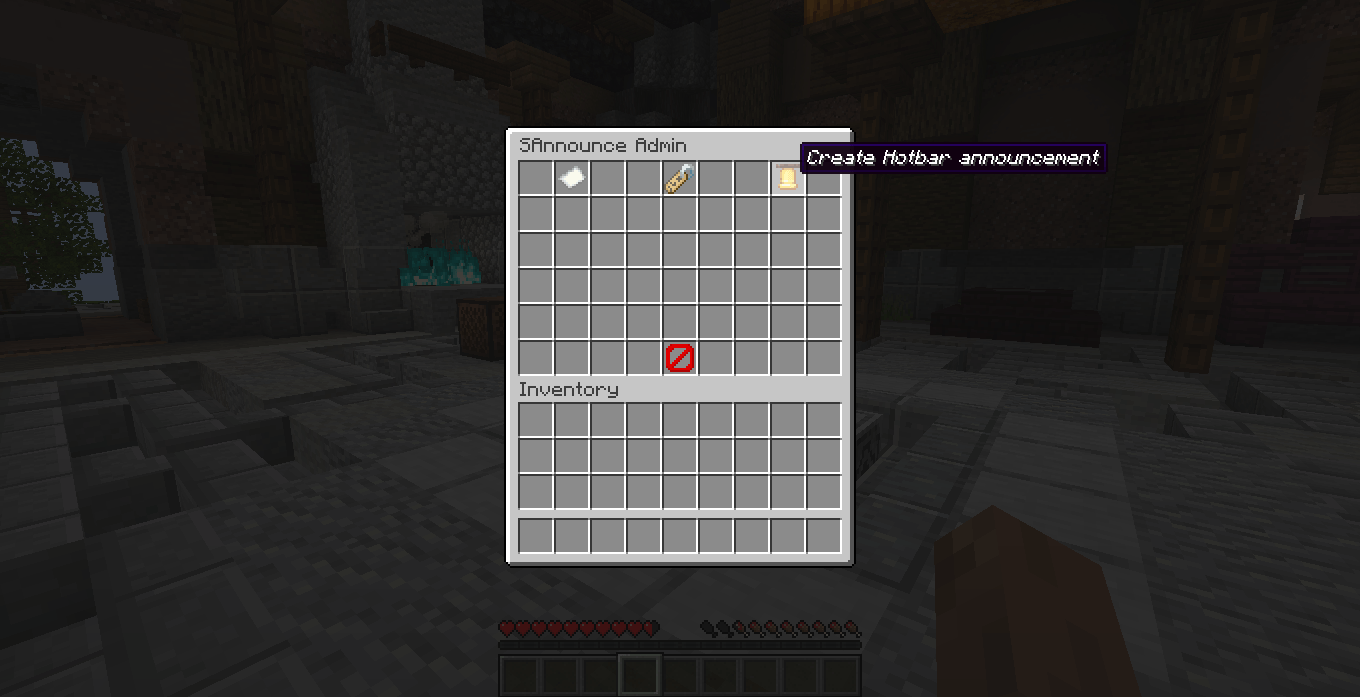
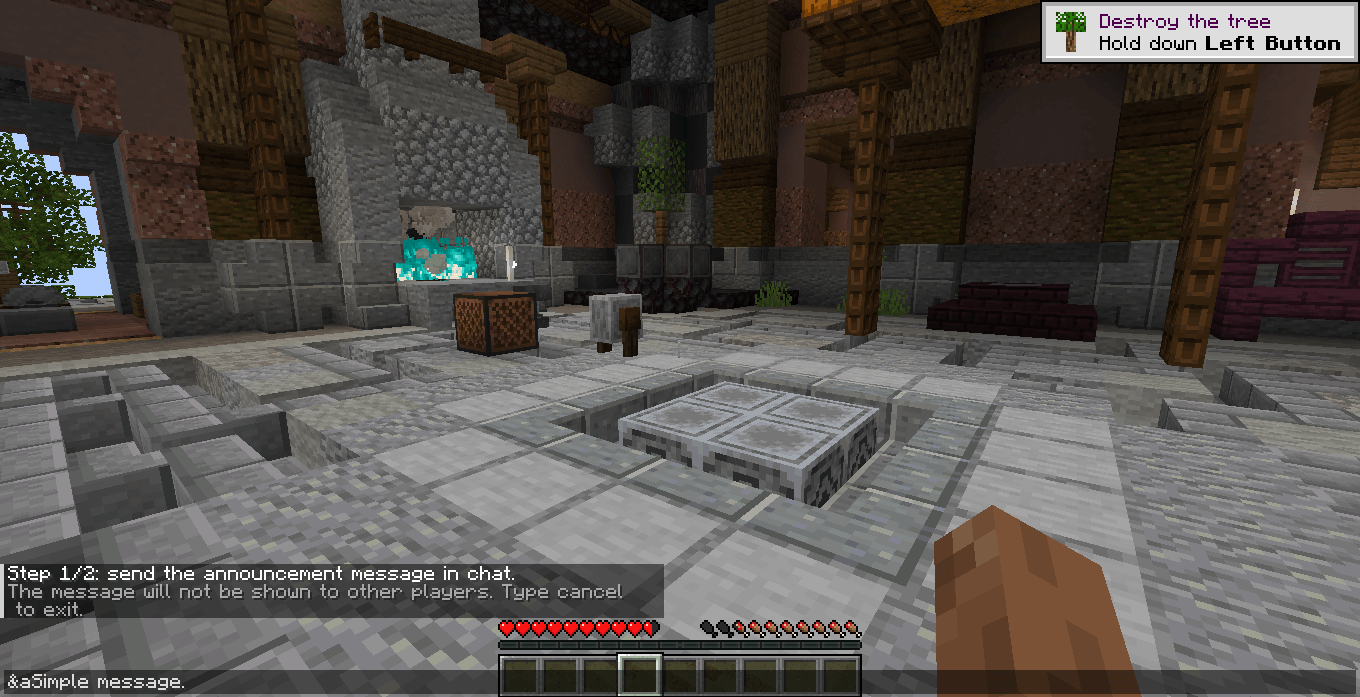
SAnnounce is a lightweight announcement system for Minecraft Fabric servers.
Create automatic server announcements, send instant messages to specific players, and manage everything through an easy administration panel or simple commands.
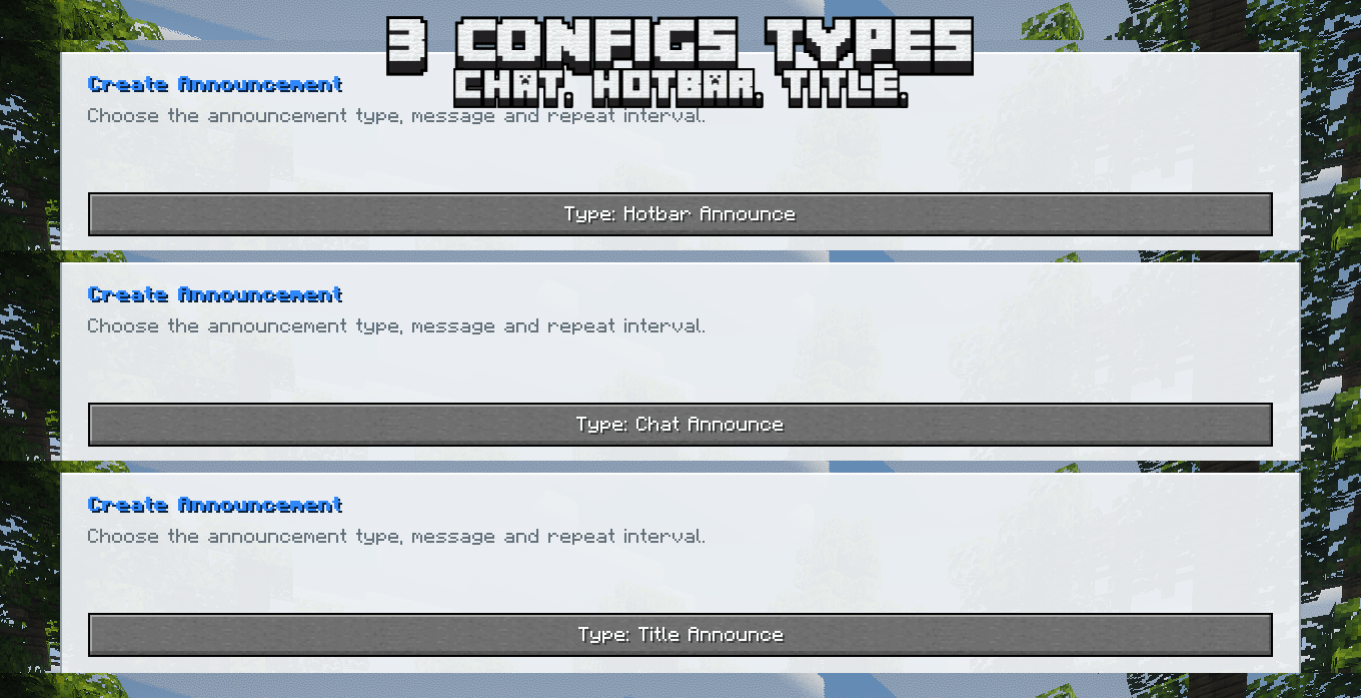
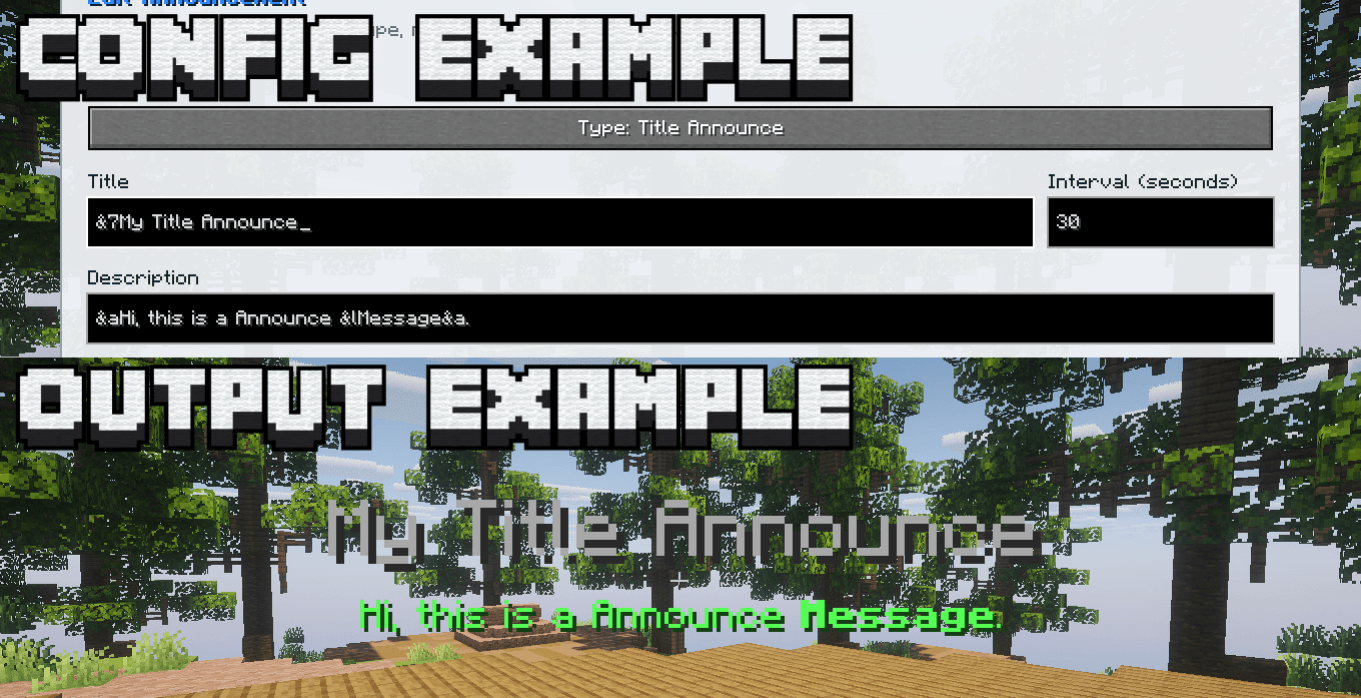
SAnnounce supports three announcement styles:
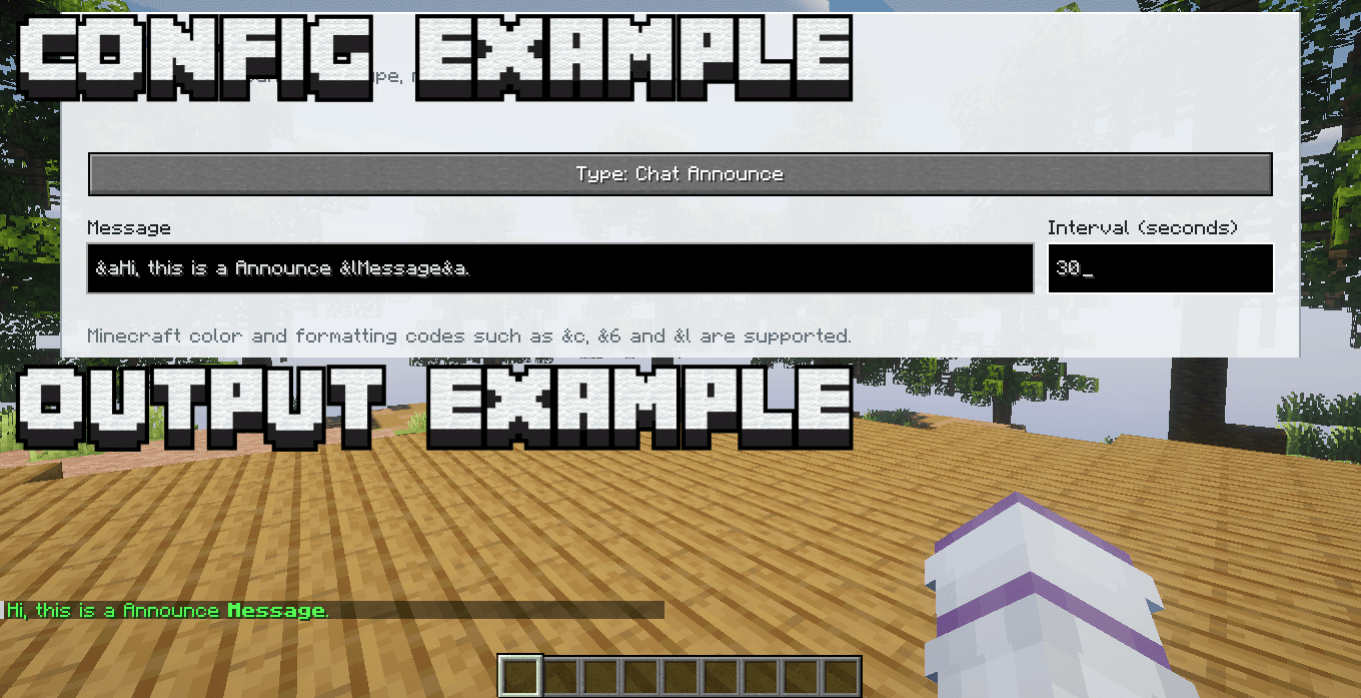
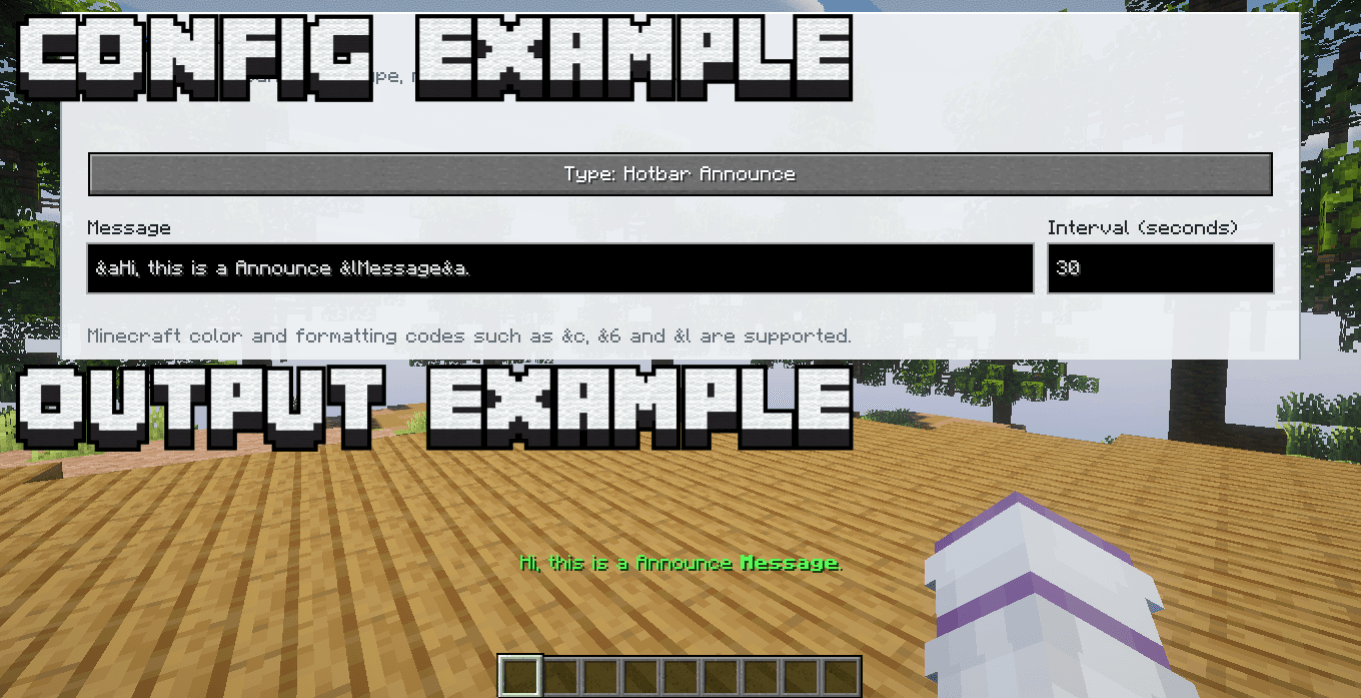
Color codes using & are supported.
Example:
&aWelcome to the server!
&6Event starting soon!
&cWarning!Administrators can open the announcement manager with:
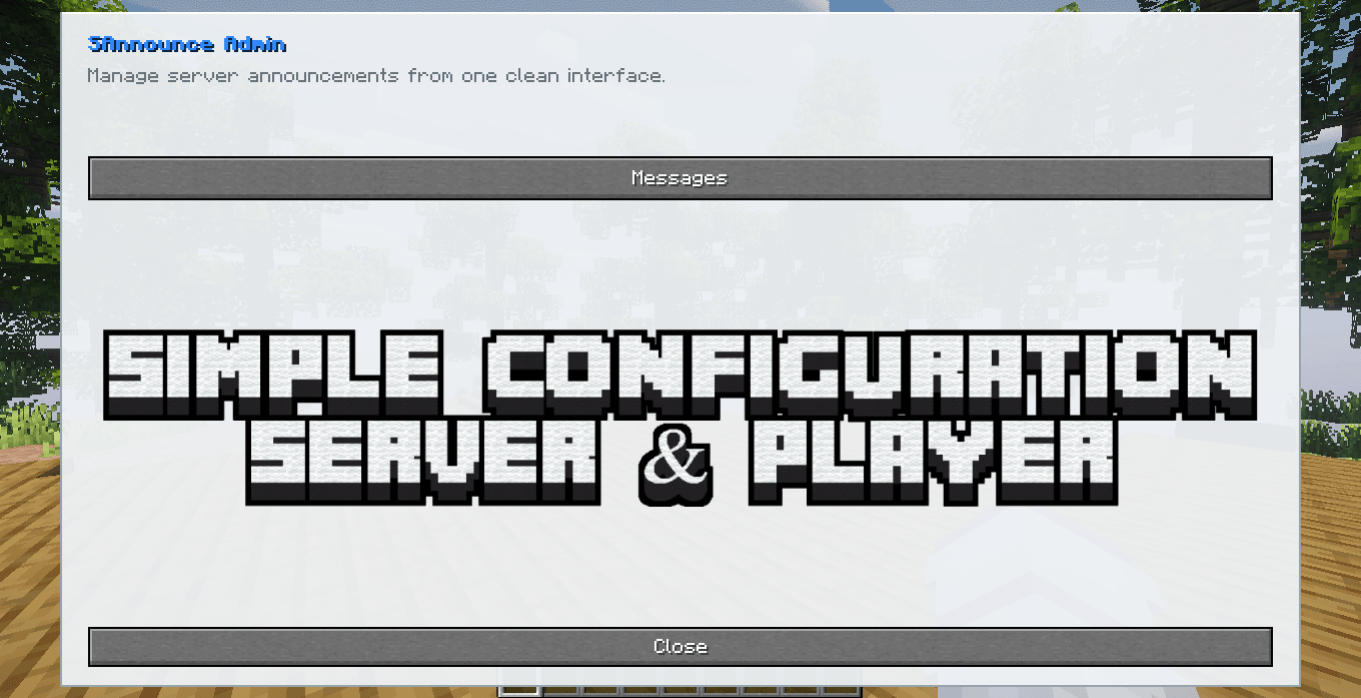
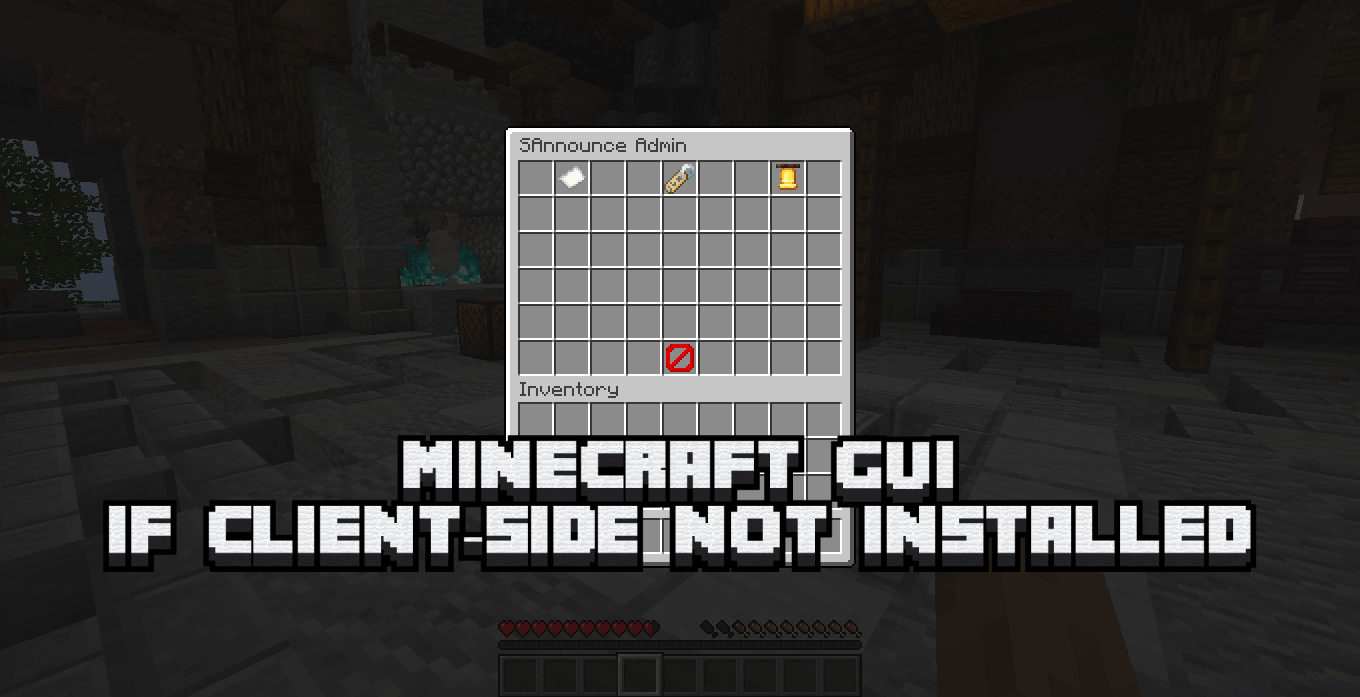
/adminannounceIf the administrator has SAnnounce installed on the client, the custom SAnnounce interface is opened.
If the administrator does not have the mod installed client-side, SAnnounce automatically uses a vanilla Minecraft GUI instead.
This means the client mod is completely optional.
From the panel, administrators can manage server announcements without editing configuration files.
Create repeating announcements directly through commands:
/announce create <type> <seconds> <message>Example:
/announce create chat 60 &aWelcome to our server!/announce create hotbar 30 &eRemember to read the rules!The number represents the announcement interval in seconds.
Available types:
chat
title
hotbar
Command autocomplete is available for announcement types.
SAnnounce can also send one-time announcements without adding them to the automatic announcement list.
/announce send <player> <type> <message>Example:
/announce send Steve chat &aWelcome back!/announce send all <type> <message>Example:
/announce send all hotbar &eThe event starts in 5 minutes!This is especially useful for SMP servers, events, moderation and roleplay.
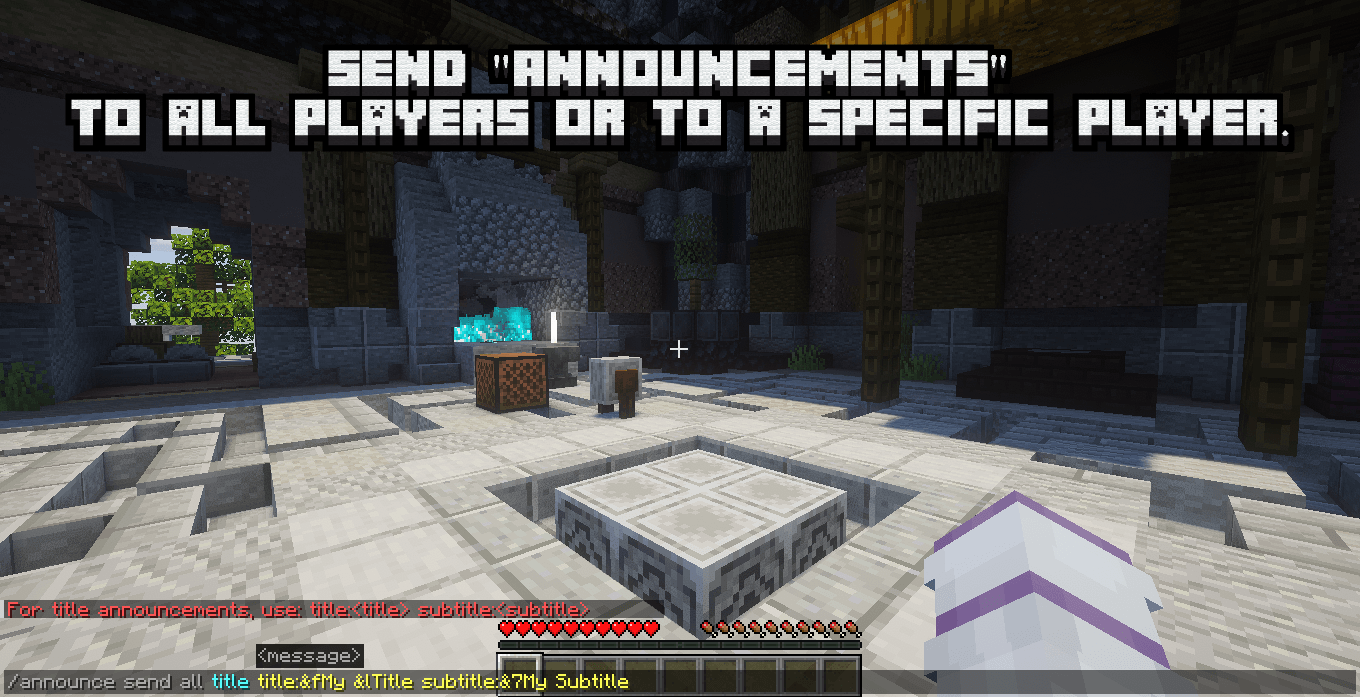
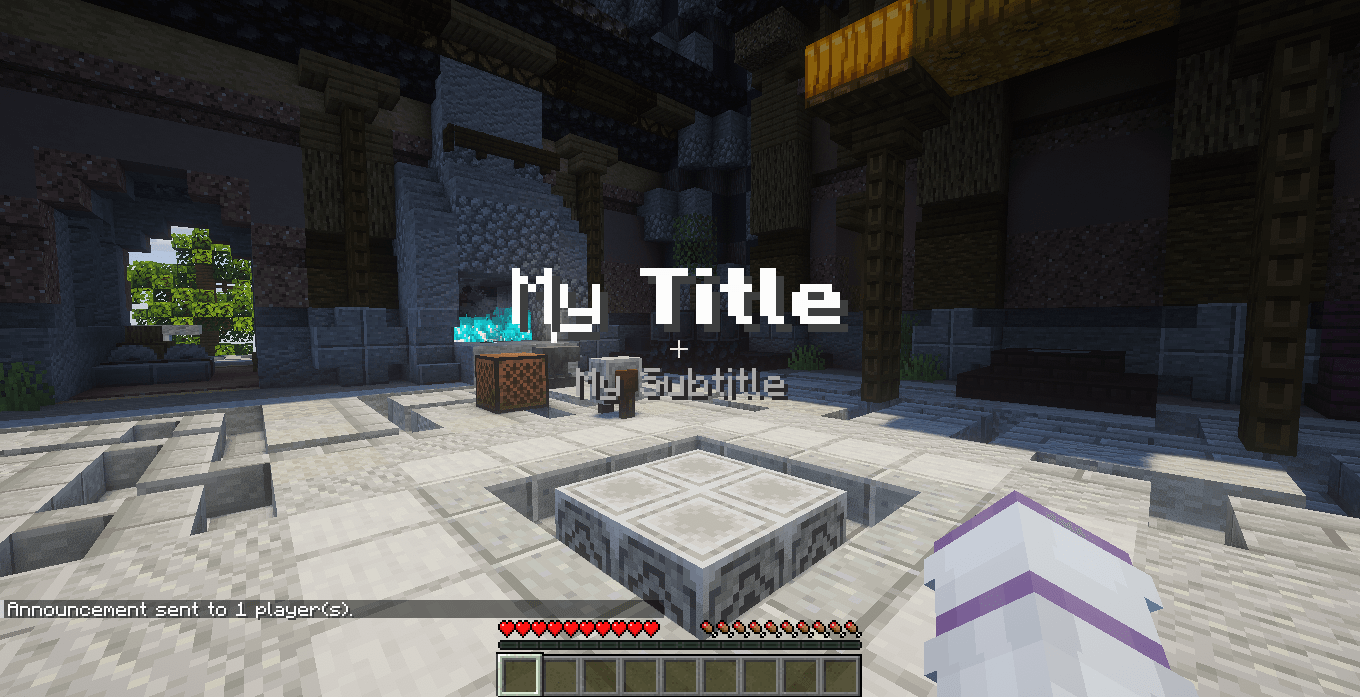
When using title with /announce send, you can define the title and subtitle separately:
/announce send <player|all> title title:<message> subtitle:<message>Example:
/announce send Steve title title:&cWARNING subtitle:&eReturn to the city!Or for everyone:
/announce send all title title:&6EVENT subtitle:&fStarting now!Both fields support & color codes.
Announcement lists are stored separately for each Minecraft world/save.
This prevents announcements created in one world from appearing in another.
For example:
Survival World
Survival announcements

Roleplay World
Roleplay announcements

Testing World
Testing announcements
Each save maintains its own announcement configuration.
| Requirement | Recommended |
|---|---|
| Minecraft | 1.20.1 or 1.21.1 |
| Mod Loader | Fabric |
| Fabric Loader | 0.18.4+ |
| Fabric API | Required |
| Java 1.20.1 | Java 17 |
| Java 1.21.1 | Java 21 |
Recommended Fabric Loader: 0.18.4 or newer.
SAnnounce is designed primarily as a Server-Side mod.
Server: SAnnounce installed
Client: Not required
Regular players do not need SAnnounce installed.
Administrators without the client mod can still use /adminannounce through the vanilla Minecraft interface.
Installing SAnnounce on both client and server enables the custom administration interface.
| Setup | Supported |
|---|---|
| Server only | ✅ Recommended |
| Client + Server | ✅ Custom GUI |
| Admin without client mod | ✅ Vanilla GUI |
| Required for normal players | ❌ No |
| Singleplayer / LAN | ✅ Supported |
/adminannounce/adminannounceOpens the announcement management panel.
Uses the custom SAnnounce interface when available or automatically falls back to a vanilla Minecraft GUI.
/announce create/announce create <type> <seconds> <message>Creates a repeating announcement.
Example:
/announce create chat 120 &bJoin our Discord!/announce send/announce send <player|all> <type> <message>Immediately sends an announcement without saving it as an automatic announcement.
Example:
/announce send Steve hotbar &eYou have entered a protected area!/announce send all chat &aThe server event has started!For titles:
/announce send all title title:&6EVENT subtitle:&fStarting now!SAnnounce includes:
Player-facing messages and administration menus automatically use the player's Minecraft language.